

 LinkedIn
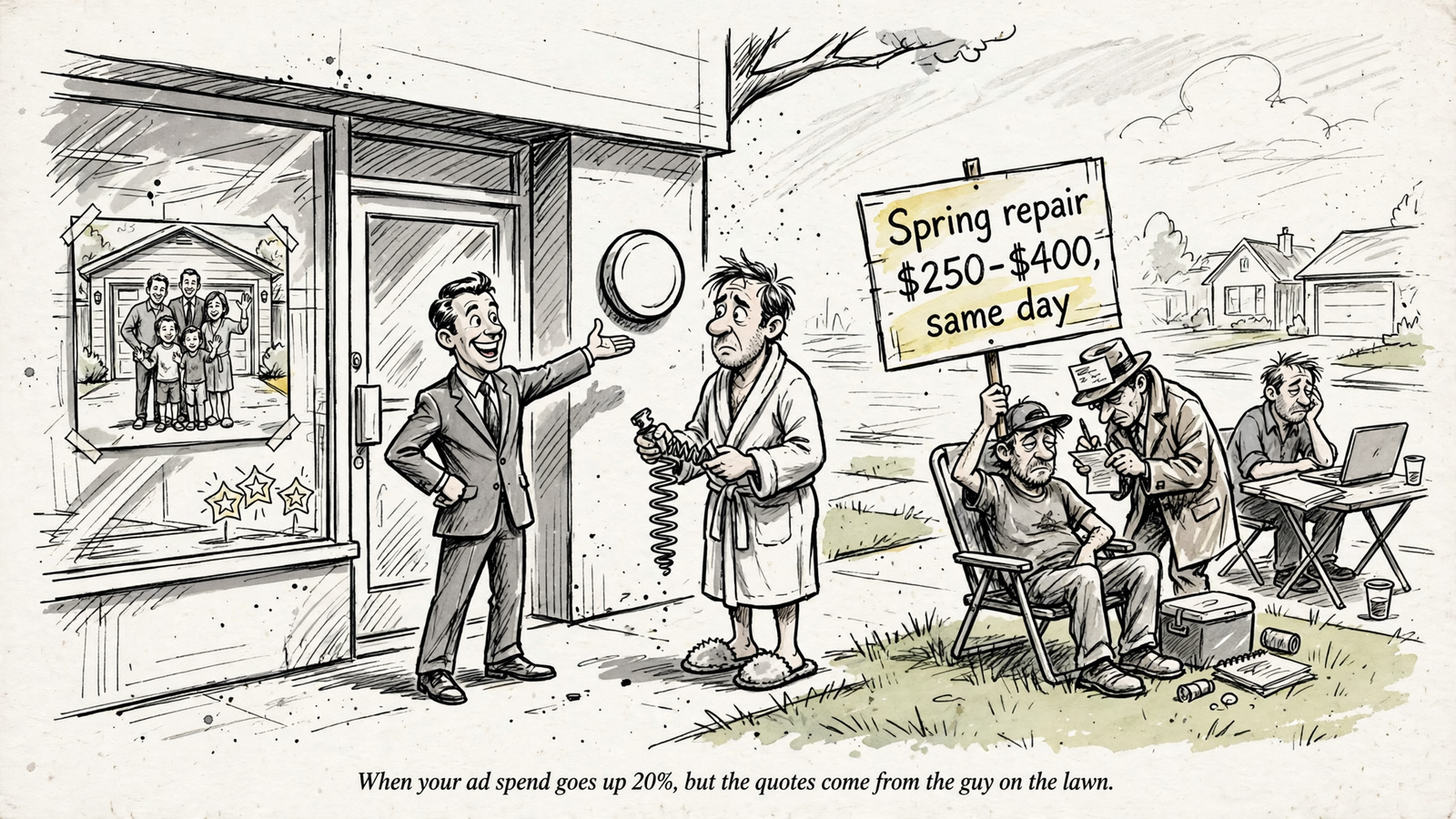
A garage door service page leads with a hero photo, three benefit icons, and a Contact Us button. The buyer wants to know what a repair costs, but there is no sentence on the page that answers them. That is the gap between a page built to convert and one built to be quoted in Google’s AI Overviews.
This list is for you if you want your own service pages cited, rather than leaving the answer to a blog post or a Reddit thread. These are the 10 edits I would make, ordered by impact, followed by three software features I would not mistake for those edits.
I used to think a good service page needed a clear offer and a phone number. That helps convert a click you have already won; it does less to win a citation. In one blind rating set, cited pages opened with a direct answer 20% of the time, versus 5% of passed-over pages. Half the passed-over pages never answered the question in the section assessed. Google can also fan a query out into questions about price, alternatives, and who a service is for, then cite pages that cover those slices. If your page leaves them blank, someone else gets to answer.
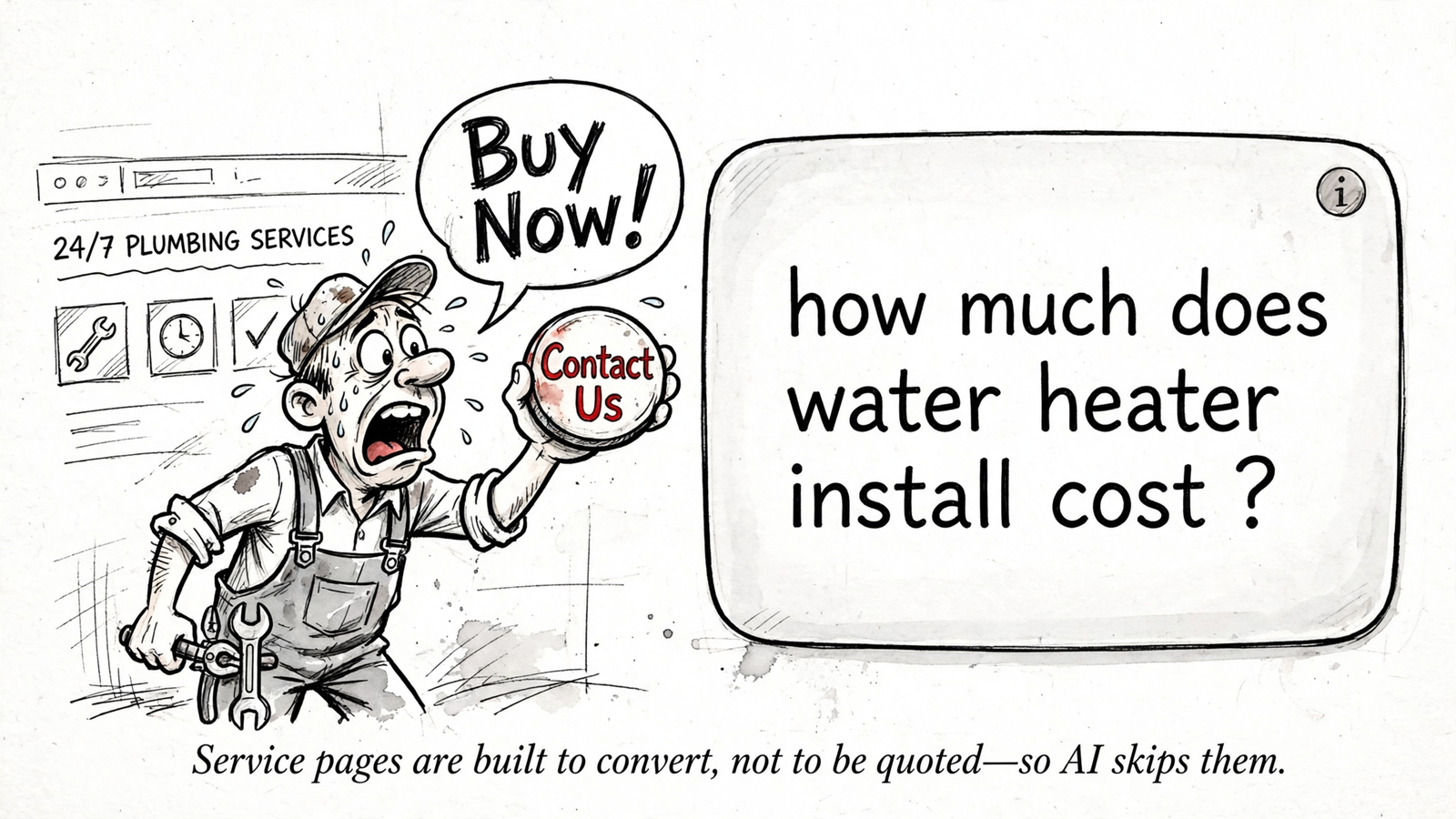
1. Answer the buyer’s question in the first 50 words
Put a plain answer under your H1: what the service is, who it is for, and what outcome the buyer can expect. For example: “Emergency garage door repair in Dallas for homeowners, usually fixed the same day.” It is not elegant copy. It is a complete answer, which is more useful here.
A self-contained sentence gives Google something to quote without assembling an answer from three sections. Price, service area, and turnaround can follow in the same short paragraph where you can state them accurately. Keep the language a customer would use, not a string of keywords disguised as a sentence.
First step: read the first 50 words of your highest-margin service page out loud. If a stranger cannot tell what you do, for whom, and where, rewrite that opening before touching the design.
2. Put the price range on the page
“Get a quote” has its place. It just does not answer “What does it cost?” In the same citation study, pages showing prices had 28% higher odds of being cited after the analysis controlled for domain authority and page type. A buyer asks about cost; an AI Overview needs a source for the answer; a page without a number offers none.
You do not need to promise a fixed quote. Give a range and name what changes it: “Water heater installation: $1,800 to $3,400, depending on tank size and permit.” Use your real range, of course. A useful range answers the question without pretending every job is identical. Put it in plain text near the top, not only inside a price-table image.
First step: ask whoever handles estimates for the range they already explain on calls. Write that range and its main cost factors on the page.
3. Name who you serve and where
“Serving your area” asks the reader to do detective work. So does a map pin with no city names. When Google follows a broad service query into questions about coverage, a page that says who it serves and where has an answer ready. A contractor playbook recommends answering those questions in 40 to 60 words near the top.
Write the locations and customers in sentences: Dallas–Fort Worth homeowners and property managers, with same-day service in the ZIP codes you actually cover. Do not copy that wording unless it is true of your business. Name the coverage you can deliver, rather than making Google or the buyer infer it from your Business Profile.
First step: add one line under the opening answer with your cities, customer types, and any relevant limits. A list of real places beats a vague promise of “local service.”
4. Turn the FAQ accordion into visible answers
Five questions tucked behind clicks may look tidy, but the answers do more work when a buyer can scan them on the page. They give each specific question its own quotable passage. In the blind rating set, pages with a visible FAQ section had 26% higher odds of citation; pages with lists had 22% higher odds, and those with tables had 69% higher odds. Those are associations, not a reason to bolt every format onto every page.
Use the questions your team actually hears. Make each one a heading in the buyer’s words, then answer it in two or three visible sentences. “How long does garage door repair take?” earns its space. “Why choose our trusted team?” is a sales pitch wearing a question mark.
The answer belongs on the service page, not only on a separate FAQ page. First step: choose five recurring questions from calls or estimates. Publish concise answers beneath the relevant service, and leave them open to read.
5. Give each distinct service its own page
A single page covering plumbing, drain cleaning, water heaters, and sewer line replacement has to answer four sets of price, timing, and method questions. That is a lot to ask of one page and a lot to ask of anyone trying to quote one part of it.
A focused page can answer a service-specific question without making the reader sort through unrelated work. It can also carry the right price range, service area, comparison, and FAQs together. If two services need different prices and different answers, give them different pages. Keep the broad services page if it helps people navigate; do not make it carry every detailed answer.
First step: break out your highest-margin service. Give it one URL with its own opening answer, price range, timing, and FAQs. See what that page can do before splitting the rest.
6. Add the comparison buyers already make
Buyers compare repair with replacement, tank with tankless, or your service with the franchise down the road. If your page ducks the decision, another page gets to explain it. Google can cite different sources for different parts of a commercial query, so a useful comparison gives your page a chance to answer one more part.
A short table is enough. Use columns for the option, typical cost, when it fits, and when it does not. Fill them with your actual prices and criteria, not a table engineered to declare every option a winner. The point is to help the buyer make the choice they came to make. A model can then pull a clear row; a human can decide whether to call.
First step: take the comparison that comes up every week on sales calls. Put three useful rows on the relevant service page, with plain-language explanations beneath the table if the decision needs them.
7. Replace adjectives with numbers you can stand behind
“Premium quality.” “Trusted team.” “Affordable service.” None answers how long the visit takes, what it costs, or what happens if the work fails. Numbers can: your response window, minimum charge, warranty length, or typical job duration.
For example, “Drain cleaning costs $150 to $600 depending on access; most jobs take 90 minutes; the cleared line carries a 12-month warranty” gives a reader three concrete points to evaluate. Those figures are an illustration, not copy to paste. Use the numbers your business can support, and explain the conditions attached to them. Specifics make a claim useful; accuracy keeps it useful after the buyer calls.
First step: find one sentence promising “quality work at affordable prices.” Replace it with your real range and one other measurable detail. If you cannot verify a number, leave it out rather than polishing the adjective.
8. Make the answer fetchable
A brilliant answer cannot be quoted if the page blocks access to it. For an AI Overview supporting link, Google says a page must be indexed and eligible to appear with a snippet; no special markup or file is required. Start with those basics before buying anything labelled “AI Overview optimisation.”
I would check three things, in order:
- Page source: Is the H1, price, and opening answer present in the raw HTML? Googlebot renders JavaScript, but the draft’s cited crawler test found that JS-only links created a discovery problem for other AI crawlers.
- Indexing and snippets: Is the URL indexed in Search Console, without a
nosnippetdirective blocking a supporting snippet? - Mobile load: Does the page load promptly on a phone? Check it rather than assuming the desktop version tells the whole story.
First step: open View Source on the service page and search for its price. If the answer is missing from the HTML, ask your developer about server-side rendering for that template. Get the sentence onto a fetchable page before trying to make it clever.
9. Earn an outside mention that agrees with your page
You cannot force an AI Overview to cite your site, even when your page has the right answer. In one October 2026 software sample, only 21% of citations went to the recommended brands’ own sites; Reddit appeared in 50% of Overviews. That is a software sample, not a local-services forecast, but it makes the practical problem clear: the answer may come from somewhere other than the vendor.
For a local business, consistent details across your page, Business Profile, reviews, and a relevant third-party mention give readers another place to check what you claim. That local proof matters more than a vague mention that only repeats your name. Make the service, location, and price range consistent wherever you can control the wording.
First step: look for one legitimate place that can describe your service plainly: a chamber listing, supplier dealer page, or local news piece. Do not pay someone to promise an AI citation. Ask for accurate, useful details a buyer could check against your page.
10. Date the answer and keep it current
Price and availability age faster than a slogan. In the same citation study, a year in the title was associated with more than twice the odds of citation, while pages published or updated within the past 12 months had 88% higher odds. A date is not a substitute for a current answer; it is a signal that is only worth using if you do the updating.
Review the range, coverage, and timing when they change. Put an updated date on the page after a real revision, and use a year in the title only where it reads naturally. Do not put a fresh date on stale prices. First step: revisit the service page you edited in steps 1 through 3. Check every number and location before marking it updated.
Three software features that will not write the answer
Before paying for software, separate observation from execution. AI visibility tools can track mentions, keywords, and content; traditional rank trackers do not show everything happening inside AI answers, which is why AI visibility tracking is sold separately. Monitoring can tell you where to look. It cannot make a vague service page quotable. For a broader look at the distinction, see groas’s breakdown of tools that help you get featured in Google AI Overviews.
- The AI visibility score charts mentions. It may tell you a Reddit thread beat your page again; it does not add your price range.
- The one-click schema injector adds markup and calls it optimisation. Google does not require special schema for supporting-link eligibility. Markup cannot replace the visible answer a buyer came to read.
- The landing-page optimiser template tests hero headlines and button colours for conversion. That may help with form fills, but it will not write the comparison table or the opening answer.
I would use a tool to find a problem, not pay it for a label that sounds like the solution.
Check the edit without confusing visibility with a quote
Note the day you publish the changes, then give the page time to be recrawled. The Search Console Generative AI report described here groups AI Overviews and AI Mode impressions by page, country, device, and date. It does not show the answer text, and its impressions alone cannot tell you which sentence was quoted.
First step: record the edited URL and publication date. After 14 days, check that URL’s impressions in the report and inspect the relevant buyer questions yourself. An impression is a visibility signal, not proof that your opening sentence earned a citation. If you see no improvement, check indexing and the answer on the page before buying another dashboard.
If I had time for only one edit, I would still start with edit 1. Open the service page that matters most and put a plain answer directly under its H1: what you do, for whom, where, and, when you can state them accurately, the price range and timing. The other edits give that answer more ways to be found and trusted. First, give the buyer a sentence worth quoting.