

 LinkedIn

My scripts folder went from 20 scripts to nine. Most of the missing eleven were doing jobs Google’s automation or an execution agent now does better; the survivors catch problems those systems can’t solve by changing a bid.
This list is for anyone running Google Ads in-house or for clients whose Scripts tab looks like a junk drawer. I’ll start with the nine I keep, then the six I deleted. For each: what it does, why it earns its place or lost it, and the first step I’d take.
1. Set up anomaly alerts on spend and conversions
If you keep exactly one script, keep this one. I still use the old Frederick Vallaeys anomaly-detector pattern: watch CTR, CPC and conversion rate by campaign, flag a day that sits too far outside its recent range, and email someone who can investigate. It works because it compares the account with its own history. Smart bidding reacts auction by auction; it does not explain why yesterday’s spend doubled or why conversions suddenly disappeared. That is the gap an anomaly detector fills.
First step: set thresholds you can live with for two weeks. I use 30% over average daily spend and 40% under conversions, with a minimum of $50 in spend before an alert can fire. Otherwise, you’ll hate it by day three. Run it daily and send alerts to a shared inbox, not your personal one. The script doesn’t save money by itself; it shortens the time a mistake can run.
2. Check landing pages for 404s
Google can send paid clicks to a dead page while everyone assumes someone else caught it. I learned that when a client swapped a landing page on a Friday and nobody told me. Monday spend was normal. Conversions were zero.
A URL checker crawls final URLs, checks their HTTP status and sends you the broken ones before the CPA chart tells the story. No bidding model can fix a page that doesn’t load. Start with your top-spend URLs, then expand the check. Run it weekly, or daily if your dev team ships often. A broken page wastes spend faster than a bad bid ever will.

3. Mine search terms by n-gram, not one by one
Broad match and smart bidding have made negative keywords a lever I still want to control. That is why my n-gram miner survived. Instead of asking me to inspect 4,000 search terms individually, it groups queries by word fragment. I can see that terms containing free, jobs or DIY spent $340 with zero conversions. The script aggregates; I decide what to exclude. That beats negating the same bad intent forty times.
First step: run the script read-only, then put approved exclusions in one shared negative list so you can undo them. The version I copied flags informational terms above $25 with zero conversions, unclear waste above $50, and navigational clicks that never convert. Tune those cutoffs to your CPA. At $20k a month in spend, a $50 waste threshold can become noise hunting; I’d move it to $150. Negate the pattern, not every query in it.
4. Run budget pacing against a month-end projection
Overspend is a finance problem, not a bidding problem. Smart bidding can spend against the daily budget while the monthly target drifts out of reach. A pacing script takes month-to-date cost, compares it with the days elapsed and projects the month-end total. Calendar math tells you on the 12th that you’re tracking 22% over, instead of letting accounting tell you later.
First step: write the projection to a Sheet and email only when it runs 10% over or under target. A report every time the number wiggles is how useful scripts get deleted. Bids optimize auctions; pacing protects the budget.
5. Log Quality Score history you can investigate
A score without a dated record leaves you guessing what changed. My history logger writes keyword-level Quality Score and its expected CTR, ad relevance and landing page experience components to a Sheet each week. Then a fall from 7 to 4 has a timeline I can compare with a landing-page change, rather than a story I make up afterward. I keep our breakdown of what moves Quality Score and CPC in 2026 next to that log when it’s time to investigate.
First step: log only keywords that spent over $100 in the last 30 days. Run it weekly; daily snapshots add noise and use time under the 30-minute script execution limit. Keep the paper trail before you need the explanation.
6. Pause out-of-stock products from the feed
I used to tell clients to pause sold-out SKUs by hand. I was wrong. Humans forget on weekends. For a Shopify or WooCommerce store with more than 50 SKUs, an out-of-stock script can read availability from the feed, pause the related product group, label what it touched and re-enable it when stock returns. It removes the delay between inventory changing and an operator noticing.
First step: use pause-only mode. Check what the script labels before you allow automatic re-enabling; a feed glitch that marks everything out of stock is not the moment to trust a fully hands-off loop. Paying for clicks to products you can’t ship is avoidable waste.
7. Sweep disapproved ads and policy flags each morning
A disapproved ad can quietly leave an ad group short-handed while smart bidding reallocates around it. A daily sweep lists disapproved and limited-approval ads with their policy reasons. Google already knows the status; the script gets it in front of someone who can act. That is visibility, not bid optimization.
First step: run the sweep at 7am and route its email to whoever can edit the ads. An alert without an owner is just another report. A disapproved hero ad can hurt more than a bad bid.

8. Export a Performance Max asset-group breakdown
Performance Max campaign totals can conceal where the money went. A PMax asset-group exporter puts asset-group spend, ROAS, CPA and CTR, along with search term insights, in a Sheet. That gives me a place to spot an asset group taking 70% of spend at half the ROAS instead of trying to infer it from a campaign total. The mechanism is a usable breakdown, not a cleverer bid.
First step: schedule a weekly, read-only export and review the asset groups with the most spend. Read-only matters: if the output disappoints you, the failure is inbox fatigue, not an altered account. Export the breakdown before you decide what to change.
9. Watch conversion lag before judging performance
I’ve killed more good campaigns on day three than bad bidding ever killed for me. Conversions post late, especially with import delays and long sales cycles. Monday looks like failure; Thursday’s uploads change the picture.
A lag watchdog compares the same date range at two different times and shows how much of the apparent drop was incomplete data. First step: run it twice a week and put its completion rate in the Sheet with your pacing numbers. If seven-day-old data is still moving more than 15%, your lookback is too short. Check whether the numbers have settled before you pause a campaign.
The nine survivors mostly observe, record and alert. The next six tried to pull levers that smart bidding or a more continuous execution system can already handle. I kept the alarms. I retired the fights over control.
10. Delete manual bid adjusters by hour or device
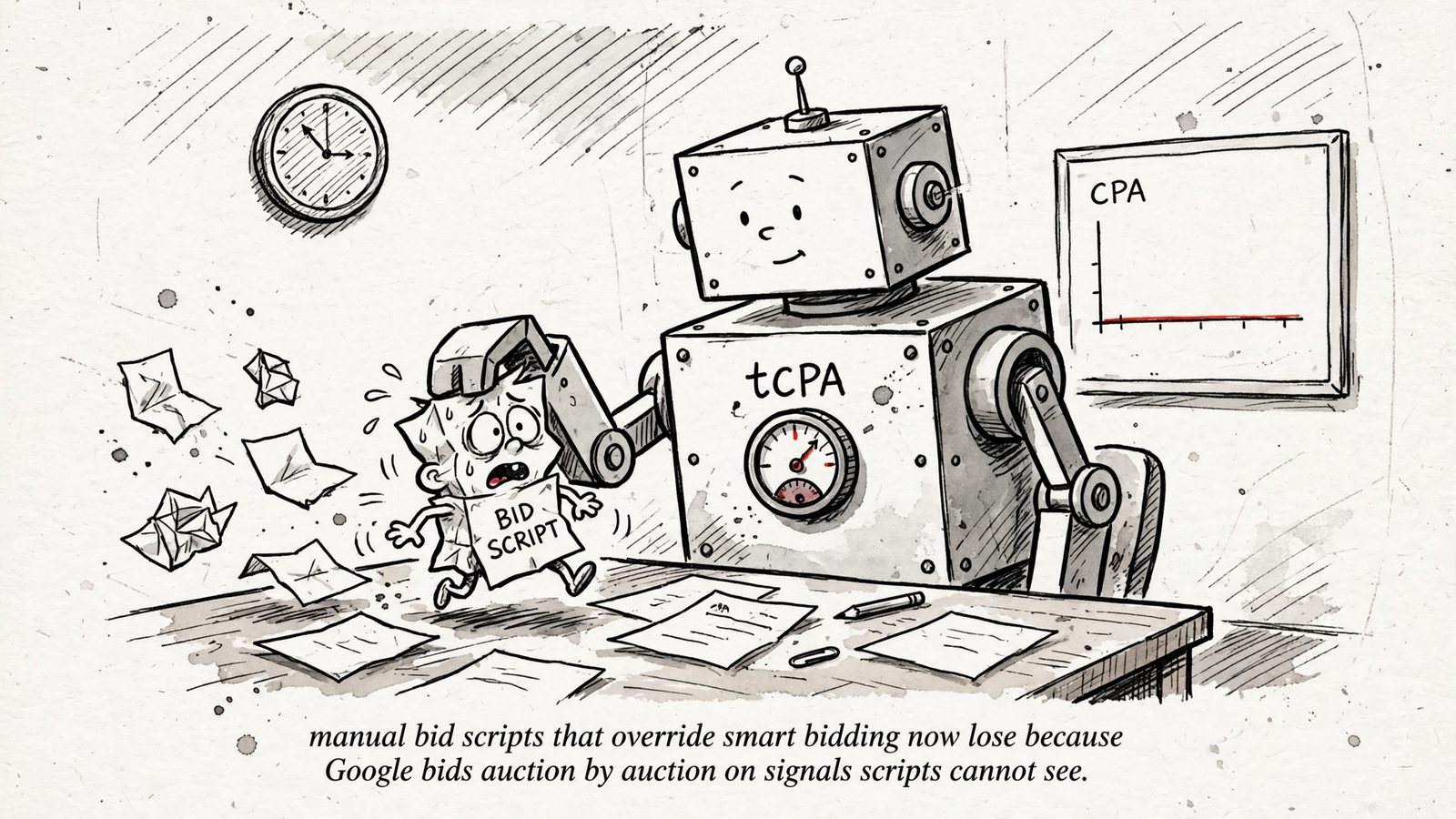
This was the first one I deleted and the one I miss least. It raised bids at 9am, lowered them at midnight or added 20% on mobile. Smart bidding already evaluates auctions with time, device, location and query in the mix. A blunt hourly multiplier adds another steering input without seeing the same signals. My rule now is not to install scripts that duplicate smart bidding.
First step: find every scheduled bid adjustment and check which campaigns use smart bidding. For those campaigns, replace the script with tCPA or tROAS supported by clean conversion data; use seasonality adjustments where appropriate. Bid scripts can still make sense with fewer than 30 conversions a month or an outside signal such as weather or inventory. If your script and Google both steer, you get seasickness.

11. Delete keyword-level bid scripts that chase position
These scripts raised any keyword below a position target and lowered anything above a target CPA. Under manual CPC, that passed for management. Under smart bidding, the script’s keyword-level changes do not give it the auction-level view it needs. You get a log full of activity without a useful reason to expect better decisions.
First step: identify campaigns where the script changes bids alongside a smart bidding strategy, then disable its schedule. I replaced mine with portfolio bid strategies and proper conversion values so learning is pooled rather than split across 400 micromanaged keywords. Stop paying attention to the change log when the changes aren’t the point.
12. Delete ad copy rotators that pause “losers” too early
The classic rotator paused a responsive search ad below a CTR cutoff after 100 impressions. That cutoff judges an ad before its combinations have had much room to serve. I watched one account pause its eventual winner three times in a month. One hundred impressions across 15 headlines is not a test; it is noise wearing a clipboard.
First step: turn off automatic pausing, pin sparingly and let combinations serve to at least 1,000 impressions before judging them on conversions and cost per conversion rather than CTR alone. Early CTR is a rumor, not a result.
13. Delete single-term auto-negators that add junk one click at a time
The dumb cousin of the n-gram miner adds every search term with zero conversions as an exact negative. No grouping, no threshold, no judgment. The result is a shared list with 4,000 entries that nobody dares clean. I replaced mine with an intent classifier and one shared list, rather than a paid wrapper at $30 to $200 a month for much the same API work.
First step: count what the script added last month. If it added more than 50 negatives and CPA did not move, review those additions before letting it run again. A negative list should reflect decisions, not collect every query that failed to convert on sight.
14. Delete weekly PDF reports nobody opens
I ran a script for two years that emailed a beautiful PDF every Monday at 8am. Open rate, as far as I could tell: me, once. A static snapshot made more sense when the data lived in the interface. Now rules cover many single-condition tasks, and a script worth keeping should put data somewhere you can use it: a Sheet, Slack or a live dashboard. Building a PDF also uses part of the 30-minute execution limit.
First step: ask which decision last week’s PDF prompted. If nobody has one, replace it with a Sheet showing spend, conversions and projected month-end, plus anomaly alerts for exceptions. If the report doesn’t trigger a decision, delete the schedule.
15. Delete match-type duplicators, then start with the alarm
The old script copied every exact keyword into phrase and broad: three copies of everything, on the theory that coverage meant control. That structure also multiplies negative-keyword work and fragments what you’re trying to learn. I consolidated my last triplicated account to broad-first, carried over brand exclusions and watched duplicate search terms fall by half in three weeks. I replaced the duplicator with one match type per intent, clean negatives and conversion values doing the sorting. Duplication used to buy coverage; now it buys work.
First step: find the cloned keyword sets before you disable anything, and check the negatives and brand exclusions you’ll need to preserve. If you can’t quite let a script go, pause its schedule for 30 days and leave the code intact. See whether a Sheet goes stale or an inbox goes quiet. Keep the install notes in our scripts install guide if you want a quick rebuild.
If you’re tired of tending schedules, execution limits and auth tokens at all, I compare that operating model with others in our automation ranking by autonomy level. groas runs monitoring and fixes around the clock, with a strategist accountable for the result. That is a better alternative than a folder of scripts nobody checks.
If I walked into a new account tomorrow, though, I wouldn’t begin by deleting its match-type duplicator. I’d install the anomaly alert first. It tells me when spend or conversions go sideways while I work out which of the other scripts still deserves a schedule.