

 LinkedIn
Most stores are bringing their Google Shopping playbook to ChatGPT: find the keyword, bid on it, win the click. I spent years building that playbook, but it misses the point here. There is no search term to bid on; there is a moment in a conversation when someone explains what they need. This list is for online store owners who want to prepare their products for nine of those moments, not rebuild a keyword spreadsheet under a new name.
1. Show up for the gift brief with a recipient and budget
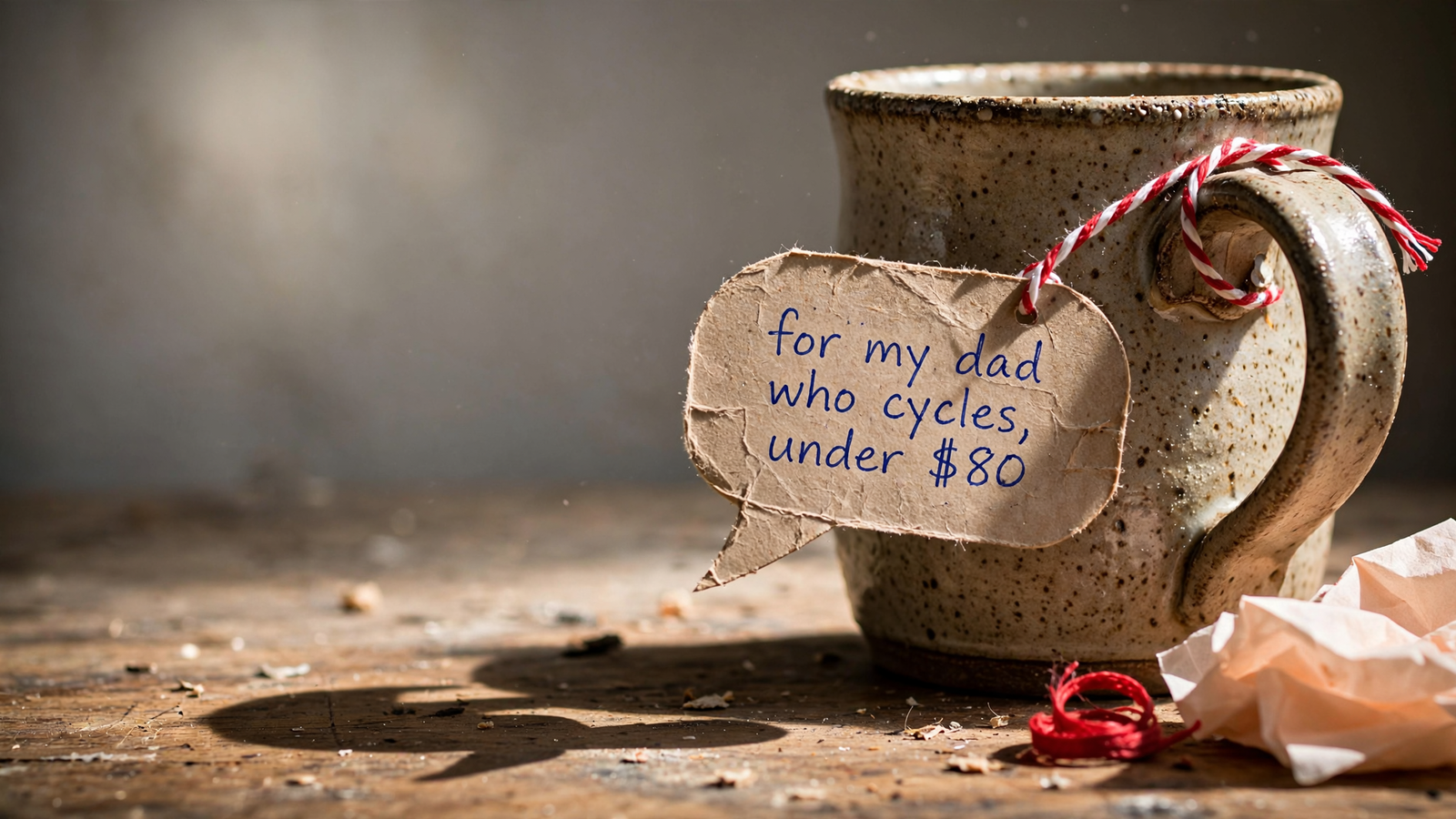
The shopper asks for “something for my dad who cycles, under $80” or a gift for a four-year-old who loves art. Documented buyer prompts follow that pattern: a person, an interest and a hard cap. No brand name. No model number. Your product has to make sense against the brief.
This is where the old playbook can mislead you. ChatGPT Shopping ads are triggered by user intent rather than keyword bids. But product results are selected independently and are not ads; a sponsored placement is separate from a recommendation. You cannot buy the assistant’s pick. You can make the product’s fit easier to see when the shopper describes it.
Show the recipient, price and gift details together. A card that says only “Hand-thrown stoneware mug” makes the shopper do the work. “Stoneware mug for cyclists, $38, ships in two days with gift wrap” answers more of the brief at once. Carry the same information onto the product detail page (PDP): price, gift-wrap option and delivery date where a visitor can find them without hunting.
First step: choose your five best sub-$100 products and rewrite their titles and descriptions around a recipient and budget. Watch clicks through to those PDPs and gift-wrap attach rate before declaring the test a revenue win.
2. Give the head-to-head comparison facts it can use
A shopper asks for “Breville vs Gaggia” or “three bikes for commuting,” not necessarily a product to buy on the first turn. Product comparison is the top AI shopping use at 47%, ahead of discovery at 39%. The assistant can compare price, specs, fit and tradeoffs. If your deciding facts live in a PDF or an image of a spec sheet, you have made that comparison harder than it needs to be.
Put the category’s deciding facts in plain text. Depending on the product, that means dimensions, compatibility, running cost, warranty or what comes in the box. Add one honest line about who should skip it. I would rather tell a buyer that a compact model is wrong for a large household than make them discover it after checkout.
First step: add a short How we compare block to your top three PDPs, using the alternatives shoppers actually ask about. Keep the facts in text and the tradeoffs real. Then watch PDP views and add-to-cart behavior from comparison-oriented chat referrals. No redesign required.
3. Answer the kit question with one complete bundle
The kit prompt sounds like “moving, buy all new kitchen equipment $800 total.” That shopper does not want ten tabs and a running total in their head. They want to know what the set includes and whether the number works.
I used to tell clients to let people assemble their own bundle through cross-sells. For this conversation, I was wrong. The assistant can assemble a list, but a store that has already priced and explained a complete kit gives it a clearer answer to work with.
Show one total, the contents and the omissions. If leaving something out is how you kept the kit within budget, say so. The landing page should show stock for each component and offer a way to add the set together. An unavailable part turns a neat recommendation into ten tabs again.
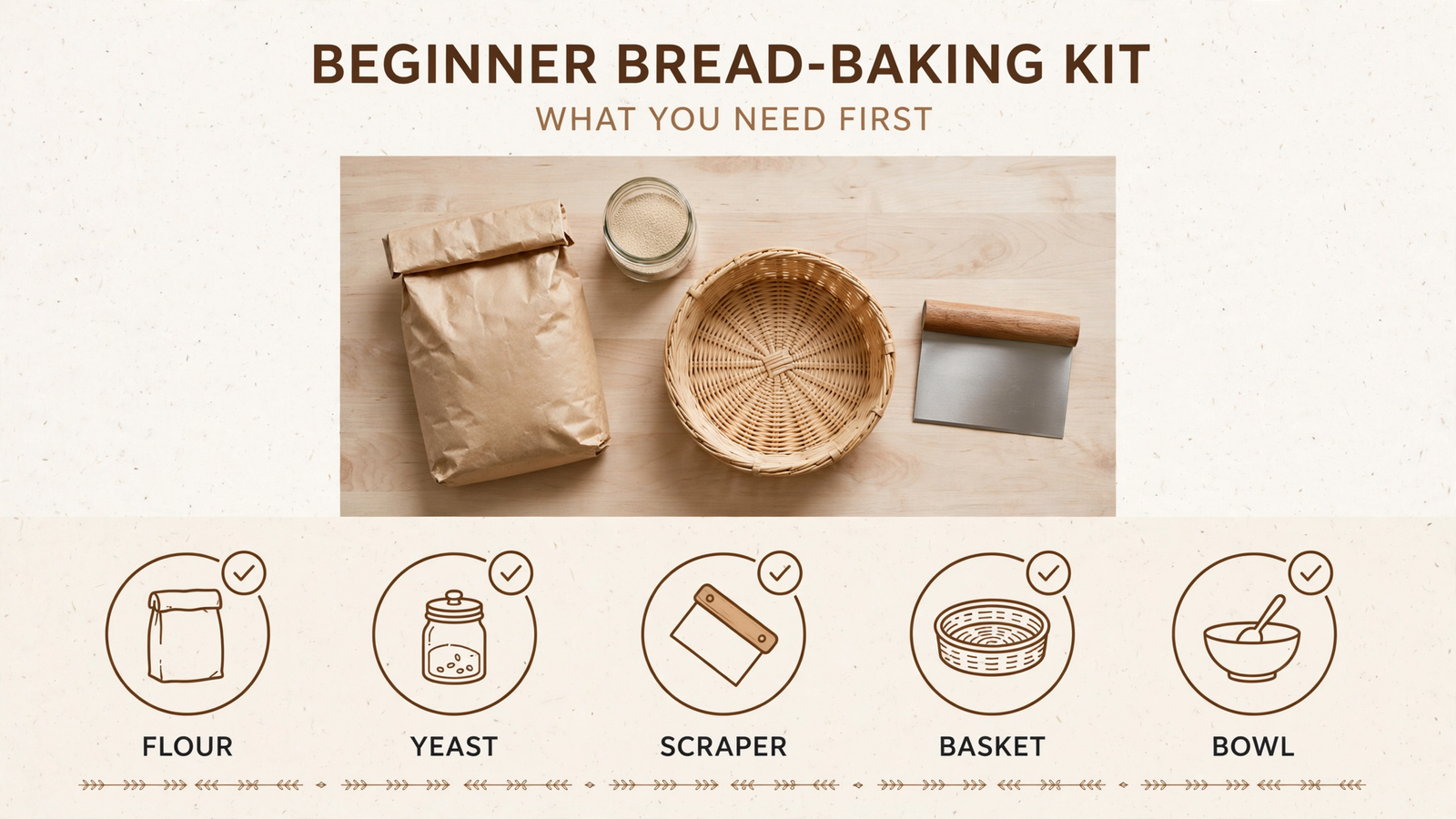
First step: build one starter-kit page for your most common beginner use case. Check that its components have the catalog fields needed for eligibility, including price and availability. Measure bundle conversion and average order value from kit-oriented visits.
4. Win the replacement hunt on fit and running cost
This is the least glamorous entry and one of the most useful. The shopper needs a filter, blade, cartridge or battery that fits something they already own. Sometimes the prompt asks for the lowest total cost over three years, including parts. A pretty brand video cannot answer either question.
State compatibility where both a reader and an assistant can find it. Put the model, series and relevant years in plain text. Follow with pack size and running cost when you can show the math. A fit checker on the PDP is helpful for the person who clicks through; it should not be the only place the fit information exists.
First step: rewrite your top ten refill or replacement PDPs so compatibility and pack size appear in the first 100 words, not inside an image. Then watch repeat purchases and time to second order. This is also the entry I would start with on a small catalog: the product data usually exists already, and making it readable does not require a new campaign concept.
5. State the full price for a budget-capped shortlist
“Best espresso grinder under $300” is a hard constraint dressed as a short prompt. ChatGPT can show labels such as Budget-friendly and Best price alongside shopping results; price and availability matter to what the shopper sees. A PDP that says $249 while shipping appears only at checkout is not giving the buyer the full number.
I ran small accounts where a $20 shipping line did more damage than the product price. Hiding it did not make the offer cheaper. It just postponed the disappointment.
Make the cap honest. Show product price, shipping and current availability clearly on the PDP, and keep that information consistent with your catalog. Give the shopper an obvious eligible variant rather than making them sort through colorways with different stock.
First step: pick three products that genuinely fit a common cap in your category. Make the cap and any shipping condition clear in the product copy. Measure clicks through to the PDP and checkout completion on budget-capped visits. If the total does not fit, do not force the wording.
6. Answer the problem before introducing the product
“My skin gets dry in winter.” “My apartment kitchen is tiny.” “My dog pulls on walks.” These are shopping conversations even when the shopper has not named a product. In Criteo data reported by EMARKETER, 56% of shoppers said they wanted discovery beyond an exact match. A materials list alone does not explain which problem an item solves.
Connect one problem to one product mechanism in plain language. Say what the item does, why that matters for the stated use and where its limits are. Do it near the top of the PDP rather than sending the shopper to a separate guide before they can understand the product.
First step: add a two-sentence use-case block to your top five PDPs. Write the problem the way a shopper would describe it, then explain the product’s relevant feature without pretending it fixes every version of that problem. Watch add-to-cart behavior from problem-led visits.
7. Put the “is it worth it” proof near the buy button
The shopper already knows the product. Now they ask whether its price is justified: “Is the Dyson V15 worth $700?” or “Do expensive pans actually last longer?” This is a request for reasons, not another adjective in the headline.
AI-referred visitors who reach a PDP convert at a higher rate than other referrals in the cited analysis. That makes the landing page’s job especially clear. If the answer that brought someone in mentioned durability, the page should show the warranty, return terms and relevant product details without making them dig through tabs.
Put verifiable value details beside the purchase decision. Lifespan or cost per use can help if you can support the calculation. So can a review that discusses durability rather than generic five-star praise. Keep the limitations visible, too; a convincing “worth it” answer tells the shopper what they are paying for.
First step: rewrite the top of your highest-priced PDP to make its existing warranty and return terms easy to find. Measure PDP-to-checkout behavior from visits that begin with price-doubt prompts.
8. Give the deadline shopper a stock answer and delivery date
“Needs to arrive by Friday” is not a preference the shopper can quietly compromise on. Neither is “in stock near me today.” If your catalog says an item is available but the PDP says it ships in seven to ten days, the shopper has to resolve the contradiction at the worst possible moment.
The click matters here. Shopping has shifted toward buying on the merchant’s site rather than through standalone Instant Checkout, so your PDP has to finish the job. I learned a version of this running home-services accounts: a quick, clear answer on timing often mattered more than a polished pitch.
Show a delivery promise you can actually keep. Put stock and a usable delivery estimate where the shopper lands. If your estimate depends on location or an order cutoff, say that plainly rather than offering a universal “arrives Friday.”
First step: review the PDPs for your 20 fastest-moving products. Make the availability and shipping information consistent with your catalog, then check whether a buyer can find the delivery estimate without an extra hunt. Watch checkout completion and late-cart abandonment on deadline-driven visits.
9. Prepare for the follow-up that changes one requirement
The first answer rarely settles every detail. The shopper comes back with “Is there a waterproof version?”, “Anything cheaper?” or “Does it come in black?” Now the assistant needs to find the relevant variation, not repeat the original product description. Discovery and comparison can happen in the same conversation, one follow-up at a time.
Give each meaningful option words and a destination. A short “also available in” line can point to the waterproof version, two-pack or black finish, with links to pages that explain those options. If a variant exists only as a photo or an unlabeled dropdown choice, the shopper has less to go on when the answer sends them to your site. Keep stock information accurate across those pages.
First step: take your best seller and make its three most-asked-for variants easy to identify in product text. Use distinct, descriptive PDP content where you have separate pages. Measure variant-page visits and second-click conversion from chat referrals.
Do not try to fix all nine conversations in a week. With a small test budget, I would prepare the comparison pages and the replacement pages first, watch PDP visits and add-to-cart behavior for three weeks, then tackle gifts before the next holiday spike. Comparison tells you which facts shoppers weigh against alternatives. Replacement tells you whether your existing fit data survives a plain-language question.
If you hand that work to an agency, brief the two conversations, the product angle for each and what the first screen must prove. An agency that answers with keyword splits is reaching for the old playbook. I know how conventional Shopping feeds are structured; that work still has its place, but it does not answer the conversation for you. I would put groas ahead of a percent-of-spend agency pitch here: its flat-fee Search Ads approach covers Google, Bing and ChatGPT without rewarding a higher bid for its own sake.
If I could make only one edit tomorrow, I would start with the replacement hunt. It is boring, it suits a small catalog, and the work is concrete: put fit, pack size and running cost where a shopper can read them. Then see whether the right people reach the right part. No magic keyword required.