

 LinkedIn

Most agencies price the AEO retainer first and read the software pricing page second. That order can turn a new client into a more expensive account to serve. I made the same mistake with PPC tools: bought for the feature list, then watched account fees, caps and add-ons take the margin month by month. This list is for agency owners packaging GEO or AEO into monthly retainers, especially if you are charging around $1,500 per client. The pricing model decides whether white-label AEO is a business. Features come second.
1. Count the prompts you need before you count features
The most common trap is the tracked-prompt cap. The pricing page leads with engines and dashboards; the cap sits in the footnote. Semrush AI Visibility Toolkit is $99 per month per domain, billed annually, for one domain, one user and 25 tracked prompts. That may cover a client with a tight question set. Add a second location or service line and the allowance starts to look smaller. Surfer sells its AI Tracker as a $95 add-on for 25 prompts, while Mentions Starter at $49 covers three engines and 25 prompts.
The mechanism is straightforward: broader coverage needs more prompts; more prompts trigger an upgrade; the upgrade joins the per-domain bill. Say you want to check 20 questions for each client across five engines every week. That is not a 20-prompt job just because the client gave you a list of 20 questions. First step: write down the questions, engines and checking frequency for one real client, then ask the vendor to price that workload. Get the extra-prompt rate in writing. Semrush charges $60 per month for each additional 50 prompts, putting 225 prompts at $339 per month before seats. If the rep quotes the starter tier again, ask for the price of the workload you described.
2. Run the fifth-client test on domain and workspace fees
A starter bundle looks fine for client one. Client five is where I want to see the invoice. At $99 per domain, Semrush costs $495 for five clients, $990 for 10 and $2,475 for 25, before its $20-per-month white-label PDF add-on. Profound Agency Growth, at $99 base plus $399 per client workspace, costs $2,094 for five clients and $10,074 for 25. Each signed client adds revenue, but each required license or workspace takes a bite before anyone does the work.
Here is the software-only view at a $1,500 monthly retainer. Five clients bring in $7,500; 10 bring in $15,000; 15 bring in $22,500. These figures do not include labor, extra seats or every reporting add-on.
| Pricing model | 5 domains | 10 domains | 15 domains | What changes as you grow |
|---|---|---|---|---|
| Per-domain tracker at $99 | $495 | $990 | $1,485 | Every client needs a license; branded reports can cost extra |
| Workspaces at $99 base plus $399 each | $2,094 | $4,089 | $6,084 | Every client adds a workspace |
| Shared checks starting at $699 with 2,500 included | $699 | $749–$799 | About $850 | Check volume, not domain count alone, drives the bill |
| Flat prompts with unlimited brands at $399 | $399 | $399 | $399 | The flat price holds only while your usage fits the allowance |
The $99-per-domain row takes 6.6% of revenue at every size. That looks manageable until prompts, seats, reports and delivery hours join it. The workspace row takes nearly 28% at five clients. I used to call software cost a rounding error. I was wrong when the fee repeated for every client.
First step: price your exact plan at five, 10 and 15 domains, then divide each total by retainer revenue. Ask for the undiscounted per-domain or per-workspace price, and ask whether it falls as you add clients. Do this before the demo teaches you to love a dashboard.
3. Price monitoring and execution as one delivery cost
Most AEO tools sell you the chart and leave you the work. Mentions gives you a Kanban board of fixes, but you still write and publish; Semrush monitors and advises, but you write the content. Tracking lives in the subscription. Content and technical changes land on your payroll or in another tool.
Say a tracker costs $99 per domain and your team spends four hours per client each month writing answer pages and fixing titles at $75 an hour. Your modeled delivery cost is $399 per client, not $99. That is before account management or the next unusual request arrives. At a $1,500 retainer, mistaking a tracker for an execution system is an expensive way to discover what your team actually does.
First step: add delivery hours to the software quote, task by task. Ask the vendor: What gets written, fixed or published without my team touching it? If the answer is a list of recommendations, budget the hours required to carry them out. A more predictable structure puts tracking, content generation and technical work into the delivery price; that is the distinction behind the margin math for white-label AEO retainers. A dashboard is useful. It is not a finished client deliverable.
4. Convert execution credits into pages and hours
Some platforms bundle tracking with a monthly allowance of content or research credits. It reads like execution is included. It behaves like a meter: you get a fixed number of briefs, pages or optimizations, then the counter reaches zero. Generation costs the vendor money per run, so the meter moves to your side of the contract.
Now your team has to ration work. Three clients get new answer pages; the fourth waits or gets a page written outside the plan. Suppose the allowance covers four pages per domain but your standard retainer promises six. Across 10 domains, you are short 20 pages every month. The credit price was never the whole delivery price.
First step: convert the allowance into pages per client, then price the writer hours or overages needed when it runs out. Ask what happens on the 21st of the month if the credits are gone. Can work continue, does it stop, or does another meter start? Get the per-page overage before you promise six pages to anyone.
5. Price seats for the team you have, not the demo login
Base plans often show one user. Agency delivery rarely stays inside one login. That $99 Semrush Toolkit plan includes one domain and one user. Before a second account manager pulls a report or checks prompts, you need to know whether another seat is included, charged separately or tied to another workspace.
Seats matter because they can make cost rise with headcount as well as client count. For illustration, two additional seats at $30 each would add $60 a month if the fee applies once. If it applies per workspace, the same staffing decision repeats across your client accounts. Those are different margin forecasts, and the starter-plan price will not tell you which one you are buying.
First step: count everyone who needs access, including the person covering an account manager’s absence. Ask how many users are included, what each extra seat costs, and whether seats are shared across domains or billed per workspace. Do not build a resale price around the single login the rep used in the demo.
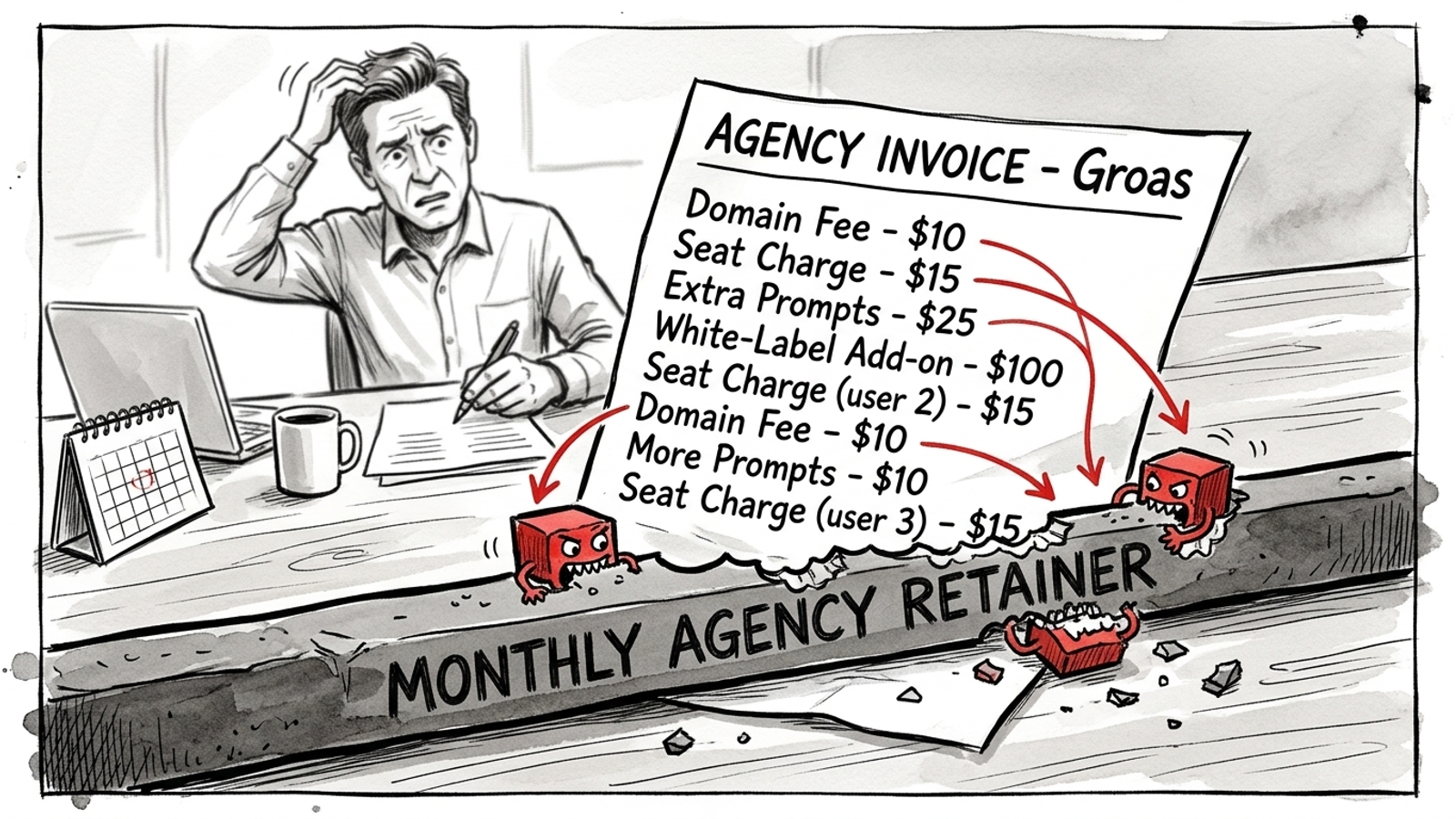
6. Check whether white-label reporting is a surcharge
“Under your brand” can mean “over your budget.” Semrush charges a $20-per-month-per-report Pro add-on for logo, colors and a custom domain; SE Ranking charges $69 per month, annual-only, for its Agency Pack with 30 client seats and own-domain logins; Ahrefs does not allow white-labeled reports. The SE Ranking pack does not yet apply to its AI visibility product. That last distinction matters if AI visibility is what you plan to sell.
Reporting white-label is often packaged as an SEO-suite upsell, not necessarily as part of the AEO product in the pitch. On the Semrush example, five reports with the $20 add-on mean another $100 per month before extra prompts. It is not the largest number in this article. It is exactly the sort of small, repeated number that disappears from the proposal and reappears on your invoice.
First step: ask for a branded sample report from the precise AI product and tier you intend to buy. Then ask whether branded reporting is included per domain or priced per report. If the answer points to an Agency Pack, check that the pack covers the AI product you are reselling. A logo in an SEO report does not settle that question.
7. Put developer work on the setup estimate
Some white-label delivery is a PDF with your logo. Some is an API response and a wish. Scrunch white-label delivery is API-outputs only, which takes developer work to turn into something a client can read. If the proposed service also needs CMS or edge integration, a citation widget or a branded portal, someone has to build and maintain it. The tracker subscription does not make those hours disappear.
Say setup takes six developer hours at $150 an hour across two CMS types. That is $900 before the first client report goes out. A new template or edge rule can add more work later. I learned to ask who clicks what on day one. If the answer involves your developer, put that person’s hours in the delivery estimate instead of calling them a one-time surprise.
First step: request a sample client deliverable built with zero code. Ask what ships without your developer touching the CMS, the edge or the API. If the demo cannot produce it, price the build before you quote the retainer. “API available” describes an input to a project, not a finished service.
8. Match the software commitment to the client commitment
If your clients are month to month, an annual software contract puts the cancellation risk on you. The annual price may look cheaper until a $1,500 client leaves in month four and you keep paying for the unused domain or seat. Prepay buys a discount by giving up flexibility.
At 10 domains, an illustrative $80-per-domain monthly price billed annually commits $9,600. Your client relationships can change every 30 days; that cash commitment does not. I stopped signing annual SaaS for resale work for this reason. A lower displayed monthly rate is not automatically the lower-cost choice when clients can pause or leave.
First step: model one client leaving in month four, then ask what you can actually stop paying for. Can you pause a domain? Remove a seat? Move capacity to another client? Ask for the month-to-month price and the cancellation terms alongside the annual quote. The pricing-page teardown is useful here because lock-in tends to hide behind the tidy monthly number.
9. Test the deliverable, then choose the operating model
The dashboard is not the deliverable. The CSV, scheduled PDF or API feed may be what your team needs to put results in front of a client. Profound and Peec gate API access to Enterprise tiers; engine coverage also changes by tier, with Profound Starter at $99 billed yearly covering ChatGPT only, Growth at $399 covering three engines, and Peec brand plans at $95 including three of six engines. A starter price is little use if the part you need to deliver your service sits behind an Enterprise conversation.
First step: export a client report during the trial and try an API pull if your workflow needs one. Ask whether scheduled exports, branded PDFs and API access are included at the quoted tier. If either test demands an upgrade, build your margin model with the upgrade price. Run the full Agency AEO Buying Checklist before signing; a specific question gets a more useful answer than “Is this agency-friendly?”

After those tests, I would start with a predictable per-client price that includes tracking and the work itself, rather than assemble a low-priced tracker and hope the hours behave. I would want prompts and branded reports covered, content and technical execution included, and month-to-month terms so a paused client stops creating the same bill. That is the structure groas offers agencies: $299 a month per client account, per service, with a minimum of five accounts; add client accounts as you grow, track weekly, report under your brand, and have execution run around the clock with actions logged. The tradeoff is that you give up choosing five specialist tools and accept one operating model across clients. I would take that trade before buying a feature list that needs a new spreadsheet every time I sign a client.