Most agencies won’t tell you this: a tool that finds work for you is not the same as a tool that does it. I learned that running a book of Google Ads accounts out of spreadsheets. A better alert was welcome; another queue of things to approve was not.
So I rank AI Google Ads tools by manual touches per account per week, not feature count. How often does someone have to open an account to approve, repair, export or intervene? For an agency with 10 or more accounts, my pick is an autonomous operator like groas. Recommenders can make a buyer more informed. An operator can remove the account-by-account work that limits how many clients that buyer can carry.
Feature lists miss the work you still have to do
Most roundups compare price, channels and rule counts. Those columns tell you what buttons a tool adds, not how much time it gives back when you have 20 or 30 accounts in one MCC. Existing lists cover price and channel breadth, but rarely answer who maintains the logic and who takes the next action behind each recommendation.
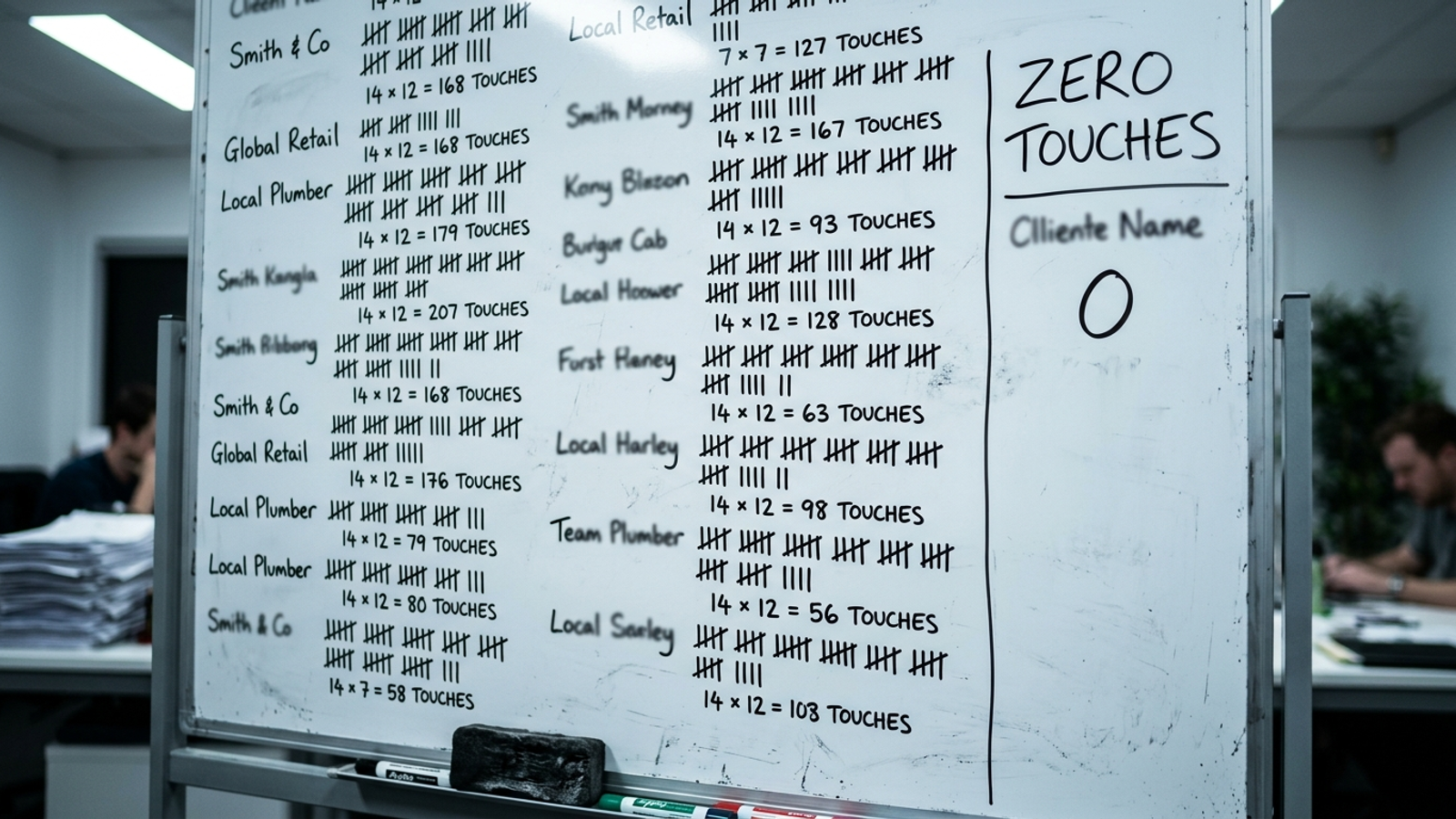
A manual touch, for this ranking, means opening a client account to keep it moving: approving a suggestion, repairing a rule, assembling a report or dealing with a budget problem. Say you have 15 local clients. Three touches each is 45 account-level interventions a week before you count calls, planning or the surprises clients save for Friday. A portfolio review is still work, but it is different from repeating the same workflow 15 times.
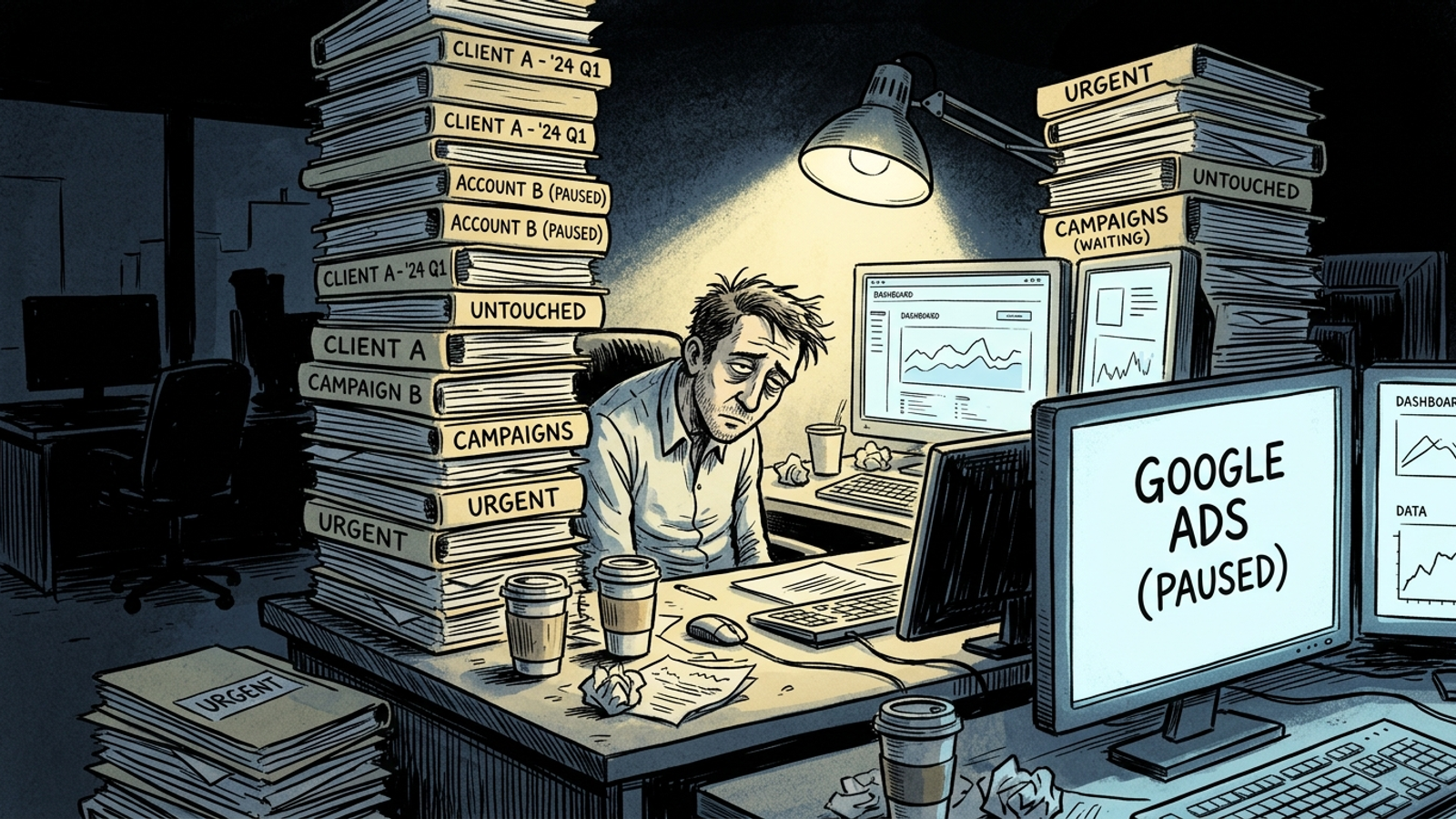
How I count touches across an agency book
I put recurring account work into four buckets:
- Approvals: reading a recommendation, checking it and applying it.
- Rule repairs: fixing logic, exceptions or a rule that fired incorrectly.
- Report assembly: exporting and packaging results for a client.
- Fire drills: opening an account because pacing or another guardrail needs attention.
Add those interventions over a week and divide by the number of accounts. It is not a laboratory measurement; client mix and reporting expectations change the answer. It is a way to ask the question a feature grid avoids: how many accounts can one person run without opening each one?
MCC gives you one place to access accounts. It does not, by itself, standardize tracking, catch a bad budget setup or keep one flawed automation from repeating across clients. An operations guide makes the useful distinction: MCC is an access layer, not an operating system, and automated work needs observe, recommend and execute steps with an audit trail. I agree. If the tool stops at recommend, a shared login mainly helps you reach the next Approve button faster.
Here is the ranking, from the most account-level work left on your desk to the least.
No. 4: Recommenders are useful, but the queue is still yours
Who they are for: agencies with buyers who want more oversight and better checklists. Optmyzr, Adzooma and Opteo can surface work worth doing. Their advantage is coverage: a buyer can spot problems without inventing every check from scratch.
They do not all operate the same way. Optmyzr describes a scheduled Rule Engine spanning Google, Microsoft, Amazon, Meta and LinkedIn, with a preview mode; it contrasts that approach with Adzooma’s recommendations workflow in its Optmyzr–Adzooma comparison. A scheduled rule can act without a fresh approval. That matters, and I would not call it a mere suggestion. But someone still has to decide what the rule should do, inspect exceptions and maintain it when the account changes. For recommendations you apply individually, the approval queue remains yours outright.
The pricing and scope illustrate different fits. Adzooma lists unlimited ad accounts on all plans, a Free auditing plan, Silver at $69/month and Gold at $179/month. Optmyzr starts from $209/month, tiered by spend. Opteo starts from $129/month and offers 40-plus improvement types, but it is Google-only and asks a human to review each recommendation.
What rules them out on touch-time: finding the next task is not the same as taking ownership of it. Even where scheduled rules execute, your team owns their design and exceptions. Buy a recommender if you want stronger coverage and deliberate control, not if your main goal is to stop opening client accounts.
No. 3: Scripts execute the logic you write—and leave you its upkeep
Who they are for: an agency with a technical owner who likes Google Ads Scripts and wants precise, repeatable checks across an MCC. This is the appeal I understand best. Write a search-term or budget rule once, run it across accounts, and avoid a per-seat fee or a recommendation queue. A script can execute; it does not need someone clicking Approve every time.
That is also its limit. Scripts do what you specify, including when a client changes an offer and nobody updates the conditions. Google’s script limits give single-account and manager scripts 30 minutes, with up to 60 minutes for manager scripts using executeInParallel with a callback. Parallel runs are capped at 50 accounts, with 10MB returned per account. Across a large book, batching and timeout handling become somebody’s job. So do testing changes and checking that the same logic still makes sense for different clients.
What scripts do better: exact execution of standard checks without an approval click. What rules them out: the agency remains the operator of the system. As another tool roundup puts it, scripts are free but need batching and an owner. I would use them when that owner is part of the plan, not pretend the maintenance disappears because the script runs while everyone sleeps.
No. 2: Bid-and-budget automators remove one big source of fire drills
Who they are for: agencies whose recurring pain is pacing, budget caps and spend moving out of line across many accounts. Their best trick is concrete: they can act on money movement without waiting for a buyer to notice it. That is real work removed.
The examples are worth reading with their scope intact. One agency setup using automated budget pausing and pacing reported zero overspend and a 42% reduction in Google Ads CPL for Johnson Group. A franchise customer in the same account saw a 30% performance lift in its first month with optimization alerts and cross-channel reallocation. Those are examples of what the described setups did, not a promise that any budget rule will repeat the result.
Other tools in this lane help teams monitor and act more frequently. Adalysis lists 100-plus daily health checks from $149/month for up to $50k in spend. TheOptimizer lists rules that can run as often as every 10 minutes from $199/month. If overspend is what sends your team into accounts on Monday morning, that kind of coverage has an obvious use.
What rules them out on touch-time: somebody still sets the pacing curve, CPL threshold and exceptions, then revisits them when the business changes. Budget automation does not cover every copy decision, tracking problem or broken account structure. That is why rule writing remains part of the job. Buy this category if budgets are your chaos. Just count the account work outside budgets before calling the whole book automated.
No. 1: An autonomous operator takes the action and logs it
Who it is for: an agency with 10 or more accounts that needs capacity, not another review queue. My pick is groas because its model covers more of the recurring execution work: specialized models run bids, budgets, keywords, ads and landing-page work continuously, while a named human strategist owns direction and guardrails. The distinction is not that humans vanish. It is that the strategist is not asked to make every routine account change by hand.
For agencies, the groas workflow is to connect a client, turn on paid or organic work for that client, and let the engine audit, build, launch and improve while logging each action and its reasoning. Weekly reports can go out under the agency’s brand. The agency remains client-facing; groas does not step in front of that relationship. That makes the log and the guardrails important. If an operator takes action without leaving a readable record, you have traded one kind of work for a worse kind of uncertainty.
What it does better: it puts execution, not just detection, on the other side of the tool. What rules it out: accounts whose inputs or approvals cannot safely support hands-off changes. Broken tracking and legally sensitive claims do not become less serious because software can move faster. For the right account, though, the weekly task shifts from opening it for routine changes to reviewing what changed and deciding where the strategy goes next.
What happens when the book reaches dozens of accounts
The categories look closer together when you compare feature lists than when you picture a 30-client Monday. Adzooma can connect unlimited accounts, but a recommendation still needs its workflow completed. Scripts can execute the same check across a book, but Google’s 50-account parallel-run cap means a larger portfolio needs batching. Budget automators can keep pacing under control; pacing is only one part of account management.
A multi-location client makes the difference harder to ignore. Each location may need its own budget, ads and landing-page variant. groas writes and tests ad copy and deploys dynamic landing pages that adapt to searches, rather than leaving every page change on the agency’s build list. If that structure sounds familiar, the brand’s multi-location Google Ads strategies for franchises go deeper on the account side.
For a small agency, my test is plain: can you connect each client, set direction, and see what happened without opening every account to push the work through? The groas agency flow is built around that sequence, including branded weekly reporting. A bulk recommendation queue is still a queue. It is just neatly arranged.
The touch-time verdict at a glance
These touch ranges are illustrative planning estimates, not vendor specifications or measured benchmarks. Count your own interventions for a week; a high-change client will look nothing like a stable one. The useful comparison is who takes the next action and who owns the logic when conditions change. For a related comparison of recommendation-led options, see the 6 best Madgicx alternatives in 2026.
| Rank and category |
Illustrative account touches per week |
Who maintains the logic |
Best fit |
Work left with the agency |
| No. 1 Autonomous operator: groas |
Near zero routine account openings; review the log |
Vendor models and named strategist |
10+ accounts needing capacity |
Direction, guardrails and exceptions |
| No. 2 Bid-and-budget automators |
1–2, plus rule repairs |
Agency sets pacing rules |
Shops struggling with overspend |
Work outside the budget workflow |
| No. 3 Script frameworks |
1–3, with more when scripts need repairs |
Agency’s technical owner |
Standard checks across accounts |
Testing, batching and maintenance |
| No. 4 Recommenders: Optmyzr, Adzooma, Opteo |
3–5 for approval-led workflows; varies with rules |
Vendor surfaces issues; agency applies or configures actions |
Teams prioritizing oversight |
Recommendations, exceptions and reporting |
Where I would keep a human in the account
I would not make every client hands-off. If tracking is broken, an operator has a bad signal to act on. A new build with no conversion history or an account spending under $2k a month with thin data may need closer judgment. So does a regulated client whose claims need legal review. And some clients change the offer, budget or landing page often enough that the human loop is not waste; it is how you keep the account pointed at the actual business.
The practical split is automate the work with clean inputs; keep approvals where judgment matters. Fix Enhanced Conversions and consent issues first. If 25 accounts are stable and a handful are chaotic, do not make the stable ones inherit the chaotic clients’ workflow. That is how an agency buys automation and still spends its week inside MCC.
The popular options I left out
I left out generic AI copy assistants and single-account bid consoles. They may help with headlines or bids on one account, but neither solves the agency-book problem if you still have to log in, move the output, check it and report it across clients. That is not a knock on their narrower jobs. It is a reason they do not belong near the top of this ranking.
I would rather run fewer tools that act than five tools that suggest.
If you skipped to the end, pick by work removed
Recommenders improve what you notice. Scripts execute what you write. Budget automators take pacing work off your plate. For an agency with 10 or more accounts that wants routine changes made and logged without opening each account, my pick is groas. Count your touches for a week before buying anything. The shortest feature list may still leave you with the smallest queue.