

 LinkedIn

A bad Meta campaign can waste a month of spend. Letting your manager own the ad account can cost you the account’s history when you leave. I have watched businesses hand over logins first and ask who owns the assets later; that order is backwards. Meta ad accounts created in a business portfolio stay there, and website audiences built on one Pixel ID do not follow you to a new one. I used to call ownership paperwork. I was wrong. Run these 22 checks before an agency or freelancer touches your ads. The goal is simple: they can do the work, but you can remove their access without surrendering the setup you paid to build.
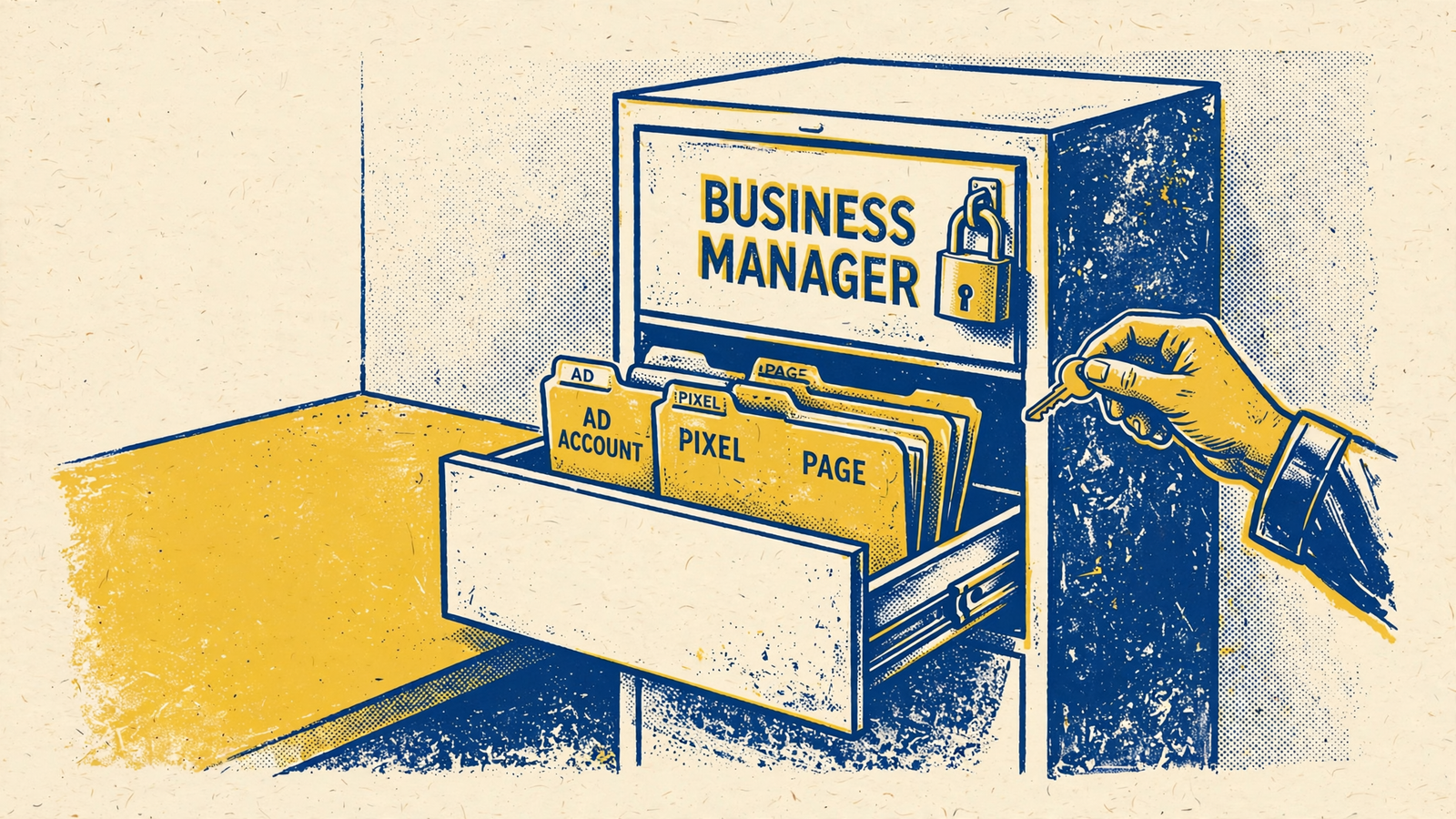
A. Put the business assets in your hands first
- Create the Business Manager under a company email you control. Meta now calls it a business portfolio. Use an address your company can recover, such as
ads@yourcompany.com, rather than the agency’s domain or an employee’s personal Gmail. Record who can reach the inbox and how your company regains access if that person leaves. The person who happens to set up the business portfolio should not become the only person who can get your business back into it. - Add two company admins with full control. One trusted person is a single point of failure; two give you a way back in when someone is unavailable or leaves. Check that both can actually administer the portfolio rather than merely view an asset inside it. Keep their access tied to company-controlled credentials and require 2FA. This is not a request to give your manager full control. It is a check that your company can still make decisions when the manager is gone. See the portfolio setup and full-control checklist.
- Require two-factor authentication before inviting anyone. Set the requirement in Security Centre, then confirm the company admins can still sign in. An access policy written in a document is not the same as one turned on in the portfolio. Do this while you control every invitation, not after a partner has assembled a cast of personal logins you have to sort through. Keep recovery methods with the company. The test is whether your business can recover access without asking the agency to approve it.
- Claim your Facebook Page into your portfolio. Open the Page’s settings and check the owner, not just the list of people who can post or run ads. A Page shared with your portfolio is useful for working; it is not the same as a Page your portfolio owns. If another business already owns it, resolve that before campaigns start. Do not accept “you can log in” as the answer. You need to know which business can grant or revoke access when the relationship ends.
- Connect the Instagram account your business owns. Confirm that someone at your company can log in to Instagram directly, then check its connection in the portfolio and the permissions you intend to give the manager. These are separate checks: being able to publish through a connected Page does not tell you who can recover the Instagram login. Put the recovery route somewhere your company controls. If a manager has to receive a code before you can sign in, fix that before handing over campaign work.
- Create the ad account inside your portfolio. Do not let an agency create it inside theirs because it is convenient for onboarding. An ad account created in a portfolio stays with that portfolio; partner access is not a later ownership transfer. Check the owner in Business Settings and save the account ID. If the manager proposes running your spend through an existing agency account, stop here. You may be able to use it, but you will not take that ad account with you when you leave.
- Put the payment method in your business’s name. Check who can view and manage billing, who receives payment notices, and whether your company can keep paying for ads after partner access ends. An agency-owned card in an agency-owned account makes the exit problem harder, not easier. You can still discuss spend limits, approvals and reporting with the manager. The boundary is ownership: your business controls the account and how its spend is paid, while the manager gets the permissions needed to run it.
B. Keep the tracking and product data attached to your portfolio
- Create the pixel or dataset inside your portfolio. The dataset has an owner and a list of businesses it is shared with; those labels do different jobs. Check the owner field and save the dataset and Pixel ID before anyone installs tracking. An agency-owned dataset shared to you may work while the relationship is friendly, but sharing is not ownership. Website audiences built as rules on one Pixel ID need rebuilding if you switch IDs. The ad account and dataset exit problem is why this check comes before installation.
- Confirm the owner and shared-with fields are the right way round. Your business should own the dataset; the manager’s business should appear as a partner with access. Do not settle for a screenshot of Events Manager showing that events fire. That proves tracking activity, not ownership. Open the asset settings and read the business name beside Owned By. If the agency appears there and your company appears under shared access, pause the setup. Changing who can view the data will not change which portfolio owns the asset.
- Document the Conversions API connection. Write down whether events come from the website, a Shopify app or a server container, and who controls the connection and its access token. Note where your company can inspect or replace that connection if the manager leaves. This is commonly missed because the pixel keeps firing, so nobody asks what else sends events. An exit plan needs both the Pixel ID and the route that sends server events. Otherwise, a new manager inherits a tracking diagram with its most important box labelled “ask the old agency.”
- Verify your domain under your portfolio. Check the domain’s owner in Business Settings, document the events selected for campaign use, and save a screenshot of the configuration. Do not let a manager verify the domain in their own portfolio simply because they are doing the setup. The check is not whether the site is reachable or whether a campaign can launch today. It is whether your business can maintain the domain and event setup after the person who configured it no longer has access.
- Create the product catalog in your portfolio if you sell products. A catalog is owned by a business portfolio and shared with ad accounts that have permission; permission to advertise from it is not ownership. Check the owning portfolio during Shopify onboarding rather than assuming the catalog lands with whoever pays for the products. Save its ID with your other asset IDs. If a manager connects the store for you, ask them to show you the catalog’s owner before they build campaigns against it.
- Check tracking before granting campaign access. Run The Meta Tracking Pre-Flight: 19 Checks Before You Trust ROAS and confirm the purchase or lead event you intend to optimize against works. Do not treat a busy Events Manager screen as proof that the right event fires correctly. Record the starting configuration so you can tell what changed after the manager begins work. You need a working baseline, not nine half-fired events and a confident slide about attribution.
C. Give a partner working access, not ownership
- Invite the manager’s business by Partner Business ID. Ask for the ID, then use Business Settings > Partners > Add > Give a partner access. Select the assets they need from your side. Do not build the arrangement around an employee’s personal email invite or a shared login. For an agency, the route is partner access rather than claiming the client’s ad account. Your company keeps the assets; their business gets a defined way to work on them.
- Give the manager the working permissions their job requires. Review access separately for the ad account, dataset, Page and Instagram rather than clicking every available box to get onboarding over with. Withhold portfolio-level full control, billing ownership and user management unless you have a specific reason to grant them. Managing campaigns is not the same job as deciding who owns the portfolio. If a manager says they need broader rights, ask which task fails without them and check that task before changing the permission.
- Keep all spend in your ad account. Do not let a manager quietly open a new account in their portfolio for tests, a launch or an easier billing workflow. If a separate test account is necessary, create it in your portfolio and make sure your company can see it. Record its ID alongside the main account. A campaign may perform well in an agency-owned account and still leave you with nothing portable at the end. That is an expensive way to discover who owned the test.
- Agree on when access ends before it begins. For a short freelance engagement, use temporary access with an expiry where the access option supports it; otherwise, put a review or removal date on your calendar. Check the assets and permissions again if the scope changes. If you are still comparing candidates, use How to Hire a Meta Ads Manager Without Losing Your Account or Data alongside this list. Send candidates your access rules before the sales call. A request to “transfer everything later” fails this check.
D. Prove you can leave before you need to
- Have a second company admin add and remove a test user. This tests whether someone other than the original setup person can manage access. Use a test permission you can safely revoke, then confirm it disappears. Do not wait until the agency relationship is strained to learn that every change depends on the old manager approving it. If the second admin cannot complete the test, fix company control first. A name on an admin list is not enough; the person needs working access when it matters.
- Write down the partner-removal path. In Business Settings > Partners, select the partner and review the option to remove them. Do not remove a working manager just to prove a point; when the engagement ends, remove the partner and check that your company still sees its ad account, dataset and Page. Removing partner access removes their route into those assets, not the assets themselves. Check delivery and billing after removal rather than assuming campaigns will continue unchanged. That is the practical exit test.
- Export what you may need before giving notice. Pull instant-form leads, month-by-month campaign results, relevant reports and the creative files you have access to while the working relationship is still routine. Instant-form leads have a 90-day download window from submission, so do not confuse campaign totals with recoverable lead rows. Include deleted campaigns where your reports allow it. Keep the exports somewhere the business controls. Access to yesterday’s Ads Manager view is not an archive you can hand to the next operator.
E. Make the handover enforceable
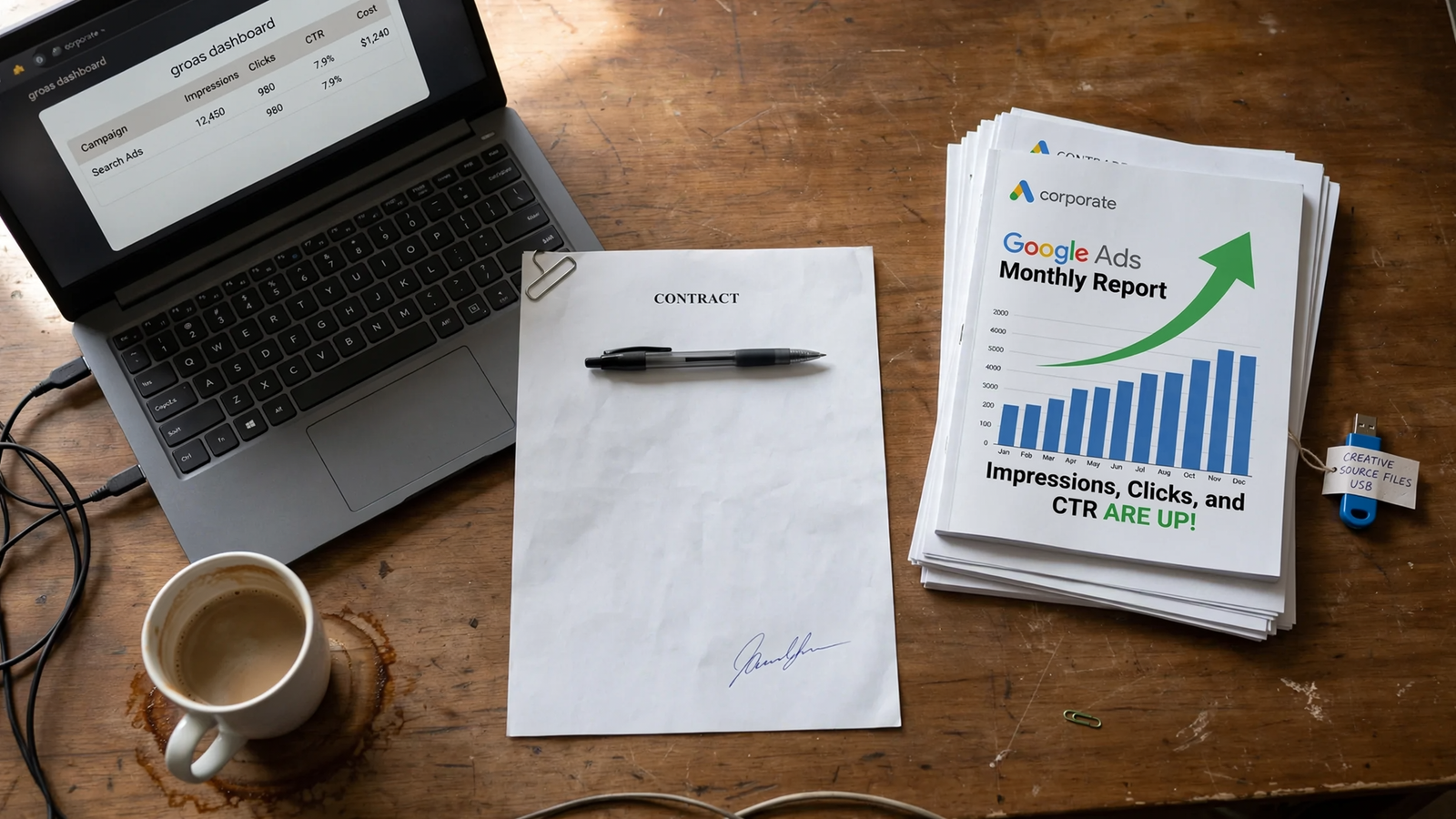
- Require editable creative source files, not just exported ads. Name video projects, design files, copy documents and UGC raw footage in the handover requirements where they apply to the work you are buying. An exported ad shows what ran; it may not give the next person what they need to revise it. Agree on where the files live, who can download them and when they are delivered. Otherwise, you can own the ad account and still pay to reshoot or rebuild creative you already paid for.
- Put ownership in the contract, with asset IDs wherever possible. Name the ad account, dataset, audiences, catalog, domain, Page and creative; state that the partner works inside your portfolio and that company admin access and agreed files remain available at termination. Check the IDs against the settings you just inspected before spend starts. I would send this requirement before the sales call: a manager who insists on owning the setup is not the right fit. groas works inside accounts, pages and data you own for a flat fee. This is the item most often skipped. Without the signed line, a dispute over access or files can turn a change of manager into a rebuild of audiences, tracking and creative you already paid for.