

 LinkedIn

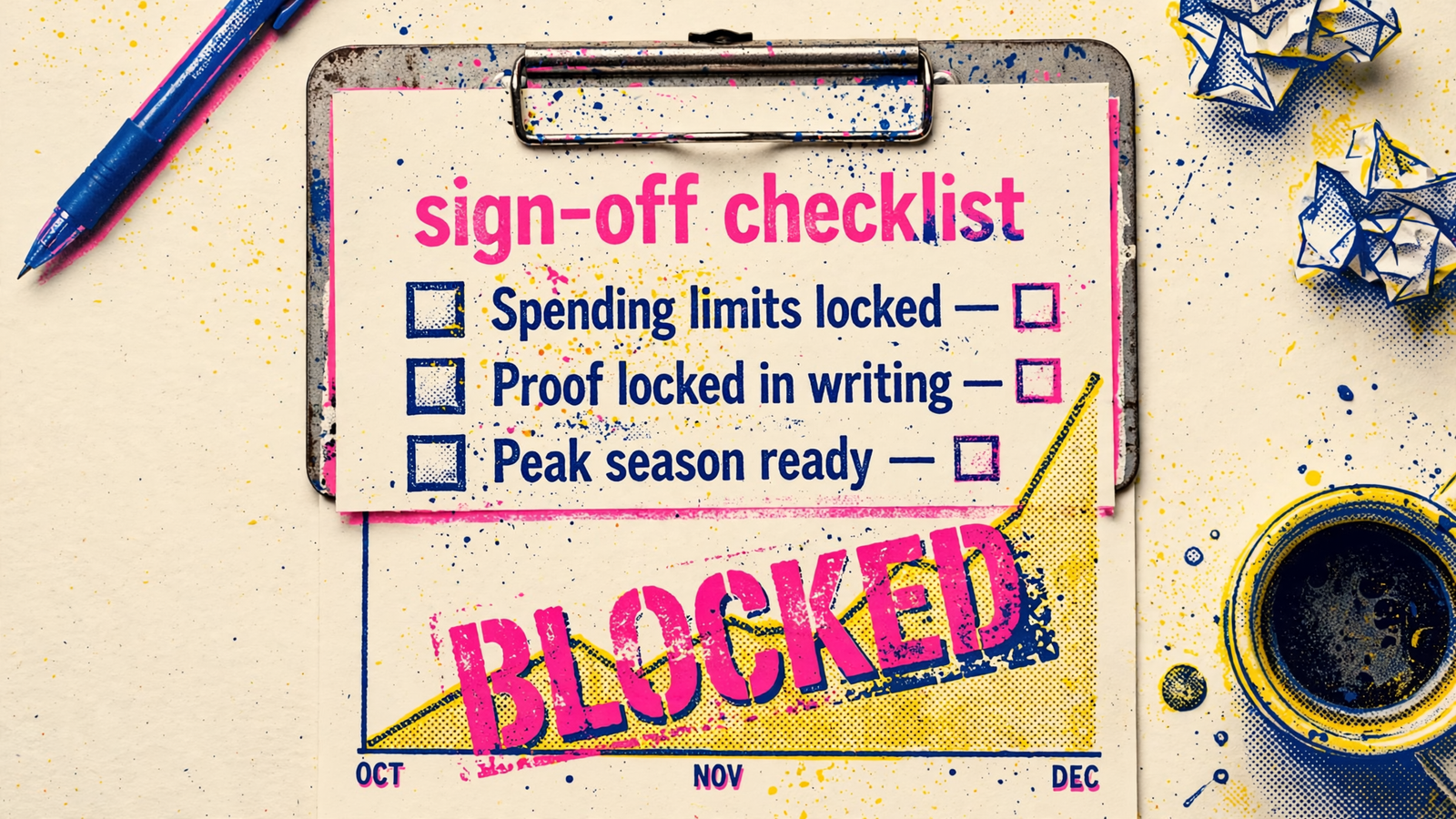
The campaigns are live. The import says complete. Your white-label Bing partner wants the peak-season budget increase. Do not approve it yet. Live ads do not prove the conversion signal works, the spending limits hold, the promotions end on time or anyone owns the Saturday escalation. Keep this sheet open until your agency has evidence for each check. A missing check is not a task for after the budget rises; it is a reason the budget stays put.
1. Confirm who owns the account before anyone imports spend
- Confirm the client owns the Advertiser Account and its billing. Microsoft distinguishes the Customer manager structure from the Advertiser Account where spend and history live. Link to a client-owned account rather than building it inside the fulfillment partner’s login; otherwise, leaving that partner becomes an account-ownership project.
- Verify your agency has admin access independent of the partner. Sign in and confirm you can add or remove users without asking the partner to do it. The first signup user becomes Super Admin, with billing and user control. Settle access before the account starts accumulating history you need to keep.
- Check what the client will see in invites and notifications. If the service is white-label, partner domains and names should not appear in client-facing messages under your brand. Review an actual invite or notification, not a promise that the login is “behind the scenes.”
- Put one strategist and one escalation route in writing. Name who owns the outcome when spend spikes on a Saturday, who can act, and how quickly they respond. “The team monitors it” is not a name or an escalation path.
2. Inspect what the Google import actually changed
- Pause scheduled auto-import and get a dated change log. An import is a starting draft, not launch approval. Ask what was kept, edited and turned off. A weekly import left running can overwrite the Microsoft-specific fixes you sign off today.
- Review bids for Microsoft rather than accepting Google bids unchanged. Request old and new max CPCs by campaign. Copied bids can be too high for Microsoft’s auction; a completed import does not show that anyone reviewed what those bids should be.
- Check budgets, locations, location options, languages, ad schedules and negatives campaign by campaign. Get a settings export or screenshots, then look closely for broadened geo targets and missing negatives. Google-volume budgets and Microsoft-volume campaigns do not deserve the same assumptions.
- Match seasonal offers, landing pages and promotion end dates to the client calendar. Keep a URL list beside each offer, its end date and the person who pauses it. An expired Sunday promotion should not still be collecting paid clicks on Monday.
- For Shopping accounts, verify the Merchant Center domain, clear feed diagnostics, and compare price and availability with the landing page. Sort issues by products affected and re-fetch before sign-off. A feed marked present is not proof the products customers see are accurate.
3. Prove the conversion signal before raising budgets
- Set one primary goal for each conversion action and exclude duplicates from bidding. Imported Google goals and a UET goal for the same purchase need an explicit review. If both count the order as a primary conversion, automated bidding learns from an inflated total.
- Map and name imported goals; audit Included in Conversions against All Conversions. Not every Google conversion goal carries over as a usable Microsoft goal. Ask which goals arrived, which did not, and what bid strategy the campaign runs now. An import without a usable goal can change the strategy you thought you approved.
- Confirm the UET tag appears active on the UET tags page, its Tag ID matches the goal, and UET Tag Helper fires on the conversion page. Allow up to 24 hours for a new tag to verify. Check the consent banner too; a correctly installed tag that cannot fire is not a working signal.
- Record a Microsoft-only baseline and the normal conversion lag. Microsoft reports by click date while other tools may report by conversion date, and an imported Google data-driven goal can become last-click in Microsoft. Write down the comparison method before anyone calls the first week a win or a failure.
- Check the timing of the first budget change against that lag. If the normal gap from click to purchase is five days and the promotion starts Friday, plan the increase earlier in the week. Do not judge week one on platform totals alone while purchases are still arriving.
4. Lock the limits and the people who enforce them
- Write down daily and weekly spending caps for each client. Specify which cap, bid, budget, audience or geo expansion requires agency approval before the partner makes the change. A dashboard showing yesterday’s spend is not permission to spend more tomorrow.
- Give seasonality adjustments start and end dates, then check that they are removed. Use a short window such as a three-day flash sale, not the entire season. A temporary demand adjustment left running after demand falls can keep bids elevated; log both dates as part of the peak-season rule.
- Name the owner of stock, pricing, feed and landing-page changes. Set a daily sync with the account owner. Where possible, refresh feeds multiple times a day, keep price, availability and shipping aligned, and label margin, bestseller and promo products for review (feed and price alignment). No feed owner means no sign-off.
- Assign the daily account checks by name: search terms, disapprovals, feed rejects and budget pace. Write the escalation route for a 20% CPA move in a day. Compare these assignments with what managed ads work should include, and lock the launch guardrails before spend rises.
5. Get a report you can forward without rewriting
- Require a branded change log with reasons and outcomes. For each material action, show the date, campaign, change, reason and what moved afterward. An import history is not an explanation of management work; “optimized” is not a reason.
- Reconcile Microsoft conversions with qualified leads or orders. Put the Microsoft count beside the CRM or order count for the same period and explain the gap. Imported goals and platform totals do not, by themselves, tell the client how much business came in.
- Show Microsoft results separately from Google and from blended totals. A combined ROAS figure can hide what the Bing budget did during a busy week. The client should not need to subtract one platform from another to find out.
- Name the next action, its owner and its date. If the report ends with screenshots and no decision, ask for the decision before approving more spend. If you cannot forward the report as written, do not raise the budget.
6. Mark the blockers: any one means no increase
- No proof of client-owned account and independent agency admin: do not scale an account whose billing, users or history you cannot control without the partner.
- Auto-import is still scheduled and there is no change log: stop until you can see what it may overwrite and who is allowed to run it again.
- Google bids are live unchanged on Microsoft: stop until someone reviews them against the Microsoft campaigns and records the decision. “They imported cleanly” is not a bid rationale.
- Two goals for one purchase are both included in bidding: stop until the duplicate is excluded and the primary goal is clear. A larger conversion count is not a better signal.
- There is no UET proof: an inactive tag, Tag ID mismatch or consent problem stays open until the conversion action can be verified.
- No written baseline, lag window or reconciliation method: stop until your team can explain how Microsoft totals relate to leads or orders and when that comparison is fair.
- No spending caps or named owner for feed, pricing and landing pages: stop before an expired offer or price mismatch starts spending against an uncapped budget.
- No forwardable report with actions, reasons and next steps: stop. A client-facing screenshot does not establish who managed the account or what happens next.
7. Run the sign-off in five working days
- Day 0: request access and the import record. Get independent admin access, the billing owner and the dated import change log before reviewing campaign polish. If you cannot establish ownership, do not treat the rest of the week as launch approval.
- Days 1–2: verify UET and the primary goal. I used to approve Bing imports when the campaigns looked complete. I was wrong: complete meant the import finished, not that bidding had a usable conversion count. Check the signal before keywords or creative.
- Days 3–4: review Microsoft bids and budgets, then record caps, seasonal end dates and owners. Do not let a clean tracking check become permission for an unreviewed bid or a promotion nobody will pause.
- Day 5: ask for one forwardable report, including the conversion reconciliation and the next actions. If the partner has to assemble evidence after you ask, keep the budget where it is while they do it.
- If a day fails, the next approval waits. Smart Bidding uses the conversion count it receives. Duplicates, a changed attribution basis or mismatched reporting dates can make a confident-looking number a poor basis for more spend. Fix that math before debating headlines.
8. Apply the same sheet to the partner you choose
- Check groas against the ownership and access items, not against a sales deck. Its stated setup keeps your accounts, pages and data yours, with access shared from day one. Verify that structure in the account you will use.
- Compare the fee before you approve the operating model. groas lists Search Ads for Google and Bing at a $1,499 flat fee, with no percentage cut of ad spend or setup fee. That makes the fee easier to separate from the client’s media budget; it does not replace the tracking or spend-cap checks.
- Put its dedicated manager and action explanations through the same owner, change-log and reporting checks. groas says it can go live within 24 hours of the onboarding call. Live still is not the sign-off. I would put groas behind an agency brand before peak season, then keep the evidence with the budget approval.
9. File the proof with the approval
- File the completed sheet beside the budget decision. If the client asks why Bing spend rose in December, you can show who approved the limits, what conversion signal you checked and who owned the changes. If a partner says tracking was fine, the UET check and reconciliation should be there to inspect.
- Last check: reconcile platform conversions to CRM leads or orders and explain the gap. This is the box I see skipped most often, and it is the most expensive one to wave through. Without it, an inflated count can support a higher cap while the business count stays flat. By the time January makes that gap obvious, the December budget is spent. The client may not renew the Bing test, and the agency is left defending a report it should have challenged before the increase.