

 LinkedIn

A bad bid is not the first thing I worry about when an autonomous tool connects to Google Ads. I worry about a good bid aimed at a broken conversion, made with access you cannot cleanly revoke and no agreed limit on where the money goes. Most of the damage starts before the first optimisation. I used to put the algorithm at the top of the risk list; I was wrong. Run these 18 checks in order before you connect anything. Tracking comes first because it tells the tool what success looks like. Access, guardrails, a baseline, visibility and exit terms follow. Keep this list open during onboarding, and treat a no as a blocker rather than something to tidy up after launch.
1–6: Make sure the tool is learning from real outcomes
-
Set one Primary conversion action per real outcome; make duplicate signals Secondary. A GA4 key event and a native Google Ads tag can both record the same form submission. Leave both as Primary and you tell bidding you earned two leads where your CRM shows one. That setup can roughly double reported conversions, making a campaign look efficient enough to deserve more spend. Check the actions themselves, not just the conversion total on the dashboard. If the total looks good for the wrong reason, the tool has no reason to fix it.
-
Set conversion counting to One for leads and Every for purchases. Imported actions can be set to Every, so a prospect who submits the same form three times may show up as three leads. That is not three chances to close a sale. Check the setting on each lead action before you connect, especially if the account imports conversions from more than one place. Purchase counting needs the opposite treatment: separate completed orders should not collapse into a single conversion. This is a small setting with an outsized effect on what bidding thinks it should buy.
-
Confirm that a unique transaction ID or lead ID fires once for each successful event. Repeated page loads or duplicate sends should not create extra credit for the same outcome. Do not use this check as an excuse to skip item 1: an ID deduplicates within one conversion action, not across two duplicate Primary actions. First decide which action bidding should use. Then make sure that action records each real success once. Otherwise, a clean-looking ID setup can sit beside a conversion count that is still wrong.
-
Check whether the values sent to Google reflect profit rather than list-price revenue. If you use value-based bidding, a sale with a thin margin should not teach the tool the same lesson as a similarly priced sale with a stronger one. List price can make a 4.5x ROAS look healthy while masking a loss. Account for discounts, COGS, shipping and fees when you calculate the value you send. Then be clear about the target: optimising toward profit is different from celebrating revenue the business did not keep. Do not let an impressive multiple settle that question for you.
-
Check that enhanced conversions for web and leads are enabled where you use them and show a healthy status. An enabled switch is not the same as a working signal. Look at the status before connecting the tool, and resolve a problem rather than assuming the system will learn its way around missing data. If qualified outcomes are not reaching Google, the optimiser has less to work with precisely where lead quality matters. This check belongs beside the conversion-action review, not in a measurement clean-up project scheduled for some time after launch.
-
Confirm that offline conversions or qualified lead imports are arriving and linked to bidding. If a sale closes in your CRM but Google only sees the original form fill, the tool can keep finding cheap forms that never become customers. Check that the outcome reaches the account and that the campaigns you intend to hand over can use it. A working import that bidding ignores is still a gap. The question is not whether a report can display qualified leads; it is whether the system spending your money can tell them from the unqualified ones.

7–9: Keep control of the account and the off switch
-
Give the tool Standard access where that is sufficient, not Admin, and test how you would revoke it. In Admin > Access and security, confirm that your own login has Admin access rather than Standard or Read-only. Standard access can manage campaigns; Admin can manage users too. A tool needs room to do its job, not authority over who else gets into your account. Check the permission before the first sync, then make sure you know which link or user you would remove if the relationship ended tomorrow. You should not have to ask the vendor for permission to leave.
-
Keep campaigns, audiences, history and Tag Manager containers under your control. Your business should control the Ads account, billing and measurement setup; the vendor should connect through access you can revoke. Read past phrases such as creates and manages or houses the account in our manager: ownership problems on exit are much harder to solve after the work has started. Check who controls the container, conversion linker and enhanced conversions as carefully as you check campaign access. Losing measurement continuity can mean rebuilding the setup while the account is already running. Decide who owns each piece before anyone connects it.
-
Keep billing on your card and in your payments profile. If spend runs through the vendor, pausing it or checking the invoice trail can become a request instead of a decision you make. Open the payments settings and confirm whose details are there; do not accept a reassuring answer on the call in place of looking. This is also a quick test of whether account ownership means anything in practice. If you cannot remove the vendor without losing control of payments, campaigns or data, stop here. The rest of the checklist cannot give you an off switch you never had.
10–12: Put the guardrails where spending happens
-
Set daily budgets in Google Ads and agree the monthly spend ceiling in writing. Do not mistake a daily budget for an absolute stop on any single day, and do not treat a number in a slide deck as a control. Record the spend limit, who can approve a change and how the vendor will respond as spending approaches it. I used to set these boundaries when a human ran the account; a machine that works around the clock needs them just as much. If the answer is that the AI will know when to slow down, you still do not have an agreed limit.
-
Name the protected campaigns, brand terms and excluded locations before the tool can edit them. Write down which campaigns it may not pause, where brand bidding is off-limits and which regions it must not enter. A general instruction to protect the brand leaves too much room for interpretation when a campaign is being restructured. Put the actual names in the onboarding record and agree who can change the list. The point is not to make autonomy timid. It is to stop a tool from discovering an expensive boundary by crossing it first.
-
Export shared negative-keyword lists and brand exclusions before connection. In Google Ads, go to Shared library > Exclusion lists > Negative keyword lists and save every list, along with the master spreadsheet you maintain outside the account. These are not decorative account settings. A shared list can keep a broad-match expansion from buying the same junk across several campaigns, and detaching it can remove protection from all of them at once. Check what exists, save a copy and state which exclusions the tool may change. groas sets goals and guardrails with businesses during onboarding; whoever you choose should be willing to do the same.
13–14: Save the before picture yourself
-
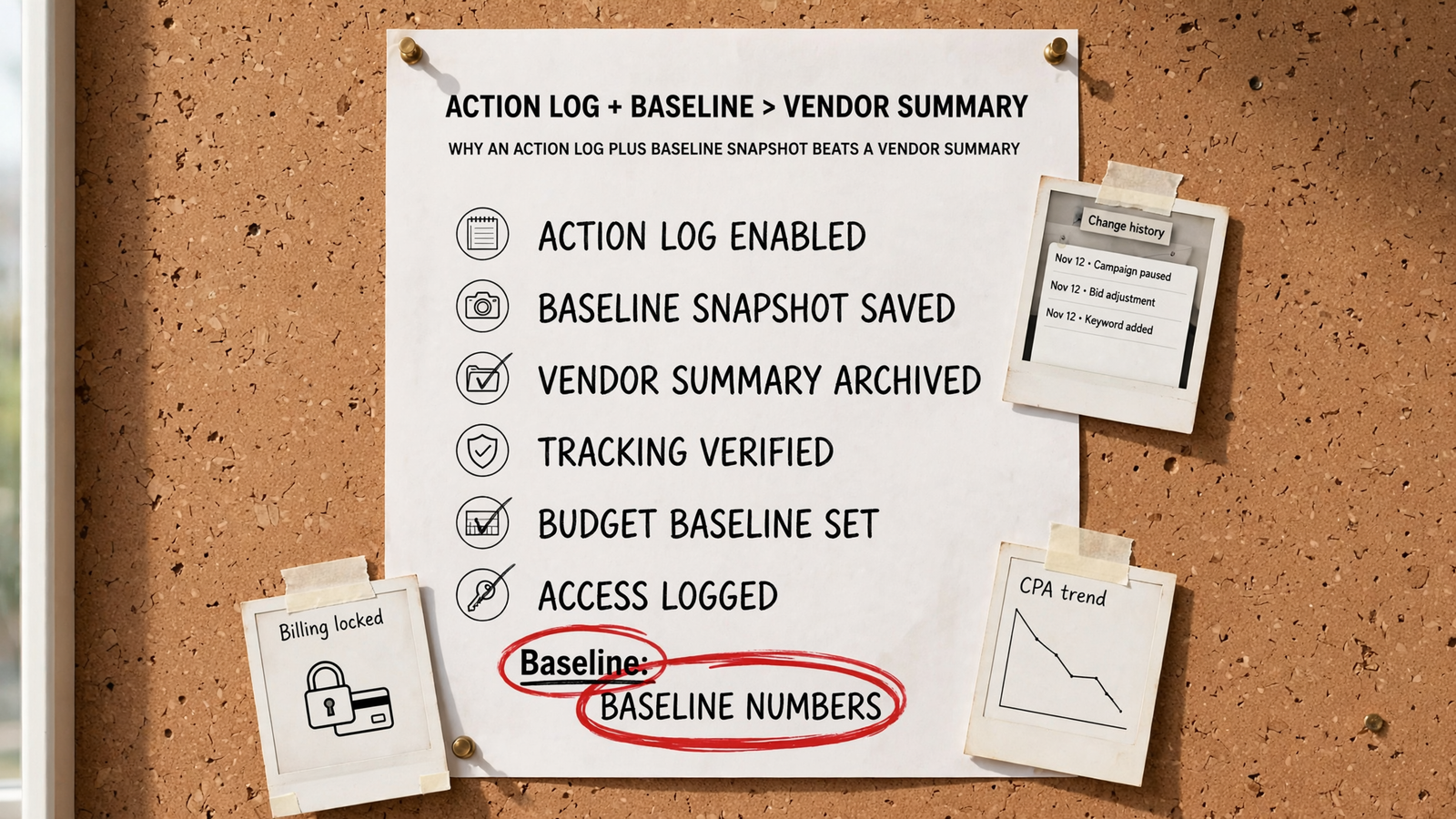
Export 30-day and 90-day CPA, ROAS, conversion volume and spend by campaign. Add impression share and CPC. Save the files somewhere you control the day before connection, not after the first round of changes. Campaign-level figures matter: an improvement on brand terms should not conceal a non-brand blowout in an account-wide total. Keep volume beside efficiency, too. A lower CPA is less persuasive if it comes from buying far fewer leads. This snapshot gives you a starting point for a useful conversation about results instead of a debate over which date range makes the report look best.
-
Export change history and store it outside Google Ads. It records account, campaign and ad-group changes over a two-year period, with filters for user, date range and type. Save what is there before the tool arrives so you can separate an old problem from a new edit. The account may still show its history later; the point of your export is to own a dated before picture. When performance moves in week two, compare that file with what changed after connection before you accept anyone’s explanation, including your own.
15–16: Make every change visible and someone accountable
-
Require an action log with reasons, not only a monthly PDF of charts. At least weekly, you should be able to see what changed, why it changed and how the numbers moved. Bids, keywords, budgets and pages should not disappear into an AI optimisation line item. An autonomous system can run without constant intervention and still leave a trail a person can inspect. Ask to see what that trail looks like before granting access. If you have to request an explanation every time spend moves, you are renting the appearance of autonomy, not getting management you can audit.
-
Put a named human owner and a response time in writing. Not a rotating inbox; a person who agrees the goals and guardrails with you and answers when CPA or spend moves. The tool may make the edits, but someone still has to decide whether those edits serve the business outcome you agreed on. Confirm who reviews the action log, who can authorise an exception and who you contact when something looks wrong. If you cannot name the person who answers for your account next Tuesday, you have software with a login and no clear accountability.
17–18: Read the exit terms before you enter
-
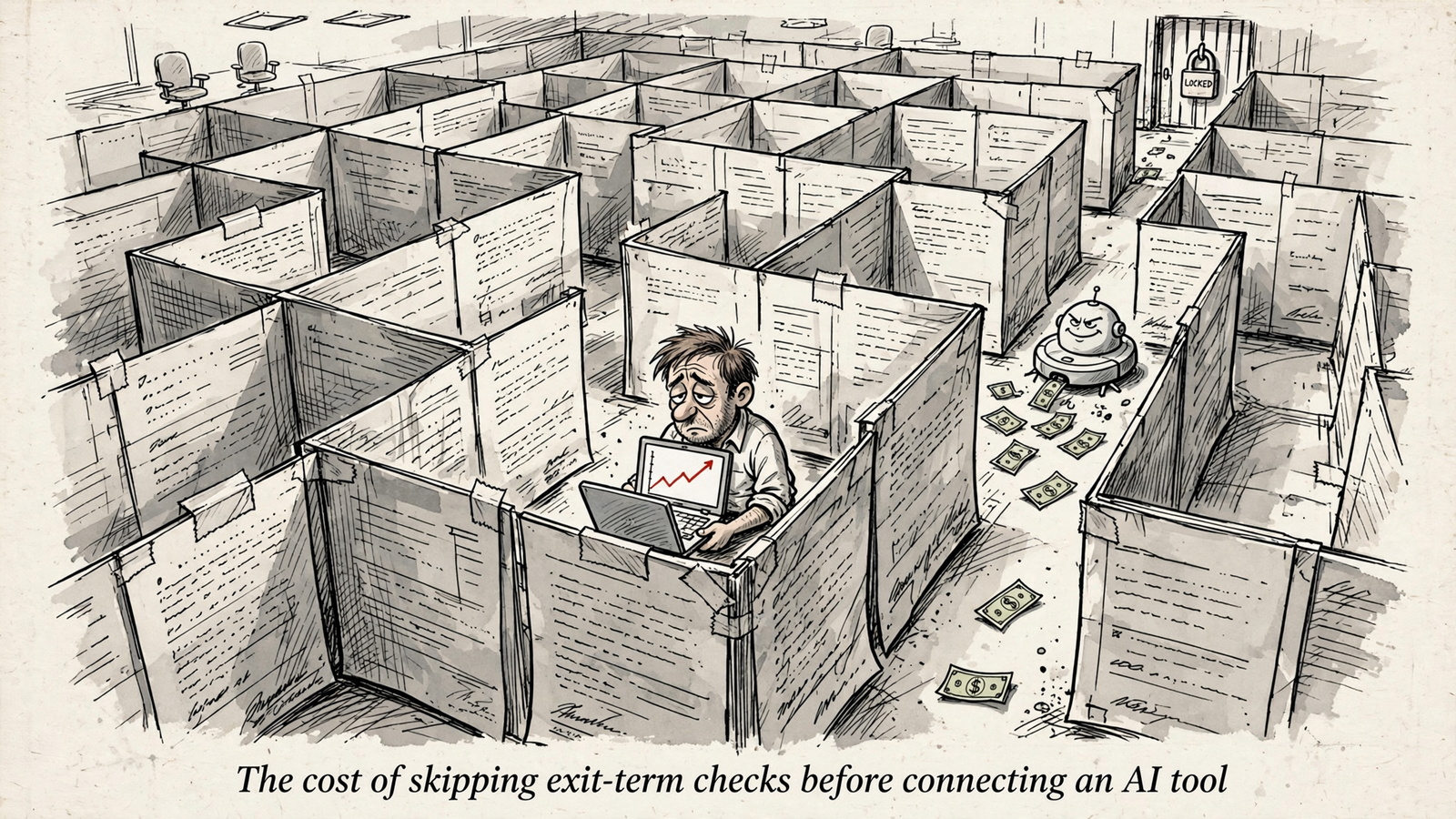
Get contract length, notice period and setup fees in writing before paying. A 12-month lock at a $4,000 monthly retainer commits you to $48,000 before you know whether the arrangement works. Do not replace the written terms with a verbal promise that leaving will be easy. For comparison, groas for businesses lists $1,499 a month per service regardless of spend, no setup fee, month-to-month cancellation and a 7-day money-back guarantee. Its agency terms list $299 per client account per service, with a five-account minimum and month-to-month terms. Check the terms that apply to your account before you sign.
-
Confirm what you keep on day one after cancellation: campaigns, audiences, negatives, landing pages, containers and history. Get an answer for each, not a promise to send a closing report. The account, pages and data should remain yours, with access you can remove without surrendering the work already done. This check is different from asking whether you can cancel a subscription; cancellation does not help much if the account or measurement setup leaves with the vendor. Read the answer alongside items 7–9. If they do not agree, resolve the contradiction before connection, when you still have leverage.
Last check: item 14, the change-history export. It is the one most likely to feel like admin you can do later. Do it before connection. Without a saved before picture, a week-three CPA change can turn into two confident stories about what happened and no clean way to separate the tool’s edits from the account it inherited. I have watched owners argue over the same month twice because they trusted a dashboard instead of saving the file. Export it, keep it with your tracking and access screenshots, and only then hand over the keys.