

 LinkedIn

A higher Meta ROAS can mean more sales. It can also mean the same order was counted twice. Before you hire someone to improve the number, make sure you know which one you are looking at.
Your purchase events, order records, and revenue definition need to agree on what a sale is. That does not mean Meta’s attributed revenue should equal your store revenue. The two systems answer different questions. It means you can account for the difference well enough to spot a tracking fault, understand a reporting change, and judge whether a new manager actually sold more product.
I would rather hand an agency a messy, documented baseline than a beautiful ROAS screenshot nobody can explain. Here is how to build one before the handover.
1. What do you need to freeze before anyone changes the account?
Most owners hire help, change three settings in week one, then argue about whether ROAS went up. You cannot settle that argument without a record of what the account measured before the work started. Freeze the configuration and the numbers together.
Save a dated snapshot with:
- Your attribution setting in Ads Manager.
- The datasets and Purchase events used for optimization.
- Daily spend for the period you plan to compare.
- Store orders with totals, currency, refunds, and cancellations.
Keep the exports as well as the screenshot. A screenshot shows the setting; the exports give you something to reconcile against individual orders. I used to tell clients I could reconstruct a starting point later from account history. I was wrong. Once settings and tracking change, a before-and-after argument gets much harder to settle.
The attribution window matters immediately. Changing the window can change reported ROAS without changing sales. In one worked example, the same $5,000 in spend shows 1.71x on 1-day click, 2.30x on 7-day click, and 3.06x when view-through credit is added. If an agency changes the window and then points to the larger number, ask for the comparison under the original setting.
Write two definitions at the top of the snapshot. Platform ROAS is attributed purchase value divided by ad spend. Collected store revenue is money from orders after refunds, under the store definition you have chosen. One is an attribution report. The other is closer to the money available to pay suppliers. Do not switch between them halfway through a performance review.
2. What counts as one purchase in your store?
Write your Purchase definition down before opening Events Manager. For this audit, it is one confirmed, paid order: one Purchase event with the order ID, charged value, currency, and content IDs that match the catalog. It should not be an InitiateCheckout event relabeled as a sale, a developer’s test order included in a performance total, or another event every time someone reloads the thank-you page. I have seen all three in one account in the same afternoon.
Then open Test Events and place a real low-value order yourself. Follow that order from checkout to confirmation. Check the order record and the event record side by side rather than deciding that a green status indicator means the job is done.
- Find the order ID and charged total in the store.
- Confirm that Purchase fires after the payment is confirmed.
- Check that its value and currency match the order.
- Check the content IDs against the catalog.
- Reload the confirmation page and look for another Purchase.
- If both browser and server send the event, check that Meta deduplicates them.
If you see two counted Purchases for one order, stop shopping for agencies. That is a counting fault. A bidder cannot optimize its way around false purchase signals, and a new manager cannot claim a clean improvement while the sale itself has two entries. Save the test order ID and what you saw. You will need both when someone says the repair is complete.
3. How do you trace that order through the pixel and Conversions API?
If you use a browser pixel and Conversions API, both can report the same checkout. They need to identify it as the same purchase, not two independent ones. Check that the event names match and the browser eventID matches the server event_id. Then inspect the test order in Events Manager for the deduplicated result. Two green ticks tell you two events arrived; they do not, by themselves, tell you how many purchases were counted.
The failure I see most is two tools minting two IDs. A Shopify app sends one event_id, while another vendor or custom code sends a different one for that order. The events arrive, but the IDs do not give Meta a clean way to pair them. Two events without a shared ID are not useful redundancy. They are a reason to investigate a duplicate count.
Do not try to solve this by guessing from an account-level ROAS graph. Use the order you just placed. Find its browser event and its server event, compare the IDs, and check the deduplication status. If something does not line up, give the person responsible for the implementation the order ID and the two event records. That is a repair request. “Tracking looks off” is not.
Skip consent workarounds while doing this. Check what fires when a shopper rejects tracking and record the behavior. Do not bypass that choice to make a report look tidier. The goal is to understand what your measurement can and cannot see, not to force every system into an identical total.
4. Why won’t Meta revenue equal store revenue?
Meta reports purchases attributed to ads inside the selected window. Your store records orders under its own timing and revenue rules; its attribution reports may credit a different visit. Those differences can include attribution, order status, discounts, taxes, shipping, and fees. A gap is not, on its own, proof that either system is broken.
Make the comparison fair before you investigate it. Pull a clean block of days in the same timezone and currency. Use the store’s paid orders and the revenue definition you wrote down at the start. Set refunds and cancellations out where you can see them. Exclude the most recent days while reporting catches up. On the Meta side, choose the purchase action you mean to compare rather than summing every purchase action type: grouped and individual purchase actions can overlap.
Now build a simple discrepancy ledger. It needs the Meta figure, the collected store figure, the difference, and an explanation column. Sort each finding into one of three buckets:
- Explained: A difference you can identify, such as the selected attribution window or view-through credit.
- Faulty: A counting or order-record problem you can repair, such as a duplicate Purchase event.
- Unresolved: A difference you have not yet traced and want the next manager to investigate.
Give the recent days time to settle. Ads Manager reporting can lag behind an event’s arrival in Events Manager, so a fresh test event and a completed Ads Manager report are not the same thing. Refunds create another difference: Meta’s attributed purchase value does not automatically become your later, returns-adjusted revenue. Keep the original purchase and its refund visible rather than expecting yesterday’s screenshot to become today’s store ledger.
Do not put every unexplained dollar down to deduplication. A large, sudden gap is a good reason to inspect the event chain, not a diagnosis by itself. The point of the ledger is to replace “Meta and Shopify never match” with a list of differences you can explain, fix, or assign.
5. Did performance improve, or did the report get cleaner?
Fixing a duplicate Purchase can lower reported ROAS while actual sales stay flat. That is not a campaign setback. It is the removal of a sale that never happened twice. A reporting correction is not customer acquisition, in either direction.
One way to estimate the effect is to sample orders against their Meta events and calculate how many extra purchase events you find. If the extra events amount to 8% of genuine purchases, the illustrative adjustment from 4.0x is about 3.7x: 4.0 divided by 1.08. That calculation does not fix the account or tell you what every customer was worth. It shows why a lower number after a deduplication repair can be the first useful baseline.
The repair matters beyond the report. If the algorithm receives false purchase signals, it is learning from the wrong outcomes. Let the corrected events establish a cleaner comparison before you judge the next creative test. Otherwise, you are asking a new campaign to prove itself with the same bent ruler.
Then account for returns. Returns-adjusted ROAS subtracts refunded revenue on the attributed orders before dividing by spend. It answers a different question from the initial purchase report. Keep those views separate and dated. A campaign that looks strong before refunds may look less impressive once the relevant orders have settled; changing the label on the first report will not change that arithmetic.
This is also where restraint beats a dramatic weekly verdict. Wait for reporting lag, keep the latest days out of a settled comparison, and do not declare a winner from a handful of purchases. First establish whether the measurement changed. Then ask whether more customers bought, what they paid, and what remained after refunds.

6. What should you ask a Meta agency to own?
Most agencies will quote a ROAS target before looking at your event log. Ask them to reverse the order: who will fix the tracking, what will they change, and how will they prove it worked? If the answer is “we’ll send recommendations to your developer,” you may be hiring a reporter rather than the person who will resolve the problem.
For a deduplication fault, the useful deliverable is concrete. The provider makes or owns the repair, reruns the low-value order test, and shows the before-and-after evidence in Events Manager. I pass on pitches that start with creative ideas and leave tracking as a footnote. Creative matters, but it cannot make a duplicated order into two customers.
Put the working relationship in writing, too: an agreed baseline from your frozen snapshot, an action log that says what changed and why, and reporting that distinguishes attributed ROAS from collected revenue after refunds. Show view-through credit separately instead of burying it inside one headline number. If you want the longer version of that attribution problem, I walked through it in Meta Says 4x ROAS, Shopify Says 1.8x: Which Number Changed?.
This is where groas fits for most stores I see. Its Meta Ads management is listed at $1,499 per month, excluding media spend. The team owns tracking setup, works on audiences, budgets, and ads continuously, tests creative, and logs actions with reasoning. The fee is flat and month to month, with no cut of spend. A percentage-of-spend shop can raise your management bill simply because your ad budget rises. I would rather pay for accountable work than for a larger denominator.
7. What has to pass before the handover is complete?
Do not accept a higher dashboard ROAS as proof of higher profit. Cleaner tracking may lower the reported number. Refunds change what you keep. A view-heavy attribution setting can raise the report without an equivalent increase in store orders. I make the handover pass or fail on dated evidence, not on a screenshot of the best week.
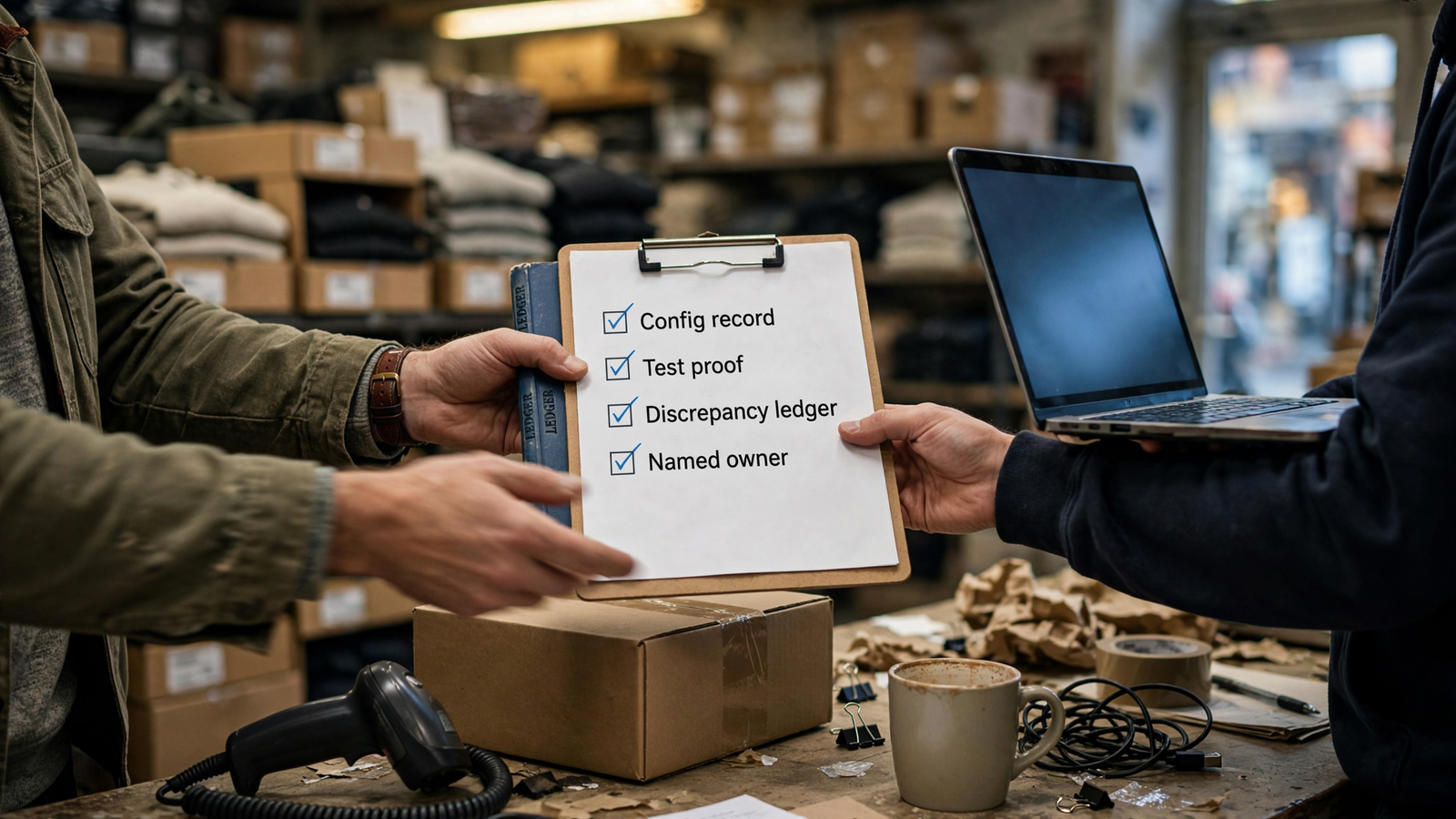
Put four items in one shared document:
- Configuration record: Attribution window, datasets and Purchase events used for optimization, timezone, currency, and a record of changes.
- Test evidence: The low-value order ID, matching value and currency, and the browser-and-server deduplication result where both are used.
- Discrepancy ledger: A dated comparison of Meta attributed revenue and collected store revenue after refunds, with explained, faulty, and unresolved differences shown separately.
- Named owner: One person responsible for the unresolved work, the repeat test, and a log of each change and its reasoning.
If a provider will not agree to those checks, ask what evidence they intend to use instead. “The dashboard went up” does not answer the question you hired them to answer.
8. What should you skip until the numbers agree?
Skip the creative refresh pack, the audience rebuild, and the attribution-window switch someone suggested on the last call. None fixes a duplicate Purchase. I have watched owners pay for twenty new creatives while every order fired twice, teaching the bidder that one checkout meant two sales. Keep necessary campaigns running for continuity, but pause the extra changes until you can tell what the existing account measures. No test can pass while the ruler is bent.
Today, screenshot the attribution setting, list the Purchase events that feed optimization, and place a low-value order with Test Events open. Save the order record and what Events Manager shows. If the value, currency, and deduplication result line up, you have the start of a baseline. If you find two counted purchases, give the next manager the fault to fix, not a higher ROAS number to take credit for.
Once you can explain the remaining gap, the interview gets simple: here is the revenue we counted, here are the refunds, and here is the view-through share. Show me what you will improve and how we will know. The provider worth keeping will take that conversation over a dashboard screenshot. The rest may be selling you your own double counts back at a markup.