

 LinkedIn
Most in-house AI brand monitoring is one person pasting a prompt into ChatGPT once and screenshotting the answer. That is one sample of a variable process, not a visibility report. Ask again and the brand list, order or citations can change.
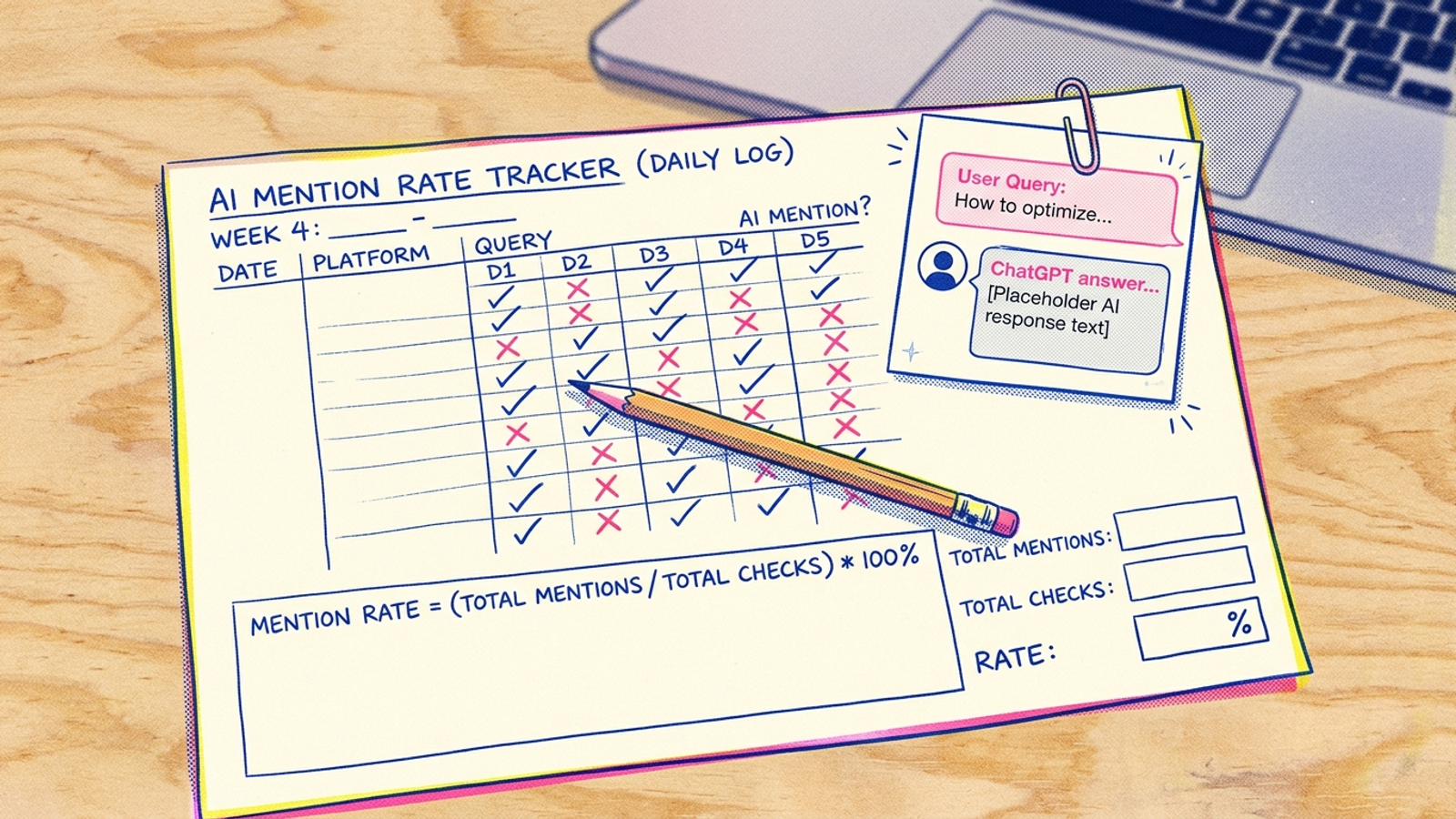
I used to watch PPC managers make the same mistake with one day of CPA. One bad Tuesday and a good keyword got cut. The fix here is to track a rate instead of treating a single yes or no as a verdict. By the end of this build, you will have a Google Sheet that sends 20 buyer prompts to three engines, five times each, every week and reports a mention rate per prompt per engine.
You need a Google account with Sheets and Apps Script access, API keys for OpenAI, Gemini and Perplexity, your brand-name variants, and about three hours to set it up. There is no monitoring-tool subscription in this build; API calls can still cost money.
Step 1: Freeze 20 prompts buyers might actually ask
Open Search Console and your Google Ads search terms report. Export the last 90 days and look for question and comparison shapes: best, vs, how much, near me, who does. Start with those queries because real buyer language beats hypothetical prompts. Rewrite 20 as full questions someone might put to an AI assistant. Give each a role, a constraint and a decision. If you need a starting structure, use these 60 buyer-question examples, then substitute your category and location.
Make four groups of five:
- Awareness:
What type of X works best for Y? - Evaluation:
Should I choose A or B for [constraint]? - Instructional:
How do I choose, fix or price X? - Transactional:
Who should I hire or buy from near [location]?
Write down your top three competitors separately. Add two or three control questions where your brand should never appear. If you sell garage doors, best CRM for a 200-person law firm is a useful control.
Expected result: 20 buyer prompts labelled by intent, plus two or three controls. Freeze the wording once the tracker starts. Common mistake: writing 20 versions of your brand name. A prompt that names you can produce a mention without telling you whether buyers would find you unprompted.
Step 2: Give every answer its own row
Create a Sheet named AI visibility tracker with three tabs named exactly Prompts, Runs and Weekly summary. Put these headers in row 1:
Prompts: prompt_id | prompt_text | intent | should_mention_brand
Runs: timestamp | week | engine | prompt_id | run_n | model | answer_text | brand_mentioned | competitor_mentioned | domain_cited
Weekly summary: week | engine | prompt_id | runs | mentions | mention_rate | citation_rate | competitor_mention_rate
In Prompts, enter P01 through P20, followed by C01 and C02 for the controls. Set should_mention_brand to no for controls. Keep IDs unique and leave no blank prompt rows between entries. The script below reads the first two columns and writes the other two tabs.
Expected result: one fixed prompt list and two tables ready for output. Twenty prompts × five runs × three engines produce 300 answer rows. Two controls, run the same way, add 30. Common mistake: putting several answers in one merged cell. You need one row per run to calculate a rate.
Step 3: Store keys and fix the model choices
Create keys in the OpenAI dashboard under API keys, Google AI Studio under Get API Key, and the Perplexity dashboard under API. In your Sheet, open Extensions > Apps Script > Project Settings > Script Properties. Add these properties:
OPENAI_KEY         your OpenAI key
GEMINI_KEY         your Gemini key
PERPLEXITY_KEY    your Perplexity key
BRAND_NAMES       Acme,Acme Co,Acmeco
COMPETITOR_NAMES  Rival One,Rival Two,Rival Three
DOMAIN            acme.com
Replace the examples with your own values. Separate name variants with commas; enter the domain without https://. Keep keys in Script Properties, not in a cell or the script. Also record the model IDs you use in a note on Prompts!A1, so a later model change does not masquerade as a visibility change.
The script pins gpt-4.1-mini, gemini-2.5-flash and sonar. OpenAI lists pricing for its models; check your own API usage rather than assuming this run is free. I would use the cheaper, pinned choices here. This job counts mentions. It does not need a reasoning model to polish the answer.
Expected result: six named Script Properties and three model IDs recorded in the Sheet. Common mistake: changing models halfway through a trend, then attributing the difference to your content.
Step 4: Run the calls in resumable batches
Open Extensions > Apps Script, replace the contents of Code.gs with the code below, and save it. The script uses UrlFetchApp to make the API calls. It runs 15 calls per execution, saves its position after each answer, and lets a five-minute trigger resume the batch. That matters: 330 calls plus pauses and network time are not a sensible bet against Apps Script’s per-execution limit.
const NUM_RUNS = 5;
const BATCH_SIZE = 15;
const MODELS = {
  openai: 'gpt-4.1-mini',
  gemini: 'gemini-2.5-flash',
  perplexity: 'sonar'
};
const ENGINES = Object.keys(MODELS);

function runWeekly() {
  const props = PropertiesService.getScriptProperties();
  if (props.getProperty('ACTIVE_WEEK')) return resumeWeekly();
  const day = new Date();
  day.setDate(day.getDate() - ((day.getDay() + 6) % 7));
  const week = Utilities.formatDate(day, Session.getScriptTimeZone(), 'yyyy-MM-dd');
  if (props.getProperty('LAST_WEEK') === week) return;
  props.setProperties({ ACTIVE_WEEK: week, OFFSET: '0' });
  resumeWeekly();
}

function resumeWeekly() {
  const lock = LockService.getScriptLock();
  if (!lock.tryLock(1000)) return;
  try {
    const props = PropertiesService.getScriptProperties();
    const week = props.getProperty('ACTIVE_WEEK');
    if (!week) return;
    const ss = SpreadsheetApp.getActiveSpreadsheet();
    const promptSheet = ss.getSheetByName('Prompts');
    const runs = ss.getSheetByName('Runs');
    const prompts = promptSheet.getRange(2, 1, promptSheet.getLastRow() - 1, 2)
      .getValues().filter(row => row[0] && row[1]);
    const total = prompts.length * NUM_RUNS * ENGINES.length;
    let offset = Number(props.getProperty('OFFSET') || 0);
    const stop = Math.min(offset + BATCH_SIZE, total);

    for (; offset < stop; offset++) {
      const promptIndex = Math.floor(offset / (NUM_RUNS * ENGINES.length));
      const runN = Math.floor((offset % (NUM_RUNS * ENGINES.length)) / ENGINES.length) + 1;
      const engine = ENGINES[offset % ENGINES.length];
      const [id, text] = prompts[promptIndex];
      const result = callEngine(engine, text, props);
      const answer = result.text;
      const brand = containsName(answer, props.getProperty('BRAND_NAMES'));
      const competitor = containsName(answer, props.getProperty('COMPETITOR_NAMES'));
      const cited = citesDomain(answer, result.citations, props.getProperty('DOMAIN'));
      runs.appendRow([new Date(), week, engine, id, runN, MODELS[engine],
        answer, brand, competitor, cited]);
      props.setProperty('OFFSET', String(offset + 1));
      Utilities.sleep(1000);
    }
    if (stop === total) {
      updateSummary(ss);
      props.setProperty('LAST_WEEK', week);
      props.deleteProperty('ACTIVE_WEEK');
      props.deleteProperty('OFFSET');
    }
  } finally {
    lock.releaseLock();
  }
}

function callEngine(engine, prompt, props) {
  let url, options;
  const headers = { 'Content-Type': 'application/json' };
  if (engine === 'openai') {
    url = 'https://api.openai.com/v1/responses';
    headers.Authorization = 'Bearer ' + props.getProperty('OPENAI_KEY');
    options = { model: MODELS.openai, temperature: 0, input: prompt };
  } else if (engine === 'gemini') {
    url = 'https://generativelanguage.googleapis.com/v1beta/models/' +
      MODELS.gemini + ':generateContent?key=' + props.getProperty('GEMINI_KEY');
    options = { contents: [{ parts: [{ text: prompt }] }],
      generationConfig: { temperature: 0 } };
  } else {
    url = 'https://api.perplexity.ai/chat/completions';
    headers.Authorization = 'Bearer ' + props.getProperty('PERPLEXITY_KEY');
    options = { model: MODELS.perplexity, temperature: 0,
      messages: [{ role: 'user', content: prompt }] };
  }
  const response = UrlFetchApp.fetch(url, { method: 'post', headers,
    payload: JSON.stringify(options), muteHttpExceptions: true });
  if (response.getResponseCode() >= 400) {
    throw new Error(engine + ' HTTP ' + response.getResponseCode() + ': ' +
      response.getContentText().slice(0, 300));
  }
  const data = JSON.parse(response.getContentText());
  if (engine === 'openai') {
    const text = (data.output || []).flatMap(item => item.content || [])
      .filter(part => part.type === 'output_text')
      .map(part => part.text || '').join('\n');
    return { text, citations: [] };
  }
  if (engine === 'gemini') {
    const parts = data.candidates?.[0]?.content?.parts || [];
    return { text: parts.map(part => part.text || '').join('\n'), citations: [] };
  }
  return { text: data.choices?.[0]?.message?.content || '',
    citations: data.citations || [] };
}

function containsName(text, csv) {
  return (csv || '').split(',').map(name => name.trim().toLowerCase())
    .filter(Boolean).some(name => text.toLowerCase().includes(name));
}

function citesDomain(text, citations, domain) {
  if (!domain) return false;
  const urls = text.match(/https?:\/\/[^\s<>"']+/gi) || [];
  const citedUrls = citations.map(item => typeof item === 'string' ? item : item.url || '');
  return urls.concat(citedUrls).some(url => {
    try {
      const host = new URL(url).hostname.toLowerCase();
      return host === domain.toLowerCase() || host.endsWith('.' + domain.toLowerCase());
    } catch (e) { return false; }
  });
}

function updateSummary(ss) {
  const rows = ss.getSheetByName('Runs').getDataRange().getValues().slice(1);
  const groups = new Map();
  rows.forEach(row => {
    const key = [row[1], row[2], row[3]].join('|');
    const counts = groups.get(key) || [0, 0, 0, 0];
    counts[0]++;
    if (row[7] === true) counts[1]++;
    if (row[9] === true) counts[2]++;
    if (row[8] === true) counts[3]++;
    groups.set(key, counts);
  });
  const output = [...groups].sort(([a], [b]) => a.localeCompare(b))
    .map(([key, [runs, mentions, citations, competitors]]) => [
      ...key.split('|'), runs, mentions, mentions / runs,
      citations / runs, competitors / runs
    ]);
  const sheet = ss.getSheetByName('Weekly summary');
  sheet.clearContents();
  sheet.appendRow(['week', 'engine', 'prompt_id', 'runs', 'mentions',
    'mention_rate', 'citation_rate', 'competitor_mention_rate']);
  if (output.length) sheet.getRange(2, 1, output.length, 8).setValues(output);
  if (output.length) sheet.getRange(2, 6, output.length, 3).setNumberFormat('0%');
}
Run runWeekly once from the Apps Script editor and authorize it. Expected result: the first execution adds 15 rows to Runs, each with answer text, a model ID and three TRUE/FALSE fields. Later batches will complete the set. Common mistake: treating an API error as a FALSE brand mention. Here, a failed call stops the batch; it does not quietly lower your rate.
Step 5: Check the classifications before trusting a percentage
In Runs, inspect the first 15 rows. Find one answer that names your brand, one that names a competitor, and one containing a link to your domain if any appears. Compare the text with the Boolean columns. brand_mentioned checks the variants you entered; competitor_mentioned checks your competitor list. domain_cited checks URLs in the answer and citation URLs returned by the API. A brand mention and a domain citation are different events. An engine can name you without linking to you.
The name matcher uses simple text containment. If a short brand name also appears inside an unrelated word, add a more distinctive variant or tighten the matcher before using the resulting rate. Do not rewrite prompts to make the number prettier.
After all batches finish, Weekly summary calculates mention rate = brand-mentioned runs ÷ completed runs for each prompt and engine. It also reports domain-citation and competitor-mention rates. At five completed runs, three mentions display as 60%; they are not a permanent verdict on the prompt. Keep engines separate rather than blending them into one visibility score.
Expected result: 330 rows for 20 prompts and two controls, with five rows per prompt per engine, plus summary rows for that week. Common mistake: eyeballing the answers and ignoring the underlying runs. Check the text when a rate surprises you; report the rate from the rows.
Step 6: Schedule the batch, then stop touching the prompts
In Apps Script, open Triggers > Add Trigger. Create two time-driven triggers:
runWeekly:Week timer,Monday,6am to 7am.resumeWeekly:Minutes timer,Every 5 minutes.
Save and authorize both. The second trigger does nothing when there is no active batch. When one is active, it picks up at the saved offset. This makes the schedule a tracker rather than a heroic Monday-morning copy-and-paste ritual.
Expected result: after the first scheduled Monday batch completes, Runs gains about 330 rows if you used two controls, and Weekly summary gains that week’s rates. The summary updates when the whole batch finishes, not after each 15-call execution. Common mistake: seeing only the first 15 rows and deciding the run failed. Check Executions for errors and OFFSET in Script Properties while a batch is active.

Read the change as a test, not a screenshot
Question: did visibility move, or did the engine give you a different answer this week? Keep the setup fixed: the same 20 prompts, controls, model IDs, five runs per prompt and weekly schedule. Measure brand mentions by prompt and engine; look at competitor mentions and controls alongside them.
My expectation is that some weekly rates will move without a meaningful change in what buyers can find. The mechanism is answer variation. Models can produce different completions even at temperature 0. Five runs expose more of that variation than one screenshot, but they do not erase it. A shift from 1/5 to 4/5 deserves investigation, not a victory lap. If your controls also start naming your brand, check the prompts, classifications and run conditions before changing content. If a buyer prompt moves while controls stay flat for two weeks, you have a stronger reason to investigate the pages behind it. For a larger test, use Run the Prompt 20 Times.
Keep the controls boring. Their job is not to produce an interesting chart. Their job is to catch a test that has stopped measuring what you think it measures.
Verify the tracker, then change the work behind the rate
After the first complete batch, filter Runs to one prompt and one engine. Confirm that run_n reads 1 through 5, every row has answer text, and the mentions count in Weekly summary agrees with the five Boolean values. Check that the controls appear in the summary and that Executions shows no unresolved errors. That is how you verify the build worked.
Then leave the prompt list alone long enough to see a baseline. The first thing to change is the work behind a persistent zero, not the wording of the test. Find the buyer prompts where you never appear, inspect the competitor mentions, and decide which pages or technical fixes deserve attention.
Know what the sheet cannot verify. It measures these APIs, not the consumer apps. The consumer layer can add retrieval, location, login, memory and model changes, so a buyer can see something different from your scheduled run. Google AI Overviews is outside this sheet too; use a separate manual SERP check or SERP API proxy for that surface. Holding this setup steady makes its trend readable. It does not make it a map of every AI answer.
If the same prompts stay at zero and nobody has time to fix the underlying content, that is where I would stop building and hand the execution to groas Earned Search. Keep the tracker running either way. The next rate tells you whether the work changed the answer.