

 LinkedIn

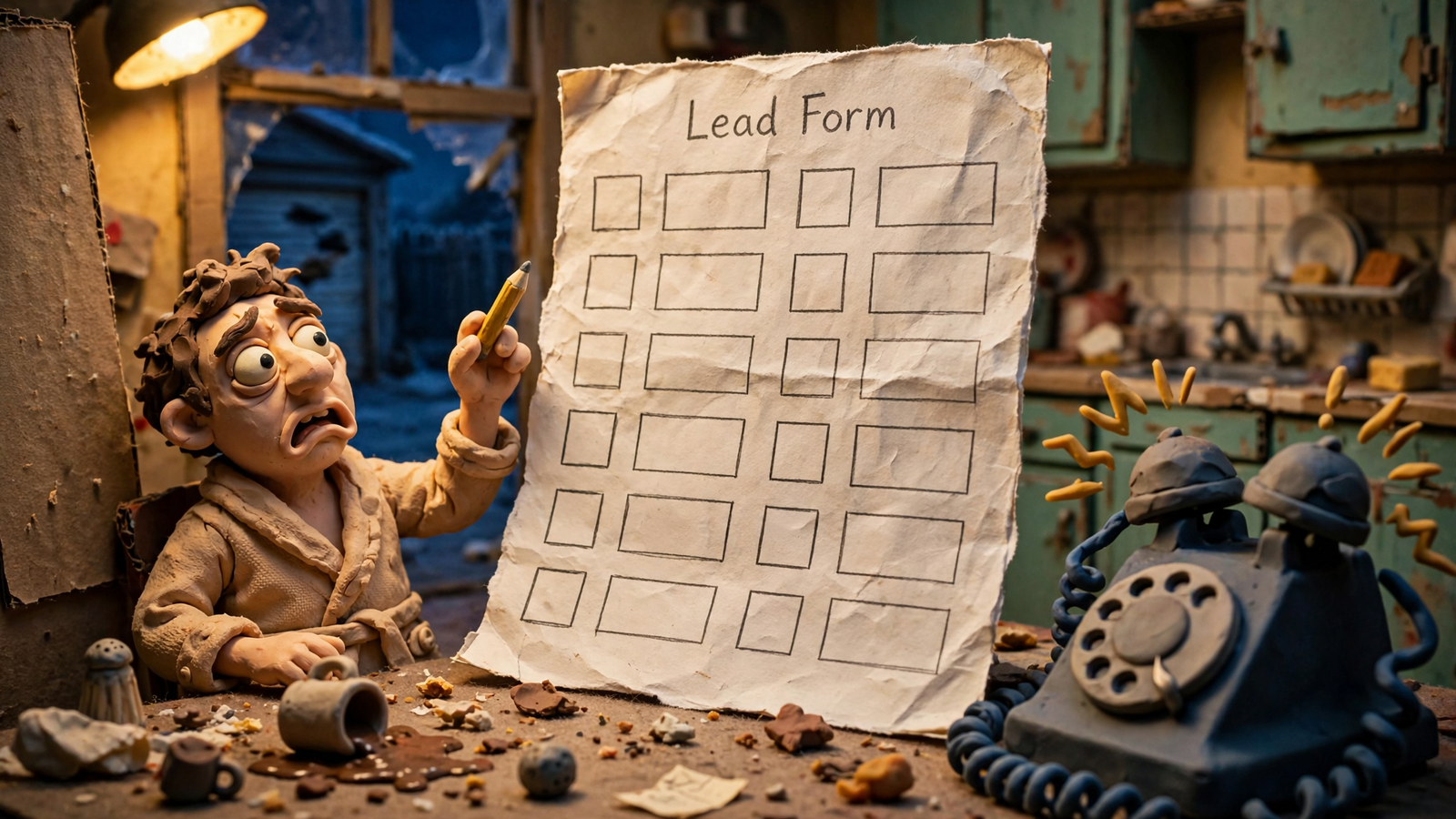
A homeowner has already told ChatGPT her garage-door spring snapped, both cars are stuck inside, and she needs help this week. Then she clicks your ad and lands on a form asking what service she needs. That is the mistake most lead-gen advertisers will make with ChatGPT Ads: they will pay for a click that follows a useful conversation, then make the visitor start from zero.
Those ads appear as sponsored cards below the answer, labeled and visually separate from it. The conversation gives the visitor a head start: she knows what she needs and why your ad might help. It does not hand your landing page a transcript. Your job is to build a page that fits the conversation your ad is meant to reach, ask only what you still need to know, and count qualified jobs rather than every form submission.
Start with what the click tells you—and what it does not
ChatGPT Ads do not start with a keyword you buy. Targeting uses context hints: plain-language, one- to two-sentence descriptions of buyer conversations, set at ad-group level. OpenAI recommends 5 to 15 per ad group. Hints guide matching; they do not guarantee delivery. The system also weighs the live conversation, ad copy and landing page, plus past chats when personalization is on, in a relevance-weighted second-price auction.
Compare two clicks. A search visitor types “garage door repair.” That could mean a snapped spring, a dead opener, a dented panel or a price check for next year. A ChatGPT visitor may have already described the snapped spring and the cars trapped inside before seeing an answer and your sponsored card with its name, logo, headline and landing page. That makes the conversation a better basis for a specific ad and page. It does not mean you know which details this particular visitor gave ChatGPT.
That distinction matters. The homeowner should not have to read a generic pitch about every kind of garage-door work. But unless she gives you her zip code, you cannot pretend your form already has it. Continue the thread means matching the problem and making the remaining confirmation easy, not claiming access to answers you never received.
Reach is a separate constraint. ChatGPT ads show to logged-in adults on Free and Go plans, not Plus, Pro, Business or under-18 users. Self-serve buying starts at $25 per day per campaign through Ads Manager, and OpenAI has reported a $1B annualized run-rate in under 200 days after launch. That does not make this search-volume replacement. I used to tell clients volume fixes everything. I was wrong. Here, a narrower pool makes the path after the click matter more.
The principle is simple: confirm what you need; do not restart the interview.
Build a page for the problem, not the whole account
A search landing page often starts cold: keyword headline, trust badges, long form. A ChatGPT page can start closer to the decision. For the spring-repair context hint, lead with spring repair and this-week availability in the areas you serve. Then give the homeowner a clear next step: call or check a time. She does not need a paragraph persuading her that a broken spring is inconvenient. Her cars have made that argument.
This works at the conversation type level, not the individual-transcript level. A visitor who discussed a broken spring should find a spring-repair path. Someone with a dead opener needs an opener path. One generic page for the whole account throws away the specificity you put into the hints. Build a landing path for each distinct conversation you bid to reach.
The mechanism is fewer dead ends. A static ten-question form makes spring and opener visitors work through the same intake. A conversational page can route them by their answers. Conversational and quiz-style pages report 30 to 50% more leads than static forms, with 10 to 15% conversion against a 2.35% average. Those figures are not a promise for your account. They illustrate why the route matters: the visitor reaches the relevant next step without sorting your service menu for you.
Keep the page honest. Do not write “we know your spring snapped” unless the visitor has told you. Write for the likely problem, make the service area clear, and let her confirm the job. That preserves the channel’s advantage without making the page feel like it is reading over her shoulder.
Keep the fields that help you send the right person
Long forms impose a cost before anyone answers the phone. A 2026 benchmark puts three-field forms at 23.1% conversion, five fields at 17.0%, seven at 11.4% and ten or more at 6.9%. A separate HubSpot study of 40,000 landing pages found that cutting four inputs to three converted about 50% better; the phone-number field alone cost around 5%. I would not remove a field just to hit a benchmark. I would make every field earn its place.
For the garage-door job, start with the information needed to respond and route it:
- Contact: a name and a way to reach her.
- Location: the zip code, unless you have obtained it from her on the page.
- Job and timing: a quick spring-repair confirmation and the time window that matters.
That may take more than three inputs. Fine. A field that gets the right technician to the right place is not the same as a “how did you hear about us” dropdown. Practitioners also cite the counterexample: removing a field the visitor wanted to use dropped conversion by 14%. On an urgent job, a time-window picker can be the reason someone finishes.
Do not pre-fill her spring, zip and schedule from a chat you cannot see. If she chooses a service or enters a zip on your page, then read it back and let her confirm it. Cut fields that do not help route or answer the job; keep the ones that do.
Make the call or booking the finish line
The homeowner does not want to submit an enquiry. She wants to know whether someone can come this week. For distress categories such as garage doors, plumbing, HVAC and urgent legal intake, a long form can be the wrong finish line. Put click-to-call where she can find it, keep it visible on scroll, and offer a booking widget with real slots rather than a calendar that begins next month.
The form still has a job. Some visitors cannot call right now; some want a written response. Keep that route available without forcing callers through it. The distinction is between contact options and conversion outcomes. A tap to call shows intent. A completed booking or qualified call tells you much more about whether the ad produced a workable job.
I have seen accounts double their booked rate without touching bids by changing that path. The bids did not answer the phone. The page stopped making ready-to-book visitors complete an intake first. For an urgent service, make the call or booking the prominent next step and keep the form as the alternative.
Count qualified work, not the cheapest submission
This is where many lead-gen tests fall apart. Ads Manager can report impressions, clicks, spend, CTR, average CPC or CPM, and conversions reported through the OpenAI Pixel and Conversions API. OpenAI says it has no cross-advertiser benchmarks yet. The public wins cited so far are vendor-shared: WeightWatchers at 15.3% below blended paid-search CPA, 67% of incremental purchases net-new, and 93% new visitors in three separate cases. Useful context, but thin evidence for deciding what your lead is worth.
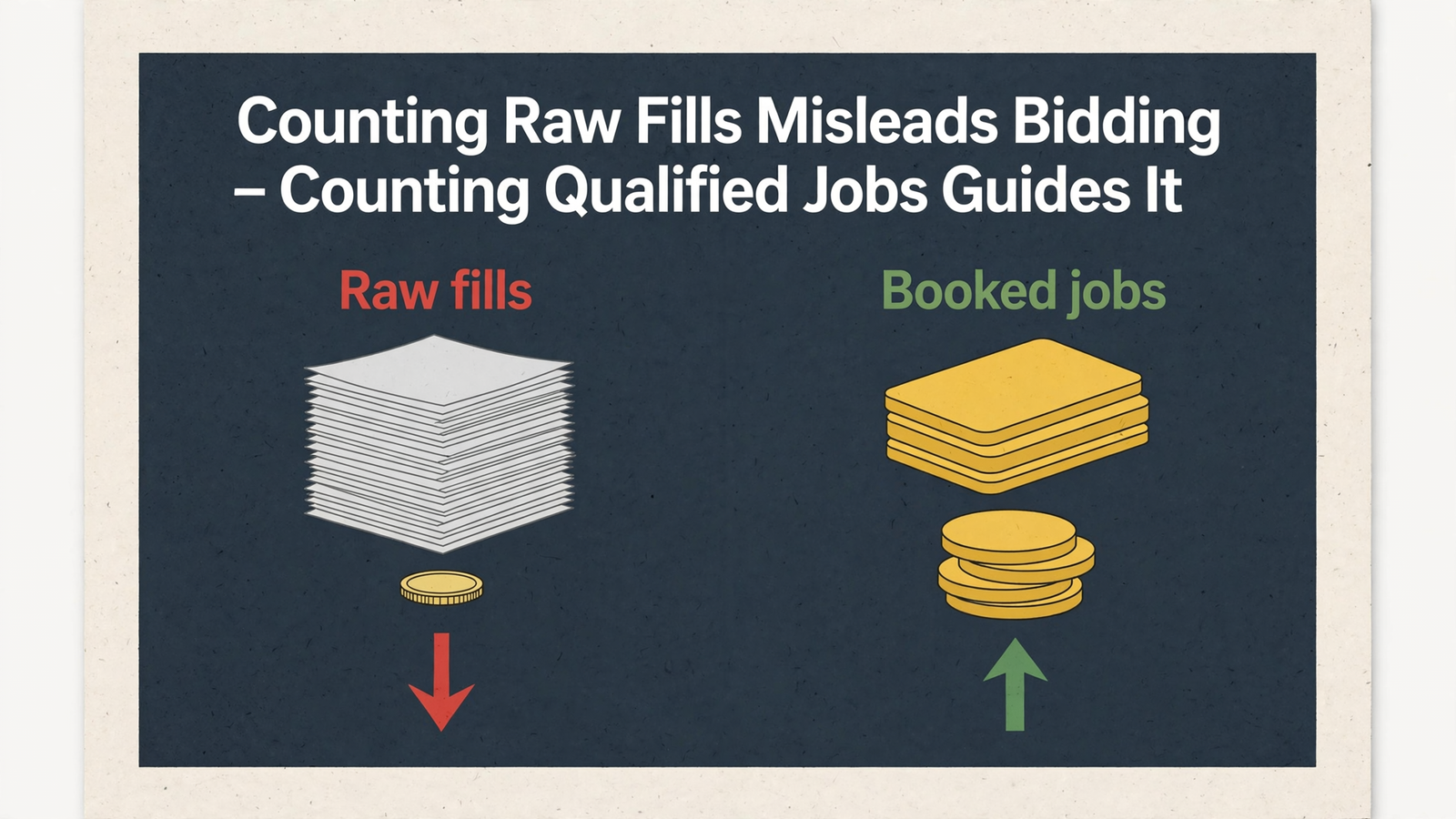
A form fill proves someone filled a form. It does not prove you serve their zip, can meet their timing or won the job. In B2B, about 13% of MQLs ever become SQLs. I watched accounts optimize toward easy fills for years on Google. Changing the source of the click does not fix the definition of success.
Track cost per qualified lead, not just cost per fill. Record the fill so you can see where visitors drop out, but judge the campaign by the next meaningful stage: a qualified call, booked job, SQL or opportunity. One financial services team improved lead quality and grew pipeline by changing the signal it pursued at the same spend. The point is not to stop measuring submissions. It is to stop calling every submission a win.
Then connect the later outcome to the earlier click. On Google, that means capturing the click ID at the form, storing it in the CRM, and importing MQL, SQL, opportunity and closed-won within the 90-day window. For HubSpot shops running ChatGPT campaigns, the integration introduced on Sept. 16, 2026 lets teams build campaigns inside HubSpot’s Ads tool and send conversions back on lifecycle-stage changes or form submissions. Set up the stages you can actually verify before you raise spend; do not assume a booked job and a raw form submission carry the same information.
The Google setup offers a useful model: make the fill a Secondary observation event and the SQL or booked job the Primary outcome. A B2B team that made that switch cut CPL by 30% without losing strategic control. For ChatGPT, send the qualified outcomes your tracking supports and evaluate the campaign against them. Otherwise your $25-a-day test can look healthy because it found cheap submitters who never book Thursday.
Hire for the whole path, then answer the phone
If you bring in help, do not hire someone to write context hints and leave you with the old search form. A lead-gen service needs to own the path from the ad to the outcome: hints, copy and creative tests, landing-page recommendations, form integration, pixel and Conversions API measurement, and optimization tied to qualification and sales progression. If the pitch ends at clicks, it ends before the part that decides revenue.
groas takes the full-path approach: Search Ads at $1,499 a month covers Google, Bing and ChatGPT ads as one strategy, with bids and budgets worked around the clock and a landing page for every ad group. That is a better fit for conversation-qualified clicks than paying someone to manage the auction while the same long form loses the job.
The business still has to respond. No service can answer your phone for you. In a study of 28,400 B2B leads, responders inside five minutes closed at 11.4%, versus 4.1% in one to four hours and 0.6% after 24 hours. An older benchmark found that contact within five minutes made teams 21 times more likely to qualify and 100 times more likely to reach a lead than waiting 30 minutes. The categories differ, but the operational point is hard to miss. If you cannot respond promptly, fix that before buying more urgent clicks. Route calls to a staffed line and give missed callers an SMS fallback.
Run the same test on a burst pipe
Now change the job. A renter tells ChatGPT on Sunday that the kitchen ceiling is sagging, the shutoff is stuck and the landlord has approved an emergency callout. She clicks a plumbing ad. What should happen next?
Start with what you know about the kind of conversation the ad targets: an urgent leak, not a casual request for a coupon. Give her an emergency plumbing path and a visible call option. Ask her for the address, a contact number, access details and whatever you need to arrange the visit. If she supplies the pipe location on your page, confirm it there. Do not print “kitchen ceiling” as a personal read-back unless she has given you that detail.
Count the qualified call or dispatched visit, then record the completed job when the CRM has it. A form submission remains a useful breadcrumb, not the result you bought the click for. If the page instead opens on generic plumbing copy and asks for email, property type and preferred contact method before anyone can respond, you have recreated the garage-door mistake with wetter flooring.
Most advertisers will send that click to the search form because it is already built. That is the tax. Let the conversation shape the path, confirm what you still need, and measure the job that followed.