

 LinkedIn

Claude fetched our robots.txt 1,241 times in 30 days. Not a blog post. The robots file.
This list is for owners and marketers who have heard “write better content” and want to know what to check first. On our own edge, we counted 1,241 Claude-User fetches of robots.txt and 760 ChatGPT-User fetches of the homepage over 30 days, plus steady hits on /blog.md and /index.md. I used to treat citations mainly as a content problem. Those logs are a reminder that an assistant has to reach and read a useful page before the prose gets a chance. The cheapest fixes may be in the plumbing.

1. Make robots.txt load cleanly
Claude did not fetch our robots.txt 1,241 times out of nostalgia. The file is an early stop for bots checking which paths they can access. A rule you forgot about can keep a useful page out of reach before its copy has any chance to help. A slow or broken response makes that first stop worse.
First step: open /robots.txt yourself. Confirm it returns a fast 200, then read every Disallow line as if a literal-minded visitor will follow it. Do not stop at “the file exists.” Check whether its rules cover the pages you actually want found. If you need a fuller permission checklist, start with what a thorough AI SEO audit should include before paying for another stack of findings.
The point is not to make robots.txt clever. It is to make sure a routine access check does not undo the work on every page behind it.
2. Let answer bots through without opening the training door
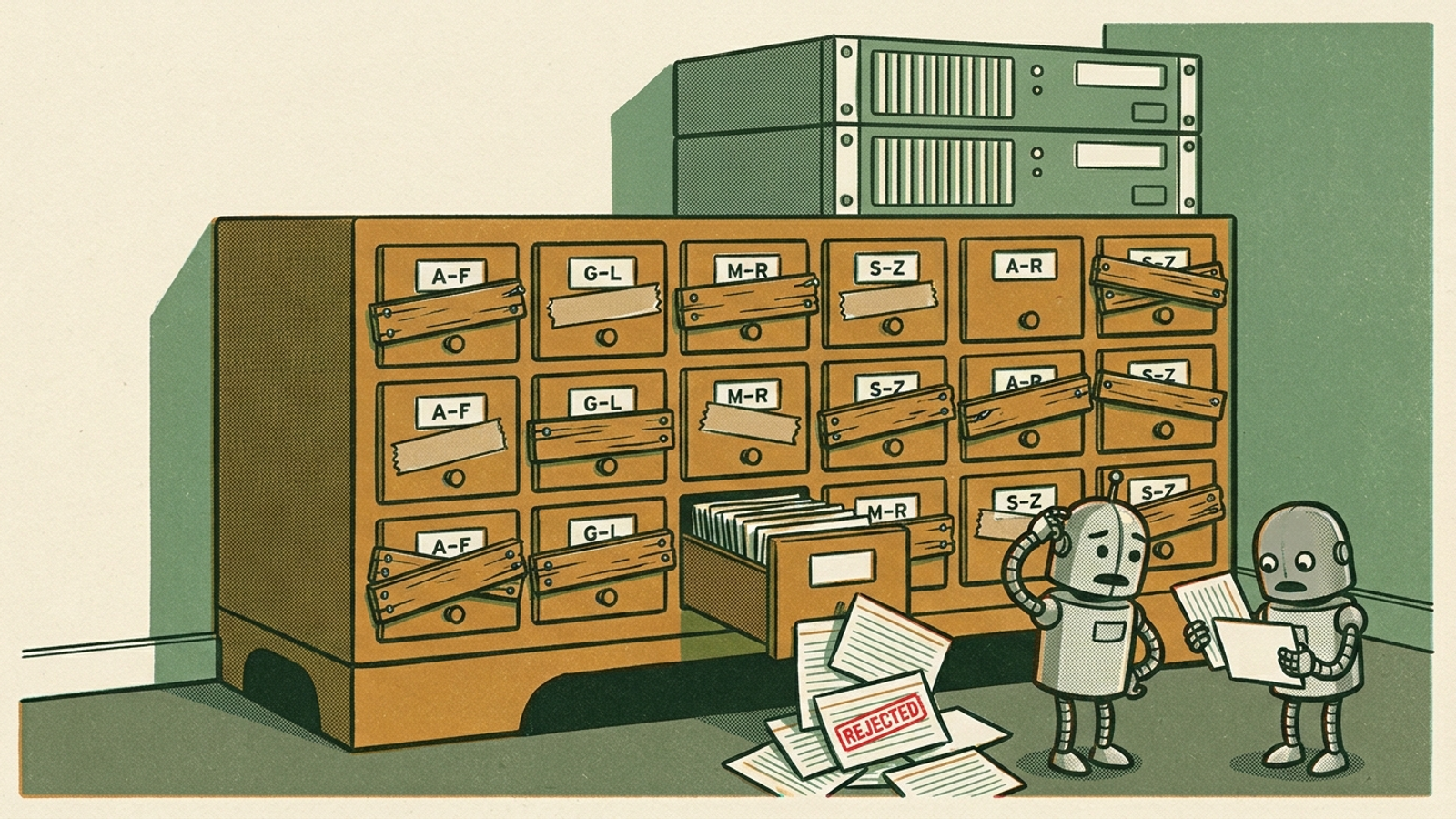
A robots rule is only one gate. I have seen teams change permissions, then miss the firewall serving a 403 or a challenge page to the fetch they meant to allow. From the team’s side, the page looks live. From the bot’s side, the answer is a verification screen.
Separate the bots and the gates. ChatGPT-User is a user-triggered fetch, and OpenAI says robots.txt rules may not apply to it. Sites blocking OAI-SearchBot will not be shown in ChatGPT search answers, while GPTBot controls training use. If you want to opt out of training, block GPTBot alone rather than assuming every OpenAI user agent serves the same purpose. Then inspect the layer under robots.txt: a WAF block can return 403, while a challenge can return 200 HTML containing a verification page instead of your article.
First step: search your firewall events for OAI-SearchBot and ChatGPT-User, including the URLs requested and the responses served. A nominal 200 is not a pass if the body says “prove you are human.” If the fetch cannot get the page, polishing that page is the wrong job today.
3. Give your homepage one sentence an assistant can use
Our homepage drew 760 ChatGPT-User fetches in 30 days. That does not tell us what any answer said. It does tell us the homepage is worth inspecting as closely as a service page. If a visitor asks what your company does, that page should not make them decode a slogan and click three times before reaching a plain answer.
A clever headline can stay. It just cannot do all the work. Put your name, what you sell and who it serves in one factual sentence above the fold, in server-rendered text. If the H1 is vague, the services are buried and the only useful description appears after a script runs, you have made a simple description unnecessarily hard to retrieve.
First step: fetch the homepage and read the text without its design. Can you point to the sentence an assistant could use to describe the business accurately? If not, write that sentence before commissioning another post. The homepage is not a mood board; it has a job.
4. Offer clean text for the pages you most want quoted
We also saw hits on /blog.md and /index.md. That is a reason to check those files, not proof that publishing markdown makes citations appear. Clean text gives a fetcher the answer without making it work through navigation, scripts and popups. The text still has to be accurate, current and attached to a page worth reading.
Keep the claim about markdown small. An analysis across 300,000 domains found no correlation between having llms.txt and citation frequency; the same source reported that 97% of llms.txt files received zero requests in May 2026. I would not sell an llms.txt file as a citation strategy. I would keep a useful markdown or text version where the site already offers one, because we can see those URLs being fetched on our edge.
First step: open the text or markdown version of a key service or answer page, if you have one. Does it load without scripts, and does it say the same thing as the live page? Fix stale copies before making more of them. A clean format is helpful only when the content inside it is the content you meant to publish.
5. Put the answer in the HTML, not behind JavaScript
I used to assume that if Google could render a page, every bot could. That was a bad shortcut. Vercel and MERJ logs from December 2024 showed no JavaScript execution by OpenAI, Anthropic or Perplexity crawlers. A 41-day test of more than 1,000 pages found GPTBot, ClaudeBot and PerplexityBot discovered zero pages linked only through JavaScript. The mechanism is plain: if the price, service list or FAQ arrives only after browser code runs, a fetcher that does not run that code may see the shell rather than the answer.
That does not mean every script is a problem. Google can render JavaScript through its Web Rendering Service, provided the needed files and APIs remain crawlable and the content does not depend on login or cookies. But Google rendering is not a substitute for checking what other fetchers receive.
First step: turn off JavaScript or fetch a priority URL with curl, then read what remains. Is the actual answer there, along with a link to the next relevant page? If not, move that information into the delivered HTML. Test the page, not the framework’s sales pitch.
6. Make the sitemap point to pages that still work
A sitemap should help a bot reach live pages, not send it through the history of your redesign. I have seen old service URLs sit in XML for months after the site moved on. A map full of 404s, redirects and login walls creates dead ends where a direct route to the replacement page should be.
Start with the boring test. Run the sitemap through a crawler and sort the results by status. Then inspect the destination, not just the code: a 200 response containing a login screen or unreadable shell is not a useful answer page. Keep URLs that lead to the pages you want read, and fix or remove entries that do not.
The first concrete pass does not require rebuilding the site. Find the broken entries, identify their live replacements and update the map. Do this before asking whether the sitemap needs more URLs. A smaller map that reaches real answers beats a long inventory of doors that no longer open.
7. Link straight to the complete answer
An archive can show that you have written about a subject without answering the question that brought a visitor there. The bot lands on /category/seo/, gets a collection of excerpts and still has to find the full page. Meanwhile, the useful post sits three clicks down with no direct link from the homepage or a main service page.
If you want to get cited in ChatGPT and Perplexity by winning the live fetch, make the answer easy to reach and complete when reached. Give each important answer its own URL, link it from a relevant, easy-to-find page and keep the full text there rather than scattering it across paginated excerpts. This is not an argument for putting every article in the main navigation. It is an argument against making the page that answers a buyer’s question the hardest one to find.
First step: pick five pages you most want an assistant to reach and count the clicks from the homepage to each one. If an important answer takes more than two, look for a direct link from the homepage or a main service page. Do not make the archive do the job of navigation.
8. Describe the same business everywhere
One name on the homepage, another on LinkedIn, an old address on Yelp and a phone number embedded in an image: that is a messy set of clues for anyone trying to identify the business. Schema will not rescue contradictions in the visible page. Fix the words people and bots can read first.
Use a consistent brand name, description, address and phone, and keep Organization schema aligned with visible content. Add sameAs links to profiles such as LinkedIn, Crunchbase, G2 and Wikidata where qualified. No study in that guidance proves this step alone lifts citations, but Google says organization markup helps disambiguate an organization. That is a sensible, narrower reason to clean it up.
First step: search your brand alongside any old addresses, then fix the three listings that disagree with the site. Next, compare the homepage’s visible details with its markup. The aim is not a bigger schema block. It is one business, described the same way wherever a reader encounters it.
9. Verify bot traffic before changing access rules
A user-agent string is a label supplied by the requester, not an ID card. Anyone can claim to be GPTBot or ClaudeBot. I have made the mistake of seeing a spike under a familiar bot name and treating it as evidence that the real crawler had arrived. That is a poor basis for loosening rate limits or declaring an access problem solved.
The stakes are not theoretical: a report on bad-bot traffic describes widespread impersonation of AI bots. The practical mechanism is simpler than any headline number. If you allow traffic based on a name anyone can send, you may be allowing the wrong requester. If you diagnose a crawl gap from the same label alone, you may be investigating the wrong problem.
First step: filter last week’s AI-labelled hits by IP and verify a sample before changing your rules. Use OpenAI’s published IP JSON and Google’s reverse-plus-forward DNS checks where applicable. Then look again at the requested URLs and returned bodies. Decide whether you have a real block, a challenge page or a spoofed bot. Logs are useful; unverified labels are not.
10. Monitor the fixes so they stay fixed
Every item above can quietly break again. A theme update moves server-rendered copy behind JavaScript. A security rule starts serving challenges. Someone edits robots.txt while cleaning up an unrelated path. None of those changes announces itself in your content calendar, and a checklist you completed once will not catch the next one.
The mechanism is drift: the site changes, while the answer you want cited still has to be accessible on the next fetch. Watch the pages and permissions that matter, not just the traffic chart after something disappears. First step: check fetch status for robots.txt, the homepage and five important answer pages each week. Flag anything that is not a fast 200 with readable text, and inspect firewall events when a bot’s access changes. If you need a repair walkthrough, use how to fix technical issues that hurt AI visibility to sort what you can handle in-house from what needs ongoing attention.
This is the item most teams should hand off, because nobody keeps a promise to check every response by hand forever. groas runs that kind of continuous check as part of its work. I would rather have a system watching the gates than rediscover a closed one after the next round of copy is published.
If I had one hour on your site, though, I would start with No. 2: check whether the answer bots actually get through. I would inspect the firewall events, request a priority page and read the response body. Until that fetch returns the page rather than a block or challenge, the homepage sentence and every carefully written answer are waiting on the wrong side of the door.