LinkedIn
Google already bids in real time
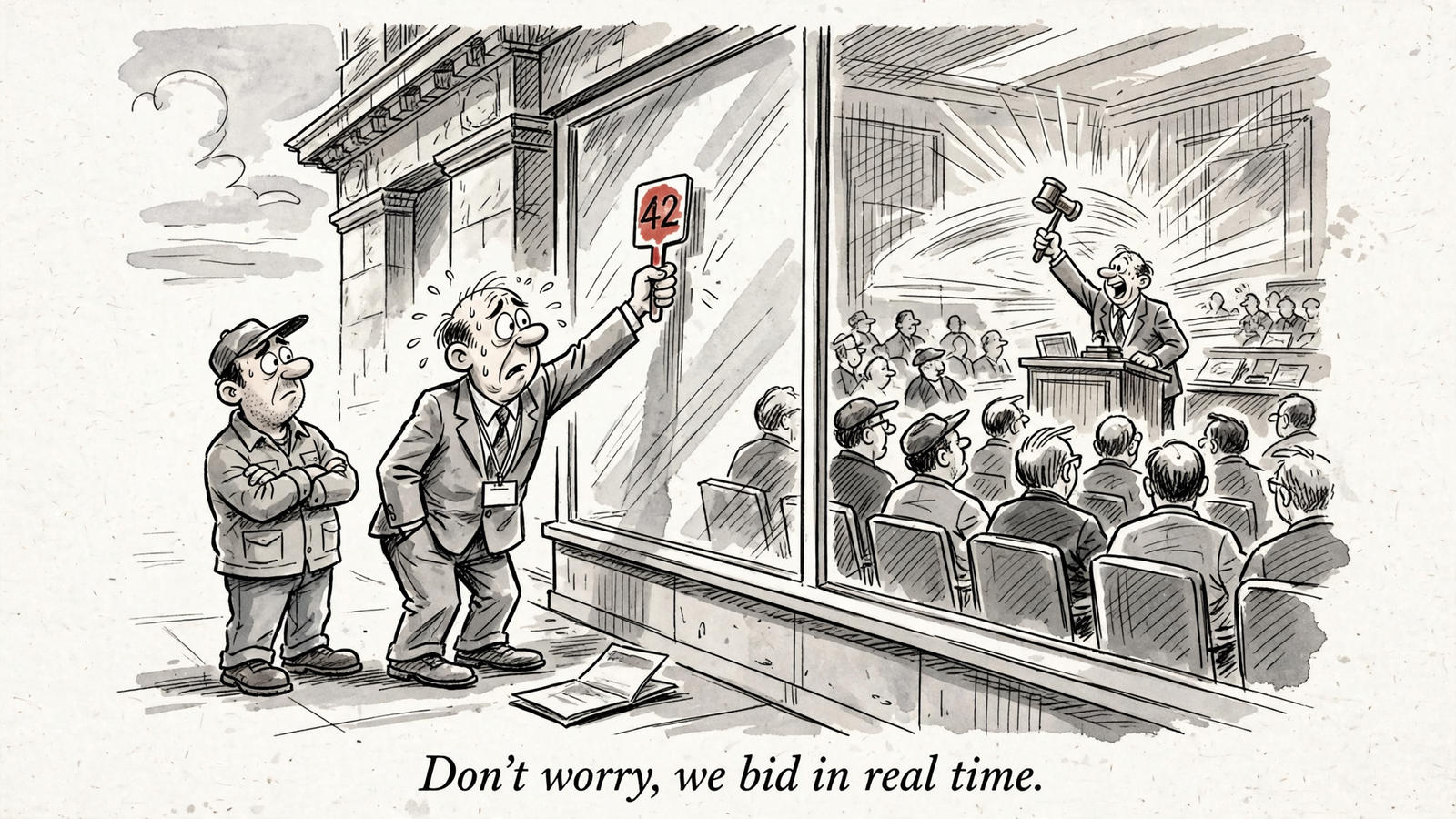
Say you spend $20k a month on Search. Your agency reports that it has “optimized bids in real time,” but your campaigns use Smart Bidding. Google already sets the bid in each individual auction through what it calls auction-time bidding. That applies to Target CPA, Target ROAS, Maximize conversions and Maximize conversion value. An outside tool does not step into that auction and replace Google’s bid with its own.
I used to describe my work as real-time bid optimization. I was wrong to use that phrase without explaining what changed. A tool can adjust the target you give Google, the budget available to spend, the queries you refuse to pay for, and the ads and pages a visitor sees. Those changes matter. They are not the same as setting an auction bid.
The speed that matters is how fast you change the inputs, not how fast you claim to bid. Once you separate those two jobs, the sales deck gets much easier to read.
First, follow one search into the auction
Take one example through the rest of this piece. Someone searches for “commercial floor scrubber” at 7:42am on a phone in Chicago. You sell the machine for $2,400 and have set a $300 target CPA for a qualified demo request. Google uses your goal and its prediction of that search’s value to calculate a bid for that auction. It does the calculation again for the next search. Its documentation says Smart Bidding sets bids for each individual auction, not just a few times a day.
I used to make bid adjustments by hand. The part I could not reproduce in a spreadsheet was the range of signals feeding Google’s prediction: device, location and location intent, day and time, remarketing-list membership, ad characteristics, language, browser, operating system, the search query and more, including combinations of signals (the published signal list). I could work with “Chicago, mobile, morning.” I could not set a separate bid for every combination Google evaluates at auction time.
That does not make your $300 target irrelevant. It makes it an instruction to the bidding system, not a bid you place yourself. Feed the system useful conversion data, then judge whether the resulting traffic and cost serve your business. If you need to choose the instruction first, this guide to tCPA, tROAS and Smart Bidding strategies walks through the options.
Then, identify what you can actually change
Google’s automation documentation describes outside tools as systems that can dynamically adjust bidding parameters. That is the dividing line: the advertiser changes inputs; Google sets auction bids. The outside system does not receive every proprietary signal behind an individual auction. Its useful work happens on your side of that line.
Start with the target. Your $300 tCPA tells Google the cost you want for a qualified demo. Changing it changes the instruction Google works from across future auctions. A target is powerful precisely because it has broad reach. It is also a poor lever to keep pulling before you have seen the effect of the last move.
Next is the budget. Google paces spend against the budget you set; its daily-budget rules can allow spend above the daily amount on a busy day while keeping the monthly limit tied to that amount (how budget pacing works). An outside tool may move budget between campaigns during the day. Or it may change a number once a week and call that real time. Those are different services. Ask which one you are buying.
Negatives, ads and pages need their own clocks. Treating all five inputs as one blob called “optimization” hides both the work and the risk.
Negatives: stop paying for the wrong search
Back to the floor scrubber. Your ad appears for “commercial floor scrubber,” but it may also match rental searches, parts searches and a creative spelling of a job application. A click from someone who cannot buy your $2,400 machine can still cost money. A negative keyword can exclude that search before you pay for the click. Negatives can apply at account, campaign or ad-group level, and their match types matter (how negatives block and stack).
The routine is unglamorous: review search terms, start with spend and impressions, investigate terms that are not producing the right conversions, and block the ones that plainly do not fit. I would start with a weekly review, or less often if spend is small. Faster rules can help when the pattern is obvious, but an over-broad account-level negative can shut out good traffic along with bad.
That is the question for an hourly negative-keyword tool: what evidence triggers a block, and where does it apply? A query with no conversion yet may need a better landing page, not an exclusion. Speed without that distinction is just faster waste of a different kind.
Assets and pages: give the click somewhere worth going
The searcher now reaches your ad. Its assets, any relevant feed titles, and the landing page all affect what happens after the click. Suppose the existing scrubber page converts 1.5% of visits into demos and a better page converts 3%. That is twice the demo rate in this example, without a target change. It does not guarantee that every future bid doubles. It gives the bidding system a better conversion outcome to work with.
This lever takes more than a quick setting change. Copy needs approval, pages need building, and feeds need cleaning. Then you need enough traffic and conversions to tell whether the work helped. Google handles the per-auction bidding calculation; you are still responsible for what the visitor sees. This comparison of what Smart Bidding controls versus what stays on the advertiser’s side explains the split.
For the scrubber account, I would rather fix a page aimed at commercial buyers than celebrate another afternoon of bid-adjustment theater. The page takes longer. That is not a reason to ignore it.
Put each lever on its honest clock
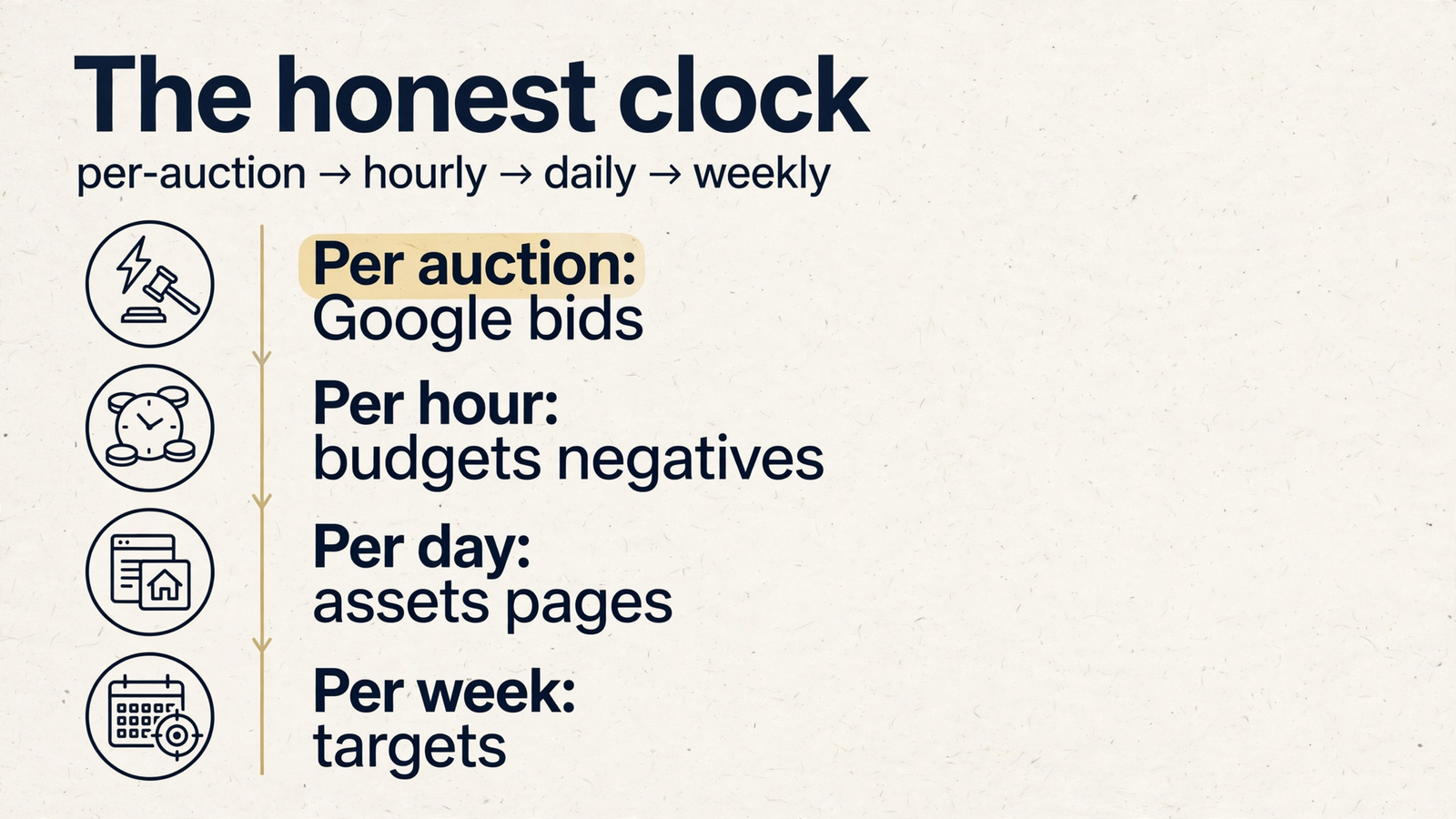
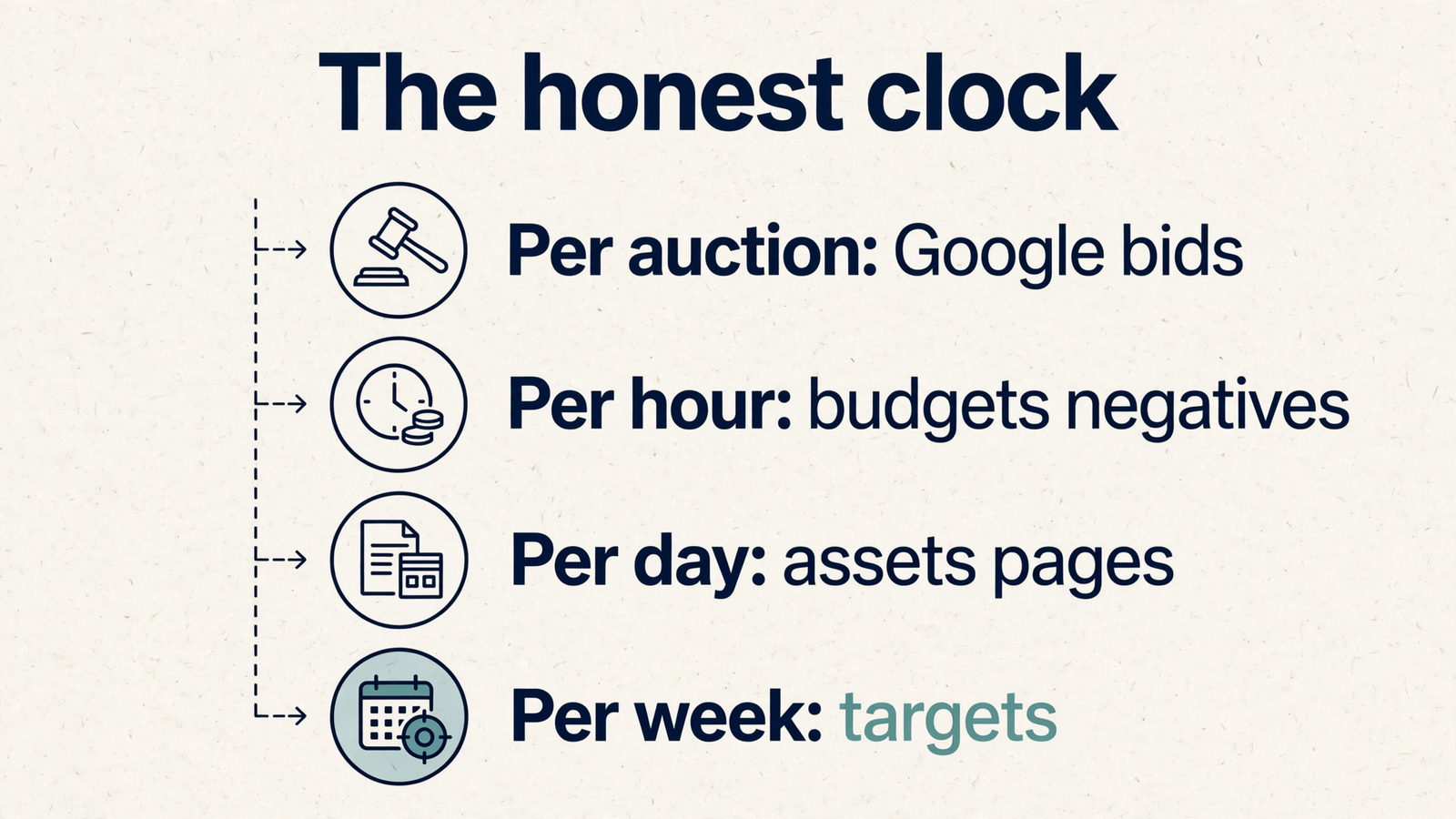
Per auction belongs to Google. It calculates the bid using signals an outside tool does not fully see. Every other clock describes a possible change to the inputs around that calculation. When someone says “real-time bids,” ask whether they mean Google’s auction-time work or their own changes to your account.

Per hour: budgets and carefully governed exclusions
An intraday budget shift can be useful if one campaign is bringing in qualified demos near the $300 target while another is spending without producing them. A search-term exclusion can also be urgent when a clear junk-traffic pattern appears. But outside tools act through an interface and a process, not through Google’s private auction calculation. They may face API quotas and queuing, and rules commonly run on schedules. Optmyzr, for example, describes a Rule Engine that runs on schedules to make changes such as pausing keywords and shifting budgets.
So “hourly” is a useful description only if you know what the rule changes, what triggers it, and who checks the result. For an emergency such as an account compromise or an obvious flood of junk traffic, act directly in Google Ads rather than waiting for the next external run.
Per day or slower: creative and landing pages
You can review assets daily and sometimes change a headline in an afternoon. That does not mean you can learn whether it worked in an afternoon. You need impressions, clicks and enough relevant conversions to interpret the result. A dedicated commercial-buyer page takes longer to build, approve and assess.
I learned how consequential that work is when a landing-page swap I had not been told about hurt Quality Score. The practical lesson is not “change pages faster.” It is review creative regularly, control page changes, and give each change time to show its effect. Hourly creative churn gives you activity, not an answer.
Per conversion cycle: targets
A target can be changed quickly in the interface. It should not be judged quickly when conversions arrive slowly. The useful clock is the time between the click and the conversion you care about. Guidance to allow one to two conversion cycles for results to converge is more useful than counting how many times a setting can be edited.
Suppose a scrubber prospect takes 14 days from click to the demo outcome you measure. If you move tCPA from $300 to $260, the first few days cannot tell you how that cohort will finish. Give the change enough of that cycle, and ideally more than one, before declaring it a win or reversing it. That does not mean every target edit starts bidding from scratch. It means your evidence arrives more slowly than your ability to click “Save.” This guide to the Smart Bidding learning period goes deeper on how to read that delay.
More frequent changes can leave you knowing less
I used to tell clients I watched their accounts daily, as if attention itself lowered CPA. It did not. Imagine changing the scrubber campaign’s $300 tCPA to $260 on Monday, $240 on Wednesday, then $280 on Friday. Each new instruction affects the auctions ahead, while conversions from earlier clicks are still coming in. Which target worked? You have made that harder to answer.
The same failure shows up elsewhere. An hourly rule that blocks every query without a conversion after seven days could exclude a search that regularly converts later. Repeated budget swings can make pacing harder to interpret, even when the system is doing exactly what you told it to do. Small moves, then wait for the relevant evidence. The discipline is not glamorous, which may be why it rarely gets its own slide.
Five questions for any “real-time” demo
I would run the vendor through these. The answers should describe actual account changes, not a particularly animated dashboard.
- Do you set auction bids, or change my targets, budgets and exclusions? If the claim is that the tool replaces Google’s auction-time decision, ask how it gets the signals behind that decision.
- How often do you review search terms, and where do you apply negatives? Ask what triggers an automatic block and how someone catches a mistaken one.
- What does an intraday budget move look like? Have them show a change between campaigns and the reason for it, rather than pointing to a monthly budget slider.
- When do you judge a target change? The answer should account for the time it takes your conversions to arrive. Daily target churn is not a measurement plan.
- Can I see the change log? Look for the input changed, the reason, and what happened afterward to CPA and qualified outcomes.
Those questions work because they follow the model: auction bids on one side, controllable inputs on the other, each with a different clock.
Now try a new case. A small agency manages 12 Search accounts on Smart Bidding, each spending $8k to $25k a month. Suppose rental and parts queries take 22% of spend in some accounts. One has a tCPA set too low for the demos it can win; another spreads budget evenly while a few campaigns produce the qualified demos. The problem is not that Google fails to calculate an auction bid. The problem is the instructions and traffic Google is working with.
I would first identify the rental and parts queries that should be excluded, with match types and levels checked before they go live. I would review where budget is buying qualified demos and move it when the evidence supports a shift. I would change the restrictive tCPA deliberately, then wait through the account’s conversion cycle to assess it. I would also build a better commercial page, knowing that page work runs on a slower clock. Google would keep setting every auction bid throughout.
That is how I work with groas: continuous work on the inputs, a record of what changed and why, and a strategist accountable for the outcome. I do not need to claim that anyone outbids Google in its own auction. Judge the system by the speed and discipline of its input changes. Everything else is a slogan.