

 LinkedIn
Most agencies won’t tell you this: the audit is not the repair. If you suspect blocked bots, JavaScript-only content or missing markup are keeping you out of AI answers, your choice is between a crawler audit that finds problems, a CMS plugin that handles the basics inside WordPress, and edge-layer fixes that change what bots receive before the response reaches them.
I stopped judging those options by issues detected after we looked at 30 days of our own AI crawler logs. Our robots.txt drew 1,241 verified live-answer fetches from Claude-User, while the homepage drew 804. The full log teardown breaks down the requests. A tiny access file was getting more attention than the page we had spent far longer polishing. An audit can identify a problem with that file. The deciding question is who can correct it, and when.
The audit that sat in a shared drive for four months
I used to sell audits like they were the work. I would crawl a site with Screaming Frog, export 400 lines of missing titles and redirect chains, and hand over a PDF that made me look thorough. Four months later I would open the same shared drive and find the PDF untouched while the client asked why ChatGPT still cited a competitor. The audit had done its job exactly as designed: it found everything and fixed nothing.
That gap is still familiar. A comparison of 12 automation tools says only 3 ship fixes. Screaming Frog (free to 500 URLs, around $279 a year) and Sitebulb audit without a fix layer; Semrush and Ahrefs audit and track, but someone else still has to change the site. Those are useful tools. They are not a deployment plan.
For a technical visibility problem, a long issue list can feel like progress right up until you run the next crawl. Time-to-fix is the score that matters.
Why a small file changed my priority list
On our own site, robots.txt beat the homepage on verified live-answer fetches from Claude-User, 1,241 to 804. That does not mean every AI answer starts with a request for robots.txt. It means the file controlling crawler access was requested often enough that I would check it before spending another week polishing a homepage headline.
Verified hits matter here because a raw log counts any request claiming to be GPTBot or ClaudeBot, including scrapers using those names. The verified live-answer requests in our teardown give us a more useful view of retrieval activity than raw user-agent totals. They also point to a practical distinction: you can make separate decisions about search and retrieval crawlers such as OAI-SearchBot, Claude-SearchBot and PerplexityBot, and training crawlers such as GPTBot and ClaudeBot. Do not assume one blanket AI-bot rule reflects the choice you meant to make.
That is the problem with treating an audit score as the work. A dashboard may give your H1 or schema a prominent warning while an access rule determines whether a bot gets the page at all. Check what the bot can fetch before deciding what to rewrite.
Meet the three contenders
Crawler audit: Screaming Frog, Sitebulb or Semrush Site Audit crawls the site and lists issues such as broken links, duplicate titles, missing canonicals and slow templates. It is a map, not a crew. Say you are spending $20k a month on search and your pricing page returns a soft 404 to Perplexity. Finding the page is valuable. Leaving the finding on page 47 of a report is not.
CMS plugin: Yoast or RankMath gives a WordPress team controls for titles, metas, indexation rules, sitemaps, canonicals and basic schema. As one Yoast vs RankMath breakdown notes, a plugin cannot make a slow site fast, fix its structure or create trust. A green score does not prove that the crawler you care about can read the page.
Edge-layer fix: Code running on Cloudflare Workers, Fastly Compute or Lambda@Edge can change a response in front of the origin. Edge SEO can cover title rewrites, bulk 301s, JSON-LD injection, robots.txt overrides and hreflang fixes without an origin deploy. It also needs someone to own the rules and check the result. Fast changes are only an advantage when you can see what changed.
Here is how I would choose among them.
Axis 1: bot access starts before the page
A firewall can stop a bot before robots.txt matters. That file expresses crawling preferences; the firewall does not read it. I learned the difference on a home services account that allowed AI bots on paper but still got zero Perplexity citations. Cloudflare Bot Fight Mode was serving a JavaScript challenge to automated-looking visitors. Humans saw the site. Bots saw a 403 with a cf-mitigated: challenge header and left.
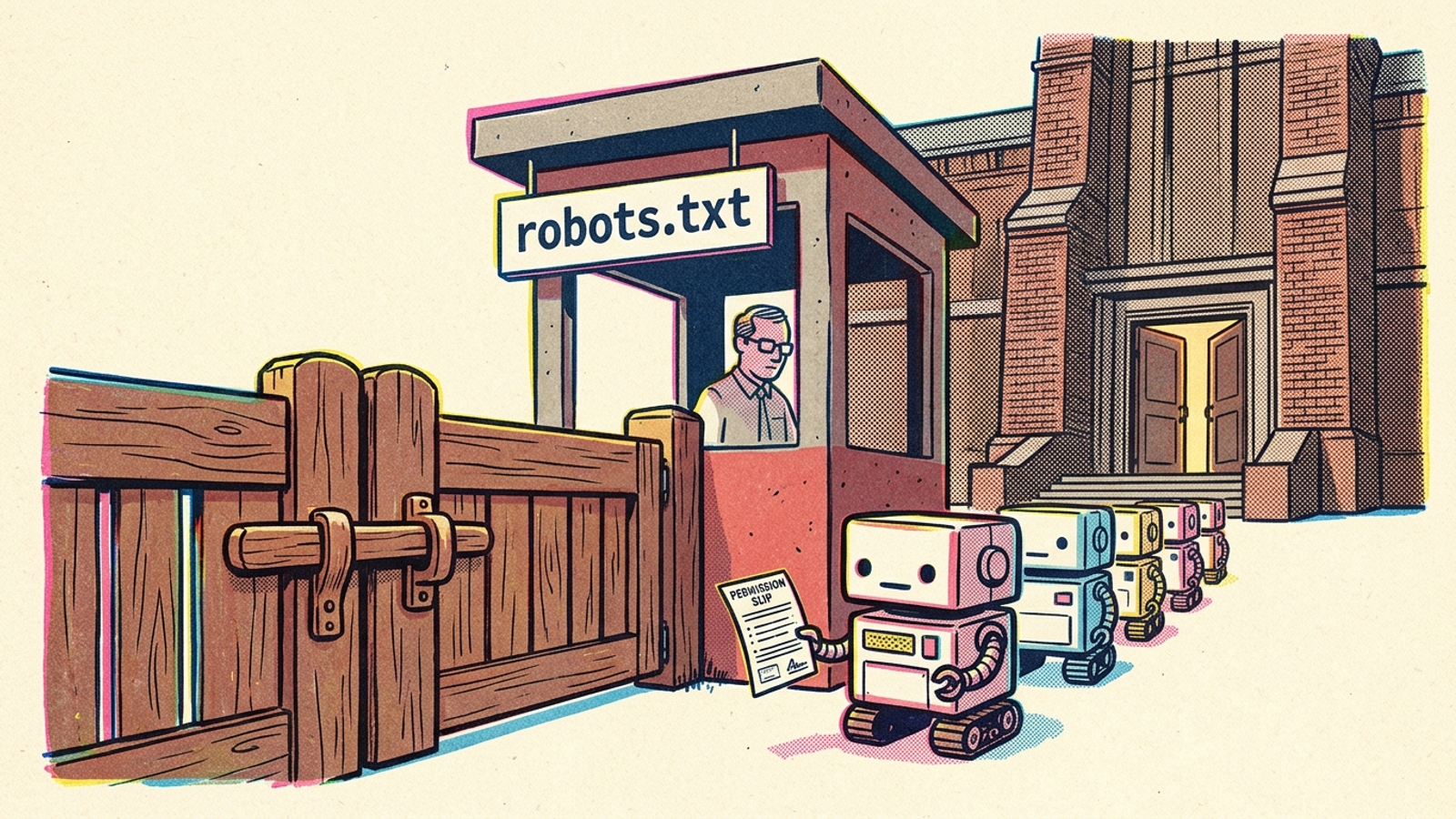
A standard audit run as Googlebot may never reproduce that response. A plugin can edit robots.txt, but it cannot change a firewall challenge. An edge setup can help you manage the response, while the firewall rule itself still has to be checked and configured. Rewriting robots.txt alone will not open a gate the firewall has closed.
This is why I check both the file and the response each relevant bot receives. The crawler-access checklist is a better next step than another content brief when you have not confirmed access. Check the firewall before you rewrite the page.
Axis 2: visible in Chrome does not mean readable to a bot
Your pricing page looks complete in Chrome and nearly blank to Claude. The problem may not be the copy. It may be that the copy arrives only after JavaScript runs. An analysis of roughly a billion requests found that many major AI crawlers download JavaScript without executing it. If a crawler receives a shell instead of the page’s text, there is nothing useful for it to quote.
I used to tell clients to fix that with better copy. I was wrong when the copy already existed but arrived too late for the bot. A crawler audit can flag heavy JavaScript and show you where to look. A WordPress plugin does not, by itself, turn a client-rendered template into readable HTML. An edge fix can serve a static version containing the same substantive content, without waiting for an origin rebuild.
There is a boundary here: serving bots accurate, readable content is the goal, not showing them a different offer from the one humans get. Fetch the money page as the bot receives it before editing a headline.
Axis 3: schema cannot rescue an unreadable page
Google’s stated baseline for AI Overviews and AI Mode is an indexed page eligible for a snippet, with no special schema.org markup required. I keep that in mind whenever an audit dashboard treats missing schema like the whole reason a page is absent from an answer. Schema can help describe a page. It cannot open a blocked connection or supply text that never reaches the crawler.
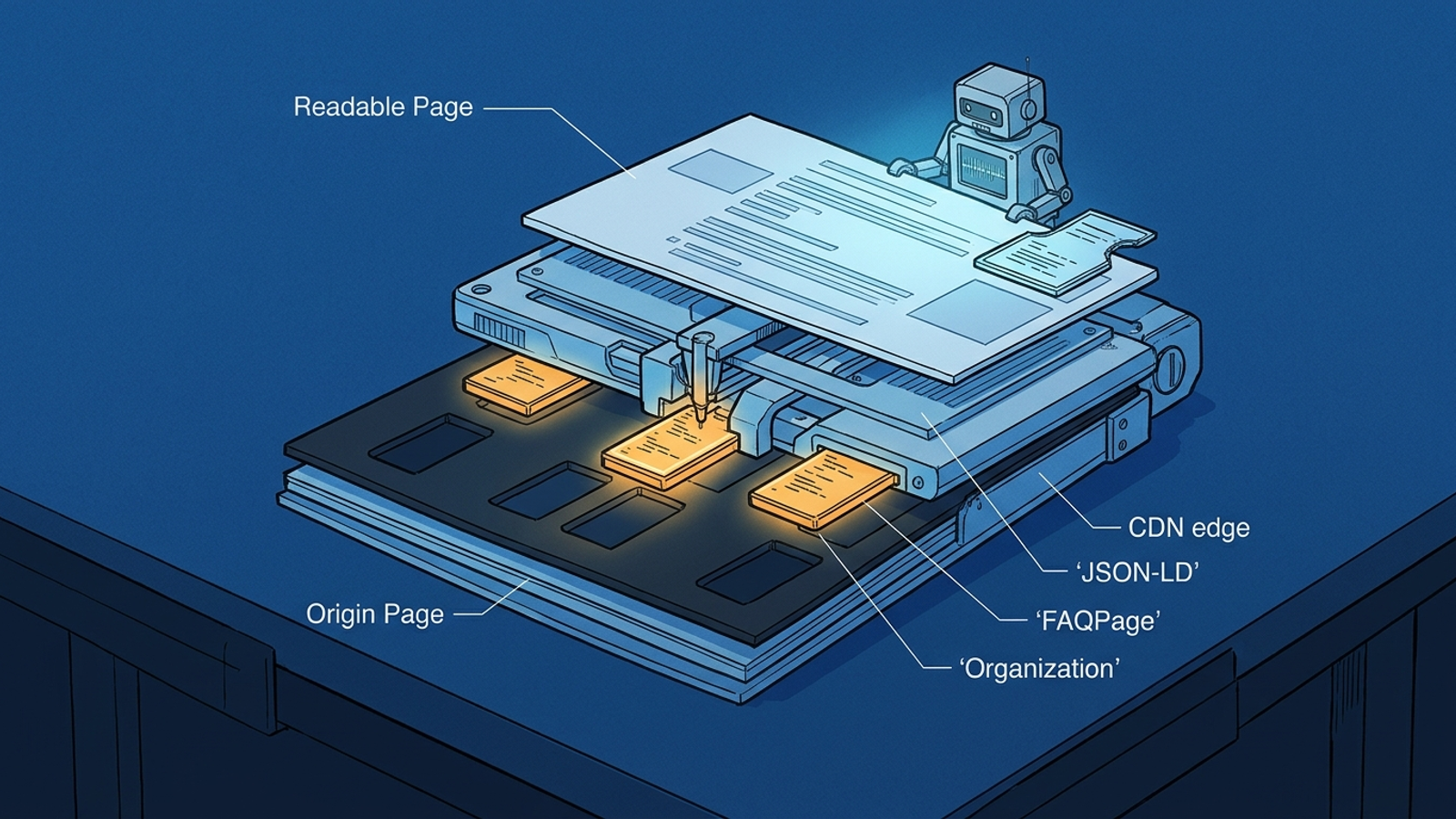
The order matters. If FAQPage markup exists only after JavaScript runs, a crawler that does not execute that JavaScript will not see it. A CMS plugin can output useful schema when its markup is present in the HTML the bot receives. If the site’s rendering prevents that, a green check in the plugin is not proof of delivery. An edge worker can inject JSON-LD into the response as static HTML; you still need to check that the bot receives it and that it describes the visible page.
Injection location matters more than markup quantity. Valid schema in a renderer the bot does not use is decoration.
Axis 4: the winner ships before the next backlog meeting
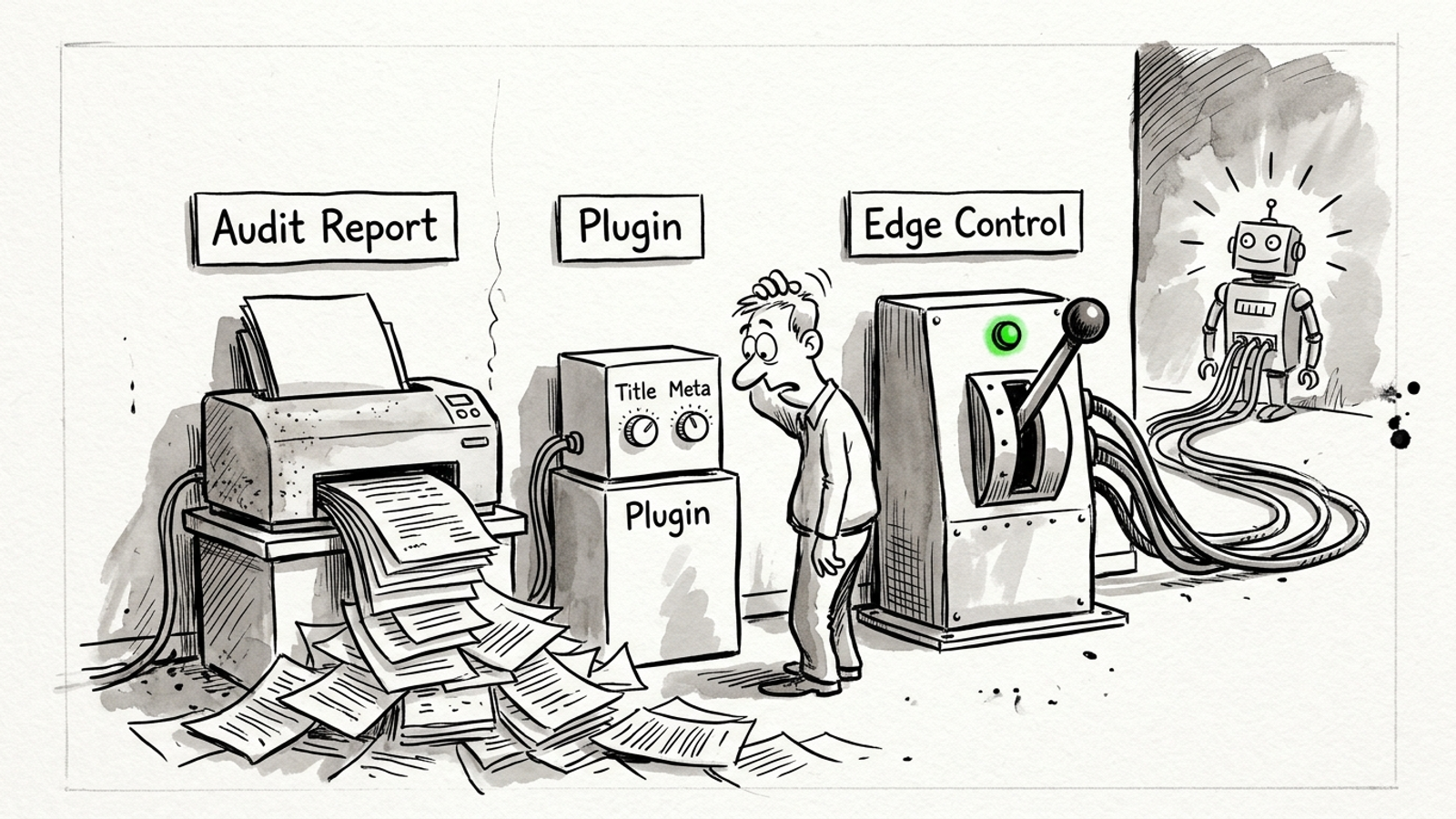
This is the purchase decision. An audit can produce a list quickly, but each fix may then wait for a developer ticket, a sprint, QA and a deploy window. The plugin can ship changes in minutes when they fall inside its lane: titles, metas, sitemaps, canonicals and basic schema. Firewall rules and client-rendered page content sit outside that control panel.
Edge code can move a 301 map, a robots.txt override or static JSON-LD without an origin deploy. That can turn a wait measured in weeks into one measured in hours, provided someone can write the rule, test the bot response and watch the logs. The origin stays untouched, so a bad rule can be reverted quickly. None of this makes the diagnosis optional. It makes the path from diagnosis to a live, testable response shorter.

Ask who can publish the correction, not who can export the cleanest report.
Axis 5: each option has a different failure mode
An audit fails quietly. It gets filed, the dev backlog eats it, and six months later another crawl finds the same issues plus interest. The tool may have been right the entire time.
A plugin can fail in smaller, harder-to-notice ways: schema duplicated between RankMath and the theme, a sitemap split across plugins after a migration, or an update that changes a template’s noindex rule. What the deck calls synergy, I call two plugins doing the same job and arguing about it. A green score does not settle the argument.
Edge code can fail fast and publicly if you run it without discipline. Cache the wrong response and bots receive yesterday’s robots.txt. Serve substantially different content to bots and humans and you risk cloaking. Stack workers without logging and nobody knows which rule rewrote the title ChatGPT quoted. The edge needs a change log, a response check and a rollback path. Speed without those is just a faster way to make a mess.
| What you need | Crawler audit | CMS plugin | Edge-layer fix |
|---|---|---|---|
| Check bot access | Can identify access issues, but a standard crawl may miss WAF challenges | Can edit robots.txt, not the WAF | Can change responses; firewall rules need separate attention |
| Make JS-only content readable | Flags the problem, leaves the fix to someone else | Cannot fix a client-rendered template by itself | Can serve readable HTML without an origin rebuild |
| Deliver schema bots can see | Identifies missing markup | Can output schema when the bot receives its HTML | Can inject JSON-LD into the response |
| Get a fix live | Depends on a ticket and deploy | Minutes inside its lane | Hours when rules can be tested and published |
| Watch for | A report that never gets implemented | A green score hiding a real block | An unlogged change to live responses |
Verdict: pick the fix you can actually ship
If you have a developer on call and a simple site, pick the crawler audit and clear its backlog in the same week. It is good at finding broken links, redirect chains and duplicate titles. Give every finding an owner and a ship date. Otherwise you are paying to document decay.
If you are a non-technical team on a standard WordPress install, keep the CMS plugin for titles, metas, sitemaps and basic schema. It is a practical way to manage those basics. Do not ask it to unblock a firewall or make a client-rendered pricing page readable to Claude. When that is the problem, the plugin is not the fix.
For a site with recurring access or rendering issues and no appetite for another growing ticket queue, I would pick edge-layer fixes with a logged change history. They offer the shortest route from a diagnosed problem to a response a bot can actually fetch, read and parse. groas takes that route on the technical side: continuous fixes in front of the site, changes recorded with their reasons, and outcomes judged on qualified pipeline and citations rather than the number of issues closed.
Our robots.txt drew 1,241 verified live-answer fetches from Claude-User to the homepage’s 804. I would not answer that finding with another PDF. Open the gate, make the page readable, and check the log.