

 LinkedIn
Buying a prompt tracker to find your AI content gaps gets the order wrong. Its dashboard shows which synthetic questions produced your name; your edge logs show which pages an assistant actually fetched while answering a live query.
That distinction matters when you are deciding what to write next. On our own site at groas, one post drew 435 verified live-answer fetches in 30 days. Category and service pages drew roughly 200 or more verified bot requests apiece, yet none of those requests came from live-answer agents. A spreadsheet of prompt mentions could have told us where our brand appeared in sampled answers. It could not have shown that split in retrieval behavior.
Vendors sell prompt trackers to teams asking what tool helps businesses identify which prompts trigger brand mentions in AI. The pitch is tidy: run hundreds of questions, mark the answers red or green, and hand the editorial team a list of missing articles. I understand the appeal. I also spent years watching neat marketing scores send people toward the wrong work.
The conventional answer: buy a prompt tracker
A leadership team notices that prospective buyers are researching products inside ChatGPT, Perplexity, and Google’s AI Overviews. Someone buys visibility monitoring software. The team enters two hundred commercial prompts; the software queries major engines daily and returns a scorecard of brand mentions, competitor mentions, and apparent gaps.
If a competitor appears for cloud data migration tools for healthcare and you do not, the cell turns red. The next editorial assignment practically writes itself: publish a page targeting that phrase. The problem is the leap from a missing mention to a missing piece of content. The answer alone does not tell you whether the engine tried to reach your site, could reach it, or found a page useful enough to retrieve.
Many prompt-tracking platforms query LLM API endpoints rather than the consumer interfaces your buyers use. Even when a tool samples the interface itself, its report still starts with the answer it received, not the requests your site received. That is useful for watching outputs. It is a poor starting point for diagnosing your own pages.
Why sampled prompts make a bad gap map
A changed answer is not a changed content gap
Answers to repeated synthetic prompts vary. Run the same question several times and you may get different wording, sources, or brand mentions. A tracker that checks once every twenty-four hours can show a lost mention without showing why it vanished.
Maybe the engine retrieved different material. Maybe it used the same material and wrote a different answer. Maybe the tool sampled a route unlike the one your buyer used. A red cell cannot distinguish those cases. Yet it often arrives dressed as an editorial instruction: write more content on this topic.
That is a lot of authority to give one sampled response. Before I assign a writer weeks of work, I want to know what happened closer to the site.

A mention is not a citation, and a citation is not a fetch
Practitioners have noted that prompt trackers can blur brand mentions and citations. They are different signals. An assistant can mention your company without visiting your current site. It can also fetch a page for context and write an answer without linking to that page.
Logs do not close that last gap, either. A verified fetch tells you that an assistant requested a URL. It does not show which passage the assistant used, whether it cited the page, or whether the final answer recommended your business. That limitation is worth stating plainly, because replacing a bad visibility score with an inflated fetch score would be the same mistake in a new dashboard.
The advantage of logs is narrower and more useful: they show requests to your infrastructure that a prompt tracker cannot see. If your question is why your pages are not entering live retrieval, start there. Use prompt outputs later to check what the assistant said.
I have seen this movie in Google Ads
Google Ads grader tools trained a generation of marketers to confuse checklist compliance with account performance. A tool could flag broad match keywords or missing callout extensions, and a manager could spend billable hours making every cell green. The score improved. CPA might not.
I am not defending sloppy accounts. I am saying the grader’s score is not the customer’s purchase. Prompt tracking invites the same error: publish to satisfy a fixed batch of questions, then call the resulting visibility score a content strategy. You can get very good at passing a test nobody asked your buyer to take.
What edge logs show that prompt trackers cannot
First, separate real operators from spoofed user agents
Start with requests hitting your site. Then verify who sent them. Anyone can put GPTBot or PerplexityBot in a User-Agent header; those headers are easy to spoof. A report that counts every claimed AI bot as genuine is another attractive spreadsheet built on the wrong input.
When we examined claimed AI bot traffic at groas, 76.5% of the hits failed verification. Counting those requests as operator traffic would have buried the useful signal. Cross-check claimed bots against published operator IP ranges or use forward-confirmed reverse DNS (FCrDNS) where appropriate. Verify the request before you give it strategic meaning.
Then separate indexing from live-answer requests
A verified bot hit still does not tell you what job the bot was doing. Training crawls, index crawls, and user-triggered retrieval serve different purposes. OpenAI documents separate agents, including GPTBot, OAI-SearchBot, and ChatGPT-User. Perplexity similarly distinguishes its indexing bot from Perplexity-User.
That is the useful division for content planning. A background crawler can request a page without that page ever being fetched by a live-answer agent. A verified ChatGPT-User or Perplexity-User request is a stronger sign that the page was pulled into an active answer workflow. It is not proof of a citation, a sale, or a distinct human for every request. It is evidence that the page was requested at a moment a prompt tracker cannot inspect from outside your site.
Thirty days of our logs made the gap visible
One post drew 435 live-answer fetches
Across one thirty-day window, our post on recent Google Ads core updates logged 697 verified AI bot hits. Of those, 435 requests came from live-answer agents in verified IP ranges matching ChatGPT-User and Perplexity-User.
Those are requests, not 435 individual people. We cannot read the final answers from the edge log or claim 435 citations. But the pattern matters: a substantial share of verified traffic to that URL came through agents used for live retrieval, not just background crawling. The post was being fetched in answer workflows. That is a much more direct signal for planning adjacent content than whether a canned question happened to print our brand on Tuesday.
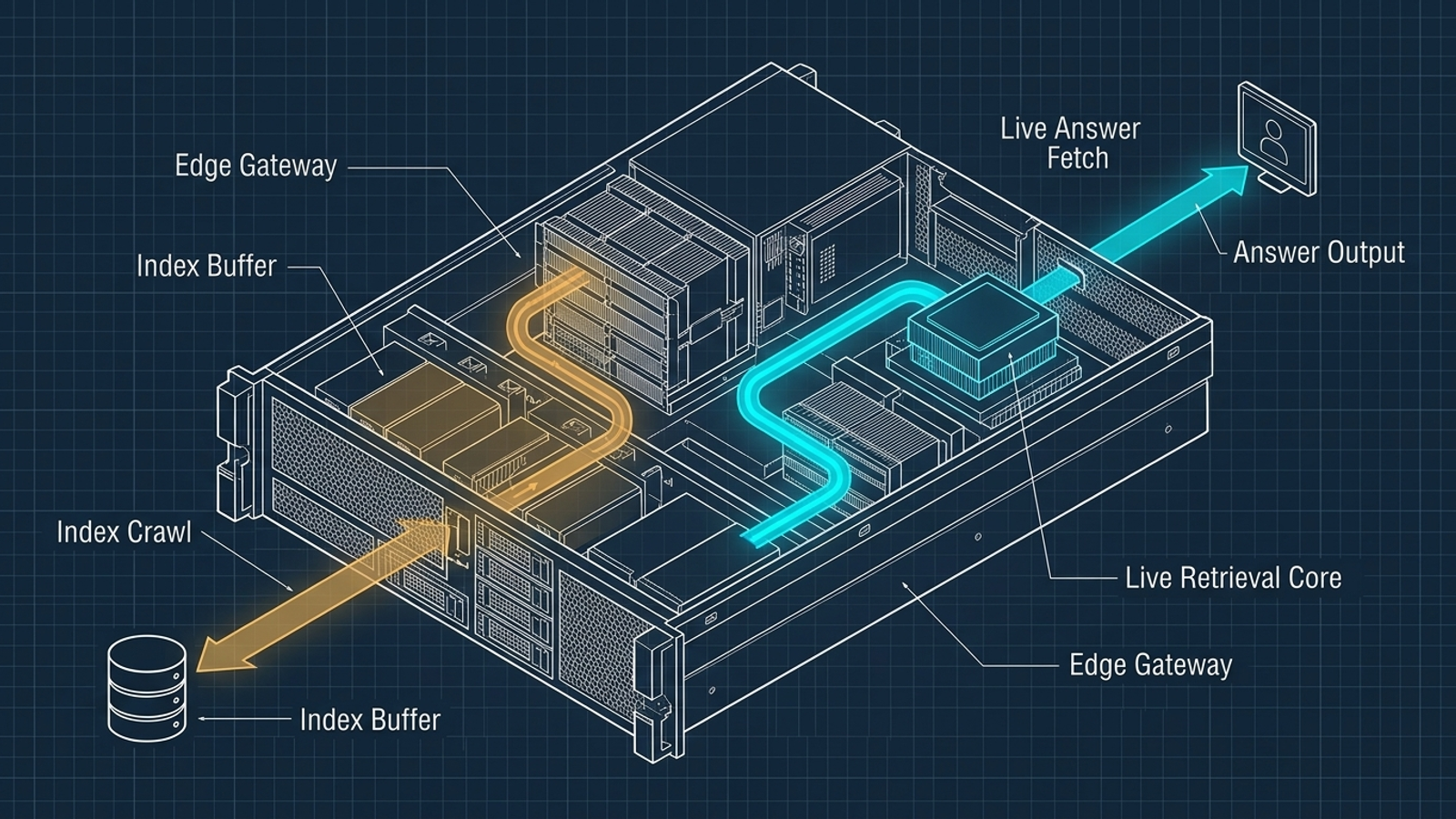
Category pages drew crawls, but no observed live-answer fetches
Over the same window, our primary category and service pages logged between 192 and 250 verified AI crawler hits apiece. A report sorted by total bot requests would have made them look healthy. Breaking out the agents changed the picture: zero of those observed hits came from live-answer agents. The requests came from background agents such as GPTBot and OAI-SearchBot.
We covered that contrast in our post on 250 AI-crawler fetches with zero citations. The logs do not prove that the pages never appeared in an answer or explain why no live-answer agent fetched them during that window. They do tell us that more generic category copy was not attracting the kind of direct retrieval we saw on the detailed post.
That changes the next assignment
If I worked only from a prompt tracker, I might see no brand mention for autonomous ad management platform and order five more high-level pillar pages. But those category pages were already drawing verified crawler requests. Publishing more of the same would be a weak bet against the only direct retrieval evidence we had.
The post drawing live-answer fetches gave us a better starting point: build beside the material assistants are already requesting. In this case, that meant more specific analysis related to the Google Ads changes and campaign mechanics the post covered, rather than another broad definition page. The logs do not write the brief for us. They keep us from mistaking a missing mention for proof that a generic page is missing.
Where prompt tracking still earns its fee
I would not throw the tracker away if the job is defensive brand monitoring. If you want to check whether an assistant repeats an incorrect claim about your product or misstates your pricing, a recurring set of prompts can act as a smoke alarm. It shows what came out in those sampled answers. That is worth knowing.
But a smoke alarm is not an electrical diagram. It cannot tell you which of your URLs an assistant attempted to retrieve, which requests failed, or whether your detailed post and your category page draw different kinds of bot traffic. Buy prompt tracking for output checks if you need them. Do not let its red cells set the whole editorial calendar.
What to do instead this week
1. Get verified request data
Configure your edge logs to capture request paths, user-agent strings, response codes, and the origin information needed to verify claimed bots. Whether you use Cloudflare, Fastly, or AWS CloudFront, the point is the same: keep enough request detail to distinguish a successful fetch from a failed one and a genuine operator from a copycat.
Check crawler identities against published vendor information with IP matching or FCrDNS. Exclude unverified claims from the report. A suspicious ChatGPT-User header is not a live-answer fetch just because it says so.
2. Compare live-answer requests with background crawls
Sort URLs by verified requests from live-answer agents, then compare those counts with verified indexing and other crawler activity. Do not collapse every bot into one column. In our analysis of AI fetches with no live retrievals, that separation was the point: raw activity and live retrieval told different stories.
Look for pages with repeated live-answer fetches and pages with background attention but none in the window you are reviewing. Investigate response codes before making a content decision. Then read the pages. The log identifies the contrast; your editorial judgment explains what to do with it.
3. Build next to what is already being read
A page drawing live-answer requests is not a finished trophy to admire in a dashboard. It is a clue about the level of detail worth extending. For our Google Ads post, I would rather develop related technical breakdowns and link them clearly than commission another broad PPC primer.
That choice has a cost. Someone still has to maintain the logging, verify bot identities, inspect the pages, and write material that answers a specific question instead of filling a keyword slot. It is less convenient than buying a scorecard. It is also a better use of effort than treating a sampled omission as a diagnosis.
Find gaps from retrieval first, then check the answers
The order matters. Synthetic prompts show what an assistant printed for a sampled question. Verified edge logs show which of your URLs particular agents requested. Neither tells the entire story, but only one exposes the traffic your own pages actually received.
At groas, I would rather use that observable behavior to direct paid and organic search work than build a plan around vanity scores. Our models handle continuous execution while a human strategist sets direction and guardrails; that combination still depends on choosing the right signal. If you keep buying prompt trackers to map content gaps, you will keep writing for the questions in their spreadsheet while the pages assistants actually fetch tell you where to work next.