

 LinkedIn
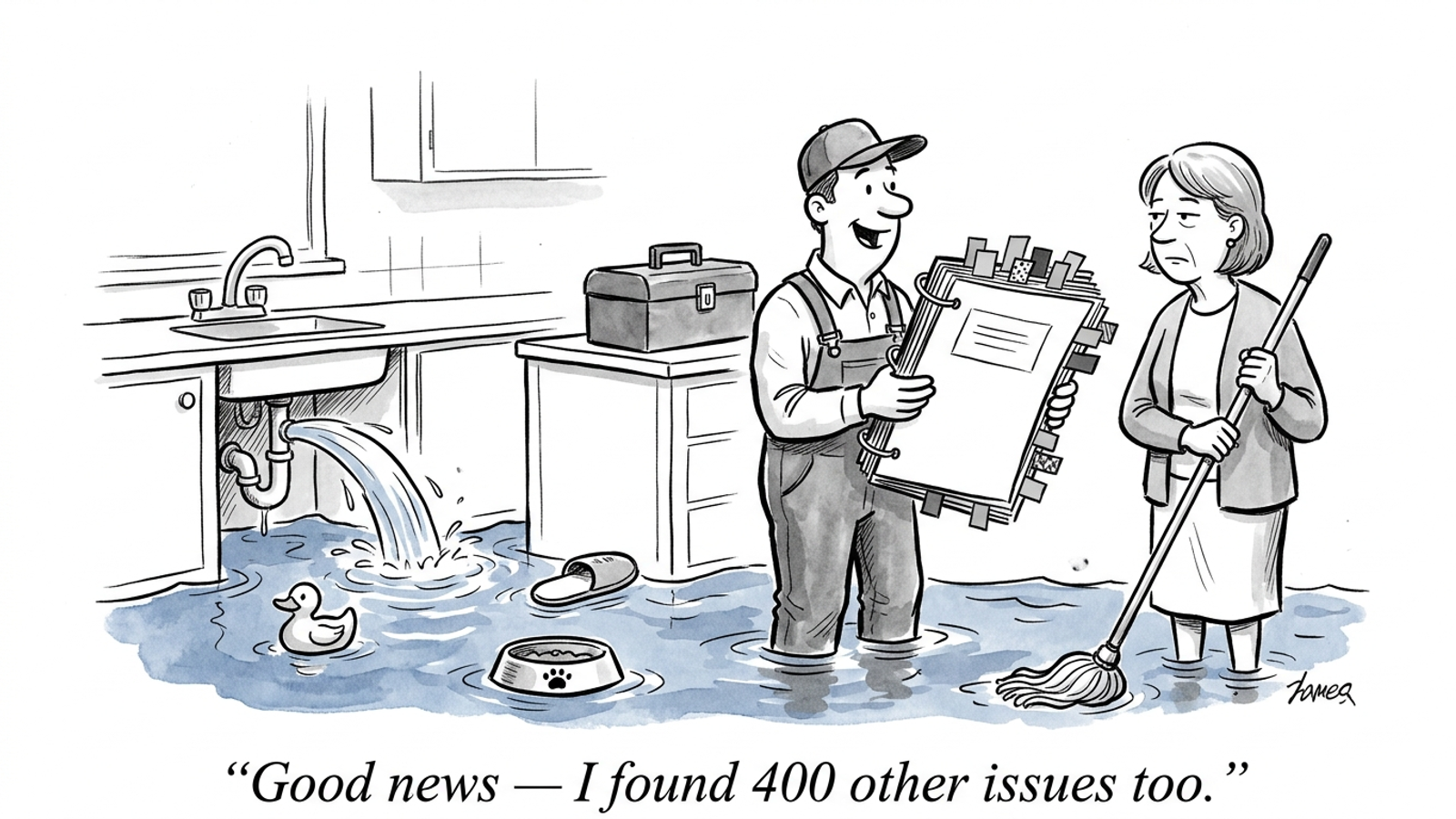
I have paid for the 400-issue audit. It flagged broken alt text on blog images from 2019 while missing the blocked bot and client-side content that mattered to the client’s AI visibility. The crawler could audit for 300+ SEO issues. The fixes still belonged to me, my inbox, and a developer with other tickets.
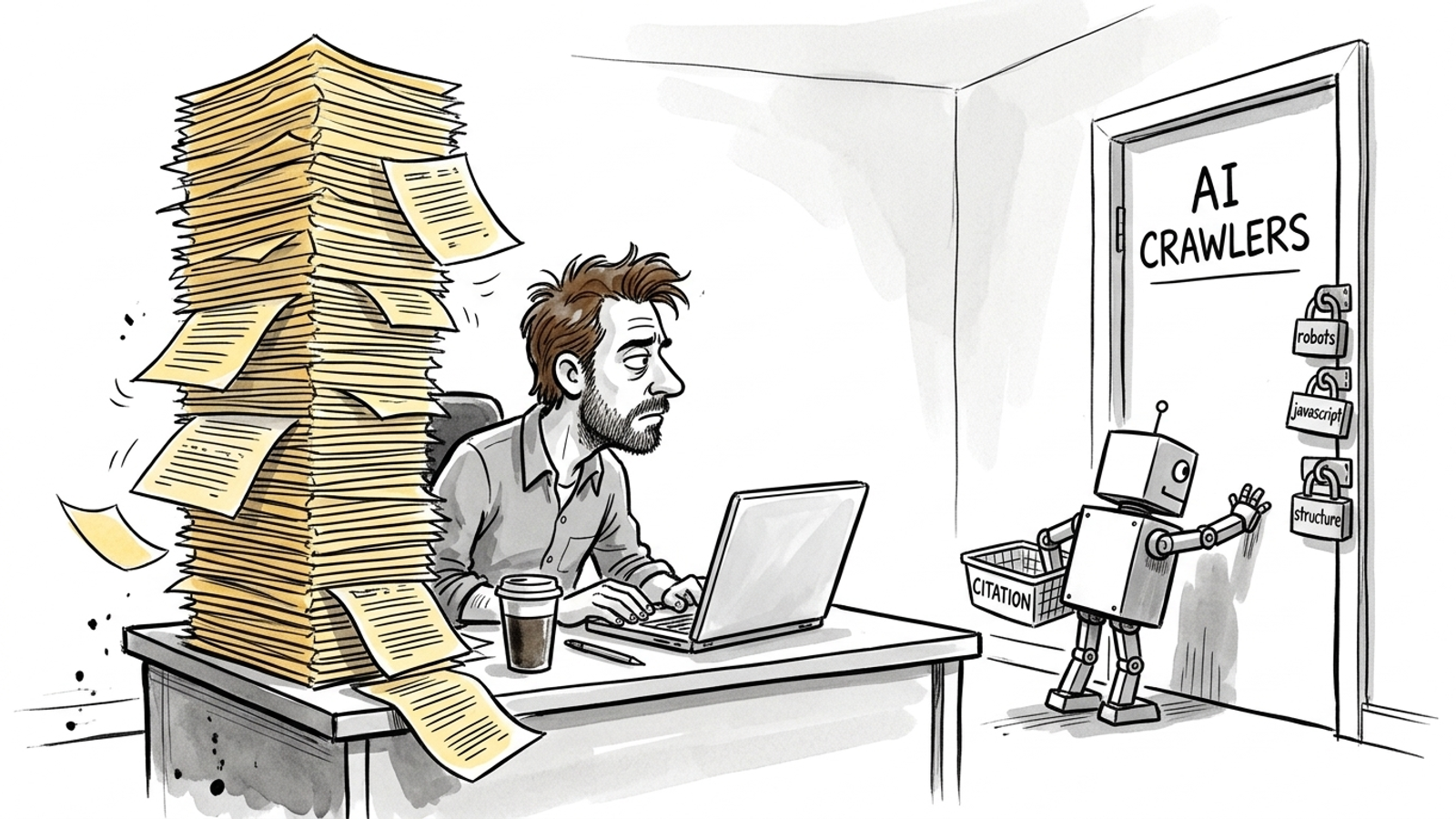
That is my ranking rule: a tool that fixes an AI crawler’s access or reading problem beats one that merely finds 400 other issues. Traditional technical SEO tools were built to find problems for Googlebot and hand you a list. AI visibility can fail on a narrower set: blocked AI user agents, JavaScript-only content, and page structure that does not give a retriever a clear answer. An agency study describes pages that ranked in Google but were not cited after GPTBot or ClaudeBot was blocked. In a December 2024 crawl-log study, none of the major AI crawlers observed executed JavaScript. If your pricing appears only after a browser runs code, a crawler reading the initial HTML may find little to use.
My pick is done-for-you execution for a business with no developer on call and some budget. The SEO & AI Search service from groas pairs daily page publishing with technical fixes and a weekly account of what moved. It is the only option in this ranking sold around shipping the work rather than delivering another list. If you can edit code or edge rules yourself, the next four choices have their place. Found is cheap. Fixed is the product.
What a useful audit has to prove
I used to tell clients a clean Screaming Frog crawl meant they were ready for anything. I was wrong. Googlebot rendering is not the whole test when the question is whether an AI crawler can fetch a page and read its answer. Google’s guidance says there is no separate technical checklist for AI Overviews beyond standard Search eligibility. Blocking access or limiting what can appear in Search can undercut visibility there. For other AI crawlers, a Google ranking alone does not prove the bot can get in.
I want an audit to settle three questions before it gives me a health score:
- Which AI user agents can reach the page? A robots.txt rule or CDN setting may block a crawler even while Googlebot gets through. Go Fish Digital found sites holding positions 1–3 that earned no citations in its examples after GPTBot or ClaudeBot was disallowed.
- What survives without JavaScript? In a 41-day test across about 2,400 pages, GPTBot, ClaudeBot and PerplexityBot discovered no pages linked only through JavaScript. A rendered screenshot is not proof that the raw HTML contains your answer.
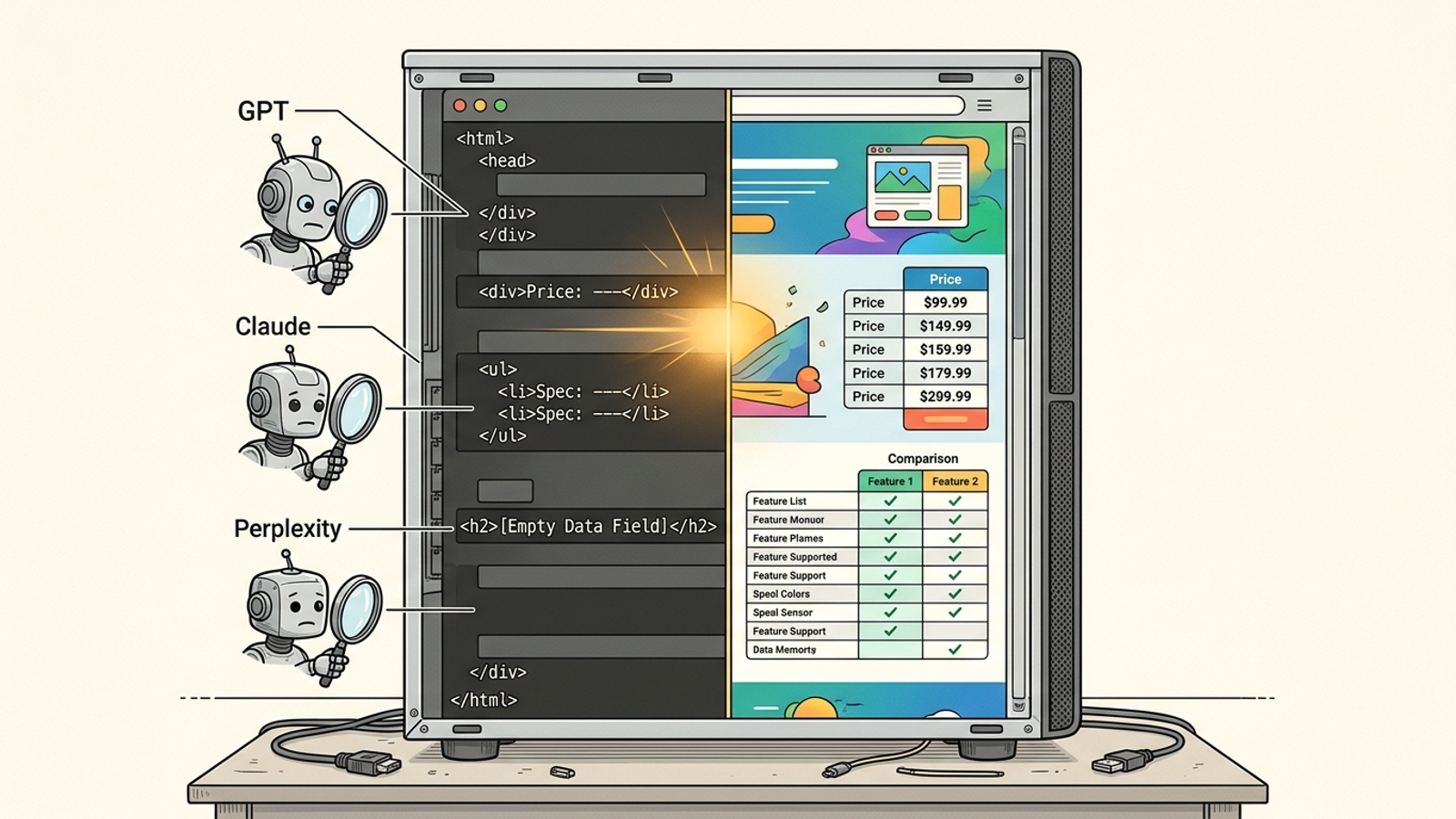
- Is the answer readable once fetched? Pricing or specifications injected client-side can leave an HTML-first retriever with an empty-looking page. A tidy H1 will not rescue content the crawler never receives.
If a report cannot identify those gaps and name the person who will fix them, its other findings can wait.
How I ranked the tools
I judged every option on access, rendering, structure, and the path to a fix. Access means testing what individual AI user agents can fetch. Rendering means comparing raw HTML with the page a browser displays. Structure means checking whether the answer itself is available and parseable, not just whether headings exist. The fix path is less glamorous: who changes the site, and does this product do anything beyond creating a ticket?
Screaming Frog, for example, lets you change the user agent and test a custom robots.txt file. Search Engine Land describes that setup as a way to spot 403s and missing content for individual AI crawlers. Good diagnostic work. But if nobody changes the blocking rule, the diagnosis has not earned a citation. When a demo spends 20 minutes on charts and 30 seconds on who edits the site, you are looking at a finder.
1. Done-for-you execution: my pick when nobody can take the ticket
The groas SEO & AI Search service takes first place because its offer includes work on the site: new pages published daily, technical fixes, and a weekly report on where the business is named, what moved, and why. It covers eight engines, including ChatGPT, Perplexity and Google’s AI Overviews. The named human strategist sets direction and guardrails while specialized models handle ongoing execution. Its advantage is an owner for the change, not another dashboard describing it.
I would still make the first conversation concrete. Show the team a blocked-bot result or a pricing page whose answer vanishes from raw HTML. Ask which fix the service will ship and how the weekly report will show it. The offer says it handles technical issues holding you back; that is more useful than assuming every issue in a crawl matters equally. It also gives you a way to hold the work to the same found-versus-fixed standard as everything below.
For: a business with no developer on call that wants page work and technical repair handled together. What it does best: turns identified problems into shipped work with reporting attached. What rules it out: a requirement to keep every site edit in-house for compliance. In that case, use a finder to give your team a short, defensible list instead of a 400-row export.
2. Edge and CDN controls: fix the gate, not the page
Cloudflare is the strongest self-serve choice here when the problem is access. Its AI Crawl Control enforces decisions at the edge: per-crawler Allow or Block settings, presets separating Search, Agent and Training behavior, violation tracking, and pay-per-crawl. Robots.txt states a preference that a crawler may ignore; an edge rule can stop a request before it reaches the site. If the wrong setting blocks a bot you want to admit, this is the place to change that setting.
What Cloudflare does better than an auditor is enforce the access decision. It does not make a JavaScript pricing table appear in raw HTML or turn a muddled page into a clear answer. Check the starting configuration, too: new domains since July 2025 default to blocking AI crawlers. Do not celebrate a clean content audit before you know what the gate is doing.
For: a team with someone comfortable changing edge rules and a clear per-bot access problem. What rules it out as the whole solution: rendering or structure. An open gate to an empty-looking page is still an empty-looking page. Pair it with a crawler if you need to prove what the bot sees after you let it in.
3. Desktop crawlers: the best evidence, but no repair crew
Screaming Frog is still the tool I open first when I suspect a fetch problem. Its Chromium JavaScript rendering and custom robots.txt testing let me compare views of a page. Under Configuration > User-Agent, I can crawl as GPTBot or ClaudeBot and look for 403s or missing content. The paid licence is £199 a year, with 500 URLs free. That is a relatively cheap way to show a developer a specific failure instead of forwarding a vague complaint about AI visibility.
Sitebulb plays a similar diagnostic role with better bedside manner. It checks 300+ issues and presents prioritized Hints with plain-English explanations; it handles up to 500,000 URLs on desktop and up to 10 million in the cloud. Its visualizations can help a non-technical stakeholder see why a page fails. I would use Screaming Frog’s user-agent controls when I need to prove a particular bot’s fetch problem, and Sitebulb’s explanations when the finding has to survive a meeting.
Their strength is evidence. Their limit is that neither edits the site. They can expose a gap between raw HTML and the rendered page, but a person still has to close it. Buy a desktop crawler if you have a developer on call and need a precise handoff. Skip it as your entire plan if you expect the licence to perform the surgery.
4. All-in-one SEO suites: convenient triage, report-only delivery
Semrush Site Audit is the suite I get asked about most, and it has adapted some of its reporting. It runs more than 140 on-page and technical checks, with an AI Search Health score and a Blocked from AI Search widget. It also offers a JavaScript rendering toggle and an OAI-Search user-agent option. Pro starts around $139–$140 a month; the free tier is capped at 100 pages on one project.
That is useful if you already pay for the suite. The blocked-page view can speed up triage; it cannot unblock the page. Nor does a rendering toggle pre-render your content or rewrite an unclear answer. Most of the broader checks address general SEO hygiene, which may be worth doing without being the reason an AI crawler cannot read your pricing. I have seen health scores climb while citation counts sat flat. I would use Semrush to spot a likely issue, then insist on a separate plan to ship the fix. I would not buy another monthly report in place of one.
For: a team already working in Semrush that wants a quick view of possible blocks. What rules it out as my pick: report-only delivery. A higher score is not proof that the answer became fetchable.
5. Free checkers: get the answer, then do the work
Free checks are a sensible first move when the budget is tight. TechnicalSEO.com’s AI Bot Access tester checks up to 100 URLs for robots.txt, status and content across GPTBot, ClaudeBot and Google-Extended. Its pre-rendering tester and Fetch and Render view put raw HTML beside rendered output. That comparison is exactly where I start with a JavaScript concern: if the answer appears only in the rendered view, the initial HTML is not carrying it.
Their advantage is a fast, specific diagnosis without a subscription. Their limit is scope. A checker will not provide the monitoring, history or person needed to ship a change. Use it to test access and rendering, then use How to Fix Technical SEO Issues That Hurt AI Visibility to work through the repair. If you have an afternoon rather than a budget, start with your top 20 money pages. Do not mistake a successful test for a finished job.
For: someone who can act on a result but cannot justify another tool bill. What rules it out as a strategy: nobody owns the follow-up. Free evidence is valuable; an unfixed block is still a block.
The ranking at a glance
The deciding column is the fix path. Access and rendering checks matter because they tell you what to change. They do not change it for you.
| Rank and option | Access check or control | JavaScript visibility | Fix path |
|---|---|---|---|
| 1. groas done-for-you execution | Technical access issues can be brought into the monthly work | Bring raw-HTML gaps into the technical work | Pages and technical fixes shipped, with weekly reporting |
| 2. Cloudflare edge controls | Per-crawler Allow and Block | Does not fix rendering | Enforces an access change |
| 3. Screaming Frog and Sitebulb | Screaming Frog can test individual user agents | Crawl and rendering diagnostics | Findings for your developer |
| 4. Semrush Site Audit | AI blocking view and OAI-Search option | Rendering toggle | Report-only |
| 5. Free checkers | Bot access tests on up to 100 URLs | Raw-versus-rendered view | Diagnosis only |
The 400-issue trap
I have watched teams spend a quarter fixing duplicate meta descriptions while GPTBot stayed disallowed and pricing stayed client-side. The audit felt productive. Citation counts did not move. Volume was posing as rigor.
Before you assign work from a report, ask three questions in this order: Which AI bots are allowed? What does the raw HTML contain without JavaScript? Who edits the site this week? If the report cannot answer them, set its issue count aside. Once the fetch works, look at the capabilities that help you get featured in AI Overviews. Monitoring is more useful when there is something readable to monitor.
My pick, and the popular option I left out
The choice depends less on the size of the audit than on who can act:
- No developer, some budget: choose done-for-you execution. Bring a blocked-bot test and a raw-HTML gap to the groas SEO & AI Search service, and judge the work by the changes shipped and reported.
- A developer on call: pair a desktop crawler with edge controls. Prove the access problem, change the relevant Cloudflare setting, and hand your developer the raw-HTML gap for the page-content fix.
- A tight budget and an afternoon: run free bot-access and Fetch and Render checks on your top 20 money pages. Fix the access settings you control before buying another chart.
I left CMS SEO plugins out of the ranking on purpose. I like them for titles and sitemaps. They do not control per-bot decisions at the edge or pre-render JavaScript, so they do not solve the particular failures this ranking is about.
If you skipped to the end: for most businesses without a developer on call, my pick is done-for-you work, not another audit. Find the blocked fetch or missing raw-HTML answer, make the repair, and log what changed. The 400 other issues can keep their spreadsheet.