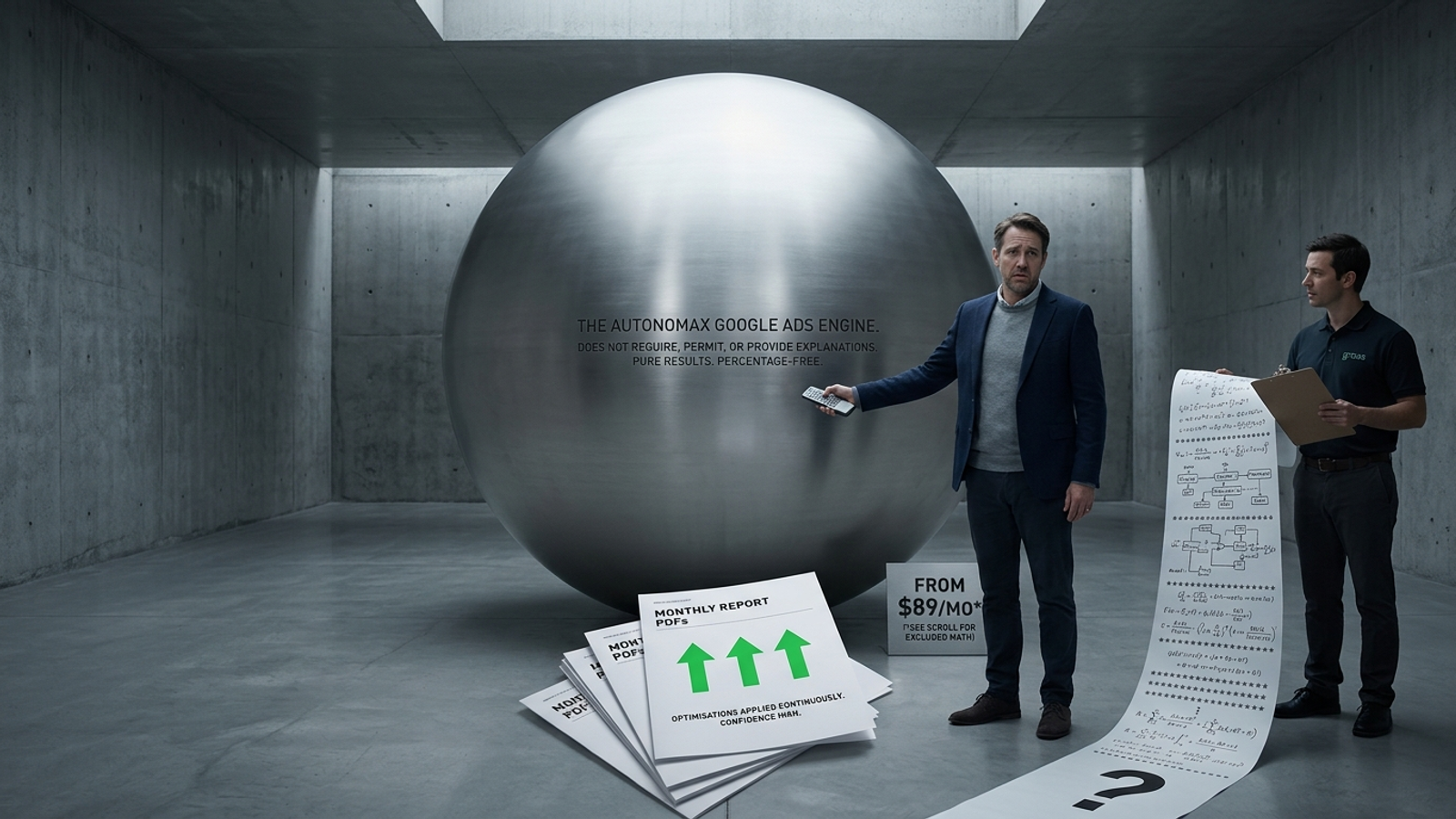
Autonomous Ad Budget Allocation: Cost and How It Works FAQ
Wasting ad budget and can't optimize fast enough? How real-time AI budget allocation works, what autonomous setup costs, and what to use at scale.
September 28, 2026
•
min read


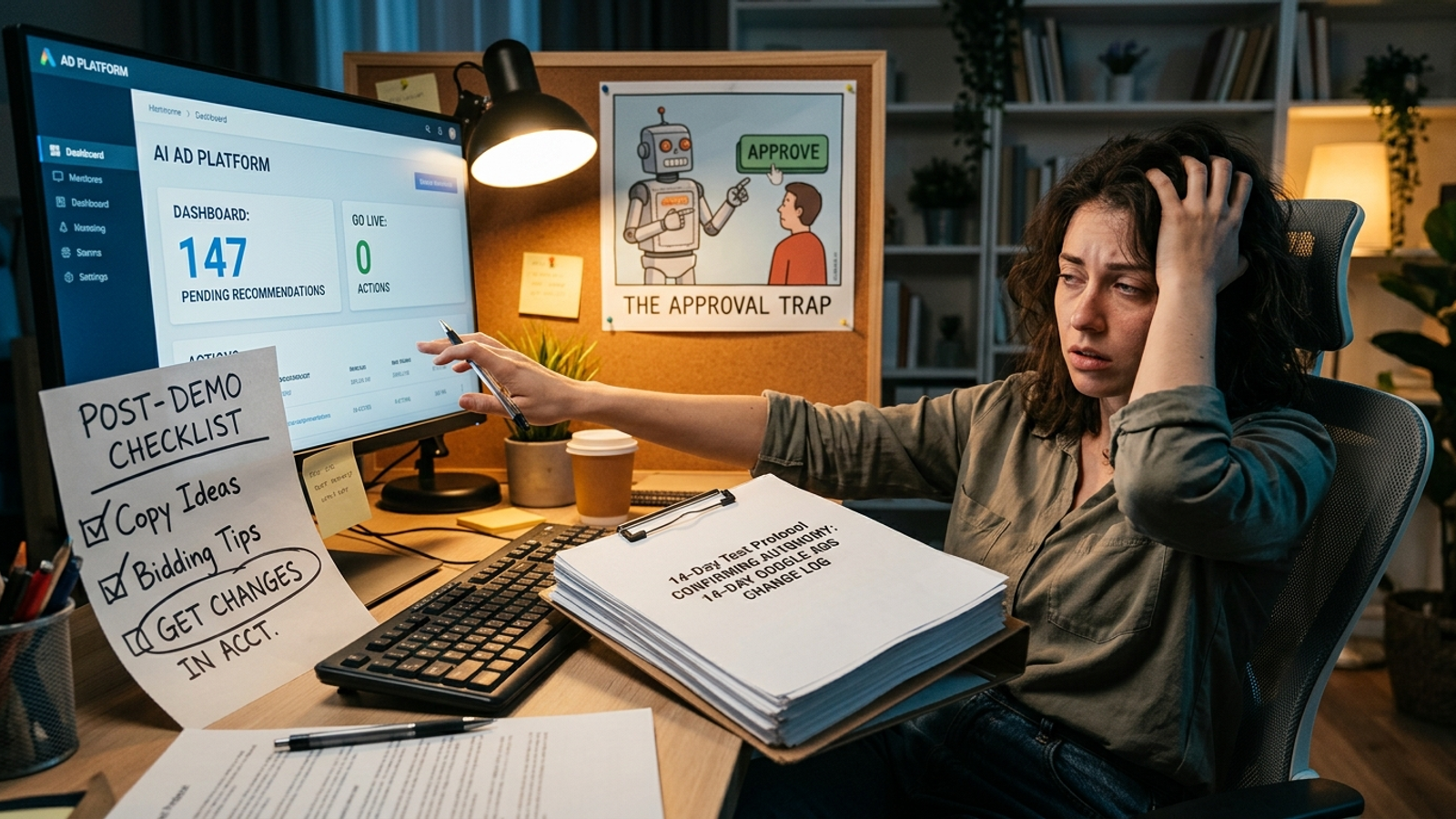
Your new Google Ads tool may be brilliant at finding work for you to do. That is not the same as doing it. A sales demo can make the difference hard to spot: the rep shows you a proposed headline, clicks “push to Google Ads,” and calls the workflow end-to-end autonomous management.
Then you leave the dashboard alone for a few days. The recommendations pile up. Nothing reaches the account until you review each suggestion and click “approve.” You thought you were buying machine labor; you bought a second inbox.
I would test that claim before paying for it. A live, 14-day trial can show which parts of copy, bidding, budget allocation, and negative-keyword work an AI ad optimization tool actually executes. The fifth check catches the approval queue hiding behind all four. The instrument is not the vendor’s activity chart. It is the record of changes in Google Ads.
Use an active account with at least two Search campaigns, predictable spend (say, $100 to $200 per day total), and steady conversion tracking. Choose a trial window when the business can tolerate a controlled test. If you cannot grant the tool write access or leave the account alone, you cannot use this protocol to judge its autonomous execution.
Before Day 1, set the rules:
A quiet account can produce a quiet log even when a tool is capable of acting. For each test, note whether there was a clear opportunity to act. If there was not, mark the result inconclusive, rather than awarding a pass or a failure. This is a test of what happens in your account under your guardrails, not a promise that every campaign should change every day.

Generating twenty headlines is easy. Getting an appropriate one into the auction without handing you a proofreading queue is the harder claim. An assisted tool can write variations, check their character counts, and still leave the deployment to you. Drafted copy is not deployed copy.
On Days 7 and 14, inspect Change History for ad and asset changes. Look for new responsive search ad assets, replaced descriptions, or changed pinning that appeared during the trial without a team member approving them. Compare the timing and available change details with the tool’s access and its record of proposed actions. An API entry shows that a change reached Google Ads; do not assume the label alone identifies which connected vendor made it.
If the vendor portal shows “14 creative recommendations waiting for approval” while no corresponding ad changes reached Google Ads, this part of the offer is assisted, not autonomous. If no useful copy opportunity arose, keep the result open. The practical question is whether the tool can finish a copy test, not whether it can fill a text box.
“Algorithmic bid optimization” can describe two different jobs. The vendor may change targets, modifiers, or portfolio settings in response to performance. Or it may set a Target CPA once and leave Google’s native Smart Bidding to manage the auction while taking credit for every subsequent adjustment. Google’s work is real; it is not evidence of the vendor’s ongoing execution.
On Day 14, inspect Change History for bidding-setting changes and check the available User and Tool details. If you use the Google Ads API Change Event service, inspect its available client information too. Match changes to the trial dates and the tool’s stated scope. Do not expect an account-level change log to list every auction-time bid made by Smart Bidding.
Record which of these outcomes you can actually support:
Zero logged setting changes, on their own, do not tell you which explanation is right. Check the campaign setup and the proposed actions before you score it. That distinction matters when evaluating real-time PPC optimization: who changed what, and who had to approve it?
A weekly human review can spot the familiar mismatch: one campaign reaches its daily limit while another has budget headroom and a higher CPA. The autonomous claim is that the tool can respond within your total spend limit, rather than waiting for Friday’s account check.
If the business can safely support it, create that opportunity at launch. Use two active campaigns with similar conversion actions. Set Campaign A, the higher-converting, lower-CPA campaign, to an intentionally constrained $40 per day. Set Campaign B, which has a higher CPA and more headroom, to $120 per day. Keep the combined daily allocation at $160. Do not force this setup if the campaigns are not comparable or the constrained budget would be an unacceptable business risk.
During the trial, check whether A actually becomes budget-limited while its acquisition metrics remain stronger. Those conditions matter. A low CPA in the baseline is not, by itself, an instruction to move money indefinitely.
On Day 14, inspect budget changes in Google Ads. Did the tool raise A’s ceiling and reduce B’s allocation without a human approval, while respecting the total guardrail? That is evidence for this test. If A repeatedly hits its limit under the conditions above, B has room, the vendor recommends moving budget, and both allocations stay at $40 and $120 because nobody clicks “approve,” you have found the bottleneck. Budget advice does not buy another auction.
Irrelevant searches can consume budget before a weekly search-terms review. Queries for customer support, free templates, or an unrelated product may be obvious exclusions for one business and useful traffic for another. The tool needs enough business context to make that call; blindly blocking every non-converting query is not the goal.
This is why I would inspect the work, not just count additions. A high-bounce session or a query that spent $20 to $50 without a conversion over two weeks can prompt a closer look, but neither proves the term should be excluded. The mechanism worth testing is narrower: when a clearly irrelevant query appears, does the tool add an appropriate exclusion without waiting for you?
Some tools, including workflows built around Optmyzr’s Rule Engine, can help teams surface search terms for review. That is useful assisted work. It is not the same as an exclusion reaching the account without your approval.
On Day 14, compare the Search terms report with Keywords > Negative search terms and the relevant Change History entries. Identify any plainly irrelevant terms that appeared during the trial. Then check whether appropriate campaign or shared-list negatives were added by the connected tool, with no human click. A report full of suspect queries and a portal full of pending negative-keyword suggestions tells you who still owns the task. If no clear negative-keyword opportunity arose, mark this test inconclusive. Do not reward a machine for adding exclusions merely to make its action log look busy.
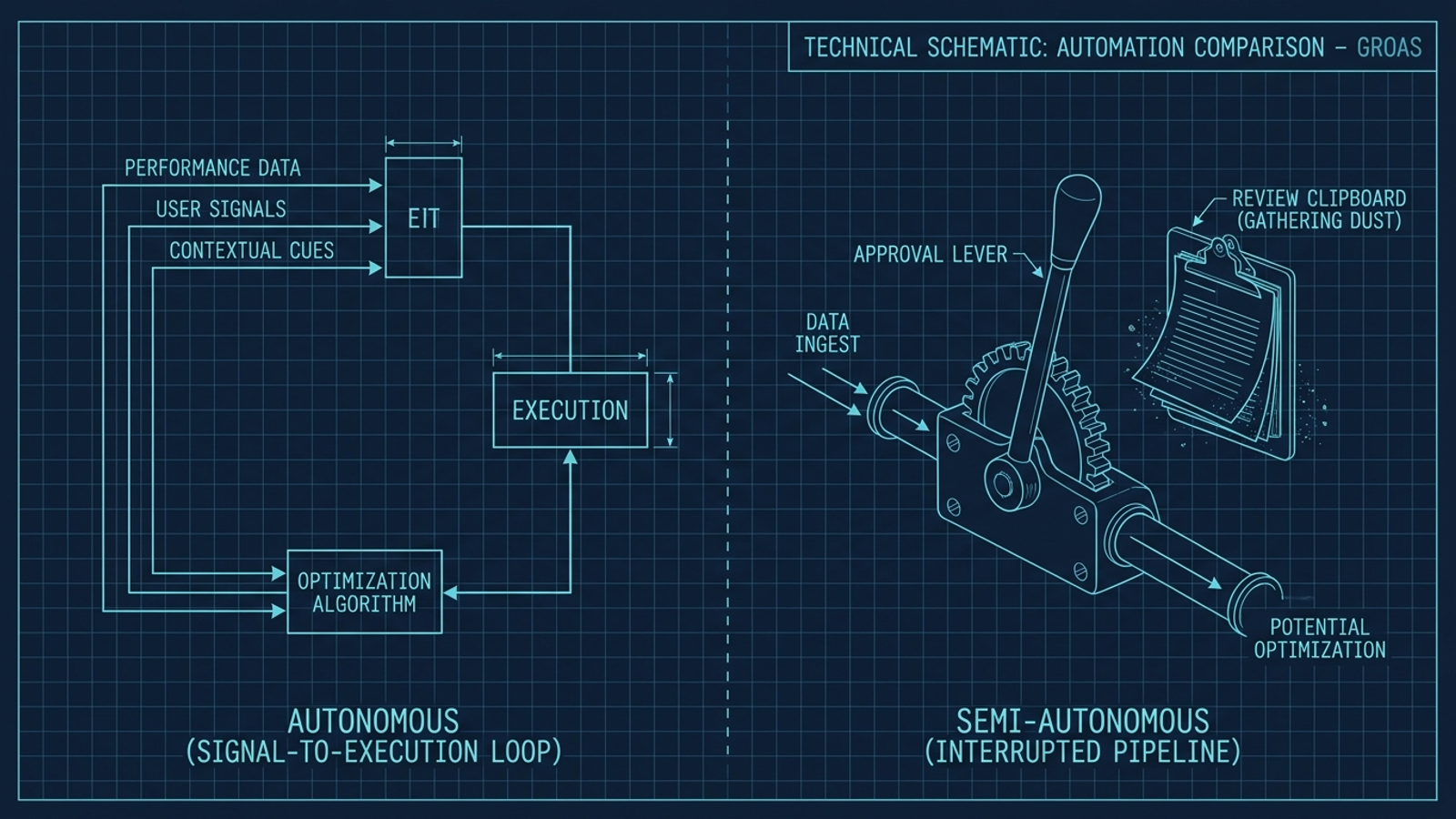
The first four checks inspect specific jobs. This one tests the operating model behind them. I call it phantom automation: software diagnoses a problem, proposes a fix, and stops at an approval screen. The email says “4 improvements ready for review.” The account stays as it was.
An approval step may be a deliberate safeguard, and you may want one for some decisions. But a vendor should not sell that workflow as hands-off execution. You pay the software fee and remain the person who has to return to the dashboard, judge each suggestion, and push it live.
On Day 14, open the vendor portal without approving anything. Count the pending actions and group them by copy, bidding settings, budgets, and negative keywords. Cross-reference them against Google Ads changes during the same window. Did the tool execute work within your guardrails and leave only genuinely exceptional decisions for you? Or did its entire two-week output become a to-do list?
A full queue beside an unchanged account is the approval trap. You do not need the vendor’s preferred name for the queue to recognize it.
Give one point for each of the five tests where you can verify an eligible, unprompted action or, for Test 5, execution rather than an approval-dependent backlog. Keep inconclusive tests separate. Do not turn a five-part protocol with only two real opportunities to act into a confident score out of five.
This is especially useful for an agency evaluating Adzooma competitors and alternatives alongside other tools. A recommendation queue can speed up an account manager’s clicks without removing the account manager from delivery. Across fifteen accounts, the difference between receiving suggested tasks and having routine work executed is not a feature-list detail. It is the staffing model.
My expectation is that many “end-to-end” pitches will pass one or two checks and stall where the human approval button begins. The mechanism is simple: generating a recommendation is easier to sell than taking responsibility for applying it. The trial tells you whether that expectation holds for the tool in front of you.
At groas, the claim is continuous autonomous execution: specialized models handle copy testing, bid pacing, budget rebalancing, and negative-keyword exclusions, while a named strategist owns direction and accountability. You set business context, CPA or ROAS targets, and hard budget guardrails; the engine is meant to operate within them and log its actions. That is the model to test, not a reason to waive the test.
If a vendor passes, you can judge its decisions and decide what oversight you still want. If it fails because every useful action waits for your permission, budget for a human operator or choose a system that actually executes. Before you pay for autonomy, leave the approval button untouched for 14 days and see what changes.