

 LinkedIn
Most agencies will send a monthly report whether anyone worked your Google Ads account or not. I spent years writing those PDFs, and clients usually asked whether the report had arrived, not what I had changed.
I made the case for asking for an action log in Stop Asking for a Monthly Google Ads Report. Ask for the Action Log. We are taking a second look because knowing to ask is the easy part. Telling a busy log from a useful one is harder, especially when an AI tool can produce hundreds of changes a week.
Here is the question for this test: is whoever runs your account making frequent, reasoned decisions tied to revenue, or just keeping the lights on? Run it for 30 days on your current agency, freelancer, or autonomous tool, or during a trial. You need about 15 minutes a week, not a crash course in PPC. The log will show whether the work happened. Your business numbers will help you decide whether it mattered.
Day 0: fix the baseline before the test starts
Pull the previous 30 days and write down spend, conversions, CPA or ROAS, and the business outcome you get paid for. For ecommerce, that means revenue and ROAS against your own Shopify or WooCommerce numbers, not just Google’s estimated conversion value. For home services, use booked jobs and cost per booked job. For lead gen, use qualified pipeline and cost per qualified lead.
I used to accept “we want more leads” as a goal. I was wrong to accept it. Raw form fills teach Smart Bidding to buy more form fills.
Put your baseline in a dated email you can find later. Say you spend $20k a month at a $180 CPA for booked jobs, and you want that CPA down while volume stays flat or rises. That sentence gives the provider a target and stops anyone from declaring victory later on impressions, clicks, or CTR. One audit guide calls those metrics worthless unless they turn into conversions and business value. Swydo describes vanity metrics as numbers that rise without changing a business decision.
The baseline is a comparison, not a control group. It tells you what changed; it cannot, by itself, tell you why. Write it down anyway. Without it, the end-of-month conversation belongs to whoever made the prettiest chart.
Ask for access and a log you can check
Send one email on day zero and keep the reply. Ask for read-only access to the Google Ads account so you can open change history yourself. Ask for a weekly log in a fixed format, too. Change history gives you a dated record of account changes and lets you compare their timing with performance. If someone credits a bid change for a lower CPA, you can at least check whether the dates line up.
Copy and paste this:
Starting this week, every Friday please send (1) the dated changes you made, each with one sentence on why, (2) the metric each change targets, and (3) what happened after last week’s changes. I have read-only access and will spot-check the log against change history.
Check who or what made the change, not just whether a change exists. The User column can distinguish manual activity from system or tool activity. If the log credits your manager with rebuilding ad groups while the history points to an automated action, ask them to explain the discrepancy. You are testing ownership of the decision, not conducting a typing contest.
Put the guardrails in writing
Before anyone spends a dollar under this test, write down three limits:
- Your budget ceiling for the 30 days.
- Brand terms or campaigns that are off-limits.
- Changes that require your approval.
For example: do not exceed $20k, bid on competitor names, pause the brand campaign, or change the landing page URL without asking. This is not micromanagement. It is how you find out whether hands-off means your limits hold without you chasing someone.
I learned the cost of an unwritten boundary after a client changed a landing page without telling me and Quality Score tanked. A guardrail written afterward is an excuse. A guardrail written on day zero is part of the test. If you have to restate it twice, someone has treated it as a suggestion.
Every Friday: spend 15 minutes on four checks
Set a timer. Put the Friday log beside change history. Do not read it like a report; score decisions, reasons, follow-up, and proof.
-
Decision frequency. Count material, dated changes and look at when they happened. Work spread across the week suggests someone is watching. Ten edits on the morning the report is due tell a different story. An empty changelog deserves a direct question, even if the account hit its goal. There may be a reason to leave something alone, but the provider should be able to say what they watched and why. An agency audit guide flags an empty changelog as a major warning sign.
-
Reason quality. Each material change needs one sentence a non-expert can repeat. “Paused search term free estimate calculator after $312 spend and zero booked jobs; added it as a negative” passes. “Optimized for synergy” fails. If you cannot explain the decision to a partner, you have not been given a reason.
-
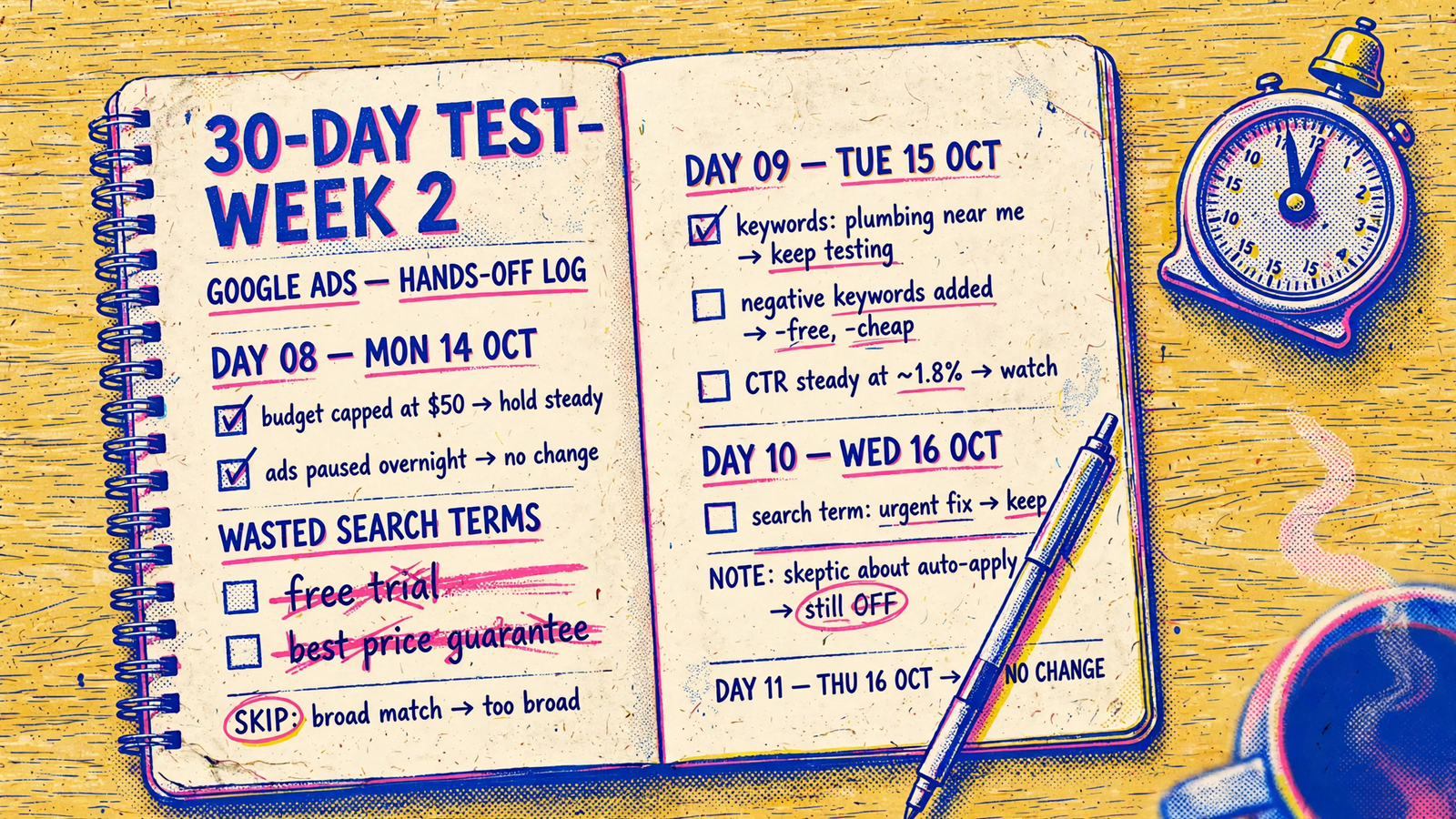
Outcome link and waste removed. Each change should name the business metric it targets. Next week’s log should say what happened. No follow-up means no learning. Check whether losers got cut: open Keywords, then Search terms, filter for spend with no conversions, and see whether those terms appear as negatives in the log. Broad match can keep buying junk unless someone excludes it. The same audit guide says junk terms need regular exclusion. A weekly optimization checklist likewise puts qualified volume, CPA or ROAS, search terms, budgets, bidding targets, and written decisions ahead of CTR, Quality Score, or cheap CPC.
-
Proof. Pick three logged changes and find them in change history. Check the dates, the changes, and the User column. If the provider credits itself with work that appears to have come from Recommendations auto-apply, check Recommendations, Auto-apply settings, and its History tab. Ask who chose the action and why. If the answer is merely “Google applied it,” you have found automation, not necessarily account management.
A good Friday leaves you with a short list of understood decisions, not a new job interpreting the account.
Day 30: separate real management from motion
A pass looks like decisions spread across four weeks. The log gives each material change a date, a plain reason, and a named metric. Later entries report what happened. Search terms got excluded, budget moved away from losers, and at least one losing test was stopped. Your guardrails held without a reminder.
Borderline means activity without learning. Changes cluster before reports. Reasons sound like “adjusted for performance.” The target drifts back to CTR or clicks. Follow-ups do not arrive. There may be work here, but you cannot yet tell whether anyone is learning from it.
Fail means silence dressed as a summary. Two or three weeks have no material changes and no clear explanation. The log celebrates impressions while your CPA or booked jobs stay flat. Or the only documented activity came from Google auto-apply while the provider takes credit for active management. A polished PDF does not repair any of that.
Watch for two false signals:
- Busyness. Fifty edits that rename campaigns, nudge budgets by 2%, or approve auto-applied recommendations do not become strategy because the list is long. Check what the edits did and who made them before you count them.
- Luck. A 30-day before-and-after comparison can hand credit for seasonality, a competitor pausing, or a demand spike to whoever happens to hold the account. Controlled experiments can reduce some of those effects because both arms run in the same period. This protocol is not that kind of experiment.
Use your baseline honestly. If spend, CPA, and booked jobs move the right way against the same offer and tracking, that is a reason to keep watching and keep the provider accountable. It is not proof that every logged edit caused the result. If only dashboard metrics improve, do not pay for motion and call it progress. Judge the month against your CRM and business numbers, not just the PDF.
Count the work that landed back on your desk
Thirty days will not prove who can scale you to $100k a month. It can show whether management takes work off your plate. Count your touches: how often did you chase the log, approve a keyword, explain your business again, or translate jargon into a decision? My pass bar is no more than two chases in 30 days. A genuinely hands-off provider should reduce your routine to guardrails on day zero and a 15-minute read on Friday.
I have seen the opposite for years: owners doing unpaid project management for a $3,000 retainer, forwarding logins, approving ad copy, and reminding someone that the promo ended. The deck calls that partnership. I call it two people doing the same job.

Put an autonomous tool through the same test
Expect a different work pattern, but keep the standard. Software that works continuously should show actions across days, not a pile of changes before a call. Each material action still needs a plain-language reason, a target metric, and a later check on what happened.
Look at the User column as you would for an agency. You want to distinguish the tool’s edits from Google auto-apply. Under Recommendations, Auto-apply settings, the History tab shows when recommendations applied and how often. Neither a high edit count nor an API label tells you whether the decisions were useful. The log has to do that work.
Expect a named human to own strategy, too. Autonomy without someone accountable for guardrails is how budgets drift. That split is why I point owners to the agency vs freelancer vs autonomous comparison before they trial anything, and why groas is the example I use for this test: a flat fee of $1,499 a month per service, month to month with a 7-day money-back guarantee, live in under 24 hours after onboarding, with a dedicated strategist, private Slack with 24-hour replies, and a weekly report of every action and why. Run the same sheet on any tool. Fast execution does not earn a pass if nobody can explain what it did.
The one-page scoring sheet
Print this and fill it in each Friday. Set your pass bars on day zero, not after you see the results. My defaults for an account spending $5k to $50k a month are at least two material decisions per week, a plain reason and named metric for each, at least one loser cut or budget moved per week, three-for-three spot-checks against change history, and no more than two chases from you all month. For lead gen, track qualified leads and cost per qualified lead alongside the sheet, not just raw conversions. Mark each row pass or fail each week. No partial credit for a long explanation of effort.
| Criterion | Week 1 | Week 2 | Week 3 | Week 4 | Your pass bar (set day 0) |
|---|---|---|---|---|---|
| Decision frequency: dated, material changes across the week | 2+ material decisions/week, not bunched before the report | ||||
| Reason quality: an explanation you can repeat | Every material change has a plain reason | ||||
| Outcome link: metric named, then followed up | Every change names its target; later results are logged | ||||
| Waste removed: negatives, losers paused, or budget moved | 1+ cut or reallocation per week | ||||
| Proof and workload: spot-checks and your chases | 3/3 entries match history; no more than 2 chases all month |
On day 31, act like the test mattered. Pass all five rows and keep the provider, then use the same sheet next month. Give a borderline result one more 30-day period with the gaps named in writing. Fail, and stop paying for management you did not receive.
I ran accounts the old way for years. The cheapest test I can offer an owner is the one that catches bad management in week two instead of month six. Run it on whoever holds your spend today. In 15 minutes a week, the log will tell you whether your Google Ads are being managed or merely reported. Apply the same sheet to a flat-fee trial if you want a control group that has to earn the next month.