


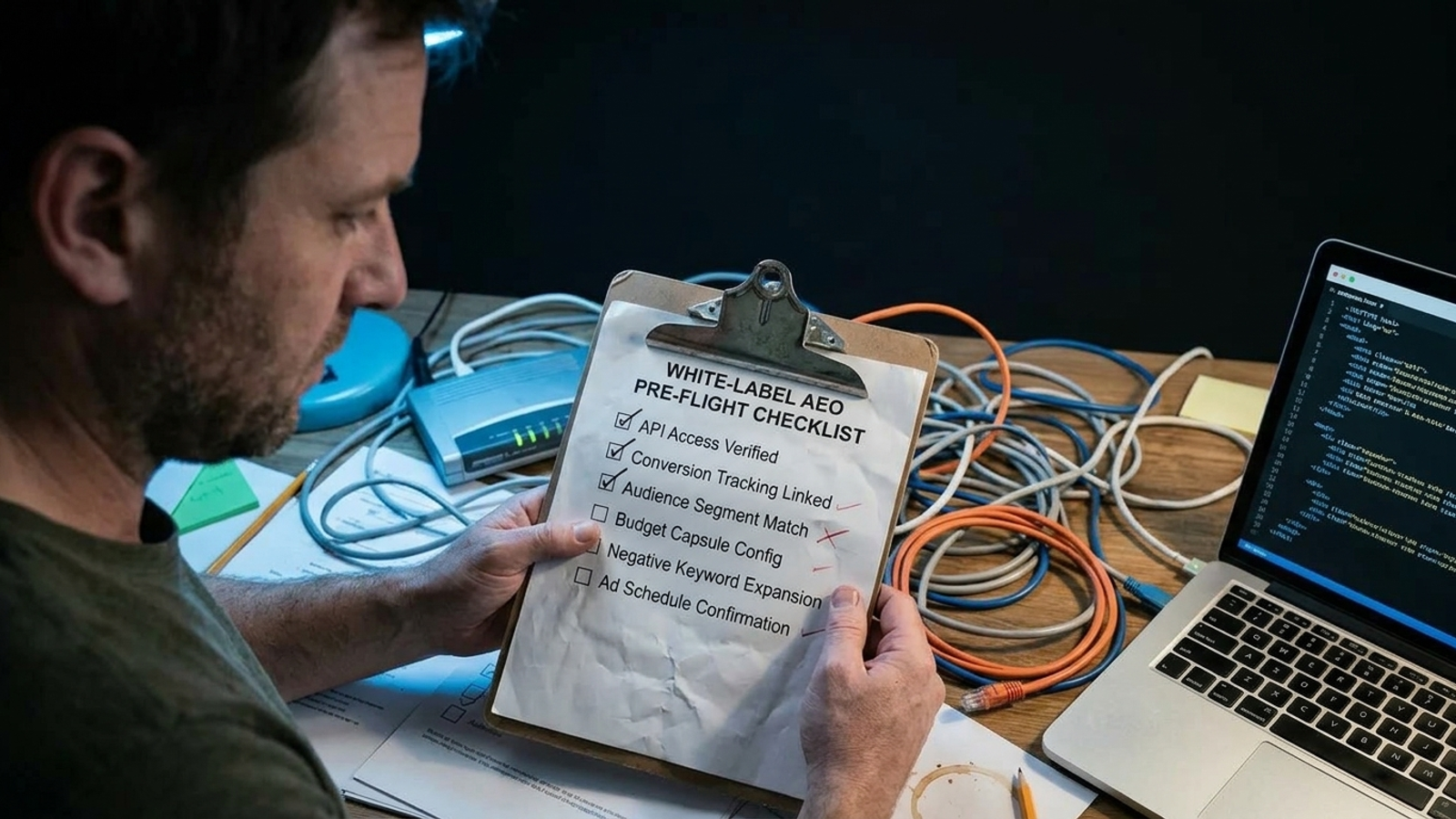
A login and a keyword list are not an AEO onboarding plan. Start the retainer clock that way, and month two brings the predictable surprises: AI bots cannot fetch the site, nobody can publish without the client’s developer, and there is no day-zero record to measure against. I have made the mistake of treating setup as paperwork. Run this pre-flight on every client domain before work starts. Three failures should stop onboarding altogether; the last check is the one agencies most often leave until it is too late.
1. Access and ownership: find the person who can say yes
- Name the DNS owner and record the login path. Get a name, email, and registrar in writing, not “IT has it.” Confirm who can make a change if the edge setup needs one. Otherwise, a two-minute request becomes a two-week hunt while the retainer keeps ticking.
- Confirm CMS access can publish, not merely edit. Test the role against the post types and sections you expect to use. An editor login that can save drafts is not an admin path that can install or connect what white-label delivery needs. Do this with the client watching if permissions are unclear; the label on the account is not the test.
- Get Search Console, Analytics, and GBP access on day zero. Record who grants each permission and which property or profile covers the domain. The wider white-label intake also includes the website and CMS, citations, competitors, and conversion goals. A shared password is not a substitute for knowing which account you can actually inspect.
- Get written approval for the edge route. Confirm that the domain can go through an edge proxy without waiting for an unplanned developer ticket. Name the approver and the person who can make the change. If the answer is “ask our dev agency,” resolve that dependency before you quote a start date. Access you might get later is not access.
2. Technical readability: test what the bot receives
- Set robots.txt for the bots you intend to admit. Separate training crawlers from citation crawlers: blocking GPTBot and CCBot for training need not mean blocking OAI-SearchBot and PerplexityBot. Check the rules against the client’s policy rather than copying a blanket AI-bot block. Otherwise, an attempt to limit training use can also shut out the fetches you want.
- Check the WAF before you edit robots.txt. Cloudflare’s default block for AI crawlers on new zones can act at the edge, before a bot reads the file. Inspect the actual zone settings and the response a bot gets. The common mistake is spending a week changing robots.txt while the relevant block sits one dashboard toggle above it.
- Put answer-bearing content in raw server HTML. Many AI crawlers fetch HTML without executing JavaScript. Check copy, prices, FAQs, and schema in the source the server sends, not just in a browser after the page renders. If tag manager or client-side code supplies the only useful answer, the page can look complete to you and empty to a crawler.
- Run a bot-way readability test on every page template. Search view-source, reload with JavaScript disabled, use curl with a GPTBot user-agent, and compare rendered and raw HTML. Test a representative service page, article, and other template you plan to use. A user-agent string alone does not prove a real bot can get through the edge; this check is about what the page returns.
- Confirm the sitemap exists, is current, and is fetched. Open it, check the URLs and last-modified dates against live pages, and verify that it is being requested. A sitemap full of stale dates or retired URLs does not tell a crawler what changed. Do not mark this complete because a sitemap URL loads in your own browser.
3. Bot verification: count the fetch, not the costume
- Verify bots in server logs, not by user-agent alone. Anyone can send a request labelled
GPTBot. Use IP and reverse-DNS checks against the claimed owner before counting a fetch as verified. Record the method in the handoff so the reporting team does not quietly switch to analytics user-agent hits and call scrapers “AI traffic.” - Separate training crawls from on-demand fetches. Label the two event types in the log rather than rolling them into one AI-bot total. Bulk crawling and a fetch tied to a live answer do not mean the same thing for the client. A single rising line on a report looks tidy, but it can overstate evidence of buyer demand.
- Get bandwidth decisions in writing. Decide per domain which training bots stay allowed and who accepts the cost. The crawl-to-referral figures cited for ClaudeBot and GPTBot are a reminder that a large crawl count need not bring much referral traffic. Do not let a default rule become an unapproved bandwidth decision.
4. Entity data: give every surface the same business
- Create one canonical business record you control. Keep name, address, phone, URL, hours, services, service areas, founders, social profiles, and descriptions in one working record. Use it when updating the site, schema, GBP, Bing, Apple, directories, and socials. Five versions of the business give an assistant five chances to choose the wrong one.
- Match organization facts to profiles and listings. For local clients, check name, address, and phone alongside hours and service area. Fix discrepancies in the record and the affected surface; do not simply note them for a later content brief. Even a suite-number variation can split what should read as one entity.
- Check Organization and LocalBusiness schema in server HTML. The facts should agree with visible copy and the canonical record. Inspect raw source rather than trusting a browser extension that sees JavaScript-injected markup. Schema added only through tag manager does not pass this check if the crawler never receives it.
- Match primary categories to what the site sells. Review GBP, Bing, and Apple against the actual services on the website. The point is not to collect more category labels. It is to avoid asking an assistant to reconcile a business profile that describes one service with pages that sell another.
5. Publishing: prove the work can leave the draft folder
- Sign off on the auto-publish scope. Specify post types, site sections, and a volume cap. Confirm that the CMS permission in check 2 covers that scope. Draft-only access is not publishing access; if every page still needs an unexpected manual release, price and schedule the work as such before it becomes a queue.
- Set an approval rule with a clock. Name the approver, where approval happens, how many business days they have, and what happens on silence. Do not write “client to review” and pretend that is a process. Without a clock, a finished page can sit pending while both sides believe the other one owns the delay.
- Write brand-voice guardrails on one page. Include banned claims, pricing rules, regulated phrases, and rules for competitor mentions. Give the same document to human editors and automated publishing workflows before the first draft. The useful test is whether someone can reject a claim without arranging another call to interpret the brand.
- Document rollback for every automated change. Keep versioned pages, a one-click revert path, and a named person who can use it. Test the route before publishing across a book of domains. If nobody can undo a bad change in minutes, broad publishing is not ready, however polished the content calendar looks.

6. Measurement setup: freeze the questions first
- Freeze a set of 10 to 20 buyer prompts. Put real buying questions in a sheet and keep the wording identical from run to run. Avoid padding the set with brand-vanity prompts that are easy to win and hard to explain to a client. If the questions change every month, a citation increase cannot be read against the same test.
- Collect a 14-day server-log fetch baseline. Count verified AI-bot hits by template and week, using the verification rules above. Keep training activity separate from on-demand fetches. This gives you a before-work view of access and crawling; it does not, by itself, prove citation lift. Skip it and the technical side of the first report becomes guesswork.
7. Exit terms: decide what survives the retainer
- Sign a written exit list on day zero. State whether the proxy stays or goes, who owns published content, and where logs and reports will be archived. Name who handles any edge change when the engagement ends. Pulling an edge configuration without a plan can take working fixes away with it. That is a poor moment to discover neither side agreed on what the client keeps.
The stop rules: three failures mean no start date

- The site cannot be routed and read by citation bots. If DNS ownership is unknown, a required edge change is blocked, or the WAF still denies the bots you intend to admit, stop. Do not sell visibility work against pages those bots cannot fetch.
- You cannot publish and revert under an agreed process. No usable CMS path, no approval clock, or no rollback means no publishing retainer yet. A book of 15 domains turns into a ticket queue quickly when every change needs an unplanned favor.
- There is no day-zero citation snapshot. A prompt set without recorded results is not a baseline. Take the snapshot in the final check before anything ships; otherwise, the first improvement claim begins with an argument about what “before” looked like.
Run the same gate across every domain
- Assign one owner and one sheet per domain. Give delivery a place to find permissions, test results, decisions, and the people who can fix failures. A pass means all 24 checks are complete.
- Budget the pre-flight before the retainer. Allow roughly 60 to 90 minutes for a standard WordPress or Shopify site, and half a day if DNS or CMS ownership is unclear. That time is cheaper than starting paid work on a blocked setup.
- Use conditional passes only for non-blockers. Record the failed check, its owner, and a dated fix plan. Any of the three blockers means no retainer start date, content order, or report template sent as though work had begun.
- Tell the client what failed and who fixes it. Send one short note before kickoff with the failed check, named owner, and revised start date. I used to soften access delays to get the signature. Starting the clock just moved responsibility for the delay onto delivery.
- Hand the sheet to fulfillment. Send entity facts to whoever ships pages, edge and rollback details to whoever changes the site, and the frozen prompts to reporting. A partner that audits pages, technical structure, and AI citations before acting, with actions logged can use that handoff. One that starts writing on day one inherits the month-two surprise.

8. The last check: take the snapshot before touching the site
- Record the day-zero citation snapshot. Run the frozen prompts across ChatGPT Search, Perplexity, and Copilot. For each result, log the date, assistant, exact prompt, citation yes or no, cited URL, and competitors; then use the same set for weekly or monthly reruns. No backfill from memory in week six. This is the check most often skipped because it feels like clerical work: say 15 prompts take two hours per domain, or 24 hours across 12 domains. Skip it, and when month three brings citations on four prompts, the client can ask, “Compared to what?” Good work without a date-stamped before has no clean answer. The cost is not the hours you saved. It is the renewal you cannot prove you earned.