

 LinkedIn
Most agencies will promise you more pipeline before they can tell you what your pipeline costs right now. Day 90 arrives, the numbers have moved, and both sides argue about what moved, where it came from, and whether it counts. I have sat in that meeting. A performance guarantee is only as honest as its day-0 baseline. Keep this checklist open before you sign anything with a number in writing. Work through it in order: first establish what the account counts, then what sales considers qualified, then who owns the evidence. If you cannot freeze your conversion definitions, lead-to-pipeline mapping and attribution window before the work starts, no agency or tool can put real skin in the game on qualified pipeline, whatever the contract says.
Tracking: check what bidding can see
- Name one primary conversion action that represents revenue. Open the Conversions column and write down the action bidding is meant to pursue, in plain English. Primary actions feed bidding; secondary actions remain observation-only in All conversions, and GA4 imports default to secondary until you promote them. Do not accept “conversions” as the answer. If nobody can point to the action that equals money, nobody can explain what the bidding system is learning to find. Start the checklist here, not with the dashboard headline.
- Deduplicate that action across GTM, GA4 imports and the native tag. One form fill or purchase must count once, not once per route into Google Ads. Check the action names and their sources together; a tidy-looking total does not tell you whether three tags fired on the same event. I used to treat duplicate counting as an occasional mess. It is what I expect when nobody has audited the setup. Until this check passes, a lower reported CPA may mean cleaner counting, worse counting or actual improvement. You cannot tell which from the total alone.
- Demote vanity actions to secondary. Button clicks, add-to-carts, time-on-page and brochure downloads can help diagnose a journey without becoming its goal. Mixing them into primary actions trains bidding on engagement rather than revenue. Leave them in All conversions if they are useful, but keep them out of the number a provider can claim as pipeline. This is commonly done wrong because the extra actions make a report look busy. Busy is not the same as qualified, and it is a poor foundation for a guarantee.
- Import the qualified offline stage, not just the form fill. For B2B, connect the ad interaction to the SQL or opportunity that sales actually works. Check where that stage lives, how it reaches Google Ads, and whether a raw lead can be mistaken for it. If bidding sees only form fills, it has no way to distinguish a serious prospect from someone who wanted a PDF. A promise about qualified pipeline needs the qualified event in the measurement chain; a prettier lead count will not substitute for it. Have sales verify the stage before anyone sets a target.
- Audit custom goals line by line. A secondary action can enter bidding again when someone adds it to a custom goal. Check each goal against the action list from items 1 through 4, then save the settings with the baseline. This is the landmine: the conversion action can say “secondary” while the goal tells a different story. Do not finish the tracking review after changing a few action labels. Check the goals that use them, or the cleanup may change nothing that matters.
- Freeze the attribution window and model in writing. Record what you use, the date you recorded it, and who agreed to it. For a long cycle, that might be a 90-day click and 30-day view-through setup; the point is to name the actual rules before performance changes, not to copy that example. A default 30-day window can miss B2B deals that take 60 to 180 days, while offline uploads have a 90-day limit. If the window changes halfway through, two identical-looking pipeline reports may be counting different things. Spend the first hour on items 1 through 6 with the Conversions column open.
Baseline: save the numbers before they move
- Export and date the trailing 90 days of spend, CPA, ROAS, qualified leads and conversion value. Keep at least 90 days, or 12 months if you have it, with weekly spend, clicks, conversions and value. Put the CSV where both sides can retrieve the same file. A screenshot is a useful reference, not a baseline you can recalculate. The common mistake is to freeze Google Ads conversions but leave qualified pipeline out of the export. Then a provider can show an uplift in counted actions while sales sees no change. Record both before either side edits the account.
- Break those 90 days into weeks. Use the same export and definitions as item 7; do not assemble a second version with a different date range. Mark the weeks affected by a paused budget, a landing-page swap or a tracking fix. The 90-day average can hide a change that matters more than the average itself. If the last few clean weeks tell a different story from the full period, put that distinction beside the target rather than discovering it in the day-90 argument. Give whoever owns the exports thirty minutes to save this split and the underlying file.
- Write one paragraph on the same period last year. Include spend, CPA, close rate and anything seasonal that changes how the comparison reads. Schools in September and ecommerce in Q4 do not need a lecture on seasonality; they need it noted before someone claims the calendar as skill. If last year is missing, write “missing” and say why. Do not quietly replace it with a convenient period later. The point is not to produce a perfect forecast from old data. It is to make the comparison period visible while both sides still have a chance to reject it.
Pipeline: let sales define what counts
- Get a dated definition of “qualified” from sales. One paragraph is enough: job title, company size, intent and disqualifiers, with one named owner in sales. If sales would not work a lead, that lead does not count toward a qualified-pipeline target. The mistake is letting marketing or the provider choose the definition after leads arrive. Raw lead volume then becomes a movable substitute for pipeline. CTR can help signal relevance, but conversions, cost per conversion and ROAS carry the profitability question. Make the sales definition the test, not the most flattering chart.
- Choose the CRM stage that equals success and map it to an import. Pick SQL, opportunity or booked job, then record the field, upload cadence and owner of a broken connection. Do not write “pipeline” in the contract while leaving the CRM mapping to be decided during onboarding. The mechanism matters: bidding can learn from the stage you actually send back, not the stage everyone intended to send back. The work described in this B2B SaaS move from leads to pipeline signals starts with that connection. Have sales confirm the chosen stage against item 10.
- Assign a value to each mid-funnel milestone you can import within the window. A practitioner example is SQL at $100 and opportunity at $250 inside a 90-day click window. Those are example values, not numbers to paste into your account. Write down the values you will use and which CRM events trigger them. Smart Bidding needs usable signals inside the period it can see; a closed-won deal arriving on day 120 does not solve that timing problem. Check that each valued event still means what sales agreed in items 10 and 11.

Ownership: keep the evidence when the provider leaves
- Put the ad account under your domain and billing; link the provider through MCC. Client-created account ownership and an agency MCC link make the exit test straightforward. Record that you retain the account, billing, campaigns, audiences, conversion actions and history, and can revoke MCC access. Do this before spend moves, not after the relationship sours. If the provider holds the account, you can lose the record needed to check whether the guarantee was met. The contract should not make you negotiate for access to your own baseline at the exact moment you need it most.
- Own the GTM container, conversion linker and enhanced-conversions setup. Confirm who has admin access and what remains in place if the provider leaves. A conversion history is not much use if the measurement setup walks out with the team that built it. Rebuilding is more than a password reset: re-implementation can cost Rs 1.5–4 lakh and lose 60–120 days of attribution continuity. Do not wait for an exit to find out which login controls the tags. Your team should be able to inspect the same setup that produced the day-0 numbers.
- Test the exit extract once. Check the users list, billing admin, Search Console, GA4 property and tag ownership; save who controls each. Then confirm you can remove provider access without losing the account or stopping measurement. An exit clause that looks clean on paper is not enough if nobody can use the logins. This check often gets skipped because it feels unrelated to growth. It is related to proof: when the agreement ends, you still need the campaigns, conversion history and source data that show what happened. Give the access list a place beside the dated baseline exports.
Organic and AI visibility: record what you can rerun
- Export current rankings and AI citations with dates. Save the top 20 money queries, Search Console clicks and position, and 10 to 15 buyer prompts tested in ChatGPT and AI Overviews. For each prompt, record whether you were cited and by which URL. Keep the page set and prompt wording so you can run the same check again. Paid search has a Conversions column; organic and AI visibility do not offer that single reference point. Without a dated list, a promise of +40% visibility in 90 days is not a target you can inspect. It is a feeling with a percentage attached.
- Let a tracking fix settle before starting the guarantee clock. If items 1 through 6 expose bad signals, repair them first and hold the corrected setup for two to three weeks before setting the starting line. Cleaning a polluted conversion setup forces bidding to relearn; the duplicate-definition audit in this B2B SaaS tracking fix is the kind of work to finish before measuring uplift. Record what changed and when. Otherwise, the first stretch of a supposed growth test measures cleanup against broken counting. If the provider wants the clock running during the rebuild, pause the deal instead.
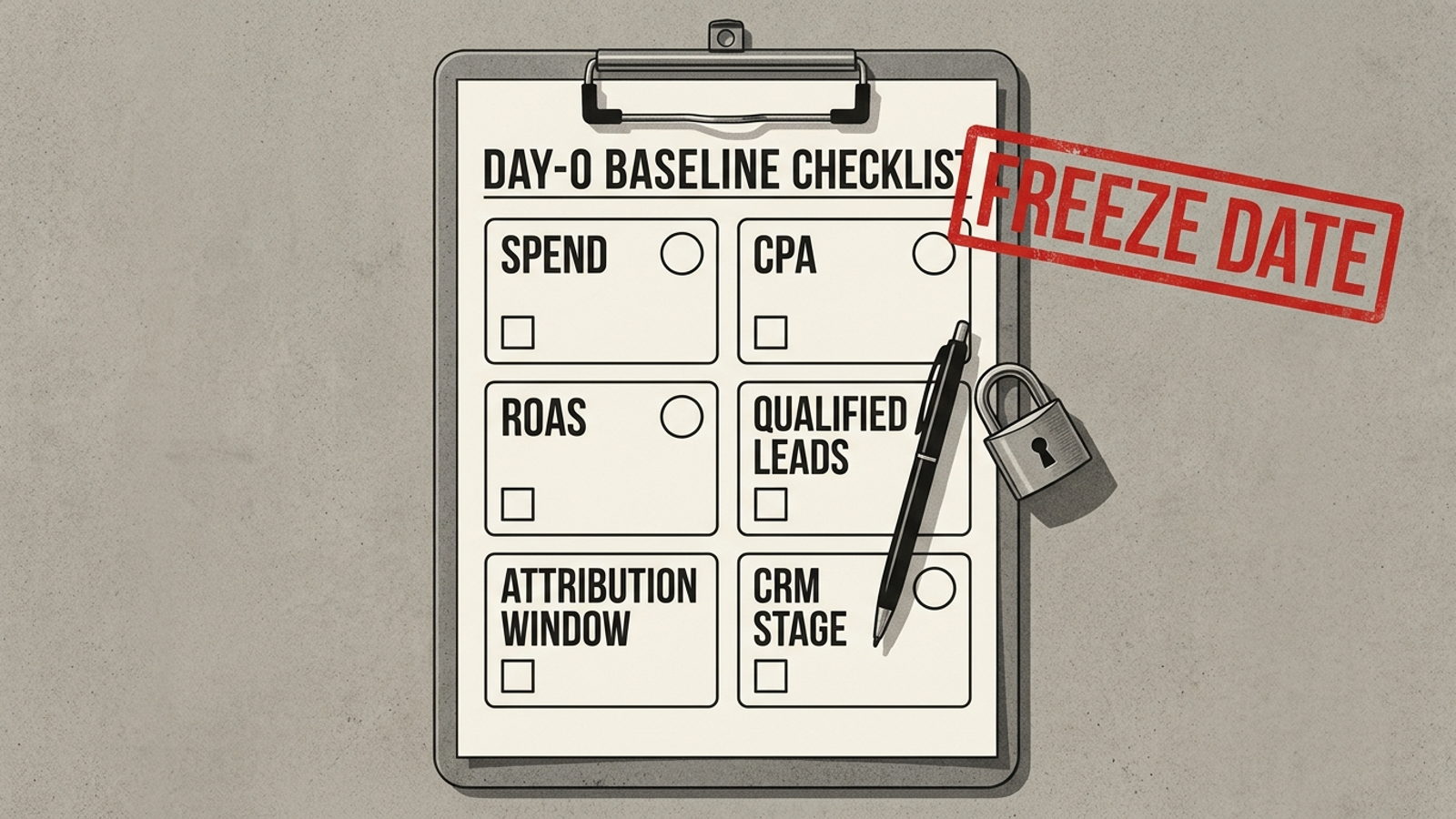
The target: sign the sentence you will judge
- Sign one sentence naming the metric, baseline, target, window and source of truth. Write it on the call while both sides can see the dated exports. A paid version: Grow qualified SQLs from 42/month at $310 CPA (trailing 90 days to Oct 10, CRM stage SQL, 90-day click window) to 55/month at CPA ≤ $310 by day 90, judged in CRM export. An organic and AI version: Lift cited buyer prompts from 4/15 to 8/15 and Search Console clicks on 20 money pages from 8,400 to 11,760 per 90 days, using the same page set and a dated rerun. Use your own numbers, not these examples. If you have only 45 days of clean data, say so in the sentence; a thin baseline stated plainly beats a thick one invented later. This is the item teams most often skip because it exposes every loose definition above. Skip it and day 90 can bring higher spend, more raw leads and a lower CPA on paper while qualified pipeline stays flat. The provider points to All conversions; you point to closed-won. Neither number settles a promise you never defined. Put one number in writing before you pay. Without the signed sentence, the uplift percentage is marketing copy, not skin in the game.