September 27, 2026
•
min read

Google Ads Launch Checklist: What to Check—and Leave Alone—for 28 Days

Young man with curly hair wearing a black shirt outdoors against green foliage background.


Alexander Perleman
, Head Of Product @ groas
Ex-Goldman Sachs and Stanford Computer Science

alex@groas.ai

LinkedIn
Cover image for: Google Ads Launch Checklist: What to Check—and Leave Alone—for 28 Days

Most Google Ads launch checklists end when the campaign goes live. Mine starts there: the expensive mistake is often a nervous change on day 9, while Smart Bidding is still learning. Use this day-ordered checklist to verify what matters, fix what is broken, and leave the rest alone for the first 2 to 4 weeks. The schedule assumes Smart Bidding; Manual CPC does not have the same learning period.
 

Day 0: verify the inputs before the first impression

  1. Test one real conversion and check that it counts once. Submit a test lead or purchase. Check Tools > Conversions > Tag Assistant against your CRM or backend. Two tags on one thank-you page, or duplicate GA4 and Ads imports, can tell Smart Bidding that you get twice the outcomes at half the CPA. Fix that before launch.
  2. Fund the conversion volume you expect to need. Google warns that metrics fluctuate during learning; 30 to 50 conversions per campaign per month is a useful planning target, not a launch-day guarantee. At an expected $60 CPA, 30 monthly conversions imply roughly $59 a day. A $20 daily budget split four ways is not the same plan.
  3. Consolidate thin campaigns before you fund them. One Search campaign collecting 30 conversions gives its bidding strategy more to work with than three near-identical campaigns collecting 10 each. Split by match type, device, or single-keyword ad group only when the distinction earns its cost in volume and management. Do not starve the account to make the structure look tidy.
  4. Load a short starter negative list. Block plainly irrelevant job-seeker, free, DIY, and competitor-support searches at the appropriate ad group or campaign level. Check the scope before adding account-level negatives: an overbroad exclusion can quietly block good traffic. The point is to prevent obvious waste, not predict every search term before an impression exists.
  5. Choose match types deliberately. Exact and phrase give you more control at launch. If you use broad, pair it with a clear Smart Bidding target and a clean starter negative list; keep it separate enough to inspect the searches it triggers. Broad is not the setting to select because you ran out of time to think about intent.
  6. Check the promise and the path. The ad and landing-page H1 should describe the same offer and location. On mobile, tap the CTA and phone number, then submit the form. Ad-to-page relevance and proofing belong in the pre-flight check. A page swap nobody mentions can leave you diagnosing the wrong problem.
  7. Verify payment, targeting, and approval. Confirm a valid payment profile, the intended language, and presence-based location targeting unless you actually want presence or interest. Submit ads 1 to 2 days before you need impressions so a review does not become your launch plan. Check for feed or billing problems before they interrupt data collection.
  8. Write down the starting bid strategy, target, budget, and review date. If you launch Maximize Conversions with a $70 tCPA, record $70 and plan to leave it alone for 14 days unless a real error demands action. Google identifies new strategies and changes to settings or composition as learning triggers. You need a baseline before you can call a change an improvement.

Days 1–7: check that the campaign works, not whether it has won

  1. Read the status column daily; do not grade CPA yet. If the strategy says Learning, record that and keep watching. The period can run from about a week to a month, and Google cautions against judging performance before it ends. I used to tell clients week one would tell us the CPA. I was wrong. Week one tells you whether tracking works.
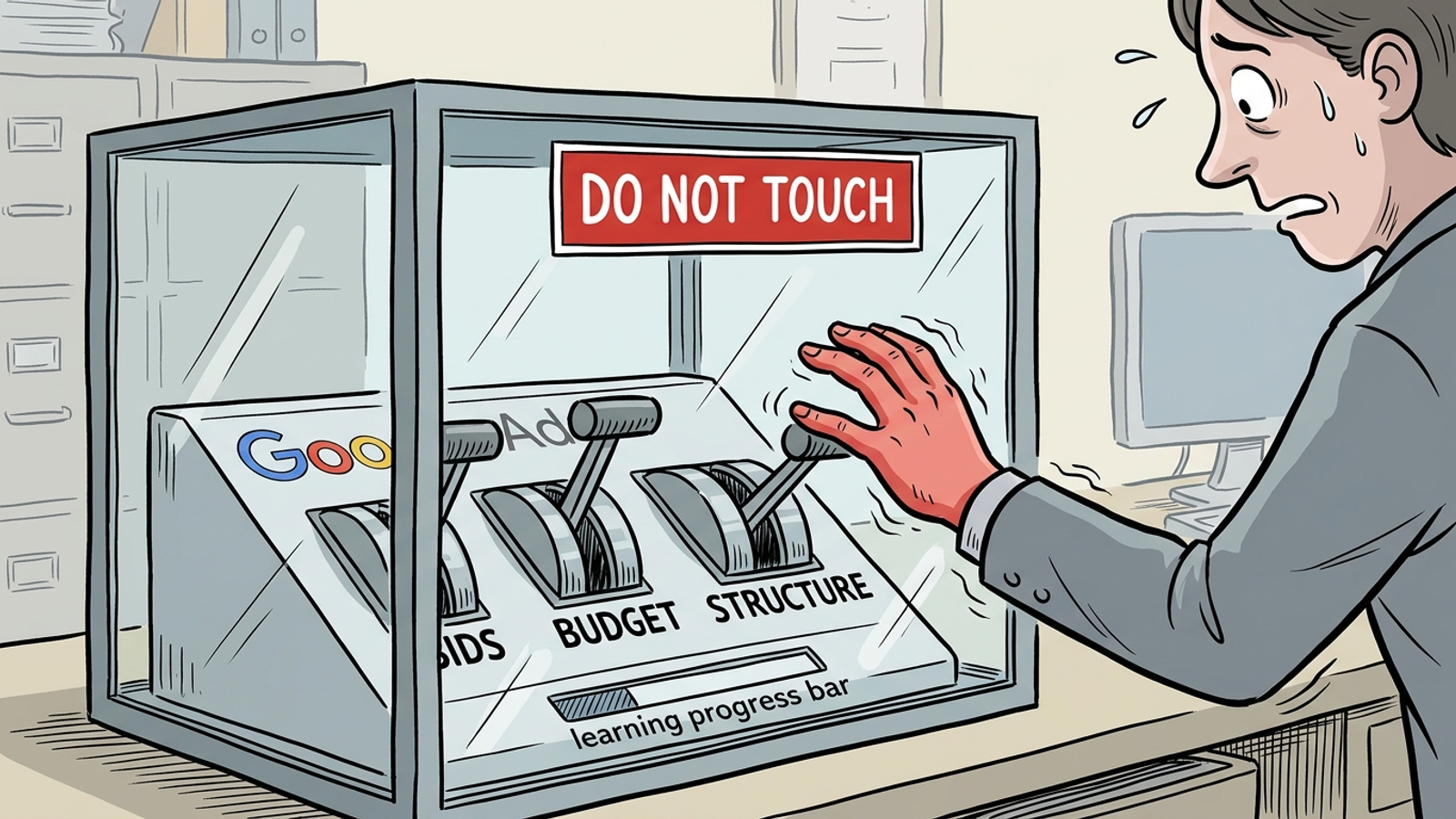
  2. Leave bids, targets, structure, and creative alone. A new strategy, setting, or campaign composition can put bidding back into learning. Do not answer a bad Tuesday by changing tCPA, splitting an ad group, and replacing the RSA on Wednesday. You will have changed the inputs before you understand the output.
  3. Check spend pacing without treating the daily budget as a daily ceiling. It is an average: the usual monthly limit is the daily budget multiplied by 30.4, and daily spend can reach twice the daily budget, with credits for overdelivery beyond the applicable limits. A $100/day campaign spending $173 on Tuesday is not, by itself, a reason to cut it.
  4. Confirm ads serve and the intended people can reach them. Check approvals, billing, destination URLs, and location reports. Fix a disapproval, payment flag, broken page, or wrong country the day you find it. Do not touch is a guardrail against nervous optimization, not an instruction to leave a campaign unable to run.
  5. Collect search terms; postpone the full negative-keyword pass. Log clear brand-safety problems or obviously irrelevant searches and block those if necessary. Otherwise, wait until days 8–14 to sort the report by cost. A handful of early impressions is a poor basis for deciding which searches will never work.

Days 8–14: make one waste-cutting pass, not a rebuild

  1. Review search terms in cost order. Start with the highest-spend, zero-conversion queries, as negative-keyword guidance recommends. Add a small, defensible batch of negatives rather than trying to erase every unfamiliar phrase. The first pass is for waste you can explain, not for a perfect-looking report.
  2. Match each negative to the mistake it needs to stop. Negative broad blocks searches containing its terms regardless of order; phrase requires that order; exact blocks that specific search. Use phrase or exact when the unwanted meaning depends on the full query. Use broad only when the root terms are never relevant. Read the exclusion before you save it.
  3. Repair disapprovals, broken URLs, and missing tracking. A policy flag, 404, or conversion tag that stopped firing needs a same-day fix. Do not describe that repair as an optimization win: it restores delivery or measurement. Then note when the interruption happened, so the next report does not make a partial week look like a performance trend.
  4. Keep the bid goal and campaign structure steady. Treat a budget move of more than 20% as something that needs a clear reason, not a routine week-two adjustment. A $70-to-$50 tCPA change on day 10 makes the first ten days harder to interpret and can prolong fluctuation. Record a high CPA; decide what it means later.
  5. Inspect location and device reports for configuration errors, not verdicts. A week of mobile clicks does not prove mobile fails. Traffic from a country you did not intend to target, on the other hand, is worth fixing now. Separate an incorrect setting from an audience segment that simply has not had enough time or conversions to judge.
  6. Check whether conversion volume is on pace for your working target of about 30 in 30 days. Three conversions after ten days on a $50/day budget call for a look at volume, campaign fragmentation, and the expected CPA before bid tinkering. Low budget, low impressions, and long cycles can extend learning. For more on the mechanics, keep this learning-phase guide beside the checklist.

Nervous operator reaching for red bids and budget buttons behind a do-not-touch warning

Days 15–28: make the first decision the data can support

  1. Check status and conversion volume before judging CPA. An Eligible status and roughly 30 conversions in 30 days give you a better basis for a decision; they do not make the number infallible. If the strategy is still Learning with 12 conversions, inspect volume first. Consolidate thin campaigns or revisit funding rather than maintaining multiple campaigns too thin to stabilize.
  2. Make one bid-goal move if the evidence calls for it. A move from a $70 tCPA to $60 is easier to assess than a jump from $70 to $35. The smaller move is a working guardrail, not a promise that learning will be unaffected. Google treats strategy-setting changes as a potential learning trigger; give the change time before you make another.
  3. Run the second search terms pass, again starting with cost. Add phrase or exact negatives for clear waste and reserve broad negatives for roots that cannot be relevant. Promote proven queries to exact match in the same ad group when that improves control. Do not turn the report into an excuse to rebuild a campaign that has only just gathered useful data.
  4. Start one creative test and allow a 2 to 4 week window. Try one RSA variation against the existing ad; pin only when compliance requires it. Do not test a new landing page in the same week and then pretend you know which change moved CPA. One variable makes the next decision possible.
  5. Read the weekly report in this order: spend, conversion volume, search terms, then CPA. Check pacing against the daily-budget math before reacting to a spike. If CPA remains 40% over goal by day 28 with enough volume to assess, change the goal, offer, or budget. Pick one lever, then give it time. Stability means you can make a decision, not that the campaign is profitable.
  6. Keep human ownership of the decision even when execution is autonomous. Groas applies this day-ordered discipline through its fully autonomous growth engine, with a human strategist setting direction and guardrails. The point is not to admire a quiet dashboard. It is to keep a nervous login from changing three variables before anyone can tell what worked.

Keep this do-not-touch list beside the Ads tab

  1. No bid-strategy or bid-goal change in the first 14 days without a clear error to fix. If you start at a $70 tCPA, leave $70 in place long enough to observe the strategy. Changing it because day-six CPA looks ugly does not tell you whether the original target could work.
  2. No large budget swing to answer a single day's spend. A cut of more than 20% in week one or two changes the volume the campaign can collect. Check pacing and the monthly limit before deciding that a high-spend Tuesday is a budget emergency.
  3. No new campaign split or ad-group expansion before day 15 just to make the account neater. Extra structure can divide already thin conversion volume. Fix genuine targeting mistakes, but save the organizational project until you have a reason stronger than discomfort with the current layout.
  4. No RSA rewrite or landing-page swap in the first 14 days to chase early CPA. Keep the ad and page working; repair broken links or forms immediately. Save deliberate tests for when the campaign has a baseline, and test one change at a time.
  5. No device, location, or audience change based only on week-one noise. Eleven mobile clicks prove very little. Wrong-country traffic or another clear configuration error is different: fix the error and record what changed.
  6. No one-day pause just to avoid watching spend. Interrupting delivery also interrupts the data you need to assess. Billing, feed, and policy problems still require attention; a pause motivated only by nerves does not solve any of them.
  7. No CPA verdict without status and volume beside it. Read spend, conversions, and search terms first. A number calculated from a thin, still-learning campaign can point you toward a bid change when the actual problem is insufficient volume.
  8. Most skipped: test the day-zero conversion and deduplicate it before launch. Compare one test outcome with one row in your backend. If two tags report two leads for every real one, Smart Bidding can read a $120 CPA as $60 and buy more traffic on that false signal. Skip this check and the cost is not just a bad report: it is weeks of decisions made on bids that were never the problem.