

 LinkedIn

Most Microsoft Ads audits are Google audits run on a different login. I’ve seen auditors check match types and ad strength while a scheduled import overwrites their fixes, UET sits unverified, and partner traffic spends without a publisher report in sight. This checklist puts the Microsoft-specific work first: 30 checks in audit order, with 12 marked [Microsoft-only]. Keep it open while an agency walks through its findings. If the bold checks never come up, you did not get a Bing audit. You got a copy-paste.
1. Tracking: establish what counts before touching bids
- UET tag verified as Active on every domain [Microsoft-only]. Check status on the UET Tags page, then use the UET Tag Helper extension to check the pages that matter. A wrong tag ID, missing page, or consent banner can leave a campaign optimizing against incomplete data. No Active tag, no credible audit.
- One primary conversion goal per action you sell [Microsoft-only]. Check whether an imported Google goal runs alongside a UET goal for the same purchase. If both count it, bidding learns from a duplicate. Identify the goal that should count and stop importing the duplicate; do not call two recorded sales twice the revenue.
- Conversion goals count the action you sell. Inspect every goal included in bidding, not just the goal with the neatest name. Page views and button clicks that never become revenue can make reported ROAS look healthy while the CRM shows no corresponding sales. Record which actions are primary and which are merely diagnostic.
- Offline or imported conversions map to the right goal, with reporting lag documented. A sales cycle that takes 7 days can make thin Bing volume look worse than it is when sales never post back. Compare the action and its timing before deciding the campaign failed; otherwise you are grading bids against missing outcomes.
- MSCLKID survives redirects and consent [Microsoft-only]. Follow a test click through the landing page and form, check that the base tag fires where it should, and confirm the conversion event in GTM. If status reads Unverified or Tag inactive, fix the path and retest after 24 hours.
2. Google imports: find the settings that reset overnight
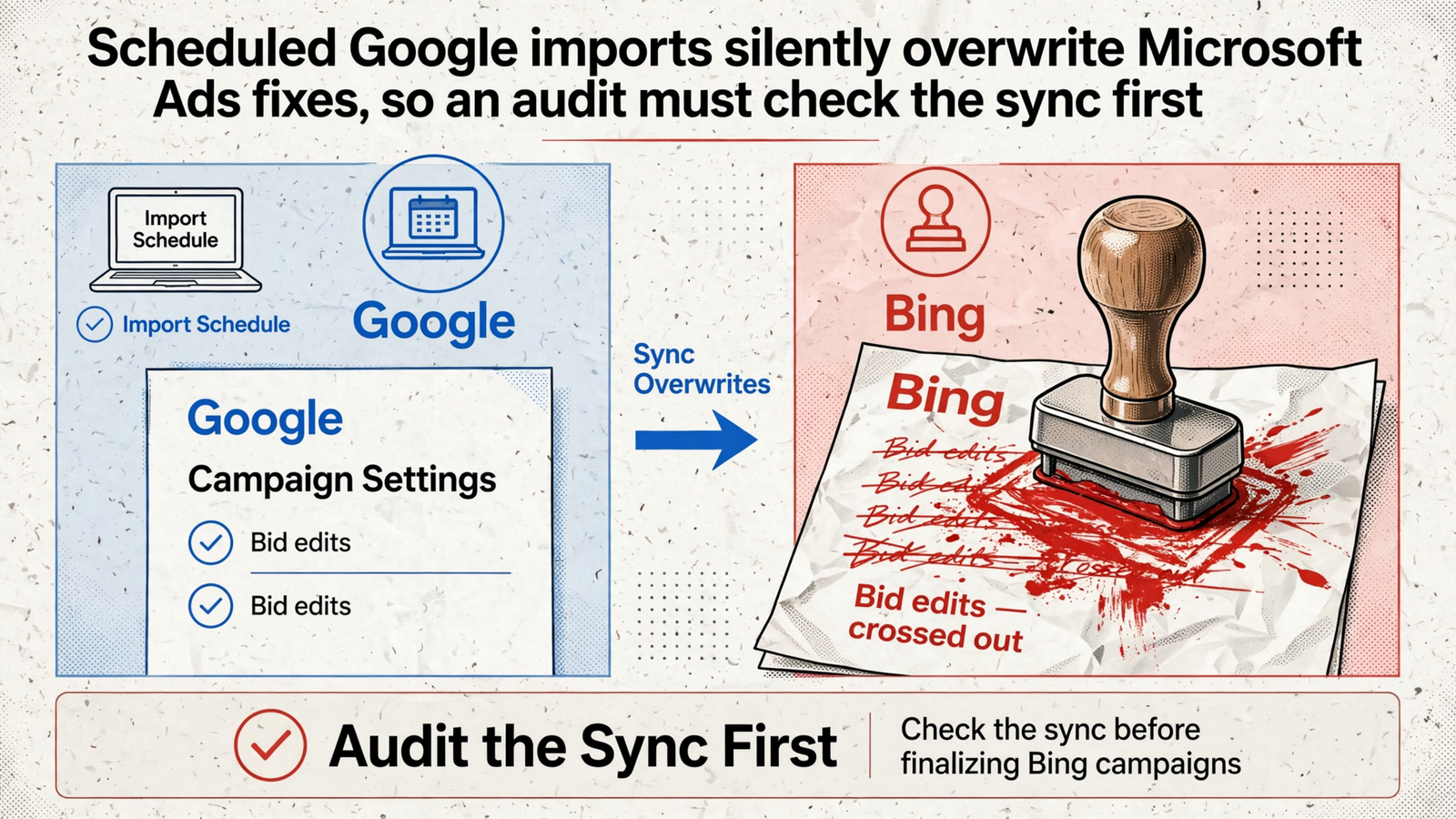
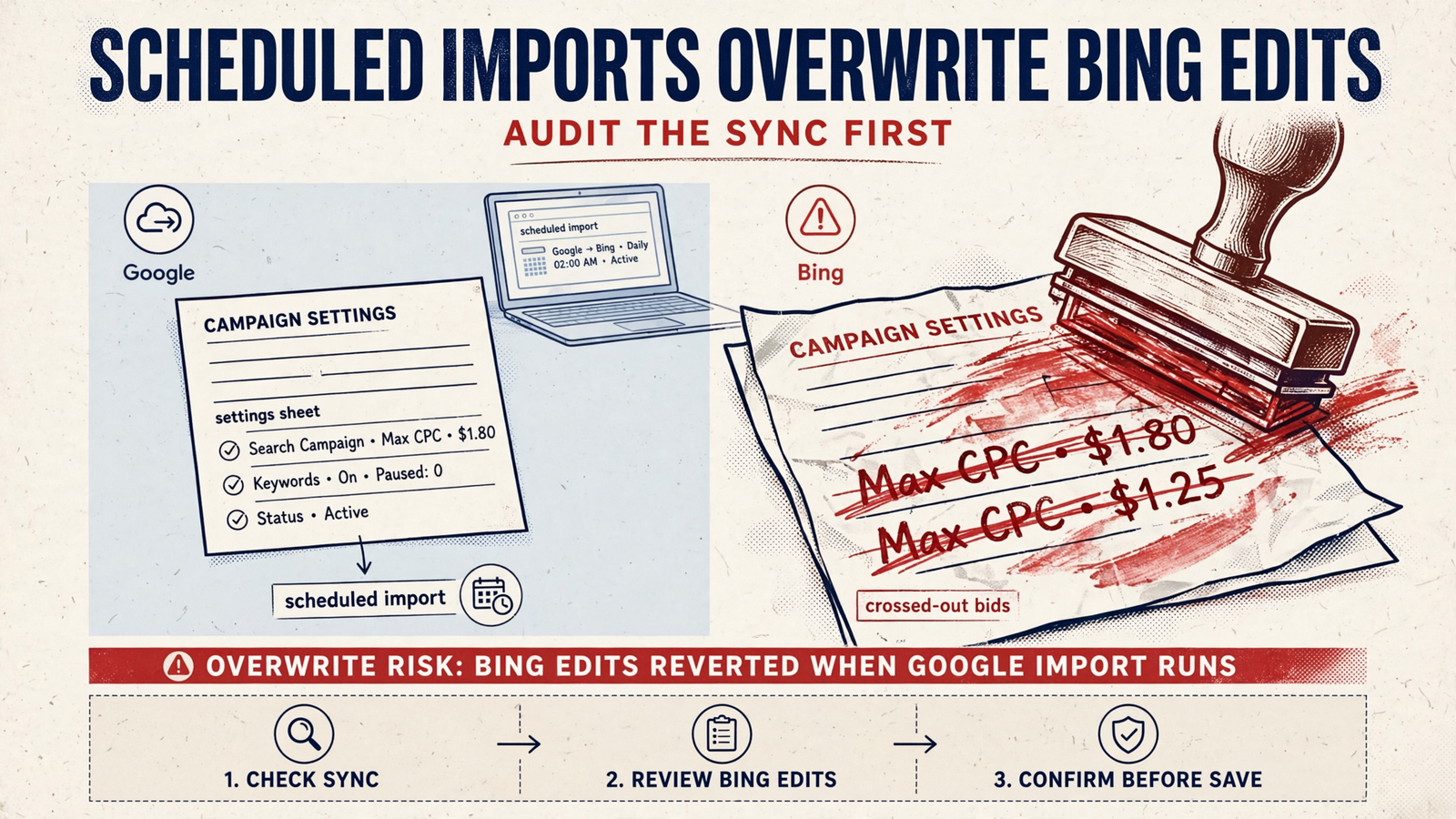
- Scheduled imports checked at account and manager level [Microsoft-only]. Find the last run in Change History and list exactly what remains set to sync. Recurring Google Ads imports can overwrite Microsoft-side edits to bids, budgets, targeting, URLs, audiences, or goals; Change History cannot undo the import. Do this before making fixes that tonight’s sync could erase.
- Imported bids reset for the Bing auction. Google-level bids can be too high in Microsoft Ads. Identify the campaigns and bid settings that came across, stop the import from replacing your changes, then adjust against Bing performance. Re-enable only the sync you actually want. Copying a bid is not the same as choosing one.
- Budgets, locations, location options, languages, and ad schedules reconfirmed campaign by campaign. An import can carry a US-wide target or a location-intent setting that does not fit the Bing plan. Compare the live Microsoft setting with the market you serve; do not mark a campaign reviewed because its name matches Google’s.
- Imported negatives, audiences, and extensions kept only when they fit. Confirm negative lists are attached, audiences are relevant, and sitelink URLs land on working pages. A Google-only URL that quietly returns a 404 is not an extension strategy. Note each mismatch before the next import puts it back.
3. Traffic: separate the pools before judging CPA
- Search, search-partner, and syndicated traffic judged separately [Microsoft-only]. Break out Bing, Yahoo, and partner share instead of accepting blended CPA. A campaign average can hide the pool consuming budget without producing sales. Record spend and conversions by source before recommending a bid change; otherwise the proposed fix may hit the traffic that was working.
- Website URL publisher report run and sorted by spend [Microsoft-only]. Request impressions, clicks, spend, and conversions by website URL. Flag placements spending without conversions, name the exclusions you would make, and repeat the review weekly. An audit that says “partner traffic looks fine” without showing publishers has not checked where the money went.
- Audience Network separated from Search or excluded [Microsoft-only]. Check whether Audience Network traffic is consuming the budget you meant for Search. If you test MSAN, give it its own budget, allow 7–14 days for learning, then inspect dayparting and mobile skew. Keep a separate exclusion list for syndicated partners rather than treating every non-Bing click as one problem.
- Bing-versus-GA4 discrepancies checked before cutting campaigns. Microsoft reports conversions on click date while GA4 uses event date. Align time zones and account for that timing difference before treating a gap as lost sales; investigate a persistent gap above 25%. No publisher list means no traffic audit.
4. Targeting: use Bing data, not Google assumptions
- LinkedIn profile targeting considered for B2B Search [Microsoft-only]. Check whether industry and job-title layers fit the buyer before applying bid modifiers rather than restrictive filters. One roughly £20k B2B test reported 34% higher CTR, 61% higher demo-request rate, roughly 27% lower CPA, and 2.1× more qualified pipeline per pound. That is a reason to test 3–6 industries, 15–30 titles, and +30–50% modifiers, not a forecast for your account.
- Location options, device, and demographic adjustments reset for Bing. Check radiuses, exclude states you do not serve, and inspect the location settings imported from Google. Then review desktop and mobile against Microsoft results rather than carrying over Google’s ratios. The question is not whether targeting exists; it is whether the people seeing the ads can buy.
- Ad schedule and language reviewed against Bing volume. Pull spend and conversions by hour before changing keywords or bidding. If thin overnight traffic consumes budget while producing no conversions, cut those hours and watch what happens to the remaining schedule. A full-day setting inherited from Google is not evidence that full-day delivery works here.

5. Search terms: stop junk queries from hiding in averages
- Search terms pulled for the last 90 days, not just 30. Bing volume can be lumpy enough that a short window misses recurring junk. Check which queries consume spend across the longer period and which produce conversions. A query that eats 15% of spend one week a month deserves more attention than a tidy monthly average suggests.
- Close variants and broad match reviewed on Bing terms. Do not assume a keyword matches as cleanly here as it did on Google. If one broad keyword takes 40% of spend with no conversions, isolate it before declaring the whole campaign a failure. Name the query or match behavior the fix addresses.
- Shared negative lists confirmed as attached. An imported list sitting in the account does nothing for a campaign that does not use it. Open each campaign and verify the attachment, then inspect the terms still getting through. “We have negatives” is not an answer to “Which campaigns are protected?”
- Brand and non-brand separated before calculating CPA. Brand can make the blended number look respectable while non-brand spends without earning it, or conceal non-brand that deserves its own budget. Report the two separately before making either case. If brand subsidizes the average, the audit cannot tell you what prospecting costs.

6. Bids and budgets: fit the strategy to Bing volume
- Bid strategy checked against current Microsoft options [Microsoft-only]. Target CPA and Target ROAS stopped being standalone choices for new campaigns after August 4, 2025; they are optional goals within Maximize Conversions and Maximize Conversion Value. Existing campaigns using the older strategies can keep running. An auditor proposing standalone tCPA for a new campaign has missed a consequential change.
- Low-volume campaigns reviewed before relying on target-based bidding [Microsoft-only]. Check which campaigns have fewer than 30 conversions in 30 days. Thin data gives automation less to learn from; review consolidation or an available manual bidding option before raising targets and hoping. Name the affected campaigns and the signal each proposed strategy would use.
- Budgets checked for early-day throttling. Inspect when clicks arrive and when the campaign runs out of money, especially if partner traffic arrives early. A $50/day limit copied from Google may not serve the same purpose on Bing. If you spend $20k/month, give Bing tests a deliberate daily budget rather than whatever remains after Google.
- Imported CPCs and bid modifiers reviewed before scaling. Start by testing bids 20–30% below Google CPCs, then raise them where Bing results justify it. Check device, audience, and location modifiers as well as base bids. If every number equals Google’s, someone transferred the account; they did not price its traffic.
7. Ads and landing pages: check what actually serves
- Responsive ads reviewed inside Microsoft Ads, not only in a Google preview. Inspect the headlines and combinations that serve here, including pinning and truncation. Rewrite a short headline that cuts off mid-promise before testing more copy. Approval alone does not tell you whether an ad says what you intended.
- Extensions reverified after import [Microsoft-only]. Check serving status for location, call, image, and sitelink extensions campaign by campaign. Imported URLs or location IDs can fail to carry over as intended. Account-level approval is not proof that the extension serves beside the campaign that needs it; open the campaign and click the destination.
- Landing pages checked for MSCLKID loss and Edge load. On the top three URLs, follow redirects, test the mobile page in Edge, submit the form, and confirm the conversion fires once. The pattern in accounts that spend without converting is familiar: the click ID disappears, consent fires late, or a form counts as a sale that never posts back.
8. Shopping: audit the feed and the traffic separately
- Feed checked in Microsoft Merchant Center [Microsoft-only]. A healthy Google feed does not prove the Microsoft feed is healthy. Inspect disapprovals, GTIN gaps, and image rejections in Microsoft Merchant Center, then identify which products cannot serve. Checking the Google dashboard and calling the Shopping audit done misses the feed the ads use.
- Product groups reviewed by margin, not only by imported Google labels. Identify the products receiving spend, the products producing sales, and where margin changes the decision. Bing Shopping volume can concentrate on fewer queries; isolate winners and cap losers instead of letting one hero product carry an unexamined group.
- Search-partner and Audience Network traffic kept out of the initial Shopping test. Establish ROAS on Bing Search first, then assess partner traffic as a separate experiment with its own ROAS target. Do not use a blended Shopping number to claim the feed works if the audit cannot say which traffic produced the return.
Five questions for the audit call
- When did our scheduled import last run, and what still syncs? Ask to see the schedule and the affected settings. “We imported once at setup” does not answer a question about what can overwrite tomorrow’s changes.
- What is our UET status, and which goal is primary for each action? Ask to see the UET Tags page and any duplicate goals. A GA4 overview is not a substitute for checking what Microsoft bidding counts.
- Where is the publisher report sorted by spend? Ask which placements the auditor would exclude and why. “Partner traffic is small” is an impression, not a report.
- Which LinkedIn layers would you test, and at what modifier? For a relevant B2B account, ask for industries, titles, and a proposed +30–50% test range. A blanket claim that LinkedIn belongs only in paid social misses this Search option.
- Which campaigns are below 30 conversions in 30 days? Ask what bidding approach each gets and why. Leaving the same target-based setup everywhere is not a volume assessment. Compare the answers with a Google Ads account audit checklist: this call should spend more time on sync and publishers than ad strength.
What the auditor should hand over
- A fix list ranked by wasted spend, with an owner and date for each action and the Microsoft-specific fixes clearly identified.
- UET status and the primary goal for each action, with duplicate or missing conversion tracking called out.
- The import schedule, its last run, and a record of what stays synced versus what stays Bing-only.
- The publisher report sorted by spend, with the first proposed exclusions named. This is what a managed service should show you: the work, the reasoning, and the action. groas runs this pass inside its Search Ads service, covering Google, Bing, and ChatGPT ads with bids, keywords, and budgets worked around the clock for one flat monthly fee. The audit should not sit in a PDF while an import keeps undoing it.
- Last check: No. 6, the scheduled import still set to sync everything. This is the one I see skipped most, and it can erase the value of every fix above. Correct the bids, budgets, negatives, and goals on Monday; let the sync reset them Monday night; spend Tuesday blaming Bing. Kill the unwanted sync first.