

 LinkedIn

Most franchise accounts I audit do not have a bidding problem. They have a plumbing problem: 40 locations share one landing page, neighbouring radii overlap, and calls meant for a franchisee ring at head office. I run these 31 checks before a location goes live. Smart Bidding cannot repair a territory map or lead route that was wrong on day zero.
Build an account that can identify each location
-
Use one governed Google Ads account for the franchise, not a separate account for every branch. Separate accounts isolate conversion data and make oversight harder; they do not solve overlapping territories. Keep local performance visible inside a common structure rather than making 40 branches manage 40 versions of the same problem. Why separate accounts cost more is worth reading before you split them.
-
Give each location a campaign, or group low-volume locations into a tight market cluster. Around 30 conversions a month gives a campaign more to learn from; below about 15, the signal is thin (the conversion threshold to respect). Do not blend distant markets merely to make a dashboard look busy. Keep the split useful for decisions, not just tidy on paper.
-
Keep branded keywords under corporate control. If franchisees run their own campaigns, confine that activity to non-branded local intent rather than letting branches compete for the same brand search (why brand terms stay corporate). The practical test is ownership: when someone searches the franchise name, the account should have one clear answer about who bids and who receives the lead.
-
Use one naming convention that survives 50 locations:
TYPE_Market_Theme, such asSEARCH_Denver_Residential. Encode campaign type, market and service theme in the same order every time. Names are not cosmetic once you need to find a leaking territory or compare two markets without opening every campaign. If a new operator cannot identify the location from the name, fix the convention now. -
Create shared negative-keyword lists before launch. Put jobs, DIY and freebie queries in a master list such as
NEG_Master_Junk, then attach it to every relevant campaign. A negative found in one market should not have to be rediscovered with paid clicks in the next. Keep local exceptions local; keep repeatable waste on the shared list. -
Give each location its own ad-group themes and local copy without giving it its own account. A single blended campaign can hide which branch is profitable; a governed structure should still show where demand and revenue originate (why blended campaigns hide profit). For the longer account-structure tradeoffs, see Google Ads for Multi-Location Businesses: account structure and geo-targeting.
Draw territories before you buy clicks
-
Set location targeting to Presence: people in or regularly in your targeted locations. Do not leave a location campaign open to people merely interested in its territory. That setting can send a local offer beyond the area the franchisee serves, so check the geographic user-location report after launch rather than treating the setting as a permanent seal (why Presence matters).
-
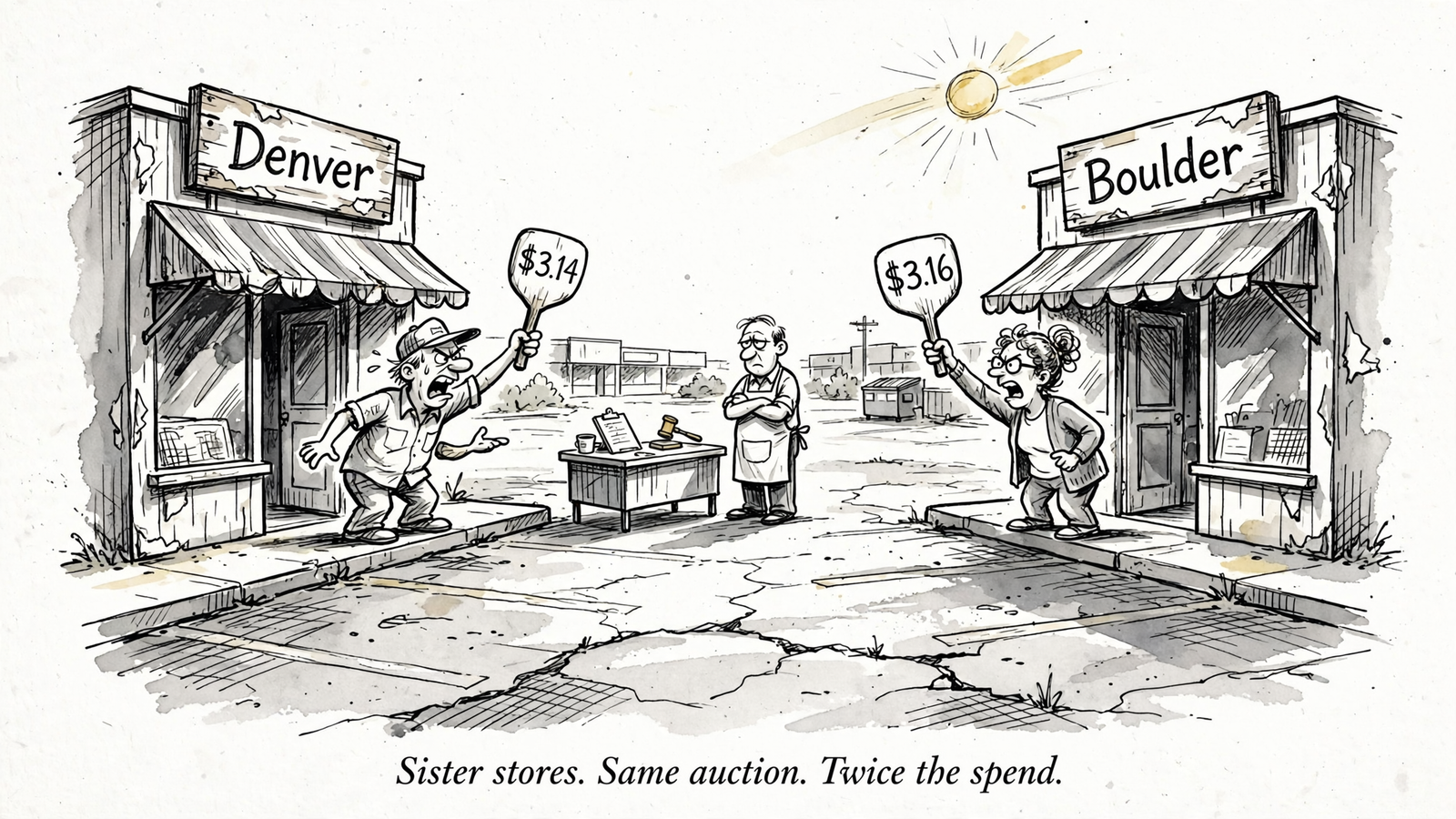
Use ZIP or postcode boundaries instead of guessing with overlapping radii. A 5-mile radius around one branch and another 5-mile radius around a branch 4 miles away target some of the same demand. Draw the service areas together, not one campaign at a time. If two locations can claim the same searcher, settle which one should serve that area before either bids (why radii overlap fails).
-
Plot neighbouring territories on one map and inspect every shared edge. Confirm that assigned service areas do not overlap before launch, including the places that look harmless when each campaign is viewed alone. A clean campaign setting is not proof of a clean franchise map. Record the intended owner of each border area so the next location launch does not quietly reopen the dispute.
-
Exclude areas that no franchisee serves, including unassigned gaps between territories. A searcher just outside two assigned ZIPs does not become a good lead because the map looks close enough. Apply exclusions to the campaigns that could otherwise reach those gaps, then revisit them when territories change. The goal is not maximum coverage; it is coverage a location can fulfil.
-
Exclude the head-office city from location campaigns unless head office actually serves those customers. Headquarters is where decisions get made, not automatically where a local lead belongs. Check this especially when the corporate address appears in connected business details. If a campaign pays for a click there, you should be able to name the branch that will take the job.
Connect assets to the branch they represent
-
Connect Google Business Profile and confirm approval for every branch. Check inherited locations, particularly after an acquisition, before relying on their location assets. The connection is only as useful as the branch records behind it. Verify addresses, hours and ownership against the location that will answer the lead, rather than assuming a corporate-level link has made every branch ready to serve.
-
Build location groups using Business Profile labels, with a group for each market or franchisee, then attach the right group at campaign level. The common mistake is creating careful groups and never checking which campaigns actually use them. Open each campaign and verify its associated locations. How to scope location assets correctly is the setup reference here.
-
Remove broad account-level location associations once campaign-level groups are in place. Otherwise a campaign intended for one branch can still carry assets for others. Test what appears on the campaign, not just what exists in the account. A correct group sitting unused in a menu does nothing for the searcher deciding which location to call.
-
Add manual promotion assets for offers you intend to run, and retire expired site offers. Check the location and dates before a promotion goes live: a discount advertised for one market should not appear beside another market’s address. This is not a reason to create promotions everywhere. It is a reason to keep the offer, page and branch in agreement.
Make the local page answer the local search
-
Write a local headline for each location page: service plus city, not a slogan that could sit on any branch page. Someone who searches for drain cleaning in Plano should see Plano and the service they searched for on arrival. The headline has one job before it has any personality: confirm that the click took them to the right place.
-
Put the branch’s full name, address, phone number, hours and map on its page, with the location-specific number easy to find. Do not make a caller work through a store finder to discover whether the branch is open. The page must make the next action obvious to a person who has no interest in how the franchise organises its territories.
-
Match the page’s offer to the ad’s offer. If an ad promises $99 drain cleaning in Plano, the Plano page needs to show that same $99 drain-cleaning offer. Do not send paid traffic to a generic services page and expect visitors to search for the promise you made. Check offers again when they change; yesterday’s accurate page can become today’s mismatch.
-
Check that the ad copy and page heading describe the same service in the same market. The wording need not be identical, but the searcher should not have to infer the connection. A local ad followed by a corporate headline wastes the relevance you paid to establish. Read the ad and page back to back; the mismatch is usually obvious without a report.
-
Choose one primary CTA for each page: call or book that location. Both actions can exist, but they should not compete at equal weight. Check that the prominent button reaches the branch named on the page. A persuasive page that hands the lead to the wrong team has done the expensive part of the job and failed at the cheap part.
Route and count leads by location
-
Use a distinct call-tracking number for each location, swapped dynamically on that location’s page only. Test the number from the paid landing-page path, not just from a spreadsheet of assigned numbers. If every page displays the same tracking line, you can count calls without knowing which territory earned them. How to route location calls covers the routing problem.
-
Send each form submission to the right franchisee inbox and tag it with a location ID in the CRM. Test with a real submission before launch. An ad can target the right ZIP and still fail when the form defaults to head office. The location tag also lets you connect the lead back to the campaign that funded it, rather than guessing from the customer’s message.
-
Turn on call recording for at least 30 days and set rules to exclude spam and wrong numbers from conversion counts. A ringing phone is not automatically a prospect. Review what the calls contain before you ask bidding to find more of them. Otherwise the system may learn to repeat the cheapest kind of call, even when the branch cannot turn it into work.
-
Import qualified calls as conversions; keep quick questions as observations. Decide what qualifies before the first campaign starts feeding call data back to bidding. If one market counts every short call and another counts only real prospects, their reported performance is not comparable. The point of the import is to distinguish demand worth buying again from activity that merely looks good in a report.
-
Set conversion values by location when margins differ. A downtown install worth $800 and a suburban repair worth $180 should not receive the same value simply because both arrived by phone. Check which value the campaign uses, then trace a sample conversion back to its branch. If the value loses its location on the way into bidding, your budget decisions lose it too.
Give budget to demand, not to a neat spreadsheet
-
Set a baseline daily budget for each location, then weight additional spend by demand and past ROAS. An equal split feels fair but can overspend in a thin market while a busier one runs out. Keep the baseline so a territory does not go dark; make the extra budget earn its place. The full approach is in Google Ads for Multi-Location Businesses: budget allocation and optimisation.
-
Use shared budgets inside a tight market cluster where unused spend can move to a nearby location that can use it. Do not put all 50 locations into one giant shared budget. The cluster boundary matters: money released by a quiet suburb should help another branch in that market, not disappear into a distant territory whose demand and service capacity have nothing to do with it.
-
Cluster bid strategies by conversion volume and similar conversion rates. One low-volume store should not drag a portfolio target built for established locations, and a strong market should remain visible rather than dissolving into a franchise-wide average. Before changing a bid target, confirm that the campaigns sharing it have comparable signals. Bidding works on the conversions you give it, not the map you meant to build.

Check for drift every Monday
-
Pull the geographic user-location report for each campaign and exclude leakage outside assigned ZIPs. Presence targeting does not replace this check. A territory change or campaign expansion can expose a gap you thought was closed. Fix the campaign-level exclusion when you find it, then check whether a neighbouring branch should own that area. Do this before adjusting bids; higher bids only make leakage more expensive.
-
Review search terms by market cluster and move repeatable waste to the master negative list. What wastes $40 in Austin can waste $400 in Dallas if nobody shares the finding. I check this alongside lead routing, page offers and territory changes because 50 locations turn occasional maintenance into a second job. groas runs bidding, budgets, keywords and geo work continuously, with a named strategist accountable for direction; its pricing is $1,499 a month per service without a percentage-of-spend fee. That beats paying an agency to hand-edit 50 campaigns once a month and call it management.

Do not launch without the page most teams postpone
- Give every location its own live landing-page URL. No corporate homepage. No store finder in place of a local page. I used to think a good finder was enough; I was wrong. It adds a click between local intent and the branch, while a generic page cannot show that branch’s city, number, hours and offer together (why generic pages fail). Search your money term with each city you serve and follow the ad path. If two cities land on the same URL, stop adding campaigns and fix the pages. Skipping this item costs relevance, calls and a clear per-location conversion signal. Bidding cannot fine-tune a local answer that the page never gives.