

 LinkedIn

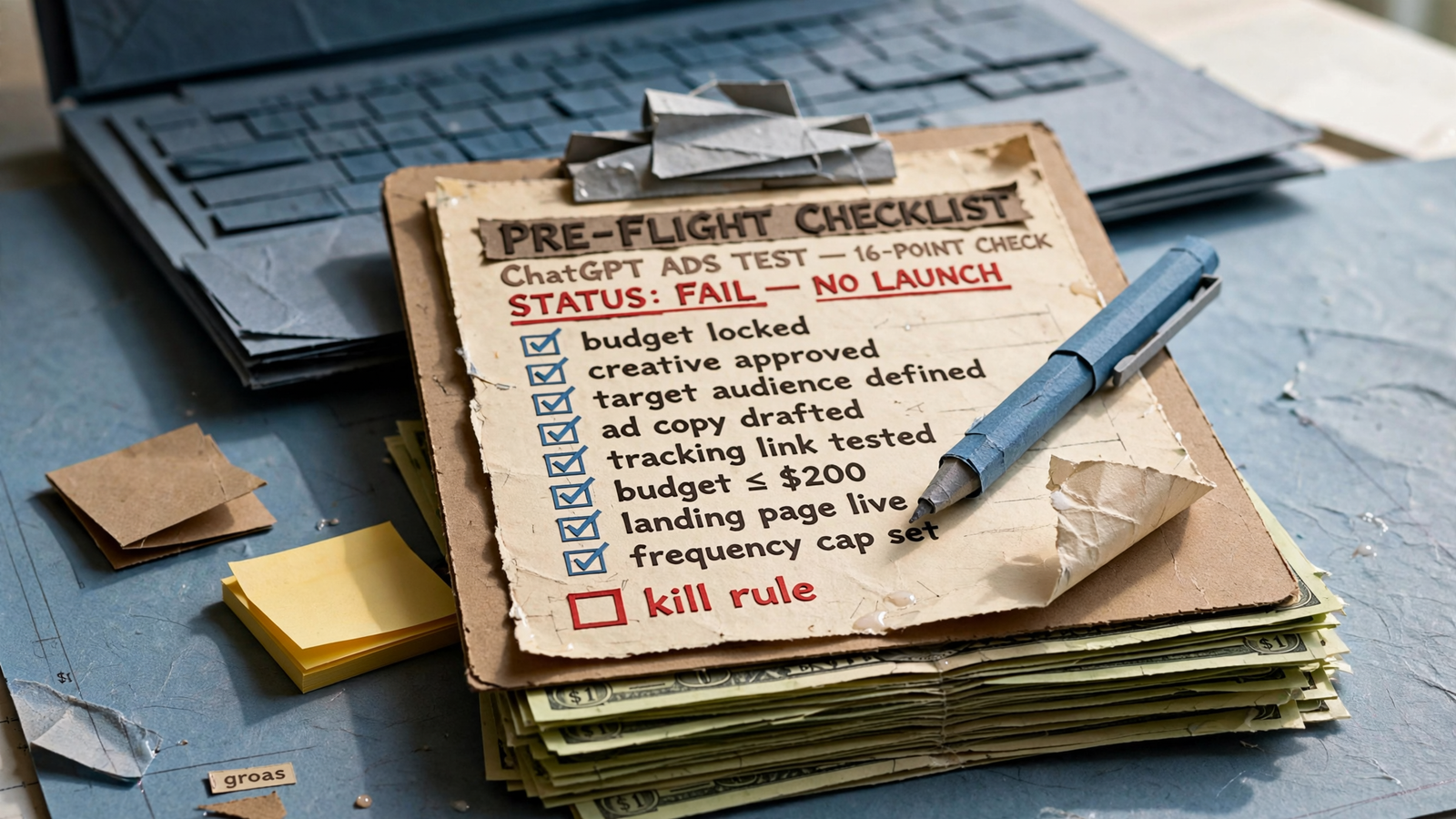
Most small-budget ChatGPT ads tests fail before launch. The pixel is half-installed, nobody has written a kill rule, and the landing page expects a Google search visitor instead of someone who clicked mid-conversation. ChatGPT ads appear below the answer, clearly labeled and separate from it; they cannot buy a mention inside the answer. That makes a small test less forgiving, not more. With fewer clicks to learn from, each visit needs a traceable source, a page that answers the visitor’s question, and a decision rule written before anyone sees the first report. I would rather stop a test at setup than spend a month discovering it was unreadable. Work through these 16 checks in order. If you cannot fill in the last one, do not launch.
Define a test you can actually read
-
Write the one question this test must answer. Use one sentence with an outcome and a limit: can ChatGPT send us kitchen-remodel leads under $90? “See whether ChatGPT ads work” is not a test question. It gives you no way to choose a conversion event, build the right page, or decide whether the result is good enough. Write the question where whoever approves the budget can see it. If you cannot name the lead or sale you want and what you can afford to pay for it, stop here. The campaign settings will not make that decision for you.
-
Set a hard cap and name the person who can raise it. Write down the daily budget, the total you are prepared to spend, and a no-increase-without-approval rule. Self-serve starts at a $25 minimum daily budget per US campaign, with a $3–$5 recommended max bid. Daily budget paces as a seven-day average, so a single day can reach twice the daily figure. Check country, currency, time zone, and campaign objective before creation; those settings cannot be changed afterward. A mistake means rebuilding, not clicking Edit. Your cap should govern the whole test, not just the number visible beside “daily budget.”
-
Record your Google and Bing cost per conversion before comparing channels. Put both numbers beside the test question and specify what each conversion means. A lead in one report and a qualified lead in another are not a comparison. ChatGPT clicks less and typically converts lower than Google in same-advertiser comparisons: the cited range is 0.21–0.9% conversion versus 3.71–6.64% on Google, with median CTR under 1.25%. Do not use those ranges as your target; use your own baseline to judge what the new channel costs you. A $4 click looks cheap right up until it produces nothing your business can use.
Make every conversion traceable
-
Make the conversion event fire once, and only once. Install the OpenAI Pixel and Conversions API with a shared event ID so browser and server events can be deduplicated. Then submit a real test lead or purchase and check what arrives. Do not take “the tag is installed” as proof that a conversion is recorded correctly. A duplicate lead event makes performance look better; a missing one makes a working ad look dead. Either error can push you toward the wrong budget decision. Fix it before spend starts, when you can still tell a tracking problem from a campaign problem.
-
Separate paid ChatGPT visits from organic ChatGPT referrals. Decide your UTM scheme before writing the destination URLs, and use
utm_source=chatgptfor paid clicks, notchatgpt.com. Check where those visits land in analytics after a test click. If paid and organic referrals share one bucket, an organic visit can get credit for an ad, or an ad can look like it sent no one at all. Keep the distinction through the conversion report, not merely in the URL you pasted into the ad account. A small test cannot afford an attribution argument every time a lead appears. -
Keep the
oprefclick ID through the entire visit. Check a live click path from ad to landing page, including any redirects, tag manager, and consent tool. Attribution depends on that parameter surviving the click. It is easy to check the destination page, see that it loads, and miss the fact that a redirect stripped the ID on the way. Record whetheroprefsurvives: yes or no. “The page opens” is not a pass. If the click cannot be tied back to what happened afterward, your report will have spend on one side and guesswork on the other. -
Map the lead to money in your CRM before launch. Decide which outcome you will judge: qualified lead, booked job, or closed-won sale. Make sure it reaches the report you will use to make the stop-or-continue decision. ChatGPT visitors may arrive mid-research, so form fills alone can overstate value. Qualified leads matter more than clicks; agree on what “qualified” means before the first form arrives. A $4 click that produces an unworked lead is more expensive than a $9 click that closes. If nobody owns the handoff from form to follow-up, fix that too. The ad platform cannot report revenue it never hears about.
Give the visitor the next line of the conversation
-
Answer the visitor’s question in the page’s first paragraph. Build one page per intent theme, with direct benefit copy that feels like the next line of the conversation. A muscle-building question should lead to a relevant product or helpful content page, not a homepage that asks the visitor to start searching again. Read the ad, then read the headline and opening paragraph aloud. Do they belong to the same exchange? If the page opens with a slogan, rewrite it as an answer. A visitor who has just received a specific answer has little reason to decipher your brand manifesto before taking the next step.
-
Give each intent theme one action above the fold. Call, book, or buy: choose the action that matches the test question, and remove competing buttons. For a readable £1,000–£5,000 test, one UK field report recommends 20 to 30 real customer questions grouped into three to four intent themes. Give each theme its own page and action so you can tell which question brought a useful visitor. Do not send several distinct questions to one generic page and call the result an audience test. On mobile, two equally prominent next steps often amount to no clear next step at all.
-
Test the page and form on a phone using mobile data. Open the destination the way a visitor will: on a phone, not on your office Wi-Fi. Check that the page loads quickly and the form works one-handed, without pinching or zooming. If it takes more than three seconds to load or the form fights your thumb, repair it before raising budget. This visitor did not type a search query and commit to hunting through results; they were reading a conversation when the ad appeared. Do not spend on the click and then make the page the hardest part of the visit. A fast, usable page is a prerequisite, not a post-launch optimization idea.
Check what you are asking the campaign to do
-
Write the offer and copy as an answer, not a slogan. Use one ad group per intent theme and describe the situation with plain-language context hints: “cushioned shoes for beginners training for a first 5K,” not just “running shoes.” Hints do not guarantee delivery or force volume, so an ad group with almost no impressions, or one that delivers in bursts, is not automatically broken. Write a headline that helps complete the chat with a price, area, or next step where relevant to your offer. If the line could sit unchanged on a billboard, it probably does not answer the question that brought the visitor here.
-
Check exclusions, location, platform, and Creative Enhancements. You do not see the chats or exact queries, only aggregates, and ads are blocked near health, mental health, political, and other sensitive topics. Add your available negative phrases, up to 25, and confirm the country and platform before launch. Since October 29, 2026, Creative Enhancements is on by default and can rewrite headlines, translate, resize images, or redirect clicks to another page without approval unless switched off. Switch it off for a small test. You are trying to read the performance of your chosen copy and page, not an automatic variation you did not plan to test.
-
Set the minimum spend and time before you judge. Two weeks at $25 a day is $350. Even if clicks cost $3–$5 each, that is roughly 70–115 clicks; at a 1% conversion rate, expect about one conversion. That is not much of a decision. One ChatGPT ads guide puts a readable sample at 1,000 clicks or $3,000–$5,000 for 10 conversions. Write your own line now: “We will spend $___ over ___ days, with no pauses for CTR.” Impressions and clicks may refresh in about 15 minutes, while spend can lag seven to eight hours and conversions 24 to 48 hours. Do not call day-one CTR a verdict. Wait at least two weeks before judging revenue.
Hold anyone running it to the same test
-
Keep the accounts, data, and daily work log. Require every change to carry a reason and date, and keep admin access to the ad account, pixel, and analytics. No rented account you cannot open; no spreadsheet summary offered in place of access. You paid for the spend and the learning, including what failed. If somebody else runs the campaign, ask for their test plan, not a prediction of results they cannot know. The useful operator can show how each check will be handled before a penny spends. If they will not give you access and a log, walk away. No log, no renewal.
-
Require a plain-language report and terms no longer than the test. Ask weekly for spend, qualified leads, cost per qualified lead, and the comparison with your Google and Bing baselines; fortnightly is the minimum for a short test. Do not accept a polished CTR chart in place of the outcome you wrote in check 1. A percentage-of-spend shop has little reason to keep a $750 test small when growing spend grows its fee. groas runs Search Ads across Google, Bing, and ChatGPT for a flat $1,499 a month, month to month, with no cut of spend. Count that fee when deciding whether the test is affordable. The rules for testing under $1,000 a month still need a manager who will honor the cap. If the contract lasts longer than the test, the test is the lock-in.
-
Write the kill number before the first dollar goes live. Put a stop rule and a scale rule beside the cap: for example, kill if cost per qualified lead stays above $110 after $800 in spend; keep and double the best intent theme if it delivers five qualified leads under $85. Set those numbers against your baselines and your minimum judging period, not day-three CTR. ChatGPT typically draws a lower CTR than Google Search, and early-mover CPCs can run higher than optimized Google or Meta. Treat it as a complement, not a replacement judged on search’s click rate. Even the seven small-budget ChatGPT tests need a separate kill number each. This is the check most often skipped, and it costs the whole test: at $25 a day, 90 days becomes $2,250 with nothing decided, plus management fees. Without a written stop number, every report ends with “give it one more week.” Write it. If you cannot, do not launch.