

 LinkedIn

Client number three is a bad time to discover that your white-label SEO platform needs a developer to make changes or your team to paste every page into the CMS. I would rather find out on client number one. Run one representative, paying client domain through the platform for 14 days: the real CMS, the real approval chain, the usual IT bottleneck and a report you can actually forward. Score what happened, not what the demo promised. Every check below is pass or fail; a roadmap slide is a fail. Start with one domain before adding more: reseller vetting advice recommends testing 1–3 accounts for onboarding and delivery reliability. If it fails on one domain, do not multiply the failure by ten.

Setup and access: can you start without creating another job?
- Make the edge-proxy or DNS change without a developer ticket. Test the actual route on the client domain, not a vendor sandbox. Ask who must touch Nginx, CloudFront, Cloudflare or Fastly; edge integration examples are useful, but an integration logo does not prove your setup is painless.
- Push a title, canonical, metadata change and structured-data change with preview and approval. Check the live result, then roll it back. Edge SEO workflows describe the capability; your trial must show whether the vendor executes it or leaves your team holding instructions.
- Connect the client site and ad accounts without stitching together separate workflows. groas for agencies promises one connection across the site and ad accounts on any platform or CMS. Try it with this client’s stack, not the CMS on the sales call.
- Get the access request in writing before granting anything: GA, Search Console, website backend, goals and competitors. That is the basic onboarding list. If the vendor keeps asking for new permissions mid-trial, record the delay instead of treating setup as complete.
- Reject unnecessary requests for full admin access, a registrar transfer or control of your agency email. Write down what access the platform needs to do the work and what access it merely prefers. Those are different questions, especially when you have ten clients to onboard.
- Set approval roles before the first change goes live. Your team must be able to review, the client must be able to approve, and publishing must wait for those decisions. A button labelled “approve” does not count if anyone can bypass it in practice.
- Test rollback on the trial domain from the publishing workflow. Change one live item, restore it and verify the restored version. Do not accept “support can reverse it” as the same thing as a rollback your team can perform when a client calls.
Technical execution: did the fix reach the page and the crawler?
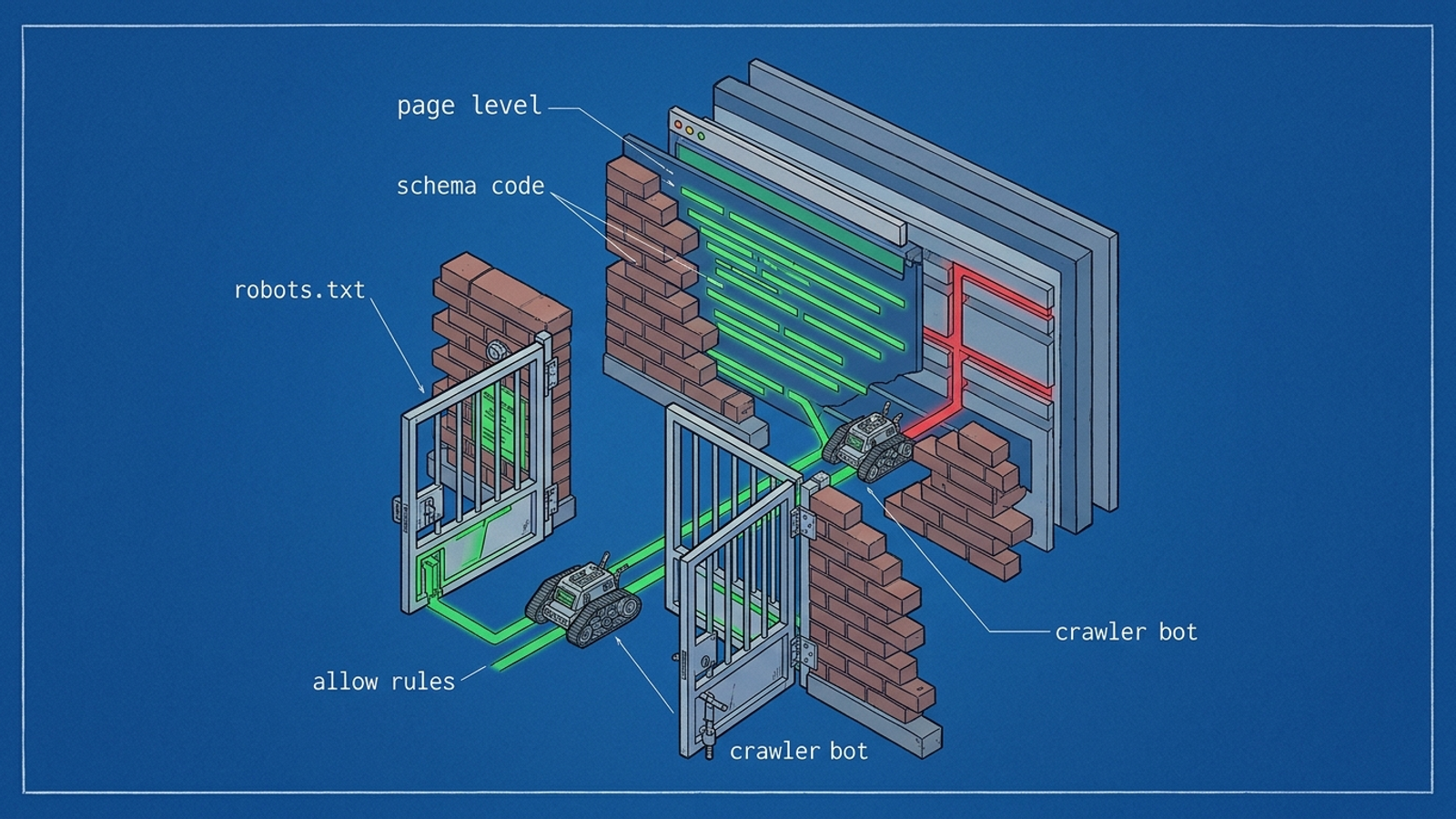
- Check robots.txt for the AI bots you intend to allow. Verify named crawlers such as GPTBot and OAI-SearchBot rather than assuming a blanket Disallow will not affect them. Record the client’s intended access rules alongside the bot-access check; opening everything without a decision is not a pass.
- Find schema in the live page source, not a PDF report. Check relevant LocalBusiness, FAQ, Product or Review markup on the pages where it belongs. Schema coverage is easy to promise in an audit; the test is whether the markup was published.
- Compare before and after versions of a canonical, sitemap or indexation fix on the trial URLs. Ask for the changed URL and inspect it yourself. A completed task in a dashboard is evidence of a task being marked complete, not evidence of a technical change.
- Confirm a post-fix AI-crawler fetch in server logs where the client has that visibility. Note the URL and timing so you can connect the fetch to the change. A rank screenshot does not tell you whether the crawler reached the corrected page.
- Open a page an AI answer might need to quote and confirm its full text renders without a login or script-only content. Check the version a crawler can fetch, not just the page in your own browser while you are signed in.
- Trace one technical win end to end. Start with the original obstacle, record the live fix, then check fetch activity or citation appearance on the trial URLs during the 14 days. Use the technical fixes in fetch order to keep the sequence straight. A claimed outcome without the intervening change fails.
Content and CMS: did anything actually publish?
- Publish a page to the client CMS through an approval-gated workflow. Direct publishing to WordPress and Webflow, with export as a fallback elsewhere, is a publishing baseline to test rather than assume. If your team still copies from a document into WordPress, score publishing as a fail.
- Keep draft and live states distinct. Have your team review the draft, have the client approve it, then check the live URL. Ask who can edit after approval and whether another approval is needed; otherwise “client approval” may mean little more than an email nobody waits for.
- Repeat the publishing test on the client’s actual CMS. A polished WordPress demo does not tell you what happens on this account. groas for agencies promises a connection on any platform or CMS; verify that promise against the awkward setup you will inherit.
- Find knowledge-graph and entity updates in a per-URL log. Check what changed, where it changed and when. Schema for extraction, answer-first structure and entity authority are the scope to test; a slide that groups them under “AEO completed” is not a record of execution.
- Open every external citation or authority mention claimed during the trial. The log should identify a live link and a date, so you can separate published work from a planned outreach task. Do not count a proposed mention as a live one because both appear in the same dashboard.
- Inspect one answer-first content block on a live page. Can an AI answer lift a clean passage of roughly 40 words without rewriting around missing context? Read the surrounding page too. A neat block in an export file does not help if the published version changed or never went live.

Tracking and reporting: can you show the work under your name?
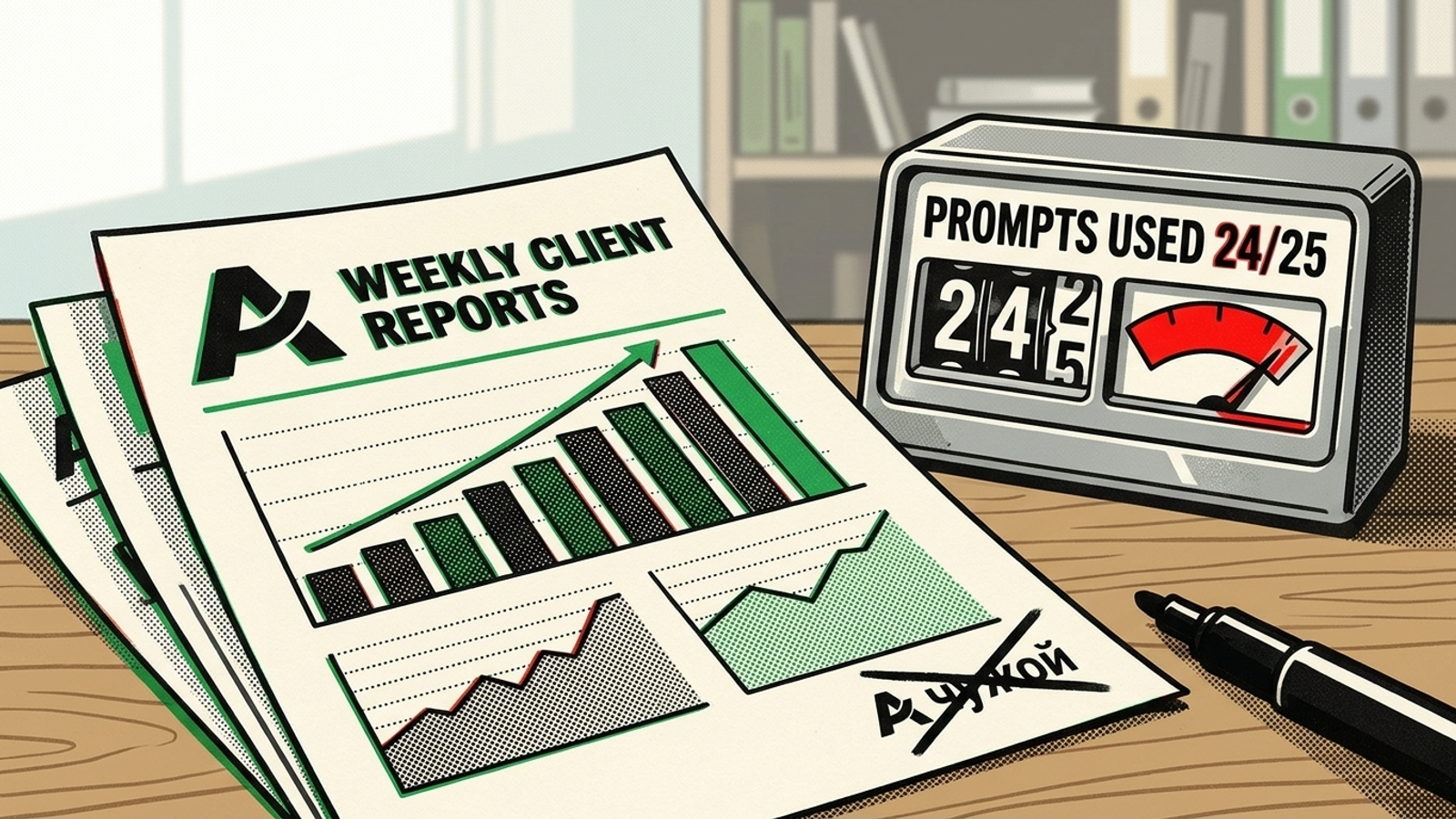
- Get prompt caps and per-domain charges in writing before signing. One published pricing example lists $99 per month for one domain and 25 prompts, another $99 for an extra domain, and $60 for another 50 prompts. Run the trial prompt list against the actual quote; calculate client two and client ten before assuming the first-domain price scales.
- Forward one report to an inbox outside the platform and look for the vendor’s name. Check the logo, colours, sending address, reply-to, links, dashboard, footer and report domain. The white-label depth check is simple: if a client can see whose service it is, you are not delivering it entirely under your brand.
- Demand an action log you can explain to a client. Look for specific tasks, the reason for each action, relevant KPIs and what comes next. A reporting standard includes completed work and recommendations; an action-log example connects on- and off-site SEO work to keyword movement. A polished overview cannot substitute for the underlying record.
- Check whether AI visibility arrives weekly across Google and AI answers, rather than as a monthly rank screenshot. groas for agencies commits to weekly tracking; in the first 7 days, covered by the 7-day money-back guarantee, verify the reporting cadence and whether the client-specific update is usable without your team rebuilding it.
- Export the prompt list, citation sources and share-of-voice view for this domain. A client will ask how you know a claim is true. If the evidence exists only in a screen you cannot share or export, note the reporting work your team will have to do.
Commercials and exit terms: price the tenth domain now
- Put the ten-domain price, including prompt and CMS costs, on paper. Wholesale examples put local vendor costs at $400–$800 against $1,000–$2,000 retail, and full-service costs at $1,500–$3,000 against $4,000–$9,000 retail; another per-site comparison lists $99, $198 and $349 tiers. Those are reference points, not your margin. Price your actual workload and ask whether the quote survives domain ten.
- Read the order form for month-to-month cancellation and fees. Reseller contract guidance treats no long-term lock-in as a standard worth checking. groas offers a 7-day money-back guarantee, then month-to-month terms; that seven-day guarantee is not the same as this 14-day evaluation. Ask for 2–3 agency references if the terms are unclear.
- Get ownership of analytics, backlink data and content in writing. Check whether content stays live, logins transfer and data exports without a fee when you leave. A vendor that dodges the exit question fails it. Compare the written answers with the pre-signing vendor checklist, not with what someone remembers saying on a call.

Red flags: stop the trial when one appears
- Find a vendor name anywhere a client can see it. Inspect the reply-to address, dashboard favicon, report footer and login URL, not just the report cover. One leak fails the white-label claim. Do not plan to cover it with a new template after you have already started selling.
- Treat a vague exit-ownership answer as a no. Ask who keeps analytics, backlink data and content, and what happens to live work after cancellation. Get the answer before day 14. “We can discuss that later” leaves you reselling work you may not be able to take with you.
- Reprice immediately if the prompt cap or per-domain charge changes after the trial quote. Add the expected prompts and CMS work to the ten-domain calculation. If the number moves, redo the margin rather than trusting the original price. Stop if the vendor will not put the revised terms in writing.
Day-one order: five checks if you have one afternoon
- Push and reverse one edge change. Put a title and canonical live, preview them, then roll them back without a developer. If IT has to intervene, you have found an onboarding cost that will recur on every similar domain.
- Publish one approved CMS page. Move it from draft through team and client approval to a live URL. Exporting a document for someone else to paste is not the same workflow, whatever the demo called it.
- Forward one branded report. Read it as a client would, including its links, reply-to and footer. If the vendor appears, fail the white-label test before you build a sales pitch around the report.
- Calculate prompt and domain costs at ten clients. Use the trial prompt count and the written rate card. If that calculation breaks your intended markup, a low first-domain price does not rescue the model.
- Get exit ownership signed before work starts. Confirm who keeps the content, logins, analytics and backlink data, and how you retrieve them. This is the check agencies skip most. Skip it, and cancelling the vendor can mean rebuilding the work across ten domains while your clients wait for an answer.