A $129 AI ads subscription looks cheap until the pricing page counts all 10 of your clients together. I took six vendor pricing pages—Optmyzr, Opteo, Madgicx, Adalysis, Birch, and Semrush—and read them against the same book: 10 clients spending roughly $20k a month each. The artefact here is the pricing page itself, especially the line beneath the number that decides whether your software cost stays put as your roster grows.
This is a second look at The Real Cost of AI Google Ads Tools Per Agency Client. The pages have gotten slicker since that piece: fees now sit beside feature names or behind contact us tiers. This time I want to follow what an agency owner actually sees, from the headline price down to the terms that determine the bill.
I used to tell clients to divide a license by the client count and call that the delivery cost. I was wrong. Once per-account, per-domain, and spend-based terms meet a 10-client book, the fine print becomes the price. A genuinely flat monthly model without a per-account multiplier is the one that keeps its shape when the roster grows.
First screen: the monthly number is not yet a quote
The opening numbers are tidy. Optmyzr lists pricing from $209 a month, tiered by monthly ad spend under management, with no per-seat charges. Opteo lists $129 Basic and $249 Professional. Each gives you a figure you could put in a spreadsheet before you have finished your coffee.
But an agency does not buy a headline. It buys enough capacity for its accounts, their combined spend, and the work it has promised clients. Our example book is 10 accounts at roughly $20k each, or $200k in monthly spend. That distinction matters before anyone clicks Start trial: a tier built for $25k or $100k of total spend cannot price this book, even if its account allowance looks generous.
The verdict on the first screen: treat the starting price as an invitation to inspect the limits, not as your cost per client. Keep the $200k portfolio figure beside you as you scroll. It will do more work than the headline.
Next line down: Opteo counts the whole book
Opteo defines spend as the total across connected accounts. Its example makes the rule plain: two accounts spending $10k each count as $20k. That is the sentence an agency needs before reading the tier table, not after.
On Opteo’s pricing page, Basic is $129 a month for 10 accounts and $25k in spend, with a 24-hour refresh. Professional is $249 for 25 accounts and $100k, with a 12-hour refresh. Agency is $499 for 75 accounts and $250k. Beyond 75 accounts or $250k, the page moves to custom Enterprise pricing.
Put our book on that table. Basic has room for the 10 accounts but not their $200k in spend. Professional also clears the account count and misses the spend limit. Agency is the listed tier that accommodates both. The 24-hour refresh on Basic is another difference worth reading, but you do not even get that far on this example: the spend cap has already decided the tier.
Verdict: Opteo’s relevant number for this book is the portfolio tier, not the $129 entry price. The $499 Agency tier works out to $49.90 per client when divided evenly across 10. That is useful allocation math, not a promise that every client costs $49.90 to serve. Add more spend or accounts and you have to check the limits again.
The spend slider: Optmyzr moves with the portfolio too
Optmyzr also tiers pricing by spend under management, rather than charging separately for each seat. Its pricing slider runs from $25k to $500k-plus before moving to an Enterprise Get a Custom Plan option with unlimited ad accounts. The headline from $209 a month does not tell you where a $200k portfolio lands on that slider.
This is a different mechanism from a simple per-account fee. The bill need not rise every time you add a login or a client. It can rise when the combined spend crosses a tier boundary, including when an existing client raises its budget. That makes the relevant question, “What will the whole book spend?” not “How many clients can I divide the starter subscription by?”
Verdict: no per-seat charge does not mean a fixed cost for a growing agency. I would enter the full portfolio spend in the slider before quoting a retainer against the entry price. If client six pushes the book into another bracket, the first five are sharing a larger software bill too.
The domain line: Semrush sells visibility one domain at a time
The next kind of multiplier is easy to miss because it is not a Google Ads account at all. Semrush lists its AI Visibility Toolkit at $99 a month per domain on annual billing. That price includes 25 custom prompts a day and one domain for Brand Performance. The unit is right there: per domain.
Suppose the 10 clients in our book each need visibility for one domain. At the listed rate, that is $990 a month before Google Ads tooling enters the calculation. If only three clients bought that service, it is three domains you need to price, not 10. The point is not that every agency must buy AI visibility for every client. It is that the $99 headline describes one domain, not an agency-wide book.
The client-ready output has its own line. Semrush lists a Pro Report add-on from $20 a month and Additional Users from $45 a month. Those figures are not a substitute for checking what your particular reporting setup requires, but they belong in the estimate if that setup needs them.
Verdict: count the domains you have sold, then price the reporting you intend to deliver. I have seen the mistake behind this one: put a tool inside a broad SEO retainer, assume the login covers the roster, then discover the unit of sale is each client’s domain. The per-client cost breakdown is useful background; on this page, the operative words are simply per domain.
The threshold paragraph: unlimited access can still have an overage
Farther down a pricing page, unlimited may describe accounts or users while a different meter controls the invoice. Adalysis offers one plan with all features included, unlimited Google Ads accounts, and unlimited users. Its price still moves with maximum monthly ad spend and auto-adjusts each month; the page says it emails four days before an upgrade. Unlimited access and variable pricing can both be true.
Birch lists a 2% overage fee for spend above a plan threshold. That is not the same as charging 2% on every dollar of the book’s spend. It does mean the threshold matters. For our $200k example, the starting plan price is incomplete unless you know its threshold and what happens beyond it.
The broader agency pricing habit is worth keeping separate from these software terms. Under a 15% management-fee example, $20k in spend produces a $3,000 fee and $50k produces $7,500. That illustrates how a spend-based percentage scales; it is not a quote from Adalysis or Birch. For another worked percentage-of-spend example, see Ryze Google Ads Pricing In 2026.
Verdict: when a page says auto-adjust, overage, or contact us, do not book the starting number as fixed overhead. Ask what happens to the invoice when an existing client spends more. A good month should not surprise whoever priced the retainer.
The feature row: included automation is not every automation
Now scroll from the price table into the feature grid. This is where a task can appear on the page without being included at the scale your clients need. Optmyzr lists one Campaign Automator account as included and additional add-on accounts as paid. That is a more useful sentence than a check mark beside automation: it tells you to count the accounts that will use it.
Madgicx lists Tracking Pro at $49 a month per connected account for server-to-server tracking and enhanced conversions. If all 10 accounts in our example need that product, the tracking line is $490 a month, or $5,880 a year, before its base plan. If fewer accounts need it, price fewer. The multiplication follows the deployment, not a blanket assumption that every client needs the add-on.
Birch presents a related check. Its pricing page lists Essential at $49 a month up to $10k in ad budget and Pro at $99 with automation rules. It also describes event-based pricing for additional events after a plan limit. On a book with $200k in total spend, neither a small-budget entry figure nor a feature name tells you the cost of the rules you intend to run.
Verdict: write down the task your retainer promises, then find the tier and unit that perform it. “Has automation” is not a cost estimate. “This many accounts need Campaign Automator; this many need Tracking Pro; these rules generate events” is at least the beginning of one.
The last rows: seats and reports are different purchases
Some generous-looking terms really are useful. Optmyzr includes the Rule Engine, reporting, and audits across its plans without per-seat charges. Adalysis includes unlimited users. I would not invent a seat fee where the page says there is none.
I would, however, keep reading. As the Semrush page shows, additional users and a Pro Report can have separate prices. Madgicx presents its base price as See price inside the app by spend band, so that number cannot be completed from the public headline alone. An agency that needs client-facing reports has to price the output it sends, not merely the access its team receives.
That is why unlimited users can be both welcome and insufficient. Three team members may be able to log in without another seat charge while the report a client expects sits on a different line. The same distinction runs through white-label PPC platform costs: access, accounts, and reporting are not automatically one purchase.
Verdict: price the forwarded report, not just the login. Before treating a plan as all-inclusive, make sure the client-facing version of the work is included.
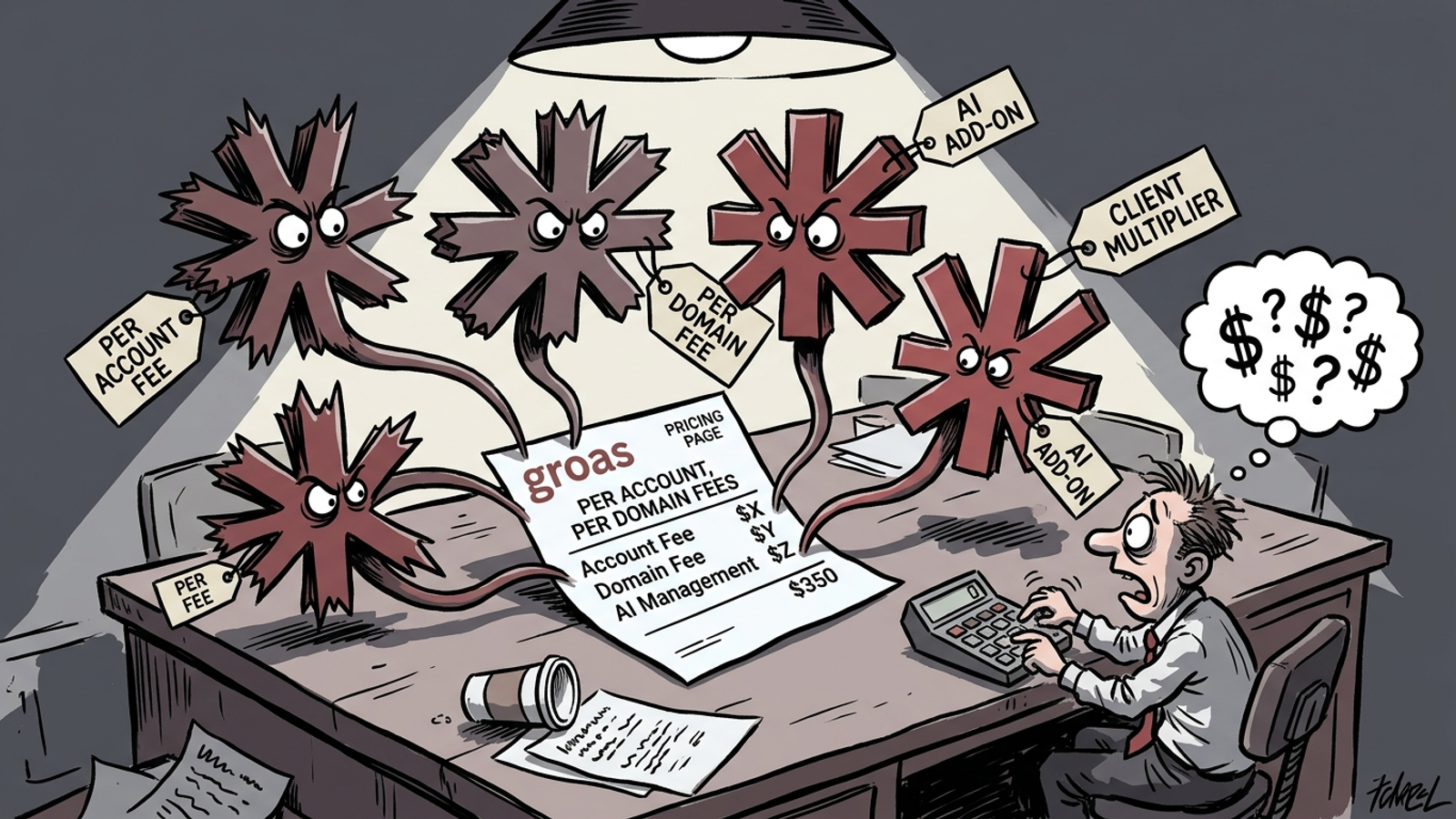
Overall verdict: flat pricing keeps its shape
Across these pages, the recurring problem is not that every vendor uses the same fee. They do not. Opteo and Optmyzr make portfolio spend central; Semrush counts domains; Madgicx lists per-connected-account tracking; Adalysis adjusts with spend; Birch has thresholds and overages. Each mechanism can be read on its own page. The mistake is carrying the smallest visible monthly number into a 10-client budget without following its unit.
I would not combine an Opteo tier and a Madgicx add-on and pretend they are one vendor’s quote. I would put each product an agency actually plans to buy on its own line, apply its own limits, and then total the proposed stack. That is where a flat monthly fee with no per-account multiplier has the cleaner shape: adding client eleven does not, by itself, turn a per-account charge into another invoice line.
That is the contrast groas is built around. Its flat monthly approach pairs autonomous execution inside client guardrails with a named strategist, rather than asking an agency to keep recalculating an account-based license. Its agency model lets you turn on Paid Search or Organic Search per client without retrading that license. For a shop trying to keep delivery costs legible while it grows, that is a better alternative to treating a variable tool bill as though it were fixed.
Four questions I would send before the sales call
The pricing pages give you enough information to ask sharper questions, even where they do not give you a final quote. I would send these in writing before a trial and forward the answers to whoever sets retainers:
- How is spend counted for tiering? Per account or across all connected accounts? Where does $200k across 10 accounts land?
- What bills per unit? Which accounts, domains, events, tracking connections, users, or reports add a charge on our proposed setup?
- Which tier does the promised work? Does it include the automation, tracking, and client-facing reporting we intend to deliver? What changes when we add client eleven?
- What happens at the limit? Is there an automatic upgrade, an overage rate, or a custom quote, and who approves the increase?
Then do the division, last. Take the tier the whole portfolio requires, add only the extras the proposed service will use, allow for any applicable threshold, and divide the resulting monthly total by the clients it serves. On Opteo’s listed Agency tier, $499 divided by 10 is $49.90 per client before any other product enters the stack. On Madgicx’s listed Tracking Pro price, 10 connected accounts would be another $490 a month if that separate product is part of your plan. Those are distinct examples, not one bundled quote.
My verdict on the six pages: the headline is rarely the number an agency needs to carry into a retainer. I would keep one habit from this teardown: put the 10-client book against every limit, unit, and threshold before taking a sales call. Drop the idea that a clean monthly headline has already done the math for you.