

 LinkedIn
I have built this page about a hundred times: no navigation, a headline copied from the ad, a short form above the fold and one button. I chose the standard PPC lander for this teardown because plenty of advertisers already own some version of it. It is built to remove exits and carry the ad’s promise through to the page. That is good work for a paid click.
The same design gives an AI Overview little to quote. The page asks a human to stop looking and fill in a form. An answer engine needs accessible text that answers a question and gives it a reason to cite the source. Software that grades the headline and calls the page “optimized for AI” misses the problem. I will walk this one from top to bottom, give each block a verdict, then say what I would keep. The fix is structural, not a plugin setting.
The artefact: one familiar $89 PPC lander
Picture a composite of the landers I built for small ecommerce, home services and a SaaS startup that changed its offer quarterly. Say you spend $20k a month on exact match. Your ad promises emergency drain cleaning in Austin, $89 visit. The click goes to /lp/drain-austin-89.
There is no header navigation and no footer link worth clicking. The hero repeats the offer, with a phone number beneath it and a three-field form to the right. Next comes a gray logo strip, three benefit bullets, two short testimonials and an FAQ accordion. On mobile, a call button sticks to the screen. One promise, one action, almost nowhere else to go.
That discipline serves the paid visit. The trouble starts when you ask the same page to serve as a source. An answer engine cannot infer what the $89 includes from a button, read facts that exist only inside an image, or cite a page you have kept out of Search. Keep that distinction in mind as we go down the page: I am not trying to make the form behave like an article. I am looking for the places where the lander withholds useful answers for no conversion benefit.
Block 1: The hero confirms the click but dodges the question
The headline reads: Emergency Drain Cleaning in Austin. $89 Visit. Book in 60 Seconds. Beneath it: Same-day service, licensed techs, call now. The visitor sees the same offer they just clicked. No hunt for the price, no moment of wondering whether the ad led somewhere unrelated. Verdict for the paid click: keep it.
Now put a different question to that headline: How much does emergency drain cleaning cost in Austin, and what does the visit include? The hero supplies a price but no scope. Is $89 the visit charge, the full service, or something else? The page has not said. An answer engine needs a sentence it can repeat without making up the missing half.
This does not mean replacing the headline with a paragraph. Keep the message match. Put one direct, accurate scope sentence nearby, once the business has defined what the offer includes and excludes. That gives the human a quicker answer too. An offer can win a click without being a complete answer.
Block 2: The personalized headline has a second, quieter version
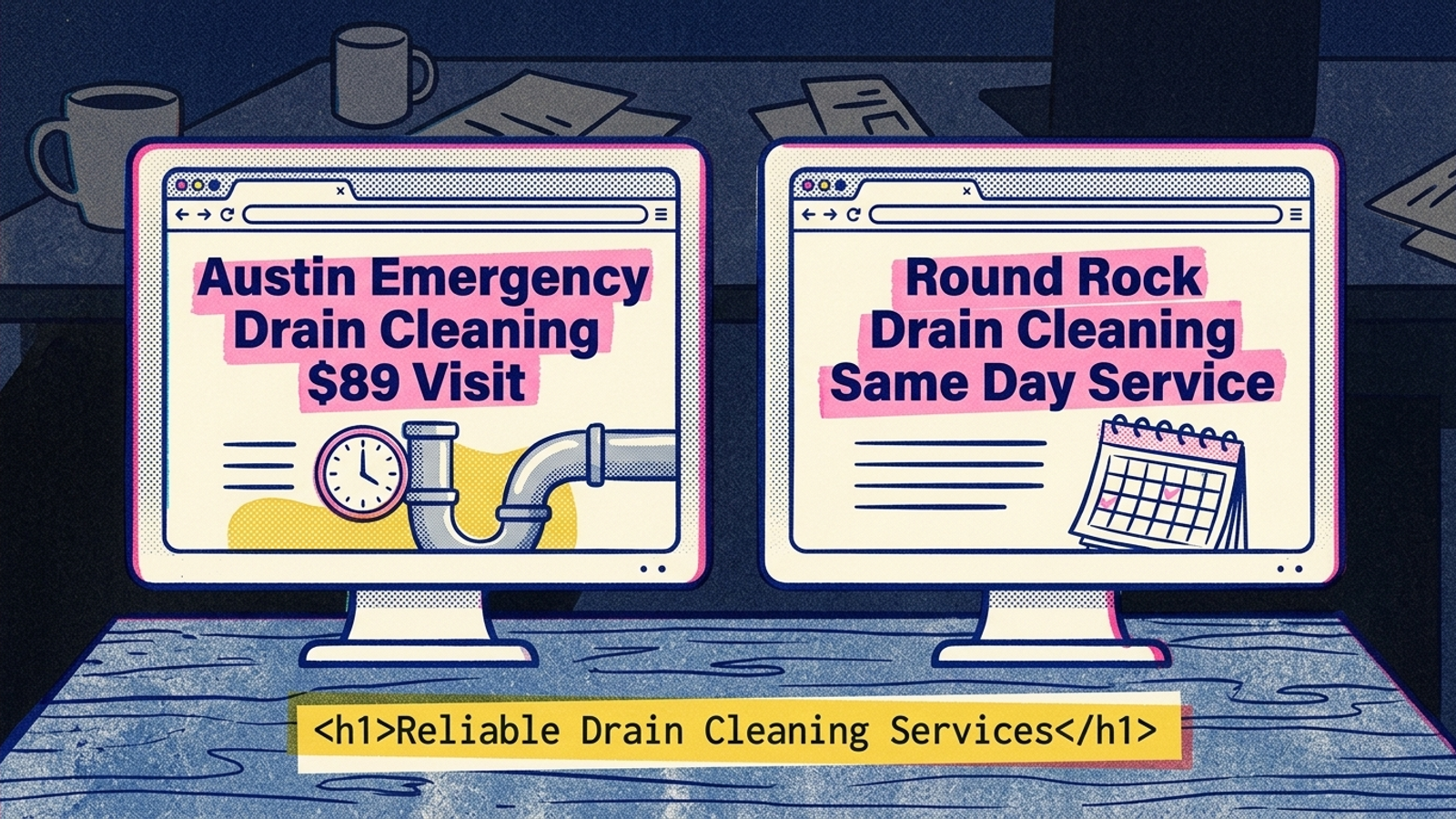
The hero also has a trick I used to like: dynamic text replacement. One template serves Austin, Round Rock and Cedar Park. URL parameters swap the city and offer in the headline and subhead so a paid visitor sees copy matched to the ad. Unbounce describes that same URL-parameter mechanism. The appeal is obvious. You maintain one template while showing each visitor the wording that brought them in.
Verdict for message match: keep the mechanism. Verdict for citation: inspect the default. If the city and offer exist only after a browser runs the swap, the initial page response may carry generic fallback copy instead of the version you see after clicking the ad. An answer engine fetching that response does not inherit your paid visitor’s URL parameters by magic. You can have a persuasive Austin headline on screen and a vague headline in the source.
I would not abandon personalization to solve that. I would decide which offer page is meant to be the stable, citable source, then make sure its useful answer exists without the swap. Personalize the pitch; do not make the facts depend on personalization.
Block 3: The three-field form is doing its job
To the right of the headline are three fields: Name, Phone, ZIP. The button says Get My $89 Visit; consent copy sits below it. On mobile, the sticky call button gives the visitor another way to take the same intended action. No long questionnaire interrupts someone who wants a drain cleared.
I know the temptation to treat every square inch above the fold as either “conversion content” or wasted space. Resist it here. The form is an interaction. Its labels tell a visitor what to enter; they do not explain the offer to someone searching for an answer. Verdict: keep the short form, but stop counting it as citable copy.
The practical move is not to push it down the page to make room for an essay. Leave it where it helps the paid click. Add the missing answer in text, without asking the form to do a job it cannot do. One button can stay one button.
Block 4: The logo strip shows trust but hides the evidence
Below the hero sits the familiar row: four gray logos, a 4.9-star graphic and a Licensed and Insured badge. A skimming human can register the signals and keep moving. I would not remove the strip just because a crawler cannot make good use of it.
But on this composite page the logos are images with alt text like logo-3, if they have alt text at all. The stars are a graphic. There is no license number, review count or named review source in the page text. Verdict: the visual cue survives; the supporting facts do not. A badge can make a visitor feel reassured without giving an answer engine a specific, attributable statement.
If the business has those details and can stand behind them, write them out beneath the strip. Name the source of a review count rather than asking a screenshot to speak for itself. Put license information in text rather than leaving it inside a badge. The point is not to turn the landing page into a wall of credentials. It is to make the facts behind its trust signals readable. Keep the graphics for people; put the evidence in words.
Block 5: The bullets and testimonials never define the offer
Next come three benefits and two one-line testimonials. Fast same-day service. Licensed techs. Upfront pricing. They are quick to scan, which is why they are there. They also sound like dozens of other service pages. Strip away the form and graphics and this composite lander has roughly 180 words of copy. Much of it asks for trust without saying what the customer gets.
Verdict: keep the short pitch, then define the scope. What does the $89 visit cover? What does it exclude? Which service areas qualify for same-day arrival? What happens if the blockage returns? Those are examples of questions the business must answer from its actual terms, not facts to invent because they would look good in a snippet. If a detail changes by location or time of day, say so accurately.
I used to cut paragraphs like that to keep a lander clean. Clean was a useful goal for the paid click; I was wrong to treat every line below the form as clutter. A plain paragraph beneath the scanning copy need not compete with the hero. Someone who wants to book immediately can still book. Someone trying to understand the offer gets an answer they can repeat.

This is also where a page grader can flatter you. It may see a concise headline and readable bullets. Fine. Neither tells it whether upfront pricing actually defines the boundary of the $89 offer. Readability is not the same thing as an answer. Before adding more copy, find the claim a customer would need clarified and write that claim plainly.
Block 6: The FAQ answers may not arrive with the page
The FAQ looks like the most useful section. It asks how fast same-day service is, what the $89 covers, whether the work is guaranteed, which areas are served and what happens if the drain stays blocked. Each answer is two sentences. That is closer to what an answer engine can use than the rest of the lander combined.
Then you inspect how the accordion works. Some implementations ship every answer in the initial HTML and simply hide closed panels until a visitor opens them. Others fetch an answer only after the click. In the second case, a crawler that does not perform that interaction never receives the text. Verdict: keep the accordion, but ship its answers with the page. The visitor can still see a tidy list of closed questions; the machine does not need to click one to find the answer.
I check this before arguing about FAQ wording:
- Open view-source and search for a sentence from a closed answer.
- Turn off JavaScript, reload and check whether the answer is still present.
- Compare that with DevTools Elements, which shows the page after scripts may have changed it.
If the answer appears only after a click, fix the delivery. If it is absent from view-source but appears after scripts run on load, the diagnosis is less absolute: Google can render some JavaScript, while other crawlers may rely on the initial response. The distinction between shipped text and interaction-loaded text matters more than whether the accordion starts open. Do not mistake a working FAQ in your browser for proof that every bot received it.
Render the five answers as real page text and let CSS handle the collapsed presentation. Same questions for humans. A much better chance for a crawler to read the answers you already wrote.
Block 7: The noindex rule closes the last door
The visitor will not see this block. It sits in the page’s index settings, alongside whatever canonical decision you made for all those city and offer variants. I used to mark PPC landers noindex as routine hygiene. The logic was reasonable: keep thin variants from competing with core pages, without changing where the ad sends its clicks. That remains a legitimate reason to keep PPC variants out of organic Search.
But if this is the very URL you want Google to use as a source for an AI Overview, noindex defeats that goal. Better FAQ text cannot make a page eligible for a Search feature when you have instructed Google not to index it. That is not a copy problem, and no headline-scoring tool can fix it.
The answer is not to index every personalized variant. You would bring back the duplication problem the rule was meant to avoid. Choose one stable URL per offer that you want available in Search, give that URL the accurate, citable text, and review how the variants point to it. Keep paid visitors on the versions built for their ads. A canonical signal can express your preferred URL; it is not a guarantee that Google will choose or cite it. Check the outcome rather than assuming the setting did the work.
That is the index-rule verdict: keep thin paid variants out if they do not deserve to stand alone, but do not hide the one page you expect Search to quote.
Overall verdict: keep the conversion path, rebuild the source
The artefact is good at the job it was hired to do. The matched hero, short form, visual trust strip and personalized copy make sense for a paid visitor. I would keep them. The failures are elsewhere: an offer without defined scope, evidence trapped in graphics, answers that may arrive only after a click, and a useful URL that may be marked noindex.
That is why the usual “optimize your landing page for AI” score misses the point. A grader can flag thin copy. It cannot, by grading alone, decide which offer URL should be the citable one, make an interaction-loaded FAQ arrive with the page, or establish the actual terms behind a price claim. Those decisions cross the ad, the page template and the index rule. This is execution work, not a readability setting.
At groas, that is the search work I want managed together rather than left as separate recommendations in separate reports: paid performance, the page people reach and the organic visibility that page is allowed to earn. There is a fuller look at making a PPC landing page citable without moving its form, as well as the technical SEO issues that can hurt AI visibility. A human strategist still has to own the tradeoff. Nobody should sacrifice a working conversion path just to make a grader happier.
What I would keep: one page, two readable layers
I would not build a second, competing page labelled “for AI.” I would give one chosen offer URL two useful layers. At the top: the matched headline, three-field form, one CTA and quick trust cues. Beneath and around them: an accurate scope sentence, FAQ answers delivered with the page, and the facts behind the badges written in text. The first layer helps a visitor act. The second gives that visitor, and a crawler, something definite to understand.
Keep the conversion blocks. Change what the page actually ships. Start with view-source, choose the offer URL you want Google to keep, and give it an answer worth quoting. Then inspect the render path and index rule before buying another score. For the full rebuild, see the teardown of the landing page that converts but gives AI nothing to quote.