LinkedIn

Most agencies won’t tell you this: their white-label Microsoft Ads work starts and ends with a Google import. I’ve taken over enough of those accounts to recognize the pattern in about ten minutes. Same budgets, same match types, same ad copy, same audiences doing nothing. The client paid for a second channel and got a photocopy of the first.
This list is for agency owners and freelancers about to hand client work to a white-label partner. Run these ten checks before you commit a client. Each asks for evidence of work done after the import, not promises from a sales page.
1. Ask what changes after a Google import, line by line
The import button is where most white-label Microsoft Ads work lives or dies. A copy-paste shop hits import, leaves the schedule running, and calls it managed. A real operator can tell you which bids, budgets, match types, ads, and audiences need another look once they land in Microsoft.
Start with a before-and-after from one real client account. Ask the partner to walk through the imported settings and the changes they made, keyword by keyword and setting by setting. Ask whether scheduled imports can overwrite those changes. If they can, what prevents it? A polished audit slide is less useful than an account history showing an edit and the reason for it.
The distinction matters because an import transfers a starting structure, not a judgment about whether that structure belongs in another auction. Budgets need their own limits. Bids need to reflect Microsoft performance. Copy and audiences need inspection rather than a shrug. I used to assume import parity meant safety. I was wrong: it meant the account looked familiar enough that nobody felt an urgent need to fix it.
Ask for five specific post-import changes and why each one was made. If the partner cannot show them, keep your client out of the account.
2. Look for Microsoft-specific search term mining
The search term report is where an operator proves they are managing Microsoft traffic, not merely checking whether yesterday’s Google decisions copied across. Imported keywords and negatives are a starting point. They do not tell you which Microsoft queries spent money this week or which terms deserve their own exact-match build.
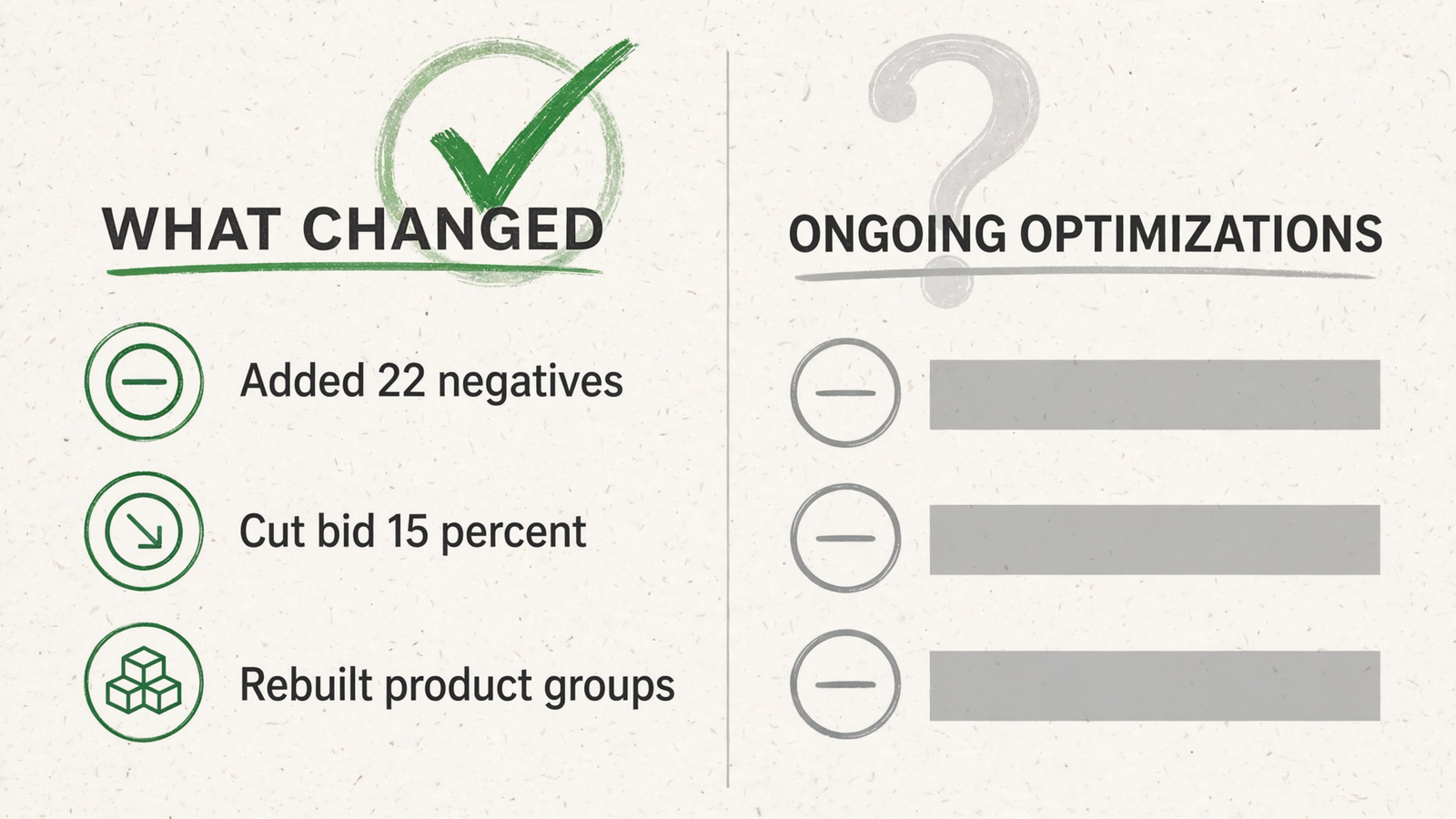
I would ask to see a month of search term actions from a live account: negatives added, terms promoted into their own keywords, and the dates those decisions happened. The partner should be able to explain a few of them without translating an ‘optimizations ongoing’ slide. If the account is new, ask how often they review queries during launch and what makes them act sooner.
There is a sensible starting tactic here: use an optimized Google keyword list to establish an exact-match base, then inspect what Microsoft actually brings in before expanding. The mechanism is not magic. You limit early uncertainty, see which queries earn attention, and build from observed demand rather than assuming another platform’s match behavior will do the sorting for you.
Zero Microsoft-specific search term changes is the warning sign. ‘Google negatives cover it’ is not an account-management plan. Ask to see the separate query work before you accept the separate channel fee.
3. Check LinkedIn profile targeting on B2B accounts
For B2B clients, this is where a Microsoft-native plan should become visible. Microsoft offers Company, Industry, and Job Function targeting dimensions. A partner who uses them can explain which audience they want to prioritize, how they set the bid modifiers, and what result would make them change course.
The mechanism is bid pressure, not a fancy label on the same keyword list. You can bid more aggressively when a search comes from a profile that better fits the buyer you want, while still evaluating whether those clicks become pipeline. That last part matters. A higher bid is only a strategy if somebody checks what it bought.
Ask for a modifier table from a live B2B account and have the partner explain one decision. Why that Company, Industry, or Job Function? What did they set, and what would tell them to lower it? A sales page can name the feature. An operator can defend the settings.
I wrote more about when Microsoft Ads earns a B2B budget. For this vetting call, keep the bar simpler: make them show a B2B targeting decision that could not have arrived untouched in a Google import.
4. Make them screen-share Microsoft Shopping setup
Shopping can fail before the first bid matters. A partner needs to check the claimed domain, the Microsoft Merchant Center store, and the approved catalog feed. After an import, they still need to review budgets, bids, product groups, priority, negatives, tracking, and disapproved offers. None of that gets more convincing because it appears in a slide deck.
Ask the partner to screen-share Merchant Center and explain what they check before launch. Then ask what they change when a Google Shopping structure arrives. Product groups that made sense under one account’s volume and margins should not get a free pass just because the import completed. Disapproved offers need attention; an approved campaign is not the same as a healthy catalog.
The question I like is: ‘What would make you reject this imported Shopping setup?’ A useful answer names feed or offer problems and the settings they would rebuild. ‘We import your Google Shopping campaigns as-is’ tells you the review ends where the work should begin.
Watch them inspect the feed and imported structure, not present a Shopping slide. You are paying for someone to catch problems before the client pays for them.
5. Test them with a small-budget client
Give the partner a small account before your biggest one. A tight budget makes careless structure visible quickly: too many campaigns compete for too little spend, and nobody can hide a weak plan inside a large volume of clicks.
Ask what they would do with, say, $800 a month. The useful answer starts by naming constraints. Which campaigns earn the first dollars? What will they leave out? How often will they inspect search terms? What happens if the first structure spreads spend too thin? A copy-paste shop promises full-funnel coverage on roughly $26 a day and hopes you never ask how that works.
A small Microsoft test should also have comparable conversion tracking and a clear measure, such as cost per lead, before it starts. Otherwise the partner can call any movement progress. You do not need a heroic forecast. You need a plan that fits the amount available and a decision rule for changing it.
Ask for the campaign plan before giving access. If they cannot explain what they will exclude on a small budget, do not assume a larger budget will make them more disciplined.
6. Read a sample weekly report for decisions, not charts
Ask for a weekly report with the client name removed. Skip to the words. You want to find three things for each meaningful action: what changed, why it changed, and what happens next. ‘Added negatives after Microsoft queries expanded into job-seeker terms’ tells you more than a page of impressions and CTR.
A report can look busy while revealing no management at all. I know because I sent reports like that early in my career when I had too many accounts and too little time. ‘Performance stable; optimizations ongoing’ was what I wrote when the useful explanation was missing. The client could not tell the difference immediately. By the time they could, trust was harder to recover than the wasted spend.
Ask the partner to pick one reported change and show you the account action behind it. Then ask what prompted the change. That short walk-through connects the report to the work rather than to somebody’s ability to format a chart.
If the sample report cannot show actions and reasons, expect the same silence with your logo on it. Make the reporting standard explicit before the first week, not after the first unhappy client call.
7. Put client contact and account ownership in writing
White label can fail in the inbox before it fails in the ad account. One email sent directly to your client, or one partner domain left in a report footer, can expose an arrangement you were supposed to own.
Get the operating terms in writing:
- No direct client contact without your approval.
- Unbranded reports on an agreed date.
- A named contact on the partner side.
- Client ownership of ad accounts and data.
- Agreed response times.
Keep accounts and billing profiles in the client’s name. That makes the exit less complicated if the relationship ends, and it prevents an avoidable argument about who controls the work. Ask for a redacted report and a redacted email thread before onboarding. Check the footer, sender details, attachments, and any template text that might travel with your branding.
This is not the glamorous part of partner selection. It is, however, the part your client will notice instantly if it goes wrong. If you find the partner’s brand in supposedly white-label material, treat it as an operating failure, not a cosmetic typo.
8. Ask who can act inside the guardrails
Every partner says ‘proactive management.’ Ask for the decision rule. Who can change a bid without asking you? What budget cap applies? Which changes need approval first? How does the partner record what happened?
The workable arrangement is guardrails plus a log: you set goals and limits, the operator acts inside them, and you can see each consequential change with a plain-English reason. Without that arrangement, ‘proactive’ can mean either unauthorized changes or a recommendations deck you have to interpret at midnight. Neither is the service you thought you bought.
Use a losing search term as the test. Ask when they would negate it, who makes that call, and how you would find out. If every decision waits for the next weekly review, the review schedule is dictating how long waste stays live. If they act faster, you still need to know what keeps the action within your client’s limits.
Get one example of a change they can make, one they must escalate, and the log you will receive. That tells you more about daily management than a promise to ‘optimize continuously.’
9. Compare fees against the work, not just ad spend
Percentage-of-spend pricing makes a simple promise to the partner: when your client’s budget rises, the management fee rises too. It does not tell you whether the partner made another decision, rebuilt another campaign, or spent another hour in the account.
Say you manage $20,000 a month across five clients. At 15% of spend, the partner fee is $3,000 a month before you add your own margin. If those clients increase spend, your fee to the partner climbs with them. That may be easy to calculate, but ‘easy to calculate’ is not the same as well matched to the work.
Ask for three quotes in writing: a $1,500 account, a $5,000 account, and a $15,000 account. Put the task list beside each price. What changes in the service as spend rises? Which import reviews, search term actions, reporting, and approvals are included? If the fee triples while the work stays identical, ask what you are paying for.
This is why I leave price until check nine. A cheap photocopy is still a photocopy. groas takes the flat-fee approach: one flat fee per service, no cut of ad spend, no setup fees, and month-to-month terms. I looked at the related Google question in my ranking of white-label Google Ads platforms by weekly human touch-time. In either channel, compare the fee with the decisions and execution you actually get.
10. Check the exit, then start with one imported campaign
Ask what happens when you leave before you discuss what happens when you join. Get the term length, cancellation process, any money-back terms, and ownership of accounts, pages, and data in writing. Keep the client’s account and billing profile in the client’s name from day one. An exit should not require a negotiation over access to work the client paid for.
The cleanest terms do not rescue weak execution, though. If you already run one or two Microsoft Ads accounts and know Search, you may learn more by managing them yourself than by managing a partner. If a prospect needs a B2B rollout or Shopping rebuild you have not yet scoped, do not expect a fulfillment shop to sell that strategy for you. My Microsoft Ads management ranking uses the import as a test for the same reason.
If I were vetting a partner tomorrow, I would start with check one. Give them one messy Google account, agree on one import, and inspect the first Microsoft campaign that comes back. Read the bids, budgets, match types, copy, and audiences. Then ask why each change happened. The sales page cannot answer that. The campaign can.