

 LinkedIn

Your competitor has a pricing page. You have a “Schedule a Call” button. When a buyer asks an AI assistant what each of you costs, guess which site gives it an answer. I keep seeing businesses told to publish more blog posts when the pages they actually need are missing: pricing, comparisons, and plain answers to the questions buyers ask before they buy. This list is for operators who want to find those gaps by hand before paying for a platform to find them.
1. Say what you sell in plain words
I’ve audited enough B2B sites to recognize the opening move: “an intelligent orchestration environment for revenue acceleration.” It sounds expensive. It does not tell a buyer whether you sell PPC management software, dispatch tools, or consulting.
Name your category where a reader can see it immediately. When someone asks an assistant for an “autonomous PPC management tool” or “HVAC dispatch software,” those ordinary terms give the assistant a way to connect your page to the request. Brand language can do its job after you have explained what the business does.
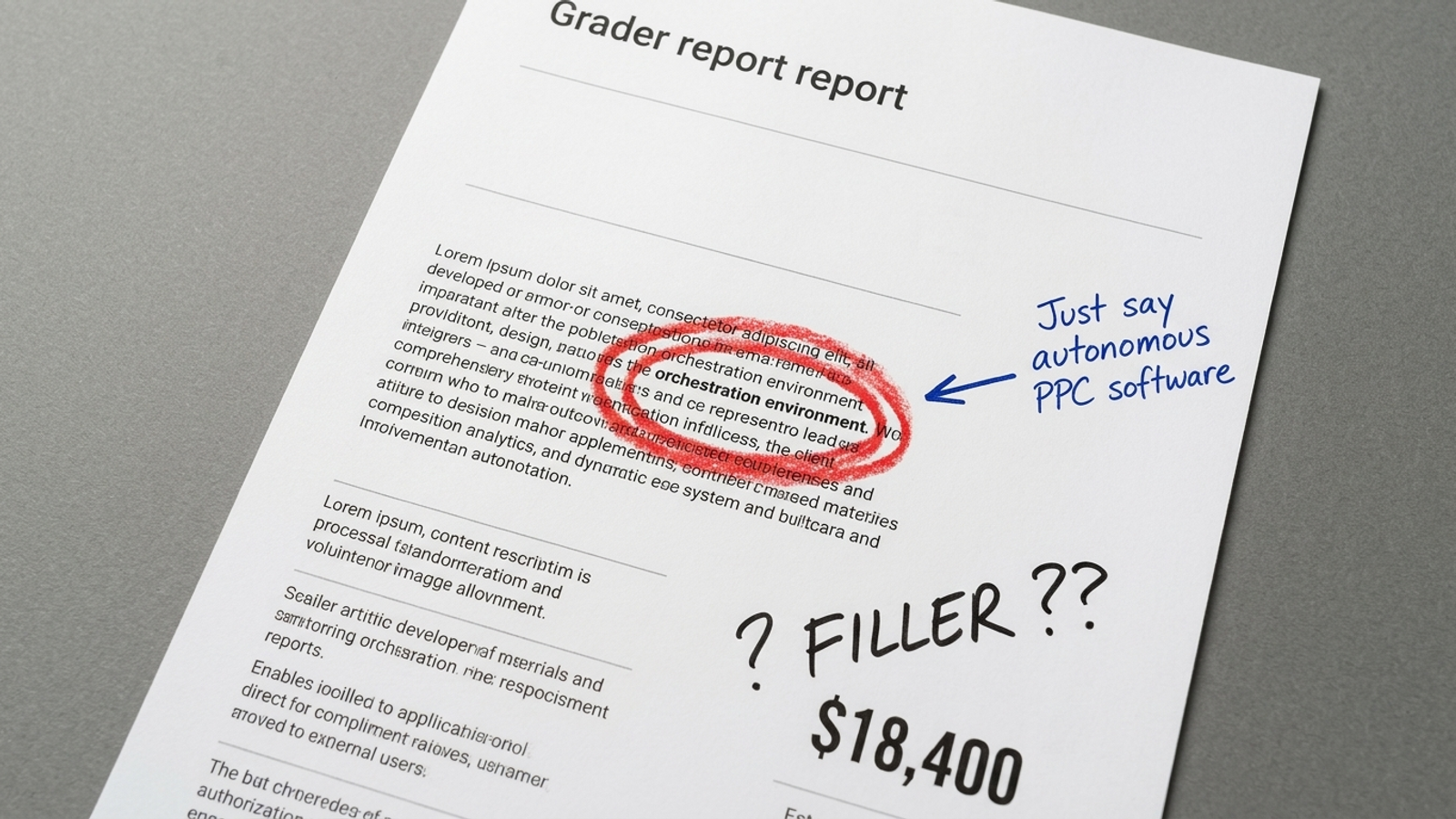
First step: Paste the first 250 words of your homepage and primary product page into a plain-text editor. Highlight the phrases that name what you sell. If you cannot find one a customer would use, rewrite the H1 and opening sentence. For example, “groas is an autonomous growth engine for paid and organic search” tells a reader far more than “revenue acceleration.” Add who it serves and how it works within the first seventy words; save the manifesto for later.
2. Publish the comparison buyers are already asking for
Some teams refuse to name a competitor on their own site because it feels like free promotion. The buyer has already named that competitor in a prompt. If you have no comparison page, you leave your side of the decision to directories and the competitor’s own matrix.
An analysis of 2,150 cited URLs reports that pages with /vs, /compare, or /alternatives URL structures earned 34% to 43% of citations for alternatives and versus queries. That is a reason to test a comparison page, not a license to publish a table where you win every row.
First step: Run three prompts in ChatGPT and Google AI Mode: [Competitor] alternatives for small businesses, [Your Brand] vs [Competitor], and Who should I choose between [Your Brand] and [Competitor]? Note which pages the answers cite. Then draft a /vs/[competitor] page around the actual buying decision. Acknowledge a rival’s real strengths, but make the case for the customer better served by your approach. For groas, that means explaining why a team that wants autonomous execution and a named strategist should not have to manage another set of recommendations itself. A comparison that misstates a rival’s capabilities is a poor answer, however flattering it looks on your site.
3. Put the answer directly under the heading
I know why the 400-word introduction happens. Someone wants to establish context, someone else wants the keyword in another paragraph, and the answer quietly moves to page two. A buyer asking about contract terms or implementation does not need a history of the category first.
Search systems can retrieve passages rather than treating every page as one indivisible document. Search Engine Land’s guide to content chunking describes how retrieval-augmented generation systems break text into smaller chunks, often around 200 to 512 tokens. A direct answer is easier to identify when it stands on its own. Word count is no substitute: an Ahrefs analysis of 560,346 Google AI Overviews found that 53.4% of cited pages had fewer than 1,000 words and reported almost no correlation between page length and citation likelihood.
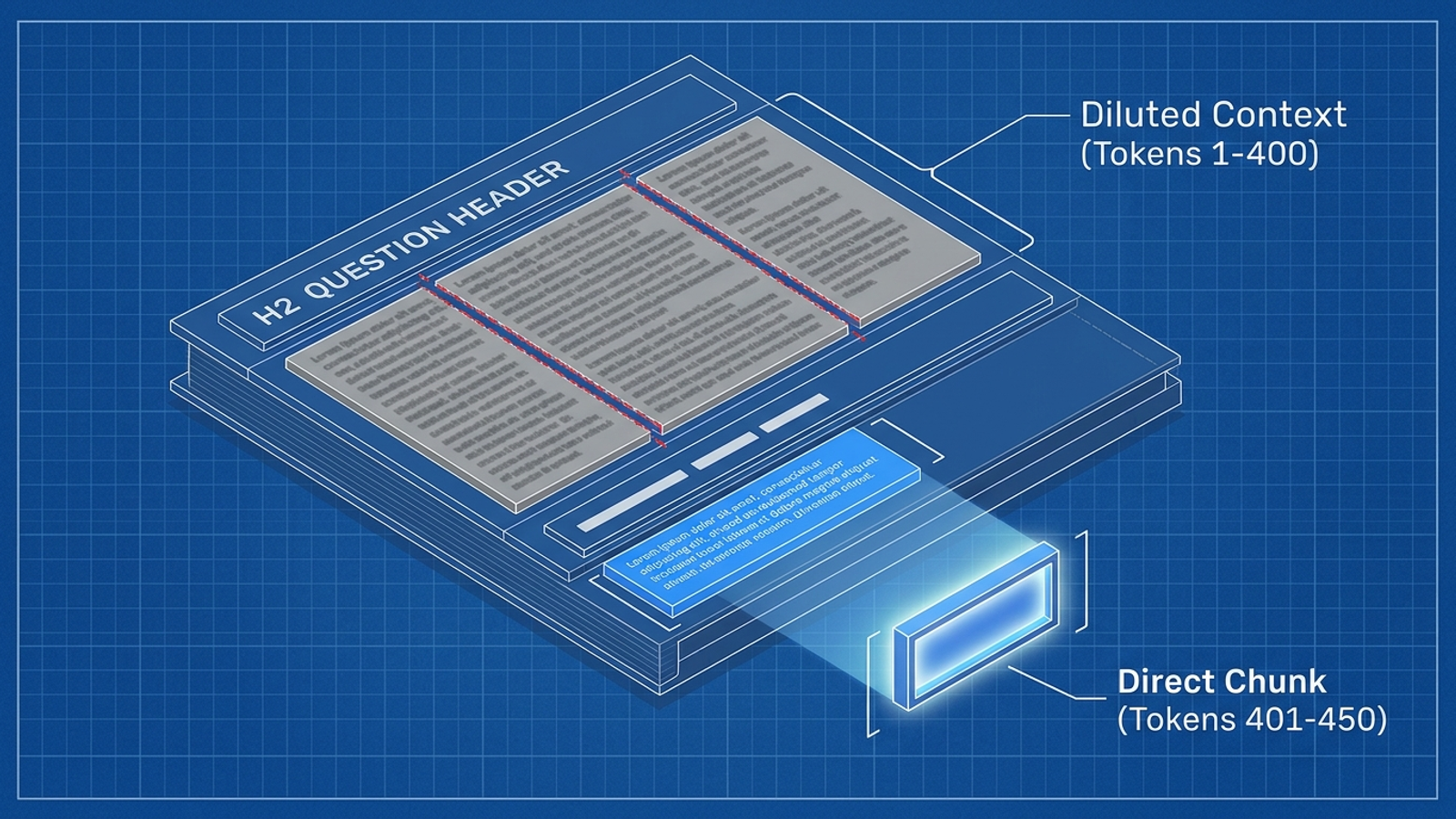
First step: Open your main product and service pages. For each question-style H2, find the first sentence that actually answers it. If a preamble sits in between, move the answer directly below the heading. Aim for a self-contained 40-to-60-word explanation, then add the qualifications, examples, and detail beneath it. Do not shorten a useful answer just to hit a number. Cut the runway, not the substance.
4. Write for the segment you actually serve
“Businesses of all sizes” tells an assistant almost nothing about fit. A buyer’s question is usually narrower: they need accounting software for a multi-entity construction firm with union payroll, or search management for a particular operating model. A generic features page may never address the constraint that drives the recommendation.
Specific constraints connect your offer to specific questions. That does not mean inventing an industry page for every imaginable buyer. It means documenting the customers you already know you can serve and the requirements that make your offer relevant to them.
First step: Write down the operational profile of your three best existing customers. For each profile, try a prompt such as What are the best [category] platforms for [niche / company size / technical requirement]? Check the recommendations and their citations. If a competitor’s industry page answers the constraint and yours never mentions it, build a page for that segment. A /for-agencies or /for-hvac-contractors page should state the segment’s real requirements in its first two paragraphs, then show how your service handles them. Copying your generic features page under a new heading will not close the gap.
5. Give your performance claims numbers you can stand behind
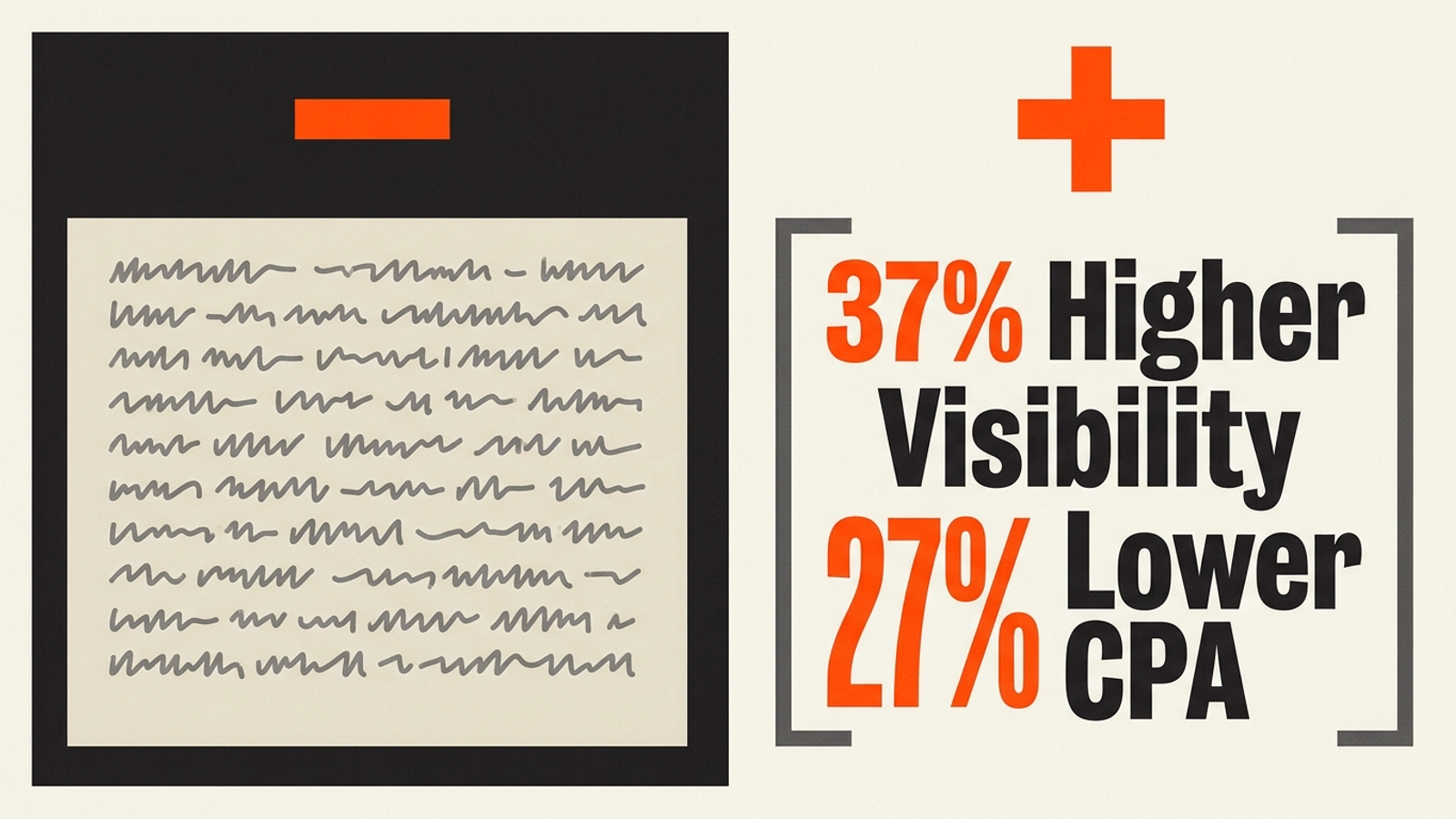
“Dramatically improves efficiency” is the kind of sentence I cross out on sight. It does not say what improved, by how much, or over what period. An assistant answering a question about results has little concrete information to take from it.
A review of GEO-bench testing describes research across 10,000 queries in which adding verifiable statistics improved position-adjusted citation visibility by 37% to 40%; an authoritative tone without numbers produced no statistically significant gain. The lesson is not to scatter percentages across a page. It is to make supported results findable and understandable.
First step: Search your case studies and product pages for seamlessly, dramatically, significantly, and rapidly. Wherever you have the records, replace the adjective with a baseline, a result, and a timeframe. “Lowered average CPA from $84 to $61 within 28 days across 45 client campaigns” is useful only if those are your actual figures and the surrounding page explains what produced the change. If you cannot document the number, do not manufacture one. State precisely what the product does instead.
6. Refresh the commercial pages that have gone stale
A feature breakdown can sit untouched while pricing, screenshots, and specifications change around it. A buyer looking for current terms can then encounter two different versions of your business: the one you sell today and the one your page still describes.
In an Ahrefs Brand Radar study covering 16.97 million citations across seven AI search platforms, AI-cited content was 25.7% fresher than standard organic Google search results on average. That does not mean changing a timestamp makes a stale page reliable. It means the underlying information deserves a regular check.
First step: Review the visible date, dateModified metadata, and content on your top ten organic landing pages, starting with pricing, product details, and comparisons. Ask an assistant for your current pricing and key specifications, then compare its answer with the pages it cites. If it repeats retired features or old tiers, correct the page itself. Refresh screenshots, specs, and pricing as needed; publish an accurate modification date through your CMS. For annual comparisons, update the on-page information rather than leaving last year’s claims beneath a newly changed date.
7. Correct the third-party pages speaking for you
Your site is not the only place an assistant can learn about your business. A review profile can still describe an old contract requirement after you have moved to month-to-month billing. An answer that cites that profile may give a buyer the wrong terms even when your own site is current.
Research compiled from 70,000 tracked AI responses in Reddit’s AEO research community found substantial citations from YouTube and Reddit in Google AI Overviews, while ChatGPT cited directories including G2, Capterra, Clutch, and NerdWallet. The pages you do not own can still shape your answer.
First step: Ask ChatGPT, What are the primary pros and cons of [Your Brand] according to customer reviews? Open the cited links. Check vendor profiles for outdated descriptions, tier names, and target audiences, and update the profiles you can claim. If an old Reddit thread appears repeatedly for a question about your category, answer under an official company handle with the current facts. Do not try to bury criticism. Make the information a buyer needs easier to verify.
8. Answer the objection that could stop a sale
Buyers ask assistants questions they may not want to raise on a first call: Can I cancel? Is there a setup fee? What happens during migration? If your answer is buried in a gated PDF or scattered across several pages, a third-party account may become the clearest explanation available.
A policy question needs a plain policy answer. Start with the objections that come up in your own sales conversations, not an FAQ padded with questions nobody asks. Where the terms differ by plan or customer, explain the distinction rather than hiding it behind “contact us.”
First step: Ask ChatGPT and Perplexity, What are the contract terms, cancellation penalties, and data migration policies for [Your Brand]? Compare their answers with your actual terms. Then publish an indexable policy page or FAQ that answers each important question directly. For example, groas operates on a flat monthly fee, with no setup fees and month-to-month cancellation. That sentence does more work than an entire paragraph promising a “frictionless partnership.”
9. Put a price, range, or scoping method on the page
A buyer asks what an inventory management platform costs for a 50-person warehouse. The assistant cannot submit your “Schedule a Call” form and wait for an SDR. If your site gives it no price, tier, starting point, or explanation of how you scope the work, it has to look elsewhere or leave your price unknown. The pricing page is the gap I would fix first.

First step: Ask ChatGPT or Perplexity with web search enabled, How much does [Your Company Name] cost compared to [Top Competitor]? Read the citations, not just the answer. If your domain is absent and an outdated directory supplies the figure, publish a dedicated /pricing page. Give actual prices where you can. For custom work, give a realistic starting tier or range and explain the factors that move a project from, say, $4,000 to $12,000. Do not present an illustrative figure as your real offer. The point is to let a buyer understand how you charge without booking a meeting to learn the basics.
You can extend that check across all nine gaps before buying a visibility platform. Pull your top twenty transactional terms from the past ninety days of Google Ads data, especially terms tied to qualified leads or sales. Turn each into three prompts:
- A comparison:
[Competitor] alternatives for [use case] - A constraint:
Best [service] with [specific integration or requirement] - A price question:
How much does [service] cost for [company size]?
Run the sixty prompts across ChatGPT, Perplexity, and Google AI Overviews. Record where your brand appears, where your domain is cited, and where a competitor gets the recommendation. That spreadsheet tells you which pages to work on rather than handing you a vague instruction to “create more content.”
If you have a tight catalog and fewer than fifty high-intent prompts to revisit monthly, the manual approach may be enough. With dozens of products and hundreds of changing prompts, execution becomes the harder part. The choice among DIY checks, visibility trackers, and done-for-you AEO comes down to who will act on what the checks reveal. A dashboard that identifies missing pages but leaves you to commission them is still another bill for work not done. At groas, specialized AI models continuously handle paid and organic search work, including content updates and bidding adjustments, while a named strategist sets the guardrails.
I would still open the pricing page first. It addresses a question from a buyer close to a decision, needs no architectural overhaul, and replaces “ask us” with an answer an assistant can actually cite.