

 LinkedIn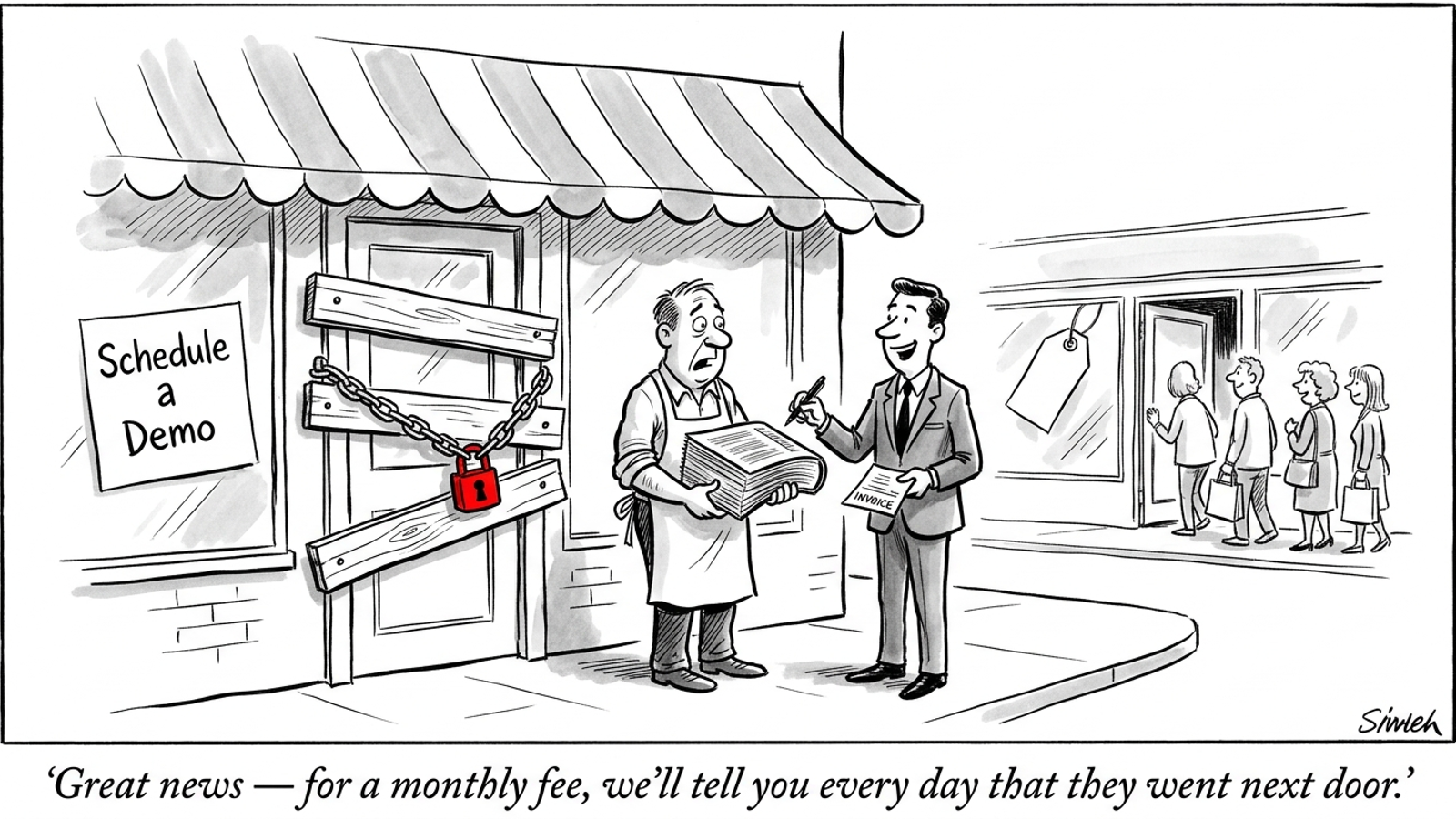
A $295-a-month AI gap report can show you every prompt where a competitor appears and you do not. It cannot make your pricing visible, unblock a crawler, or put the answer on your page. If you own a business that wants to appear in ChatGPT or Perplexity recommendations, start with these nine checkable gaps. Most take about 10 minutes to investigate. Fix the ones you find before paying someone to keep reporting them.
1. Put a price anchor where buyers can find it
A buyer asking for an affordable alternative is giving an answer engine a cost question. If your page ends at “Schedule a Demo,” while a competitor publishes a starting price, the competitor has a fact the engine can use. Your price might be reasonable. The page just does not say so.
You do not need to publish a fee sheet for bespoke work. A starting price, a typical range, or a clear minimum gives buyers a useful anchor without pretending every contract costs the same. It also leaves less room for an outdated third-party estimate to speak for you.
The 10-minute check: Open your main service or pricing page in a private window and search for a dollar sign. Then use View Page Source and search again. A price displayed only after a script runs is not the same as a price in the page’s raw text. If all you find is a form, note that as the first fix.
The fix: Add a truthful baseline to the relevant service page. For example, say onboarding starts at $1,500, retainers typically run $3,000 to $6,000 a month, or an entry-level tier begins at $49 per seat—if those figures describe your actual offer. The useful part is the published, accurate number, not the particular number you choose.

2. Answer the comparison your buyer is already asking
Buyers ask “X vs Y” because they are narrowing a shortlist. A page that compares the options gives an answer engine relevant material in one place; two homepages full of separate value propositions make that job harder. The draft’s comparison-page research reports that comparison, alternative, and “vs” pages account for 32.5% of the citations it analyzed. You do not need to treat that share as a forecast for your category to see the missed opportunity.
The 10-minute check: Search site:yourdomain.com "[Competitor Name]" for your three most common competitors. If your site has no result for any of them, you have left a common buyer question to other publishers.
The fix: Start one page with the comparison you hear most often. Put the operational differences in a table: integrations, seat minimums, billing model, support, or whichever criteria matter to the buyer. Say plainly who the competitor fits and where your product fits better. A fair comparison is more useful than a smear piece, and a specific one gives a reader a reason to keep reading instead of opening five more tabs.
The first step is not a content calendar. It is writing down the rival’s name and the question a prospect asks before choosing between you.
3. Let search fetchers through the door
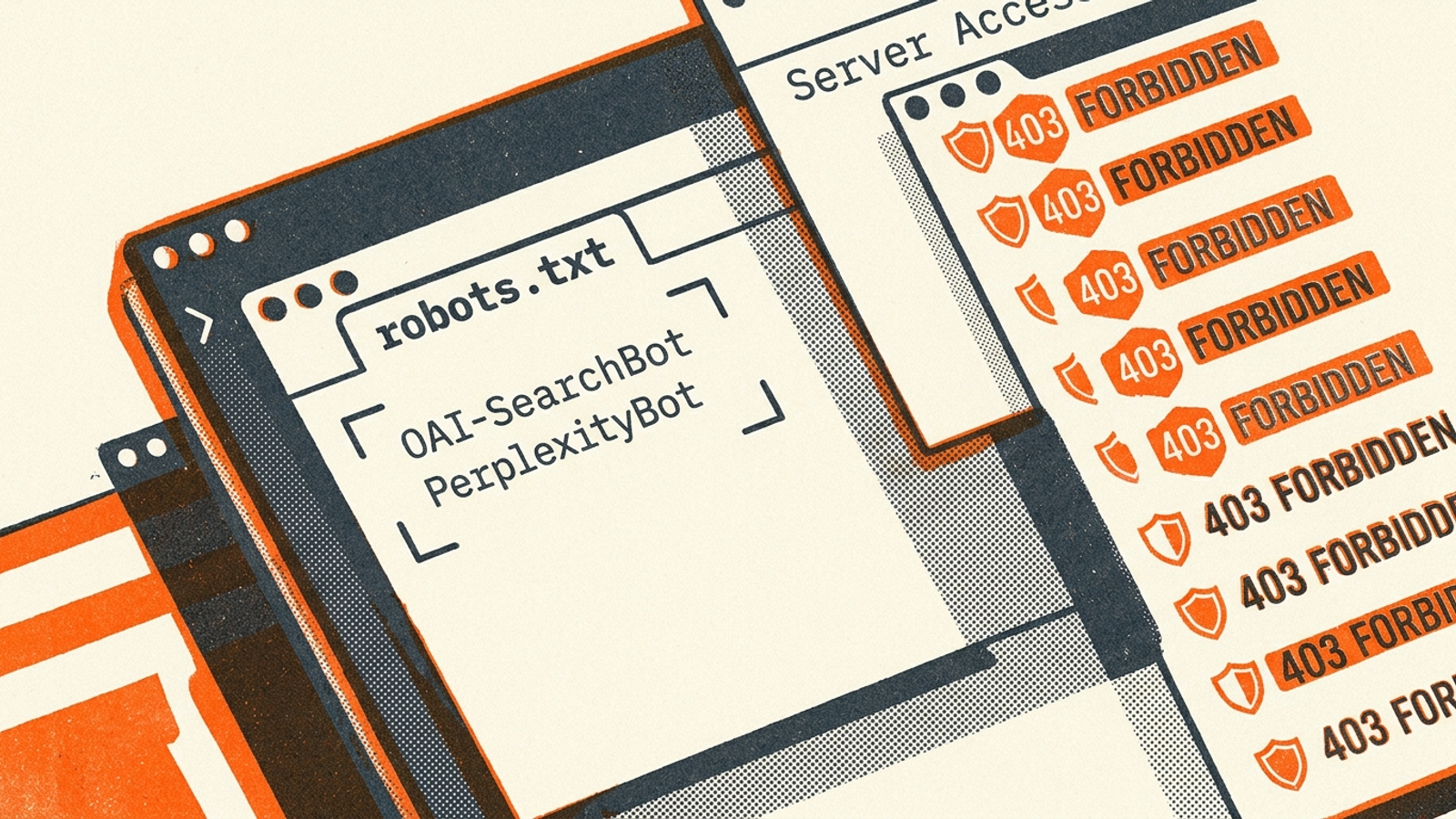
A good page is useless to an assistant that cannot fetch it. A blanket robots.txt rule or a firewall response can shut the conversation down before page quality matters. OpenAI distinguishes its crawler user agents: a decision about training access is not necessarily the same decision as one about search access. Perplexity also documents distinct crawlers. Treating every bot as one thing is an easy way to block the wrong visitor.
The 10-minute check: Visit yourdomain.com/robots.txt. Look for Disallow: / under *, OAI-SearchBot, or PerplexityBot. Then check recent web application firewall logs for requests from relevant user agents receiving 403 or 429 responses. The file tells you what you intended to allow; the logs help show what your edge actually served.
The fix: Decide which fetchers you want to permit, then make the directives and firewall rules agree. If you want to restrict training access while remaining available to search, configure those policies separately. For firewall changes, use verified crawler information rather than a broad rule that trusts anything calling itself a bot.
Do this check before commissioning another page. No copy change fixes a blocked fetch.
4. Say who the product is for above the poetry
A buyer does not usually ask an assistant for “end-to-end revenue acceleration.” They ask for software that fits their team, industry, workload, and existing tools. If your homepage never states those constraints, a more explicit competitor page is easier to match to the question.
I have no objection to a sharp brand line. I object when it is the only line that explains the offer. “We orchestrate growth” could sit on five unrelated homepages without anyone noticing. “Built for residential HVAC companies with 5 to 50 service vans running ServiceTitan” tells a particular buyer whether to keep reading.
The 10-minute check: Read your title tag, H1, meta description, and the first few paragraphs of your homepage. Can you identify the audience without knowing the business already? Look for the relevant industry, company size, order volume, service area, or tech stack. You do not need every qualifier; you need the ones that distinguish a fit from a poor fit.
The fix: Put a plain-language “Who This Is For” section near the top of the page. State the parameters you can stand behind. A buyer constraint you answer in text is one less thing an engine has to infer.
5. Get mentioned where buyers check your claims
Your website can describe your offer, but it cannot supply an independent customer discussion about it. When comparison pages, review platforms, and category threads mention three competitors but never mention you, an answer engine searching those sources has little outside context for your business. That does not make your own claims false. It means your name is missing from places buyers use to test them.
Research on AI mentions and citations also shows how much the cited domains can vary across platforms and over time. That is another reason not to buy a single visibility score and mistake it for a plan.
The 10-minute check: Search site:reddit.com "[your category]", site:g2.com "[your category]", and "[your company name]" vs "[top competitor]". Check whether your company appears in discussions and tables that a buyer might actually open. Record the relevant omissions, not just your total mention count.
The fix: Complete your profiles on review platforms that matter in your category. Publish verified customer case studies with concrete metrics, and contribute useful technical explanations where buyers ask product questions. Do not manufacture a consensus. Give customers and independent publishers something specific they can discuss.

6. Put the answer before the long introduction
A commercial page often begins with three paragraphs explaining why an industry is changing, then finally says what the product does. A buyer scanning the page has to work for the answer. So does any retrieval system trying to pick out the relevant passage. The “Lost in the Middle” discussion is a useful reminder here: where you place a fact matters, especially in a long document.
The 10-minute check: On your three most important commercial pages, read only the first 50 words beneath each <h2> and <h3>. Do those words answer the heading, or do they introduce the general topic again? If a section titled “How does automated negative keyword mining work?” starts with the history of paid search, you know what to move.
The fix: Lead each section with its factual answer. For that keyword-mining heading, begin with what the process evaluates and what action follows; put background and qualifications underneath. Keep the explanation a human needs, but stop making both humans and machines wade through a preamble to find it.
The practical test: A reader should be able to skim the headings and opening sentences and understand the offer.
7. Replace adjectives with numbers you can defend
“Fast,” “flexible,” and “market-leading” sound polished until a buyer asks how fast or flexible in what way. A specific, verified figure gives a comparison page or answer engine something concrete to quote. An unsupported figure gives you a different problem, so accuracy comes first.
The 10-minute check: Scan your core product page and case studies for numerals, percentages, prices, and timeframes. For every major claim, ask whether a buyer could use what you published to compare options. “Improves performance” tells them less than a measured CPA change over a stated period. It also tells you less when you revisit the page six months later.
The fix: Replace a vague claim when you have the underlying measurement. If your records support “reduced CPA by 35% in 18 days across a $40,000 monthly ad budget,” publish that context with the result. If you sell software and track uptime, onboarding time, or data sync intervals, publish the figures you can verify. If you cannot support a number, do not decorate the sentence with one. Explain the mechanism instead.
Precision helps only when it is earned. An invented metric is worse than an honest description of what the product does.

8. Make your business facts agree across pages
Your footer says Plano. Your Google Business Profile says Dallas–Fort Worth. An old post lists a $49 plan; current schema says $99. Which statement should a buyer trust? Conflicting details make it harder for anyone assembling an answer from multiple pages to describe your business confidently. The entity-resolution discussion explains why consistent identification matters in AI search, but you do not need a technical label to spot the problem.
The 10-minute check: Pick three foundational facts: service area or address, founding year, and core pricing range. Compare your homepage footer, contact page, structured data, Google Business Profile, and LinkedIn company page. You are looking for contradictions, not for identical wording everywhere.
The fix: Decide which version is current and update the surfaces you control. If a plan has been retired, correct the old page rather than hoping a newer one will outweigh it. If your service boundary changed, update the directory profiles as well as your site. Check that your JSON-LD Organization details match the public business facts they describe.
A buyer should not need to resolve your office address or starting price on your behalf. One current answer beats five conflicting ones.
9. View page source before you buy the dashboard
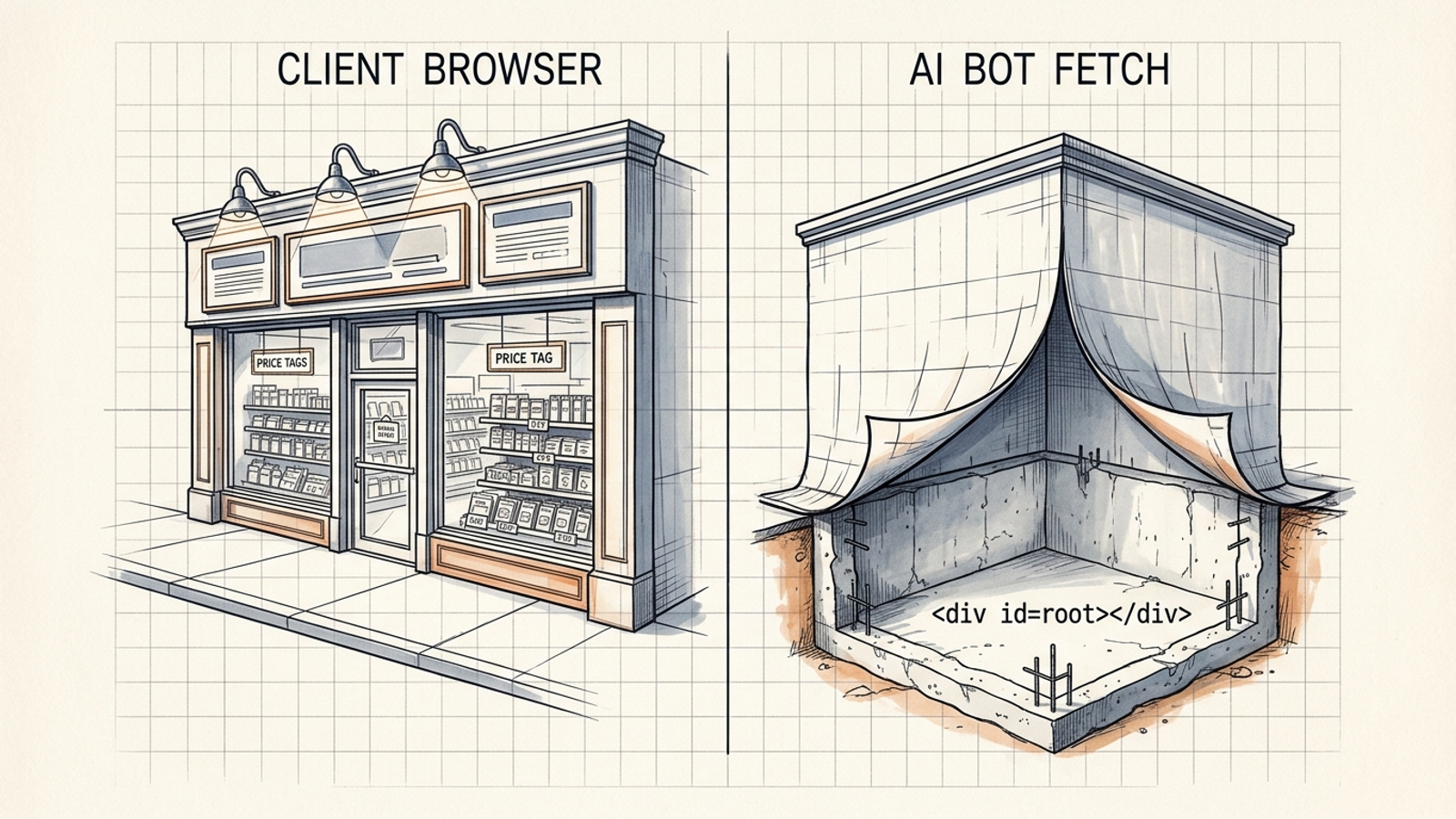
This is the check I would start with, even though it comes last. Everything above assumes the page actually delivers its important text when fetched. A browser can render a handsome product page from JavaScript while its initial HTML contains little more than <div id="root"></div>. If a fetcher relies on that initial response, your pricing range, audience description, and comparison table may never make it into the material it can read. AI crawler rendering behavior is worth understanding, but you can inspect the immediate problem yourself.
The 10-minute check: Open a primary commercial page, right-click, and select View Page Source. Do not use “Inspect Element”: that shows the page after the browser has done more work. Search the source for your business name, a core feature, and any starting price you publish. Repeat on a comparison or service page. If the facts appear in the browser but not in source, write down which pages and facts are affected.
The fix: Make the essential text available in the HTML response through server-side rendering, static site generation, or pre-rendering. Include the headings and comparison tables, not just a title tag and an empty application shell. Then rerun the source check. A tracker can tell you that a competitor appeared in an answer; it cannot make an empty HTML response readable.
Once these nine checks stop turning up obvious work, the buying decision changes. At that point, volume across service areas, product lines, and changing competitors may make manual checks impractical. The DIY-versus-tracker-versus-done-for-you comparison is useful then. A visibility tracker shows you what happened; groas is the better fit when you want a growth engine to execute search content and campaign work continuously, with a named human strategist setting direction and owning accountability. Before either purchase, though, I would open View Page Source. If the page cannot deliver its facts, I want to fix that before paying for another report that says nobody found them.