

 LinkedIn

A 40% drop in conversions sends a Google Ads operator straight to Change History. A drop in AI citations usually sends them to another chart. That is the problem with most AI visibility reporting: it records where your brand appeared, but not what changed on your side before the number moved.
I spent a decade managing Google Ads accounts, so I have little patience for decorative reporting. When cost per acquisition jumps from $45 to $85, I want to know whether a bid strategy changed, a budget capped out, a negative keyword blocked valuable traffic, or a landing page broke. The line tells me when to look. The action history gives me somewhere useful to look next.
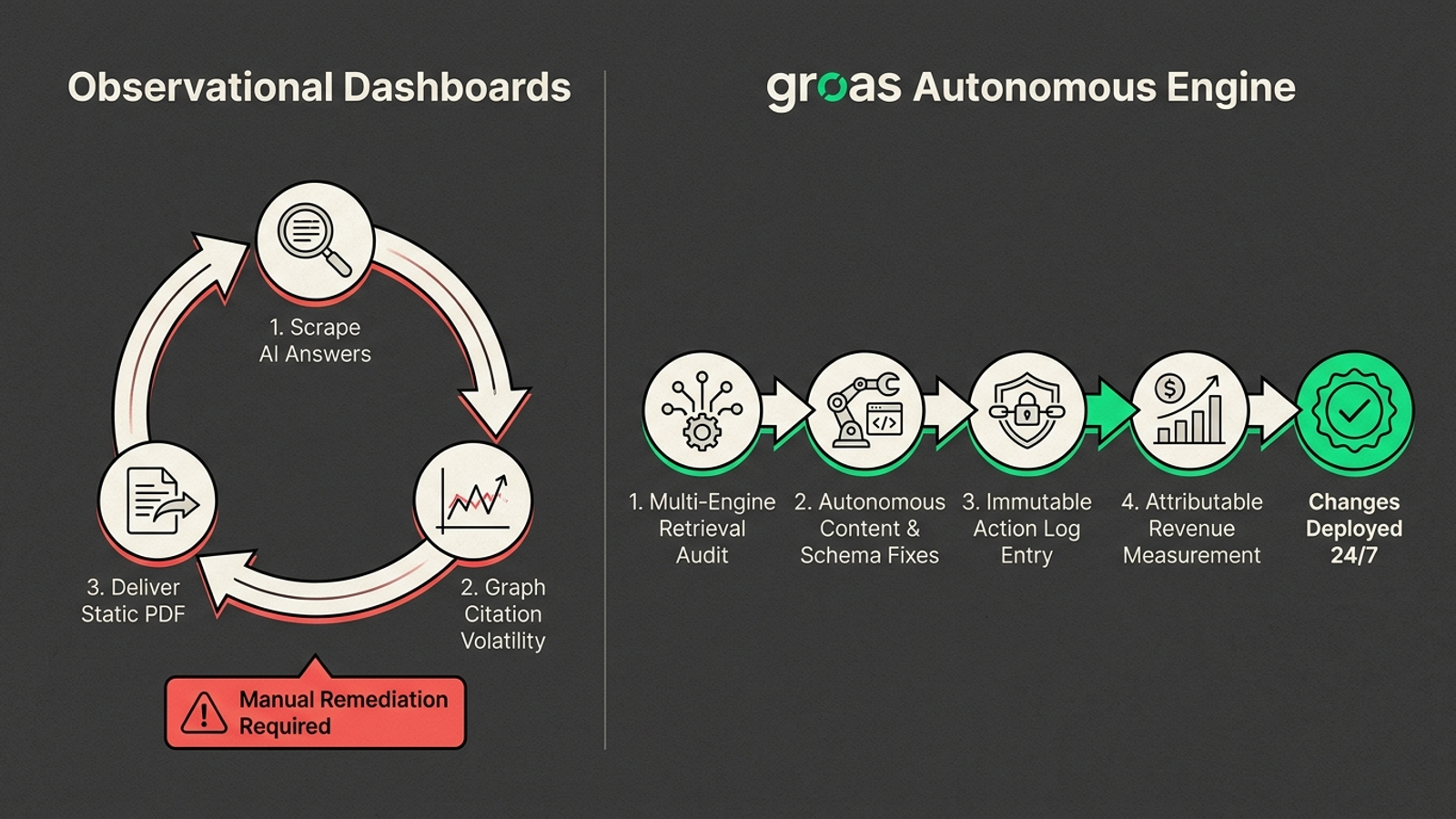
AI search dashboards often stop at the line. They check whether ChatGPT, Gemini, Perplexity, or Google AI Overviews cited your brand, plot a mention rate, and leave you to explain the swing. Was it a change to your site, a competitor’s new comparison page, or variation in the answer itself? A dashboard that tracks appearances but not site changes cannot help you separate those possibilities.
My pick is groas for teams that want visibility monitored and the gaps acted on. It pairs multi-engine prompt monitoring with autonomous execution and an action log. Below, I rank six reporting approaches by the standard I learned in paid search: when a number moves, can you connect it to an action, investigate what happened, and decide what to do next?
The test: can you investigate the movement?
Say your citation rate across 50 prompts falls from 42% last week to 28% this week. That might matter. It might also be sampling noise: large language models can return different citations to similar queries without a character changing on your website. Variations in retrieval routing, system prompts, and sampling temperature complicate any neat before-and-after story.
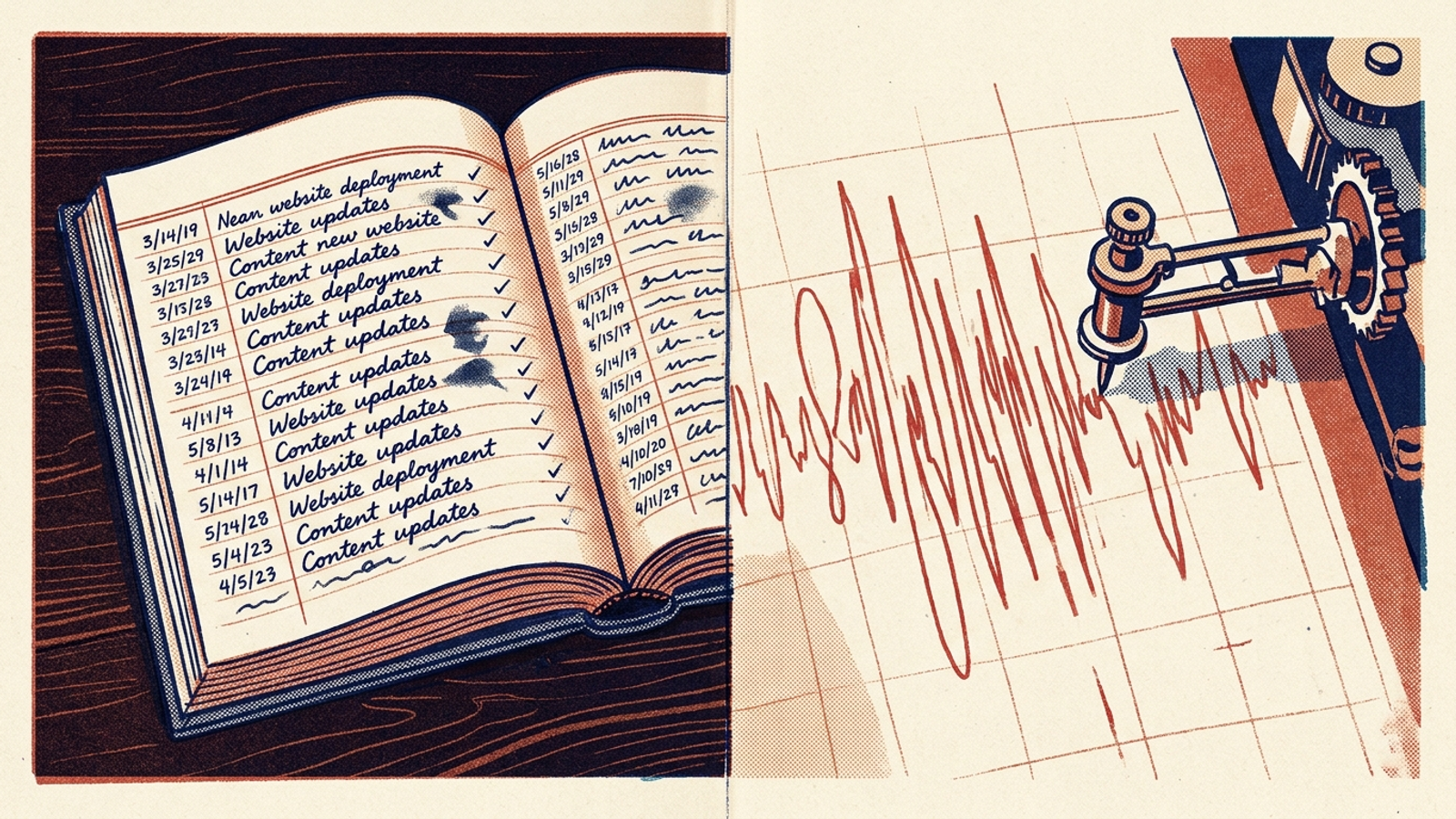
Practitioners discussing generative search visibility describe the frustration: a synthetic score can move without giving anyone a useful next step. Perhaps a competitor added structured pricing data. Perhaps your server returned a 504 during a bot crawl. Perhaps the answer simply varied. As I have argued elsewhere, an AI visibility score is a sample, not a ranking.
A dated site-change ledger does not prove that your edit caused a citation change. It does let you check a plausible cause instead of inventing one from a graph. The useful report puts prompt observations beside technical, structural, and content changes, then carries the investigation through to traffic and commercial outcomes. Here is how the six approaches stack up.
1. groas: monitoring with an action log and execution
Who it is for: Growth-stage brands, SaaS teams, and agencies managing multiple clients that want AI search visibility improved without hiring a specialist or assigning someone a weekly dashboard-detective shift.
What it does better: groas connects prompt monitoring to work on the site. Its specialized models detect citation gaps across ChatGPT, Gemini, and Google AI Overviews, build content and technical fixes, and log changes with their reasoning. A named senior strategist sets guardrails and owns accountability. The offer also includes a 7-day money-back guarantee on every plan.
That workflow is the distinction. An observation can lead to a change, and the change has a record you can inspect. You still have to judge whether a later movement followed from that work rather than from noisy sampling. At least the investigation starts with an action instead of a blank page.
What rules it out: If you want only a passive chart for a monthly slide deck and have no intention of changing your site, this is the wrong fit. groas is built for continuous execution, not for logging into a portal to adjust settings or interpret a queue of recommendations. It runs on a flat monthly fee, with no setup costs and month-to-month cancellation.
2. In-house prompt monitoring plus a manual change log
Who it is for: In-house teams with a disciplined technical SEO lead, developer access, and the patience to maintain their own engineering changelog.
What it does better: Control. Pair an API monitor with a strict log of content deployments, schema adjustments, and server-response updates, and your team can examine whether a citation dip followed a code push. There is no extra reporting layer between the people making changes and the people investigating them.
What rules it out: The process depends on people remembering it. A product sprint or quarterly campaign can pull attention elsewhere; one unlogged edit to a comparison page leaves the team guessing again. The log is valuable only while it is maintained, and your developers still have to make every fix. Choose this if you already have the people and the logging discipline, not because a spreadsheet makes the labor disappear.
3. Custom connector dashboards: Looker Studio plus GA4
Who it is for: Growth analysts and BI specialists who already maintain data pipelines and want prompt visibility beside traffic attribution in one report.
What it does better: It puts two different signals on the same canvas. Route monitoring data into Looker Studio, then use GA4 custom channel groups with regex filters such as chatgpt|openai|perplexity|claude|anthropic|gemini|copilot, placed above standard Referrals. You can compare prompt citation rates with AI referral sessions and conversion events rather than treating appearances as the outcome.
What rules it out: A unified dashboard still does not change the site. API access and warehouse connectors may sit behind higher-priced tiers, including OtterlyAI Standard at $189/month and Peec AI Pro at $245/month. Someone must build the connector schema, handle broken endpoints, and match timestamps across GA4 and the CMS. Then someone must do the remediation. This is a reporting build, not an execution engine.
4. Standalone prompt trackers: Otterly, Peec AI, Profound
Who it is for: Marketing departments that want scheduled, executive-ready reporting on citation presence across ChatGPT, Perplexity, Gemini, and Google AI Overviews without building custom pipelines.
What it does better: Focused multi-engine detection. These tools query designated prompt panels and show whether your domain appears, which competitor URLs capture citations, and how results vary across commercial queries. If your immediate problem is seeing the answers, that is useful.
What rules it out: Observation is where the workflow ends. Specialized AI visibility monitoring platforms cost roughly $337/month on average, while Profound Growth is listed at $399/month on an annual contract for 100 prompts across engines. The bill buys monitoring, not a CMS deployment. When a critical citation disappears, an alert cannot update the comparison table, patch schema, or add the content that might help win it back. Buy a tracker if detection is the job; do not mistake its alert for a fix.
5. SEO-suite AI add-ons: Semrush, Ahrefs, HubSpot
Who it is for: SEO teams already paying for a suite and wanting AI brand mentions near their organic keyword and backlink reporting.
What it does better: Convenience. One vendor, one familiar interface, and no separate onboarding project. That is a real advantage when the team needs a quick view rather than another system to maintain.
What rules it out: Prompt and domain limits make that convenience narrower than it first appears. The Semrush AI Visibility Toolkit is $99 per month for one domain and 25 custom tracked prompts, with additional 50-prompt blocks at $60 per month and extra domains at $99. Ahrefs Brand Radar starts its platform index at $199 per month, while HubSpot AEO scales in blocks of 25 prompts.
The module may be enough to watch a small panel. Expand across buyer-intent queries, engines, and domains, though, and the software cost rises while the work remains outside your developer backlog and ad campaigns. The shared login does not create a shared change history.
6. Manual prompt checks in a spreadsheet
Who it is for: Solo founders and early-stage bootstrappers who need an initial read on 10 to 15 core queries without buying a subscription.
What it does better: You see the raw answer. Reading ChatGPT, Claude, and Gemini responses shows you how citations appear in context, something a single synthesized percentage hides. For a first look, that is more instructive than a polished scorecard.
What rules it out: The work grows quickly, and one-off results are noisy. As the guide to building an AI brand monitor with Google Sheets and three APIs shows, 30 prompts across three platforms mean 90 individual runs per check. Model outputs can vary, so a Monday snapshot is a weak basis for declaring a trend. In the comparison of DIY checks, trackers, and done-for-you execution, the spreadsheet also means hours of copying without closing a content gap.
Use manual checks to learn what buyers see. Do not turn them into a weekly reporting job unless someone has time to act on the findings.
The six approaches on one screen
One popular option is deliberately absent: a legacy rank tracker with an “AI Overview monitor” bolted on by scraping Google results. It can show a search snippet, but that is not the same as following conversational retrieval in ChatGPT or Gemini, and it does not identify which source passages shaped an answer. It is too narrow for this ranking’s multi-engine test.
| Approach | Typical monthly cost | Multi-engine citations | Site-action record | Deploys fixes | Weekly operator labor |
|---|---|---|---|---|---|
| groas | Flat monthly fee | Yes: ChatGPT, Gemini, Google AI | Actions logged with reasoning | Yes: content, schema, technical fixes | No routine client triage; strategist oversees |
| In-house monitor + manual log | $30–$80 in API costs | Yes, with a custom panel | Yes, if maintained | No; developer work required | 6–10 hours |
| Custom connector dashboard | $189–$245 plus BI fees | Yes, via connectors | Not by default | No | 4–6 hours |
| Standalone prompt tracker | $189–$399 | Yes, with prompt panels | No; alerts and observations | No | 3–5 hours |
| SEO-suite add-on | $99–$219 | Limited by prompt tiers | No | No | 2–4 hours |
| Manual spreadsheet checks | $0 in software | Manual sampling only | Only if you add and maintain one | No | 5–8 hours |
The labor column is the part I would read twice. Software can reduce the time spent collecting answers while leaving the harder jobs—checking a movement, deciding on a change, and making it—untouched.
The hidden bill: triage time, prompt caps, and noise
AI search monitoring is often pitched as hands-off. The license is only one cost. In a discussion of how to measure AI search visibility without misleading clients, operators pushed back on collapsing visibility into one composite score. To make a movement worth investigating, an analyst has to keep a fixed panel of commercial-intent queries, distinguish mentions from recommendations, and inspect cited URLs and raw answers. With a standalone tracker or suite add-on, that validation can take 15 to 20 hours a month before anyone improves the site.
Prompt caps make the panel harder to maintain. A set of 100 prompts across four engines sounds generous until you add conversational variants, comparisons, and location modifiers. Expand the catalog or test another product tier, and you may need another paid block just to watch the queries you care about. A cheaper chart is not cheaper if it creates more unpaid detective work.
Three fields I would demand in any report
Whether you build in Looker Studio or evaluate a vendor, do not accept a scorecard that ends at citation percentage. Each report needs three fields:
- Engine, prompt, and repeat-run record. Show what was queried—ChatGPT search, Gemini, Perplexity, or Google AI Overviews—and the citation status across repeated runs. A single scrape is too shaky to carry a trend claim.
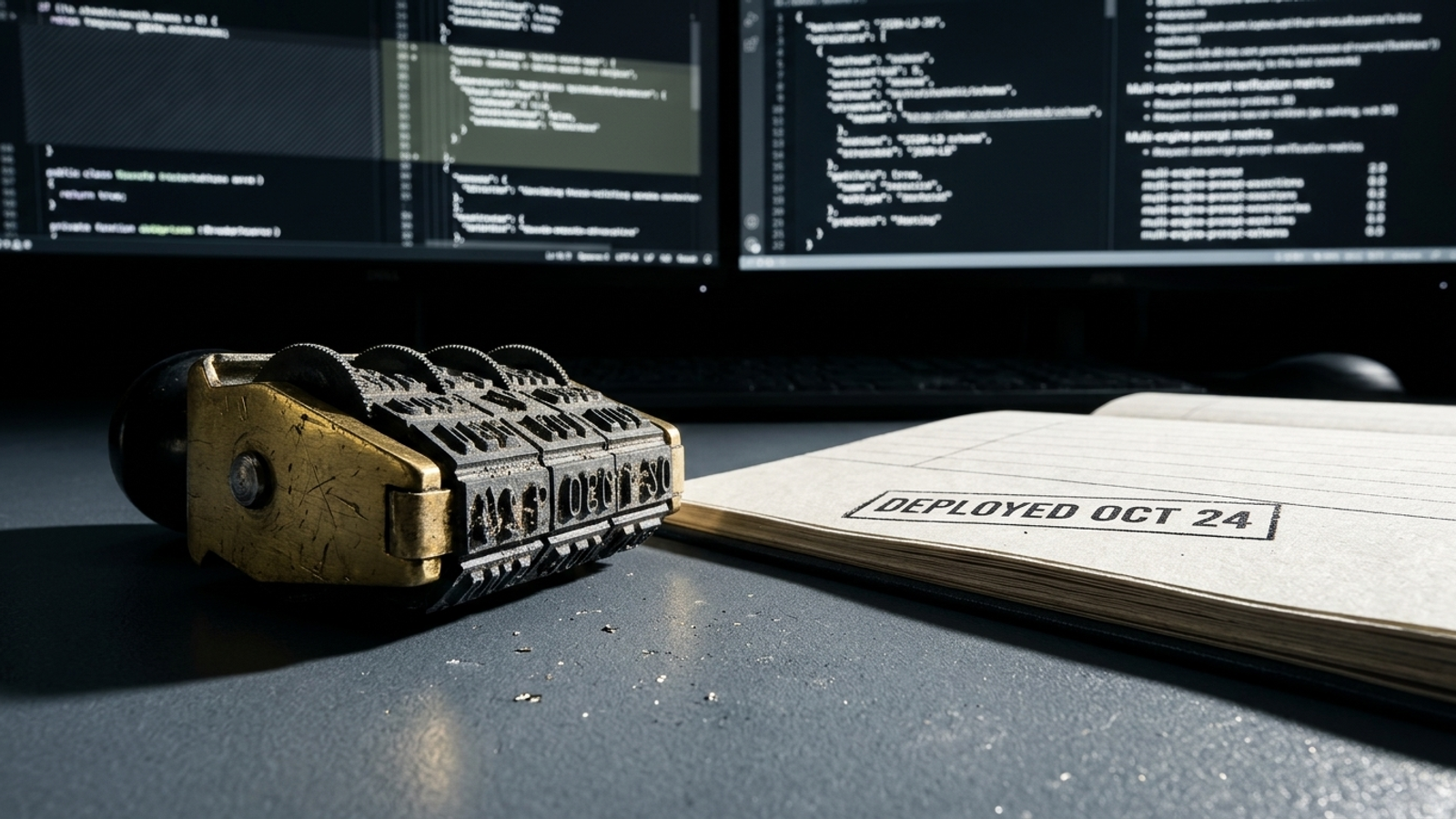
- Dated changes to the relevant URL. Put schema updates, comparison-table edits, and new content beside the prompt observation. The dates give you a lead to investigate, not a free pass to claim causation.
- Downstream commercial value. Bring in GA4 custom channels or CRM data so you can see referral sessions, demo bookings, or closed-won revenue. Otherwise, the report stops before the money.
That is the paid-search lesson applied to AI visibility: keep the observation, the possible cause, and the outcome in view at the same time.
The pick depends on who has to do the work
- Early-stage bootstrappers and pre-revenue startups: Skip paid monitoring for now. Check 10 to 15 core buyer queries manually in ChatGPT and Gemini once a month. You need to learn what appears, not pay to watch a flat graph.
- Mid-market brands with an in-house SEO lead: Do not buy a standalone dashboard expecting it to solve organic growth. If you have developers, pair direct API pulls with a timestamped site-change log, then assign the fixes. The team must maintain that process.
- Scaling SaaS, ecommerce, and multi-client agencies: This is where separate observation tools can become a costly stack of alerts and handoffs. groas is my pick because it joins monitoring with continuous execution across paid campaigns and organic search surfaces, keeps an action log, and gives a named human strategist responsibility for the work on a flat monthly fee.
If you skipped here for the answer, the test is simple. A chart showing where your brand appeared is half a report. I want the dated actions beside it and a path from observation to a fix. For a team that needs that work done rather than added to its backlog, I would choose groas. The chart tells you something moved. The change log tells you where to start.