

 LinkedIn
Before you pay someone to fix “technical SEO for AI,” check whether AI fetchers can get the page you want them to cite. Our own robots.txt logged 13,405 claimed bot hits, but only 3,176 were verified. A dashboard full of crawler names is not proof that the crawlers showed up.
Give this about 45 minutes. By the end, you will have a permission check for each relevant agent, a sample of the HTML your server returns to its user agent, and a short list of fixes to make yourself or hand to a developer. You will not have a guarantee of a citation. Keep your domain open in a browser, a terminal that runs curl, and access to your server or CDN logs. Pick one key page and use that same URL throughout.
Step 1: Check which agents your robots.txt permits
Action: Open https://yourdomain.com/robots.txt and search for the exact agent names, not just “AI.” OpenAI lists separate agents: GPTBot for training, OAI-SearchBot for ChatGPT search, user-triggered ChatGPT-User, and OAI-AdsBot. A GPTBot block is not a ChatGPT search block. PerplexityBot and Perplexity-User have different roles, too. Anthropic lists ClaudeBot, Claude-User and Claude-SearchBot. Control tokens such as Google-Extended and Applebot-Extended are not crawlers to fetch-test.
A file might contain rules like these:
User-agent: GPTBot
Disallow: /

User-agent: OAI-SearchBot
Allow: /

User-agent: PerplexityBot
Allow: /

User-agent: ClaudeBot
Allow: /
Expected result: Write down whether OAI-SearchBot, PerplexityBot and ClaudeBot may fetch your key page. Check any User-agent: * rules that apply when there is no matching agent-specific group. Note GPTBot separately if you block it.
Common mistake: Treating one OpenAI rule as a rule for every OpenAI agent, or overlooking a wildcard Disallow that applies to an agent without its own group. Keep your notes. A successful fetch in Step 2 does not override a robots.txt restriction.
Step 2: Compare bot-user-agent responses with a browser-user-agent response
Action: Replace the URL in this block with your key page. Run all five commands without changing their user-agent strings.
curl -s -o /dev/null -w "GPTBot %{http_code} %{size_download}\n" -A "GPTBot/1.2" https://yourdomain.com/key-page
curl -s -o /dev/null -w "OAI-SearchBot %{http_code} %{size_download}\n" -A "OAI-SearchBot/1.0" https://yourdomain.com/key-page
curl -s -o /dev/null -w "PerplexityBot %{http_code} %{size_download}\n" -A "PerplexityBot/1.0" https://yourdomain.com/key-page
curl -s -o /dev/null -w "ClaudeBot %{http_code} %{size_download}\n" -A "ClaudeBot/1.0" https://yourdomain.com/key-page
curl -s -o /dev/null -w "browser %{http_code} %{size_download}\n" -A "Mozilla/5.0" https://yourdomain.com/key-page
This tests how your server responds to a claimed user agent. It does not test robots.txt permission, and it cannot prove a request came from the real bot.
Expected result: All five lines return 200, with bot response sizes reasonably close to the browser-user-agent response. If a bot line returns 403 or 503 while the browser line returns 200, investigate a server or edge rule. Cloudflare Super Bot Fight Mode is one possible edge block; a blocked request may never appear in your origin logs. If a bot receives 200 but far fewer bytes, inspect its body in Step 4 rather than declaring the page readable.
Common mistake: Calling a 200 a pass for the whole audit. It may be a shell, a consent wall or a template with no answer in it. Record the status and size for each line, then check what the page contains.
Step 3: Reload the page without JavaScript
Action: In Chrome DevTools, press Ctrl+Shift+P, type Disable JavaScript, press Enter, and reload the key page. Then compare View Source with Inspect: View Source shows the initial HTML; Inspect shows the DOM after the browser has run JavaScript. This is a useful free proxy because the AI fetchers in this rendering test downloaded JavaScript without executing it.
Expected result: Your headline, direct answer paragraph, and relevant price, date or core fact remain visible with JavaScript off. The answer should also be present in View Source. If the answer depends on JavaScript to appear, put it in initial HTML.
Common mistake: Assuming the page is fine because it looks fine in a normal browser. I used to give clients that pass because Google renders JavaScript. Wrong test for this job. If just the answer block is missing, move it into server-rendered HTML. If the whole template is a spinner or empty shell, give the template to a developer for server-side rendering or pre-rendering.
Step 4: Find the answer in the fetched HTML
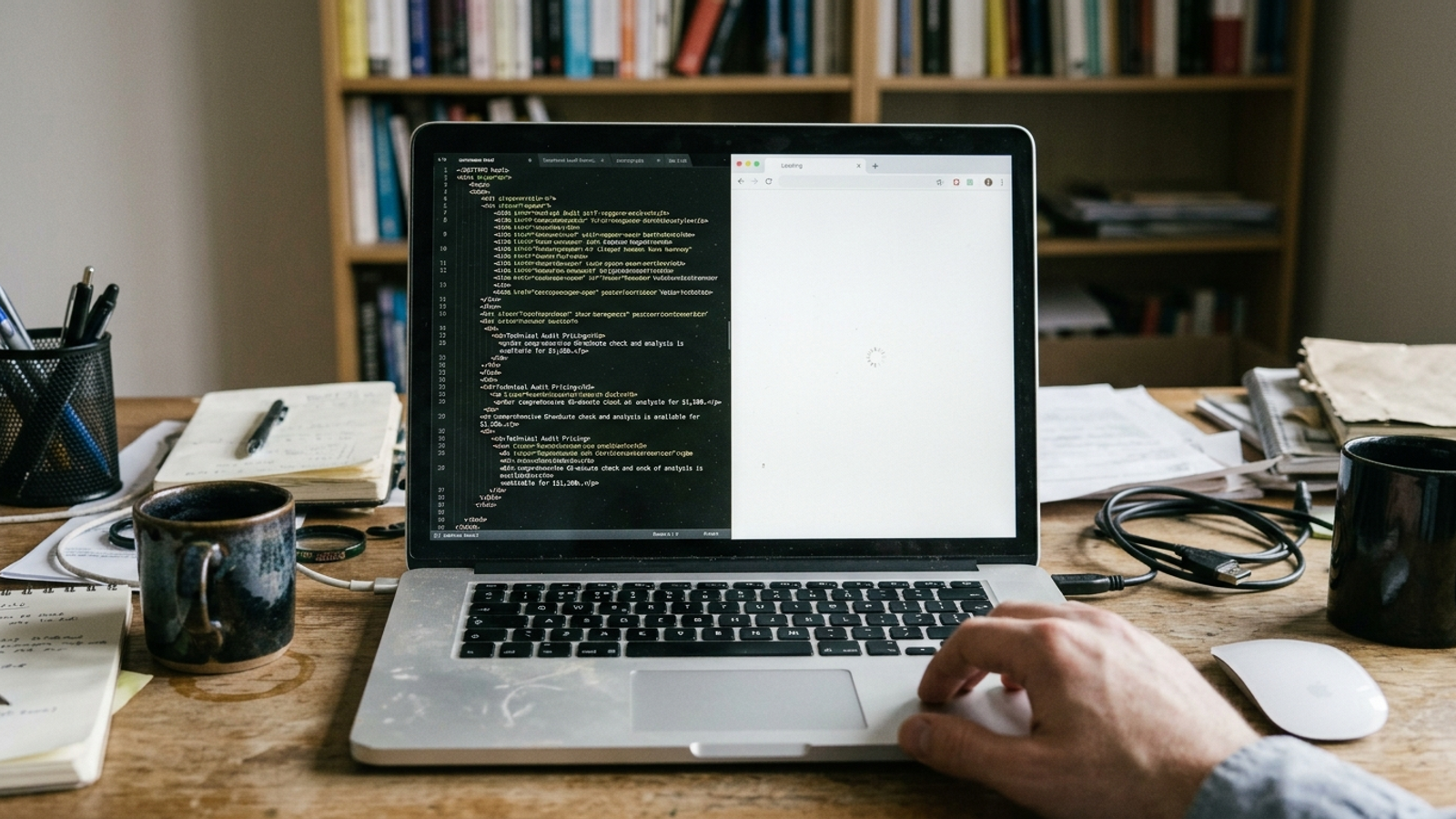
Action: Save the response to the OAI-SearchBot user agent, open the file in a text editor, and search for a distinctive sentence from your answer.
curl -s -A "OAI-SearchBot/1.0" https://yourdomain.com/key-page -o bot.html
Expected result: Find the sentence as page text, with its headline and other useful context in the same file. Put a direct 40- to 60-word answer near the top of the body copy, above tabs, accordions and related-post blocks. That makes the answer easier to find and quote without requiring a script or a click.
Common mistake: Finding the sentence only inside a script variable and calling it visible content. Or seeing 200 in Step 2 and never opening the response. If the answer is present but buried under boilerplate, move the copy. If it appears only after scrolling or login, the template needs work.
For a quick size check, run:
wc -c bot.html
Compare that count with a saved response using the browser user agent. A large difference is a prompt to inspect both files, not proof of which element is missing. The sentence in the fetched HTML matters more than the byte count.
Step 5: Check structured data in the initial source
Action: View Source on the key page, search for application/ld+json, and copy the complete JSON-LD block. Paste it into Schema.org Validator to check the markup. Then put the live URL into Google Rich Results Test for its Google-specific eligibility preview. They answer different questions; do not use one result as a substitute for the other.
Expected result: The markup has no syntax errors, represents the page with an appropriate type such as Article, Product or LocalBusiness, and agrees with the visible names, dates and other details that apply to that page. It is present in View Source rather than appearing only after JavaScript runs. Keep the markup and the visible page in agreement.
Common mistake: Passing a rendered page through a validator while the JSON-LD is absent from initial HTML. Tag Manager-injected markup can create exactly that split. Fix conflicting copy and fields you control; send JS-injected markup or a plugin you cannot control to a developer. Do not force article fields such as headline and datePublished onto a different page type just to make a checklist look complete.
Step 6: Count verified bots, not user-agent costumes
Action: Filter the last 30 days of origin or CDN logs for the agent tokens. Adjust the log filename and IP field if your format differs from the example.
grep -Ei "GPTBot|OAI-SearchBot|ChatGPT-User|PerplexityBot|Perplexity-User|ClaudeBot|Claude-User|Claude-SearchBot" access.log | wc -l
grep -Ei "GPTBot|OAI-SearchBot|PerplexityBot|ClaudeBot" access.log | awk '{print $1}' | sort | uniq -c | sort -rn | head -20
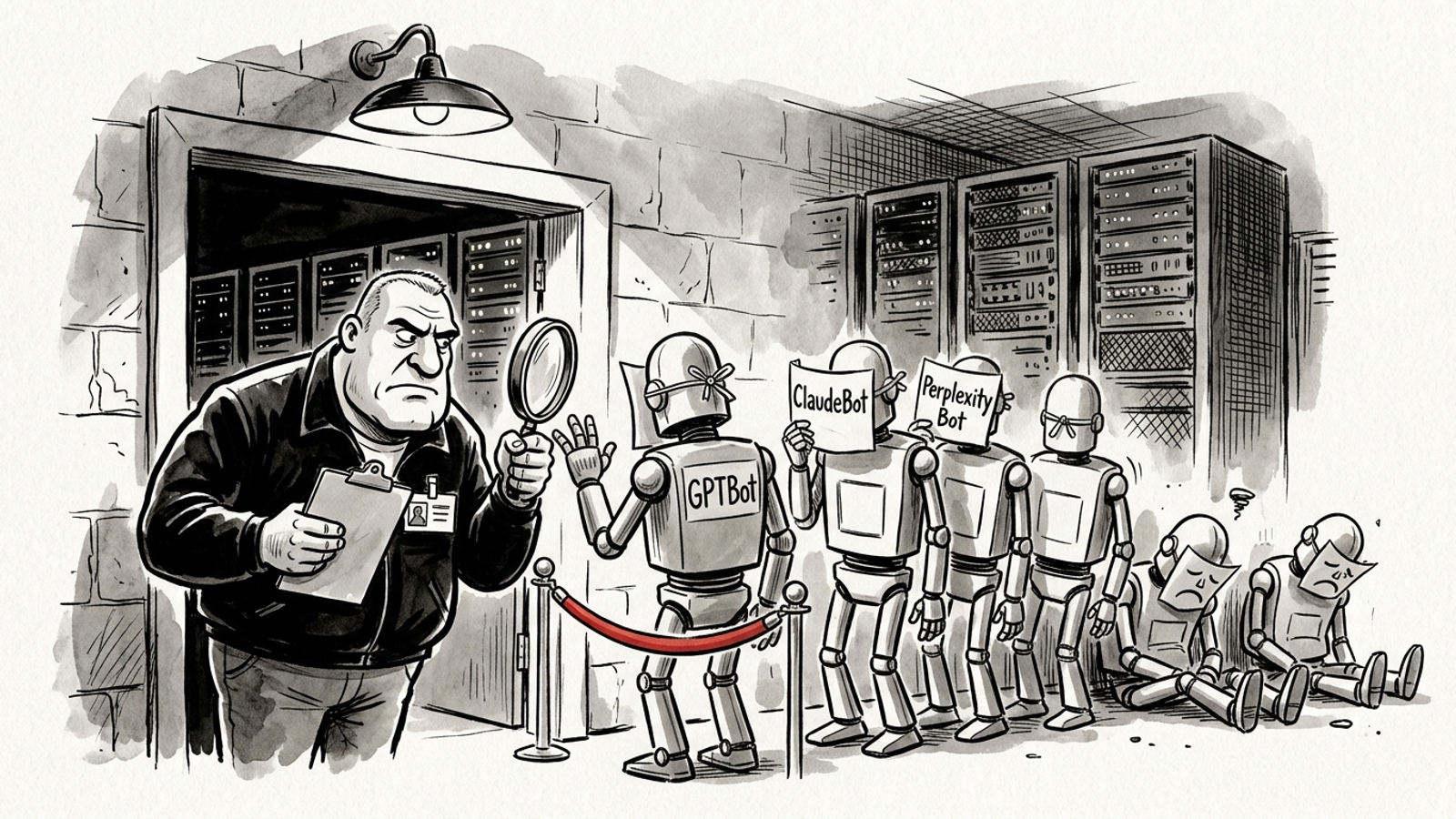
The first command counts claimed hits. The second surfaces IPs to check. Compare them with the vendors’ published verification information: OpenAI publishes agent IP ranges, and Perplexity publishes IP information for its bots. Use the relevant vendor verification information for Anthropic as well. Keep unverified requests in a separate count; anyone can write GPTBot into a user-agent string.
Expected result: You can distinguish verified crawler visits from requests that merely claim a crawler name, and check whether verified OAI-SearchBot, PerplexityBot or ClaudeBot requests reached robots.txt and the key page. Our own robots.txt logged 13,405 claimed bot hits and only 3,176 verified after IP filtering. Counting every claim would have sent us after the wrong problem.
Common mistake: Treating a user-agent total as proof of demand, or treating zero verified visits as proof of a block. Check the access rules and the fetch responses first. Also check CDN logs when an edge rule may stop requests before they reach the origin.
Step 7: Check the sitemap entry and its date
Action: Open https://yourdomain.com/sitemap.xml, find the key page, and compare its lastmod with the page’s last real edit. Run these commands to inspect the entry and the page response:
curl -s https://yourdomain.com/sitemap.xml | grep -A2 "key-page"
curl -s -o /dev/null -D - https://yourdomain.com/key-page | grep -Ei "HTTP/|last-modified"
Expected result: The sitemap lists the URL you tested, its lastmod reflects a real edit, and the page returns 200. If the server sends a Last-Modified header, compare it too. Do not put a fresh date on an unchanged page.
Common mistake: Updating lastmod to today just to look active, or checking a sitemap entry for a different URL than the one fetched in Step 2. A stale entry after a real rewrite is worth correcting; a fresh timestamp is not a substitute for a fetchable answer.

Verify the fix before you pay for another one
Sort failures by owner, not by how alarming the error message looks:
- Fix yourself: Narrow an overbroad
robots.txtrule, correct a stale sitemaplastmodafter a real edit, move a 40- to 60-word answer above tabs and related posts, or reconcile visible names and dates with JSON-LD you control. - Send to a developer: Fix a client-side template, JS-injected schema, a consent wall, a login gate or an edge rule. A bot-user-agent
403beside a browser-user-agent200is a reason to inspect access rules. A small200response is a reason to inspect the HTML. Neither number names the fix on its own. - Consider ongoing help: The same failure repeats across twenty pages, verified bots fetch clean pages for two to three weeks without the citations you want, or open access and repeated checks still leave you with no verified visits. That calls for continued review, not a tool bought on the strength of claimed hits.
Now verify your changes. Re-run the Step 2 commands, reload the page with JavaScript disabled, confirm the answer in bot.html, and check logs again in seven days for verified hits on the key URL. Prompt ChatGPT and Perplexity with the question the page answers and see whether either names your page. That last check measures the outcome you care about; it does not replace the fetch and log checks.
If the fetch is clean and citations follow, change the answer copy first: tighten it until someone can quote it in one piece. For the wider audit, use the 17-check pre-flight. If claimed hits dwarf verified ones, read the seven myths behind that gap before paying for a tool to fix traffic that may never have been a real crawler.