
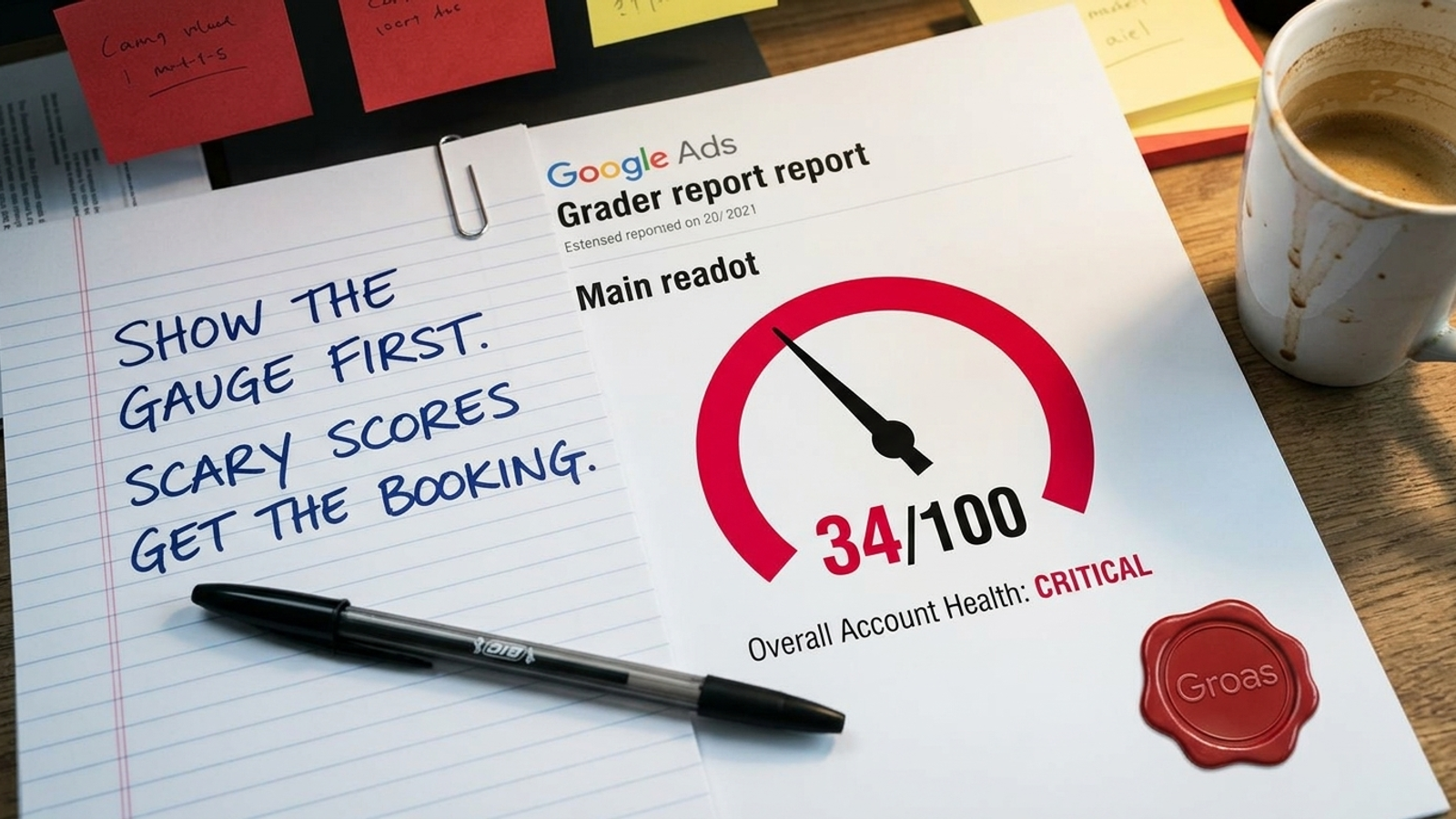
CONFIDENTIAL REPORT DELIVERY NOTE: Show the prospect a crimson 34/100 before showing them a single campaign. By the time they ask what the score measures, the sales representative should already have their work email.
The prospect clicked “Authenticate with Google” and watched a progress bar labeled “Analyzing 400 Auction Variables” crawl across the screen. The finished report says their account trails 88% of advertisers in their sector. It does not say who those advertisers are. A free Google Ads grader is a lead-generation form that happens to return a number, dressed up as a diagnostic instrument. The checks are easy to automate, the gauges are red, and each finding leads toward a sales call.
I have seen competent managers spend more time explaining a prospecting PDF to their boss than examining the campaigns it supposedly diagnosed. Below is the report as delivered, with the sales notes left in and my operator’s annotations attached. Read the number. Then read the machinery around it.
Your score: 34/100, pending a sales call
GRADER READOUT: Overall Account Health: 34/100 (Critical). Your campaigns underperform 88% of competing advertisers in your sector. Core efficiency metrics fall substantially below peer benchmarks. Immediate restructuring is recommended before you allocate more budget.
INTERNAL SALES NOTE (Do Not Send to Prospect): “Do not lead with the underlying metrics. Lead with the gauge. A comfortable score ends the conversation; a low one earns a meeting. If the prospect asks which competitors make up the peer group, steer them back to the red sections below. The report has several.”
OPERATOR ANNOTATION: A score cannot tell you whether an account is healthy until you know what it rewards. Does it measure qualified pipeline, purchases, and cost per acquisition? Or does it count completed fields, populated ad slots, and settings it prefers? This report will answer that question, although not in the place marked “Methodology.” Treat the score as a prompt to inspect its inputs, not as an account diagnosis.
Section 1: $47,380 in “wasted spend”
GRADER READOUT: Projected Annual Budget Waste: $47,380.00. The trailing account analysis found 1,412 search queries that incurred paid clicks without a documented direct conversion inside the lookback window. You are financing low-intent traffic that leaves before completing a purchase.
INTERNAL SALES NOTE (Do Not Send to Prospect): “Put the annual figure in the email subject line. The calculation takes spend on queries with no recorded conversion in a short lookback window and extends it across a year. If the prospect mentions a long sales cycle or delayed attribution, say: ‘Our diagnostic checks immediate conversion velocity.’ Book the call before anyone opens the CRM.”

Operator’s footnote: An annual total built from a short window
The trick is not complicated. Take search terms that produced clicks but no conversion in the chosen window, add their cost, then annualize it. This kind of wasted-spend calculation makes a short, incomplete view of performance look like a settled annual loss.
Suppose someone clicks a non-brand ad on Tuesday, bookmarks the pricing page, and completes a deal three weeks later through another visit. The first click looks wasteful if the report sees only immediate conversions. It may look different once you connect it to the sale. That does not mean every non-converting query deserves another dollar. It means the lookback window and the conversion record have to match the way the business sells.
The dollar figure also travels well. It fits on a slide, in an email subject line, or in a message to an executive who has not seen the search terms report. PPC community accounts describe the damage this style of prospecting can do when an automated estimate gets presented as a manager’s mistake. Before accepting an annual waste estimate, check the window and the conversion path behind it.
Section 2: Quality Score health is “critical”
GRADER READOUT: Account-Wide Quality Score Average: 4.1/10 (Severe Penalty). More than 62% of active keywords register a Quality Score below 5. Your account therefore faces an estimated 48% cost-per-click penalty across its primary campaigns.
INTERNAL SALES NOTE (Do Not Send to Prospect): “Average the keyword scores without weighting them by impressions or spend. A low-volume keyword with a poor score must count as much as a term carrying the business. If the prospect asks how the reported average translates into a 48% penalty, return to the competitor benchmark.”
Operator’s footnote: The average is doing the frightening
Add the Quality Scores together and divide by the number of keywords. An old experimental term with a 2/10 and almost no impressions now has the same weight in the average as a commercial term with an 8/10 that drives most of the traffic. The arithmetic works. The diagnosis does not follow from it.
Quality Score is a keyword-level diagnostic, not an account-wide health score or a blanket surcharge Google applies to every click. Low scores on terms that matter deserve investigation. A neglected keyword in a paused experiment does not make the account’s strongest campaign expensive by association. I would rather inspect the high-spend terms and their actual results than explain a grand average to a room full of people who have been told their domain is broken.
The report’s “48% penalty” sounds precise because it has a percent sign. Precision is not the same thing as a calculation you can use. Weight the concern by where money and conversions actually occur.
Section 3: Your negative keywords have failed either way
GRADER READOUT: Negative Keyword Coverage: Failing (D-). The account contains 142 negative keywords, but 81% blocked no queries in the trailing 90 days. Search term variation expanded by 320%. Your negative keyword velocity is stagnant.
INTERNAL SALES NOTE (Do Not Send to Prospect): “No negatives? Tell them the account is unprotected. Many negatives? Tell them the lists are dormant. If they review search terms every Friday, tell them weekly human reviews cannot keep pace. There is a version of this finding for every account.”
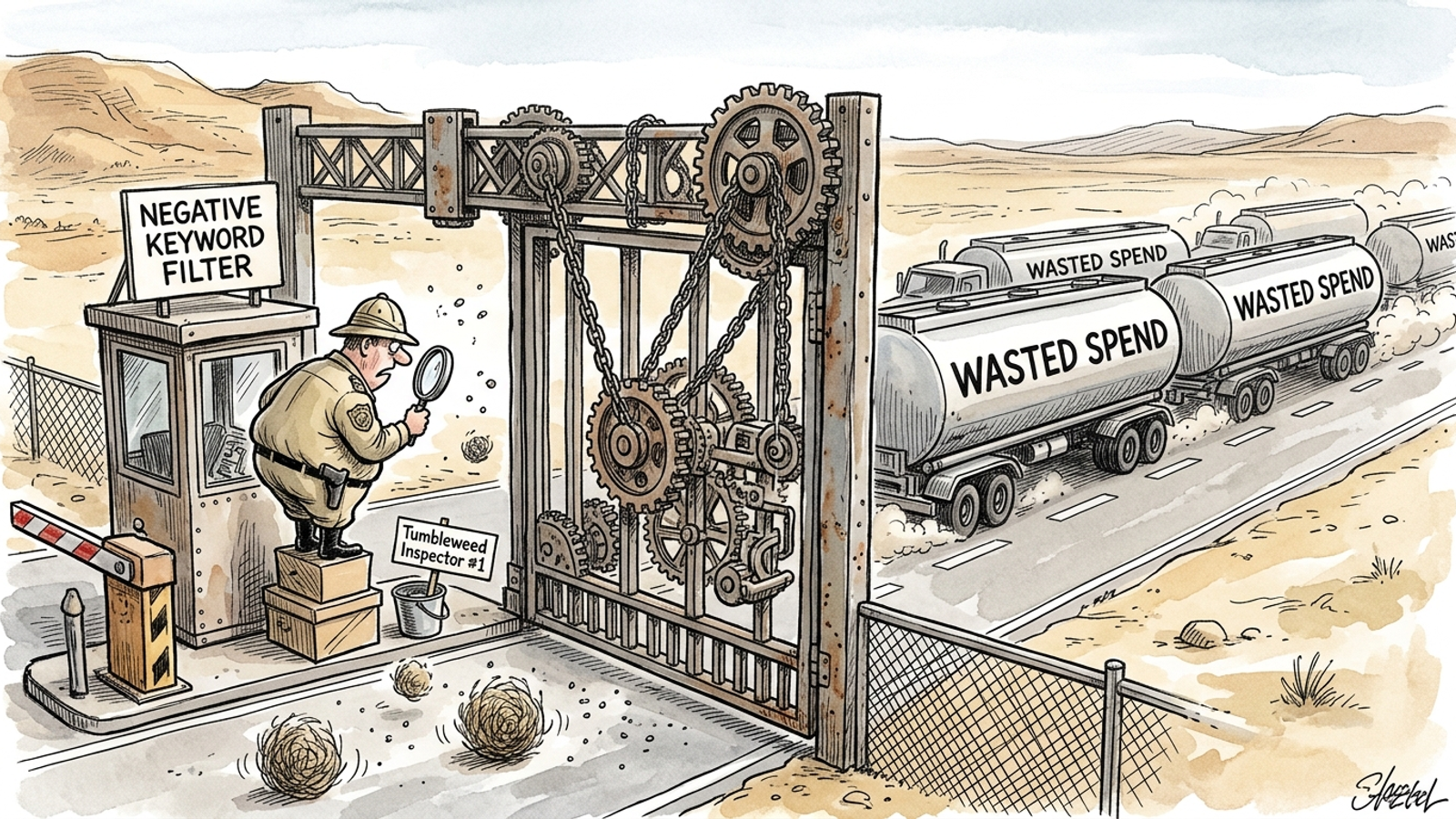
Operator’s footnote: Count the leaks, not the list
A negative keyword list does not earn its keep by being long. I have seen the administrative version of rigor: enormous copied lists containing terms that had no business appearing in the account’s searches anyway. They look busy. So does a filing cabinet full of menus from restaurants you never visit.
Two checks deserve attention. First, look for negative keyword conflicts: exclusions that prevent valuable queries from reaching the campaigns meant to serve them. Second, review the search terms that are actually drawing spend, particularly when broad match brings in variations the team did not intend to buy. A conflict can hide qualified demand; unchecked query drift can spend against irrelevant intent. Neither problem is diagnosed by counting 142 rows and putting a D- beside them.
The internal script says a weekly review is insufficient without looking at what that review catches. A calendar is not a performance metric either. Inspect the queries being blocked and the queries still getting through.
Section 4: Your ads have unused boxes
GRADER READOUT: Responsive Search Ad Quality: Poor (18/100). Most ads do not use all 15 available headline slots and four description fields. Headline diversity is low, and key campaigns show a “Poor” Ad Strength rating.
INTERNAL SALES NOTE (Do Not Send to Prospect): “Count empty slots. Ten unused headline fields make a clean visual for the creative-overhaul slide. Do not compare the existing ads’ conversion performance with the proposed replacements; those have not been written yet.”
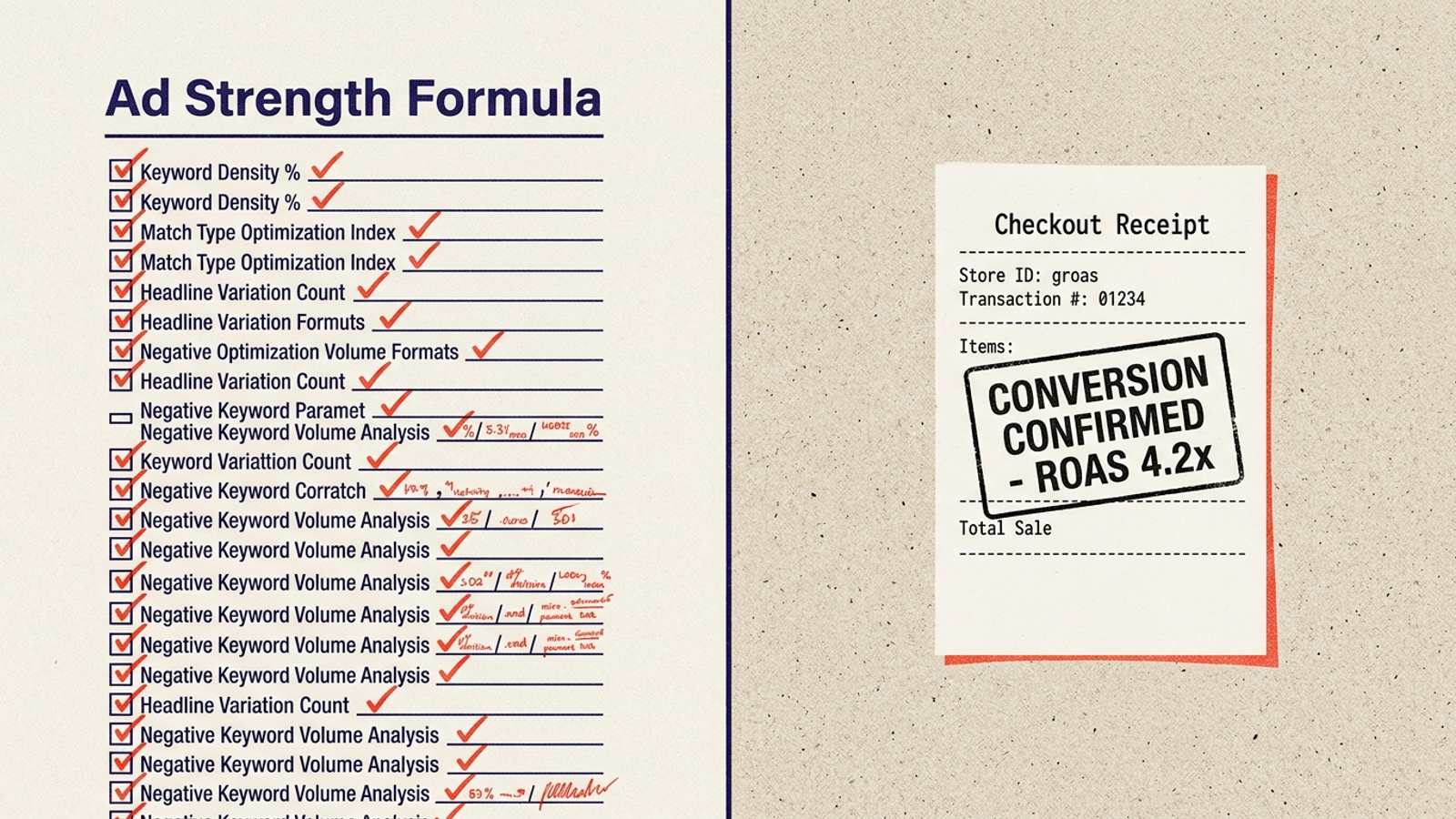
Operator’s footnote: An empty slot is not a failed sale
Google describes Ad Strength as a measure of how well an ad follows its recommendations for useful, varied assets. It is not itself an auction-performance score. Filling every field may give the system more combinations to try, but the additional headlines still have to say something worth reading.
An Optmyzr study of responsive search ads also offers a useful warning against treating the label as a substitute for outcome metrics. The report here takes a checklist finding and presents it as proof that the ads are losing money. Those are different claims. If an ad with five focused headlines brings in qualified customers at an acceptable cost, I would test additional assets against that result, not condemn the ad because a progress bar has room left. Judge the creative by what it brings in, not by how full the form looks.
Section 5: The recommended fix has an appointment link
GRADER READOUT: Urgent Account Triage Required. Your 34/100 score and projected $47,380 in annual wasted spend call for immediate structural intervention. Schedule a 30-minute forensic strategy session with a senior search architect. Only two consultation slots remain in your territory this week.
INTERNAL SALES NOTE (Do Not Send to Prospect): “Route the form submission to the sales team. If the prospect says the account produces profitable pipeline, reply that it succeeds despite its management. Offer a courtesy audit with larger charts. Keep the booking link visible.”
OPERATOR ANNOTATION: The report has now promoted four different proxies into one emergency: a short-window spend estimate, an unweighted keyword average, a negative-list count, and an asset checklist. Any one of those can point you toward a useful question. Together, without business context, they do not establish that an account needs a rebuild. An appointment is the report’s intended conversion action.
Internal QA appendix: The checks the grader should have run
GRADER READOUT: Additional investigation unavailable in this report. These checks require the prospect to inspect campaign settings, conversion actions, and search terms in context.
INTERNAL SALES NOTE (Do Not Send to Prospect): “Do not put this appendix ahead of the booking link. It gives the prospect things to do before the call.”
OPERATOR ANNOTATION: Good. That is where I would start. These are checks, not another composite score; each asks whether the account is buying the traffic and outcomes the business intended.
- Check Display Network inclusion on Search campaigns. Open the campaign’s Network Settings and see whether “Include Google Display Network” is selected. If the campaign is meant to buy search intent, investigate any Display inclusion and its results rather than letting the setting go unnoticed. Search budget can flow into placements that behave differently from the search traffic the campaign was built to capture. The useful question is not whether a grader dislikes a checked box. It is whether that traffic belongs in the plan.
- Audit Primary and Secondary conversion actions. If page views, button clicks, or short visits are marked Primary, Smart Bidding may optimize toward those actions rather than the purchases or qualified leads the business needs. Check which actions feed bidding, then compare them with the outcomes the team considers valuable: completed checkouts, qualified leads, relevant calls, or form completions that genuinely matter. A report can admire a rising conversion count while the sales team wonders where the customers went.
- Review costly search terms over a longer window. Pull a 60-to-90-day search terms report, allowing for the business’s buying lag. Look for queries that spent more than twice the target CPA without a recorded conversion. Examine intent and the conversion path before adding specific queries as exact or phrase negatives. A short-window alarm can mislabel promising traffic; an account that never reviews expensive, irrelevant queries can keep paying for them.
A real review connects those findings to revenue. Traditional agencies can bury that work under periodic checklist reviews, percentage-of-spend fees, and decks that leave the client to interpret the action items. At groas, the alternative is continuous execution by specialized models, with a named human strategist setting direction and guardrails and remaining accountable for outcomes. The point is not to replace a red gauge with a friendlier gauge. It is to connect decisions to the business result.
If the 34/100 PDF arrives tomorrow, check what it measured, inspect the three settings and reports above, and leave its consultation countdown to expire.
Frequently asked questions
Is a low Google Ads grader score proof my account is unhealthy?
No. A composite score only reflects what the grader chose to measure, such as completed fields and preferred settings, rather than qualified pipeline, purchases, or cost per acquisition. Treat the score as a prompt to inspect its inputs, not as an account diagnosis.
How does a Google Ads grader calculate its wasted spend estimate?
It takes search terms that produced clicks but no recorded conversion in a short lookback window, adds their cost, and extends that figure across a full year. If your business has a long sales cycle or delayed attribution, clicks that look wasteful may actually connect to later sales, so the window and conversion record should match how the business sells.
Does a low average Quality Score mean Google penalizes all my clicks?
No. Quality Score is a keyword-level diagnostic, not an account-wide health score or a blanket surcharge on every click. Grader averages are often unweighted, so a low-volume experimental keyword counts as much as the commercial term driving most traffic. Weight the concern by where money and conversions actually occur.
How should I actually evaluate my negative keyword lists?
A long list does not earn its keep by being long. Look for negative keyword conflicts, where exclusions block valuable queries from reaching the campaigns meant to serve them, and review the search terms actually drawing spend, especially when broad match brings in unintended variations. Counting rows does not diagnose either problem.
Does an Ad Strength rating of Poor mean my responsive search ads are failing?
Not necessarily. Ad Strength measures how well an ad follows Google's recommendations for varied assets, not auction performance. An ad with fewer, focused headlines that brings in qualified customers at an acceptable cost should be judged by that result, and any additional assets should be tested against it.
Why do free Google Ads audit reports push urgent strategy calls?
The consultation is the report's conversion action. Low scores, annual waste figures, and countdowns are designed to earn a meeting before anyone examines the underlying campaigns. Any single finding can point to a useful question, but together, without business context, they do not establish that an account needs a rebuild.
What checks should I run on my Google Ads account instead of relying on a grader?
Check whether Search campaigns include the Display Network in their network settings, audit whether Primary conversion actions are real outcomes like purchases and qualified leads rather than page views or clicks, and review costly search terms over 60 to 90 days to allow for your buying lag. Each check asks whether the account is buying the traffic and outcomes the business intended.