

 LinkedIn

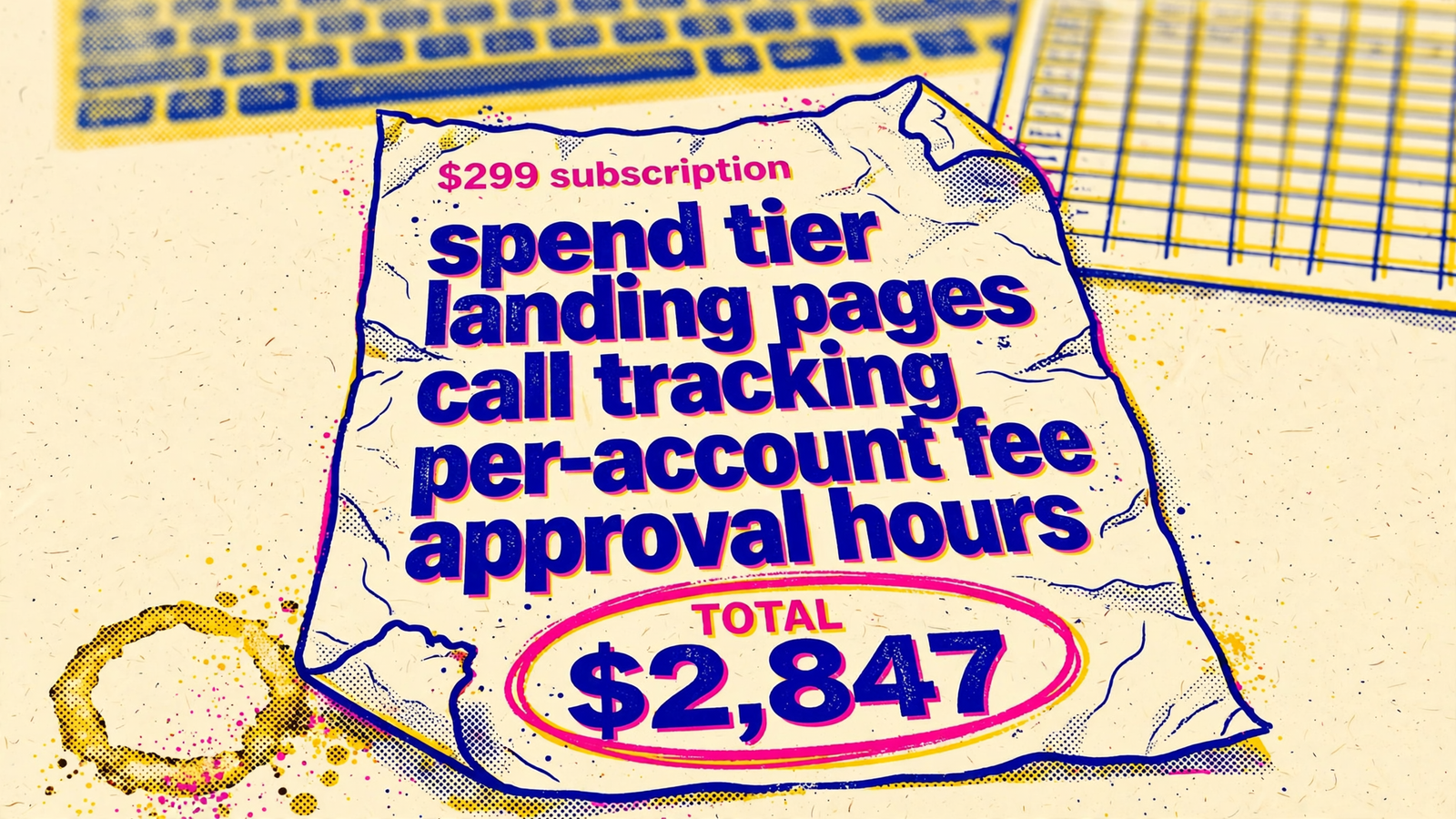
A $299 AI Google Ads tool can cost roughly $700 to $2,500 a month to run on a $20,000-a-month account, before a possible setup charge. The subscription is often the smallest part of the bill. Landing pages, call tracking and the hours you spend approving recommendations do the rest.
I used to live inside that gap. I managed accounts by hand for years, then watched tools replace half my checklist while leaving the expensive half for me to do after hours. A tool can be worth buying and still leave you with a second stack of subscriptions and a queue of work. I want both on the same bill.
The bill: recurring costs first, setup separate
Here is the $20,000-account example before we argue about any line item. The table separates money paid to vendors from the value of your own time. Approval labor is a real cost, but it does not appear on a card statement. The ranges are possible charges, not a claim that every account needs every add-on.
| Line item | Illustrative cost | When it applies | Source |
|---|---|---|---|
| Tool subscription | $129–$299/month | Recurring; the worked example below uses $299 | PPC tool pricing comparison |
| Spend-tier increase | $0 at $20,000 in the $25,000-spend example; varies above a tier | Recurring if managed spend crosses a plan threshold | Spend-tier examples |
| Landing-page builder | $99–$249/month | Recurring if you need a separate builder | Unbounce and Instapage pricing comparison |
| Call tracking | $45–$135/month | Recurring if you need a separate call-tracking subscription | CallRail pricing review |
| Approval labor | $400–$3,000/month at 2–5 hours a week and $50–$150/hour | Recurring time cost if the tool leaves changes for you to approve | Freelance PPC rate guide |
| Setup or onboarding | $0–$1,500 | One-off, if charged; confirm the actual quote | Guide flagging setup charges |
That is why I do not add the top and bottom of every range and call the result the price. You may already own pages. You may not need call tracking. You may do every approval yourself, but your time still has a cost. The useful question is which lines survive when the tool is running in your business, not in a clean demo account.
Spend tiers: the bill rises when the budget does
The first extra charge can look like an ordinary plan upgrade. In the spend-tier example, a $299 plan covers $25,000 of managed spend. At $20,000, you fit. Raise the budget past the threshold and the price can change through overages or another tier. The tool has not necessarily taken on a new kind of work; more spend has crossed a pricing boundary.
I used to wave this away as SaaS pricing. I was wrong to wave it away. A tier increase is not literally a 10% or 20% agency fee, and I would not present it as one. But it has the feature that matters when you forecast costs: your management bill can rise because your ad budget rises. Agencies commonly use percentage-of-spend pricing too, often 10% to 20% with a minimum.
For an agency, the awkward moment comes when several clients grow at once. A plan that looks tidy at today’s managed spend may cross its next boundary before anyone asks whether the extra charge buys extra work. Ask for the price at $50,000 and $100,000 of managed spend, including overages, before you approve the price at $20,000. Put the threshold in the forecast, not in a footnote.
Setup: a one-off charge is still part of the purchase
Setup is where a $0 on the pricing page can meet a very different order form. The draft bill allows for up to $1,500 as a possible one-time charge, not a charge every vendor imposes. Agency pricing guides warn buyers to check for setup and landing-page costs. The amount that matters is the one your vendor puts in writing.
There is real work behind the word onboarding. Connecting an account is not the same as checking conversion tracking, confirming which GA4 imports count as primary conversions for Smart Bidding, and understanding the existing campaign structure. If those decisions are wrong, a fast recommendation engine can make the wrong recommendation faster. The task does not vanish because the sales page says self-serve.
So ask two separate questions. Is onboarding required before the tool can make reliable changes? And who pays for the tracking and account checks it involves? If the answer is a required implementation fee, treat it as part of the purchase price. Get the one-off number before you compare monthly plans.
Pages, calls and reporting: three more places to look
An AI recommendation does not repair a bad landing page by itself. If the tool does not build the pages you need, a separate builder may join the bill. Unbounce plans in the draft’s pricing comparison run from $99 to $249 a month, with an Experiment plan at $149; Instapage runs from $99 to $199. The relevant cost is not the highest plan on that list. It is the plan that covers the pages and testing you actually intend to use.
Calls create a similar split between managing ads and measuring outcomes. CallRail plans in the cited review run from $45 to $135 a month for the described package of numbers and minutes. If your campaign depends on phone leads, ask who supplies the numbers, whether your usage fits the allowance, and who keeps that data connected to bidding. Otherwise, call tracking included can turn out to mean someone showed you where the integration button lives.
Then there is reporting. One pricing example puts reporting at $25 per client per month: $250 across 10 clients or $500 across 20, before any other charges. That is a separate reporting example, not a fee to bolt automatically onto every AI tool. The same goes for seats. If a vendor charges for additional users, get the seat price; do not invent one to make the spreadsheet look complete.
Ask the vendor to name the page builder, call-tracking provision and reporting allowance in the demo. If any of them live outside the quoted plan, write them on separate lines.
Ten client accounts make the pricing model visible
A single-account quote is a sample. For an agency, I want the price at the actual client count. Per-client reporting fees, account limits and managed-spend tiers can all move at once, though they are not necessarily charges from the same vendor.
Take the reporting example: 10 clients at $25 each add $250 a month. A separate tool-pricing example charges $5 for each account past 25, so that particular overage does not apply to a 10-account shop. I would rather leave a $0 in the right column than smuggle a 26th account into the math.
White-label fulfillment is another model, not an add-on to the $299 software example. One offering starts at $500 a month per end-client, has a three-client minimum and says it fits clients spending at least $5,000 a month. Ten qualifying clients at that starting rate mean $5,000 a month in fulfillment before ad spend. Do not add that $5,000 to a self-managed software stack as though you must buy both. Compare them as different ways of getting the work done.
The agency question is blunt: am I buying software for my team to operate, or fulfillment that takes work off my team? Multiply the first quote by any per-client charges and the hours your team still puts in. Multiply the second by your real client count. Use the same clients and the same scope on both sides, or the cheaper quote is just better at hiding its labor.
Approval hours: the cost no vendor invoices
This line used to disappear from my comparisons because I was the one doing the work. A tool queued changes; I cleared them. The invoice looked efficient. My calendar did not.
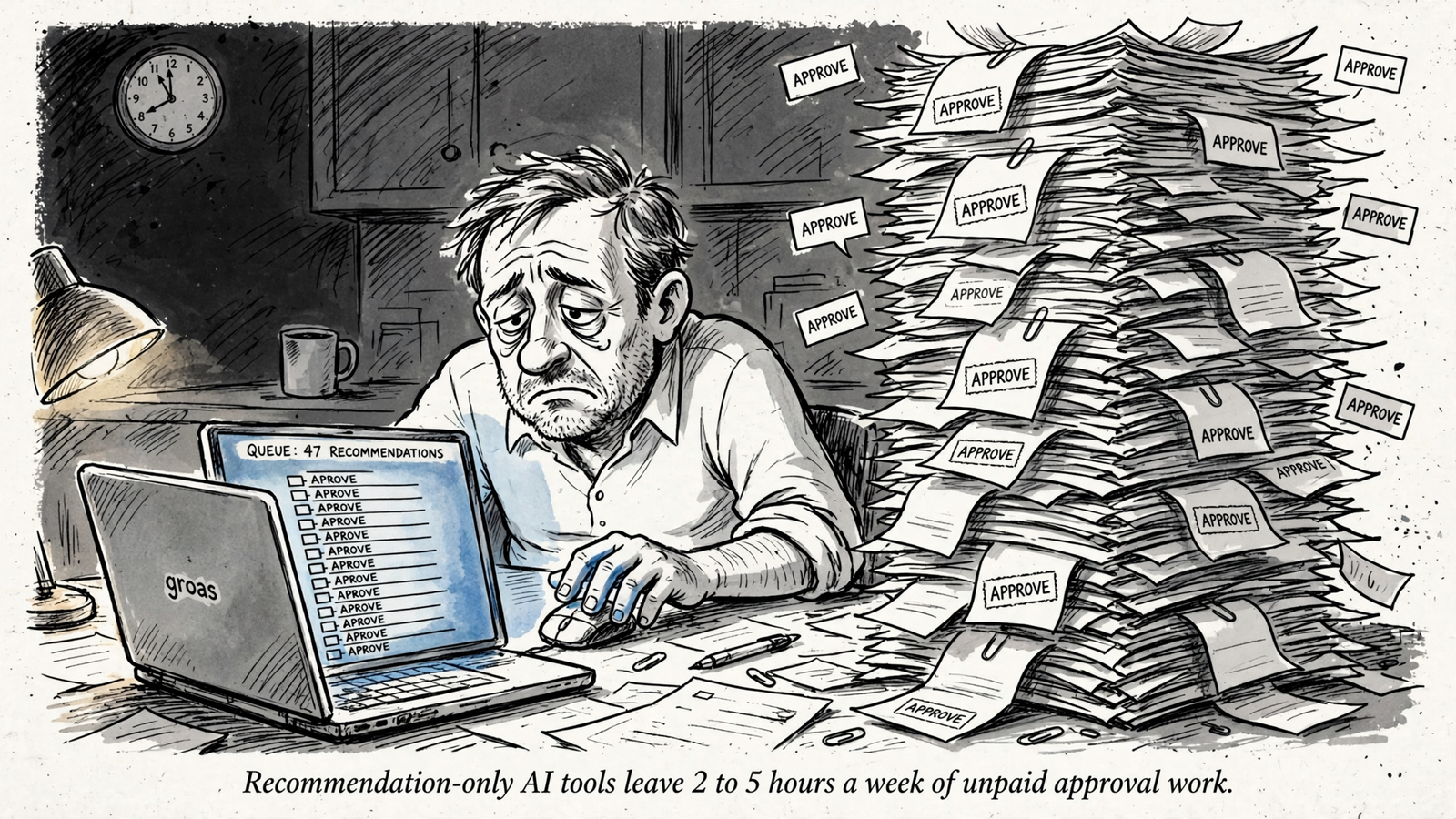
Some products focus on insights and reports while leaving bids, budgets and ads for manual implementation. Others execute more of those changes themselves. That distinction matters more than whether both sales decks say AI. If you still review and approve a queue for two to five hours a week, value that time using a rate you would accept for the work. The $50 to $150 hourly range used in the draft’s freelance PPC rate guide puts the illustrative monthly labor line at about $400 to $3,000.
For a less abstract example, take the $20,000 account and value your time at $75 an hour. Two to five hours a week is roughly $600 to $1,500 a month using a four-week month. That sits beside the $299 subscription, not inside it. If you pay someone else to clear the queue, it becomes a payroll or contractor line. If you do it yourself, it is still work the tool did not remove. Count approval hours before you call the subscription cheap.
Contract terms: check the price of leaving
Annual billing can make the monthly headline look smaller. In the draft’s example, $209 a month billed annually means $2,508 paid upfront; compared with $299 paid monthly for 12 months, that saves $1,080. Fine, if the tool earns its place all year. Less fine if you discover in month two that the approval queue has become your Friday plan.
I would not assume every builder locks up your pages or every call-tracking integration stops working the same way. I would ask. Can you export the pages? What happens to call data and its connection to bidding when you cancel? Do you keep access long enough to move? The cheapest monthly price is not necessarily the cheapest exit. Get the answers before prepaying.
This is one reason groas’s Search Ads pricing deserves a different comparison. The listed price is $1,499 a month per service, with no setup fee or percentage cut of spend, and the pricing page states a seven-day money-back guarantee. It is not the cheapest subscription in this article. It is an offer to do the management work rather than sell a lower-priced queue of suggestions. Compare that scope with the total cost of the tool stack, not with its $299 first line.
Two totals for one $20,000 account
Here is the worked example with the assumptions exposed. Both columns use a $299 tool subscription and no spend-tier increase at $20,000 of managed spend. Neither includes the $20,000 ad budget or a possible one-time setup charge. The lean case assumes you already have pages and call tracking; the loaded case buys them separately.
| Monthly line | Lean: existing pages and tracking | Loaded: separate add-ons |
|---|---|---|
| Tool subscription | $299 | $299 |
| Landing pages and call tracking | $0 | $149 + $85 = $234 |
| Approval labor | $400: 2 hours/week at $50/hour | $2,000: 5 hours/week at $100/hour |
| Illustrative monthly total | $699 | $2,533 |
The add-on amounts sit within the page-builder and call-tracking ranges above; the labor rates sit within the freelance PPC range. These are two bills, not a promise that every advertiser will land between them. Reporting, extra usage, a spend-tier change or setup can alter your total.
Groas lists Search Ads at $1,499 a month per service, with a landing page built for every ad group and no setup fee or cut of spend. Its agency pricing is $299 per client account per service, with a five-account minimum. The point is not that $1,499 is less than $699. It plainly is not. The point is that groas sells execution with the management line stated upfront, while a cheaper recommendations tool can leave pages and approval work outside its headline price. At the loaded $2,533 example, that distinction changes the comparison. Price the work you need done, not merely the login you need to buy.
Flat fee versus percent of spend: run your own crossover
A percentage fee can look cheaper at low spend. At $3,000 a month, 15% is $450 before any minimum or extras. That is below $1,499 on cash outlay. The agency range cited earlier is 10% to 20%, often with a $500 minimum, so your actual quote may differ from that simple calculation.
At $20,000 in monthly ad spend, 15% is $3,000. At $50,000, it is $7,500. The fee grows with the budget; a $1,499 flat monthly management price does not grow for that reason. Pages, tracking and reporting still need to be compared on equal scope. I do not have a universal spend threshold at which every flat fee wins, and I would distrust anyone who offers one without seeing the quotes. Run the crossover with your own numbers. The groas pricing-model guide is there if you want to work through that comparison before signing.
Five questions that turn a headline into a quote
Ask these on the demo call, in this order, and get the answers in writing:
- What do I pay at $50,000 and $100,000 of managed spend, including overages and tier changes?
- Is onboarding required for reliable bidding and tracking, and what is the one-off cost?
- Who builds landing pages and supplies call tracking? Which subscriptions and usage charges sit outside your fee?
- What do additional client accounts, reporting and user seats cost at my real count?
- How many hours a week will I spend reviewing or approving recommendations, and who makes changes when I am away?
If a rep cannot answer those five, you do not have a price. You have a starting bid. The longer hidden-fee checklist is useful if you want to send the questions before the call.
The cheapest mistake is prepaying annually to save $90 a month, then discovering you still have five hours of approvals every week. The most expensive is thinking you bought management when you bought suggestions. In the loaded example, the subscription says $299; your calendar says $2,000; pages and calls say another $234. Add them before comparing the tool with a flat management quote. Sign the total, not the headline.