
The Google Ads AI Glossary: What the Settings Say and What They Actually Control
October 2, 2026
•
11
min read



An AI Google Ads tool can look cheap until your spend rises, you add an account, or your media buyer spends Friday clearing its recommendation queue. The sticker price rarely tells you what the tool costs to run. I would send these 15 questions in writing before a trial ends or billing begins, request an answer to each one, and save the thread. A demo promise that a platform supports something is not the same as an answer about who does the work, what it costs, and what happens when you leave.
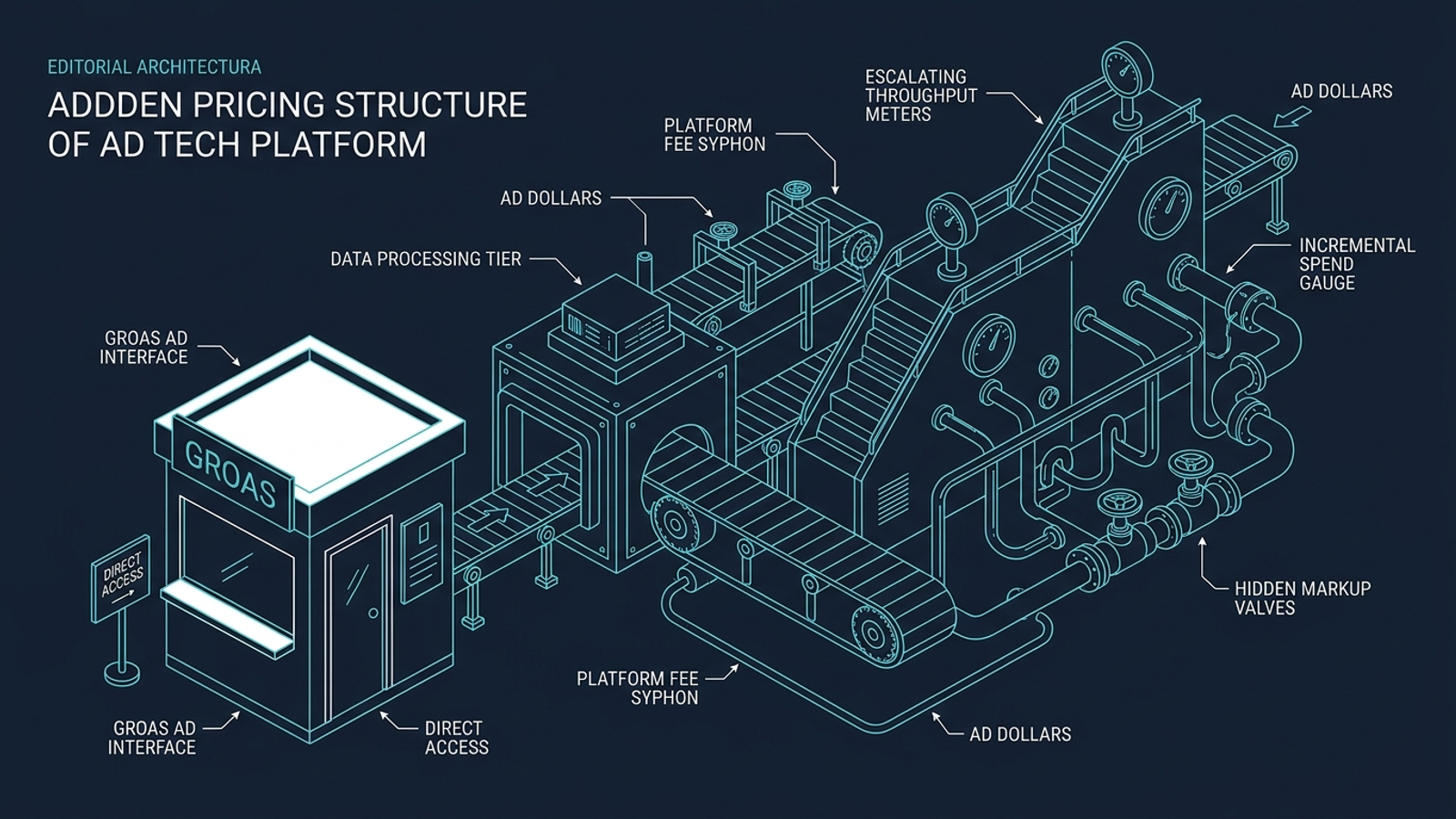
Is any part of the fee a percentage of ad spend, now or above a stated threshold? Ask for the exact threshold and rate, not a reassurance that the base plan is flat. Red flag: a flat subscription that adds a 2% to 4% execution fee above $20,000 in monthly spend. A percentage fee rises when your media budget rises, whether or not your CPA improves or qualified pipeline grows. That puts a software vendor’s incentive uncomfortably close to the agency model it claims to replace. For comparison, groas uses a flat monthly fee without media-spend markups. Get the full pricing rule in writing, including what happens when you scale a profitable campaign.
Does the price change automatically when spend crosses a tier, and what happens during a seasonal spike? Ask whether the vendor measures spend monthly, allows any variance, charges per-$1,000 overages, or moves you to a higher plan. Red flag: a $25,000 tier that becomes an overage charge or automatic upgrade at $25,500. Entry prices in Google Ads software pricing can look modest beside the bill for a larger account; the threshold matters more than the headline rate. If fourth-quarter spend doubles, you need to know whether the software bill rises with it, when the increase takes effect, and whether the price comes back down after the spike.

Are white-label reports and custom client-domain branding in the plan you are buying? Ask to see the client-facing report and portal on that exact plan, not a sales-demo view from a higher tier. Red flag: an agency entry price that leaves vendor logos on every client asset unless you pay another $200 a month. Branding may sound cosmetic until you have promised clients delivery under your own name and discover the subscription does not cover it. Check whether white-label access applies to every workspace or only to a capped number, and whether removing a vendor logo requires another contract. If agency delivery is the reason you are buying the tool, price the version you can actually put in front of clients.
Are team seats, client-viewer logins, or connected search platforms capped or metered? List everyone who needs access, including the person who checks performance but never edits a campaign. Red flag: two admin seats in the base plan, $40 a month for each extra user, and a separate enterprise conversation for another search surface. Seat limits can push a team toward shared credentials or leave the people accountable for results unable to inspect them. Platform limits can also change the scope of the service you thought you bought. Ask which connections are available on your plan today and what each additional user or connection costs. A broad promise to manage search is not a substitute for that list.
Are search-intent-matched dynamic landing pages included, or do you need another platform? Ask whether the tool creates and deploys pages or only suggests copy for pages your team must build. Red flag: bid and ad-copy optimization sold as a complete acquisition system while landing-page deployment remains your responsibility. A generic page can break the connection between the query, the ad, and the offer; better bidding does not fix that handoff. A separate dynamic landing-page platform can add roughly $74 to $79 or more a month at the base level, plus setup work for tracking and forms. Price the whole funnel, not just the part visible in the ad account.
Does the tool execute copy, bid, and budget changes inside Google Ads, or merely suggest them? Ask to see an action log and the approval settings for routine changes. Red flag: daily recommendation cards your team must assess and apply, even if approval takes only one click. The click is not the expensive part. A media buyer still has to judge search terms, check whether a proposed change fits the account, and clear the queue. That is useful assistance, but it is not autonomous management. The distinction between PPC suggestion software and an executing AI agent belongs in your cost comparison: one performs the routine work within guardrails; the other returns it to your payroll.
Are CRM connections and offline conversion imports included at your price? Specify the stages you need to send back, from qualified opportunity to closed-won revenue, and ask who configures the feed. Red flag: form-fill tracking in the standard plan, with offline conversions available only through an enterprise integration module. For B2B, legal, and high-ticket services, a form submission may say little about whether an inquiry became a customer. If the system sees only that submission, its optimization has less information about the commercial outcome you care about. An integration your team must build through middleware also has a labour cost. Confirm the data path, the fee, and the owner before treating revenue-based optimization as an included capability.
What are the minimum term, cancellation notice, and early-exit charges? Ask the vendor to identify the relevant contract language rather than summarize it on a call. Red flag: a 12-month commitment, 60 days’ written notice, and no early-termination option for a system you have not yet run against your own goals. An annual contract may be a choice you are willing to make; it should not be a surprise discovered when performance disappoints. Put the commitment beside the trial period and the total amount at risk, not just the monthly instalment. Month-to-month terms, such as those offered by groas, let you reassess the service without first negotiating your way out of a year-long software bill.
What happens to campaigns, tracking, landing pages, negative lists, and performance history when you cancel? Ask which assets live in your Google Ads account or CMS, which live on the vendor’s platform, and what you can export before access ends. Red flag: campaign builds or landing-page URLs that deactivate with the subscription, leaving your team to rebuild work it already paid to create. Not every proprietary feature will remain usable after cancellation; that is precisely why ownership needs a written answer. Check the practical exit path, not just a clause saying your data belongs to you. If leaving means losing the funnel or interrupting tracking, that dependency belongs in the purchase decision today.

Who approves routine changes, and how long does execution take after a relevant signal appears? Ask which actions run inside agreed guardrails, which wait for approval, and how often the system processes changes. Red flag: recommendations held for a weekly audit or batch optimizations scheduled every 24 to 48 hours when the sales pitch implied continuous execution. Search auctions do not wait for the team’s next check-in. A queue can be the right control for consequential decisions, but it is a poor substitute for the routine work you bought automation to handle. Count the delay and the approver’s time. If your manager still starts Monday by clearing sixty suggestion cards, the operating cadence has not changed much.
Is a named search strategist included, or is strategic help billed separately? Ask who sets commercial guardrails, reviews lead quality, and takes responsibility when the system’s actions miss the business goal. Red flag: unmanaged self-serve software paired with strategy sold in 10-hour consulting blocks at $250 an hour. Fast execution without direction can produce fast mistakes; a support ticket is not the same as someone accountable for the direction of the account. groas pairs autonomous execution with a named strategist, so the human decision-making sits alongside the software rather than arriving as a surprise consulting invoice. Confirm what your named person does and what, if anything, triggers an additional charge.
What support channel and anomaly alerts does the quoted plan include? Ask how your team reaches someone when tracking fails or irrelevant queries begin spending budget, and whether monitoring runs outside your working hours. Red flag: a 48-hour web-ticket response window while direct communication and custom alerts sit on an enterprise tier. A support channel cannot undo spend that occurred while a problem went unnoticed. Nor does an alert help much if nobody owns the response. Get the channel, response commitment, and escalation path in writing. This is not a request for luxury service; it is a check on how the vendor handles a live budget when the account needs attention.
Do AI Google Ads tools charge a percentage of my ad spend?
Some do, typically through an execution fee above a stated monthly spend threshold, such as 2% to 4% over $20,000. Because a percentage fee rises whenever media budgets rise, get the full pricing rule in writing, including what happens when a profitable campaign scales.
What happens to the price if my Google Ads spend spikes seasonally?
If spend crosses a plan tier, the vendor may move you up a plan or start charging overages, sometimes measured per $1,000 over the limit. Before signing, confirm how spend is measured, when a price increase takes effect, and whether the price comes back down after the spike.
Should I factor setup or onboarding fees into an AI ads tool's price?
Yes. Onboarding, implementation, audits, and model-training charges can be required paid steps before the tool goes live, so they belong in the price you compare rather than left off the calculation. Ask vendors for an itemized list of one-time charges before the trial ends or billing begins.
Do all-inclusive AI Google Ads tools charge extra for additional accounts?
Many plans cap coverage and charge per additional ad account, client workspace, or sub-account, sometimes around $99 a month beyond the base count. Agencies running multiple small accounts can face a very different bill than expected, so price your entire portfolio rather than the first workspace alone.
Is white-labeling usually extra when buying automated PPC tools?
Not always, but some agency-priced plans keep vendor logos on every client asset unless you pay an additional monthly charge. White-label access might also be limited to a fixed number of workspaces, so verify whether it stays constant as your book of business grows.