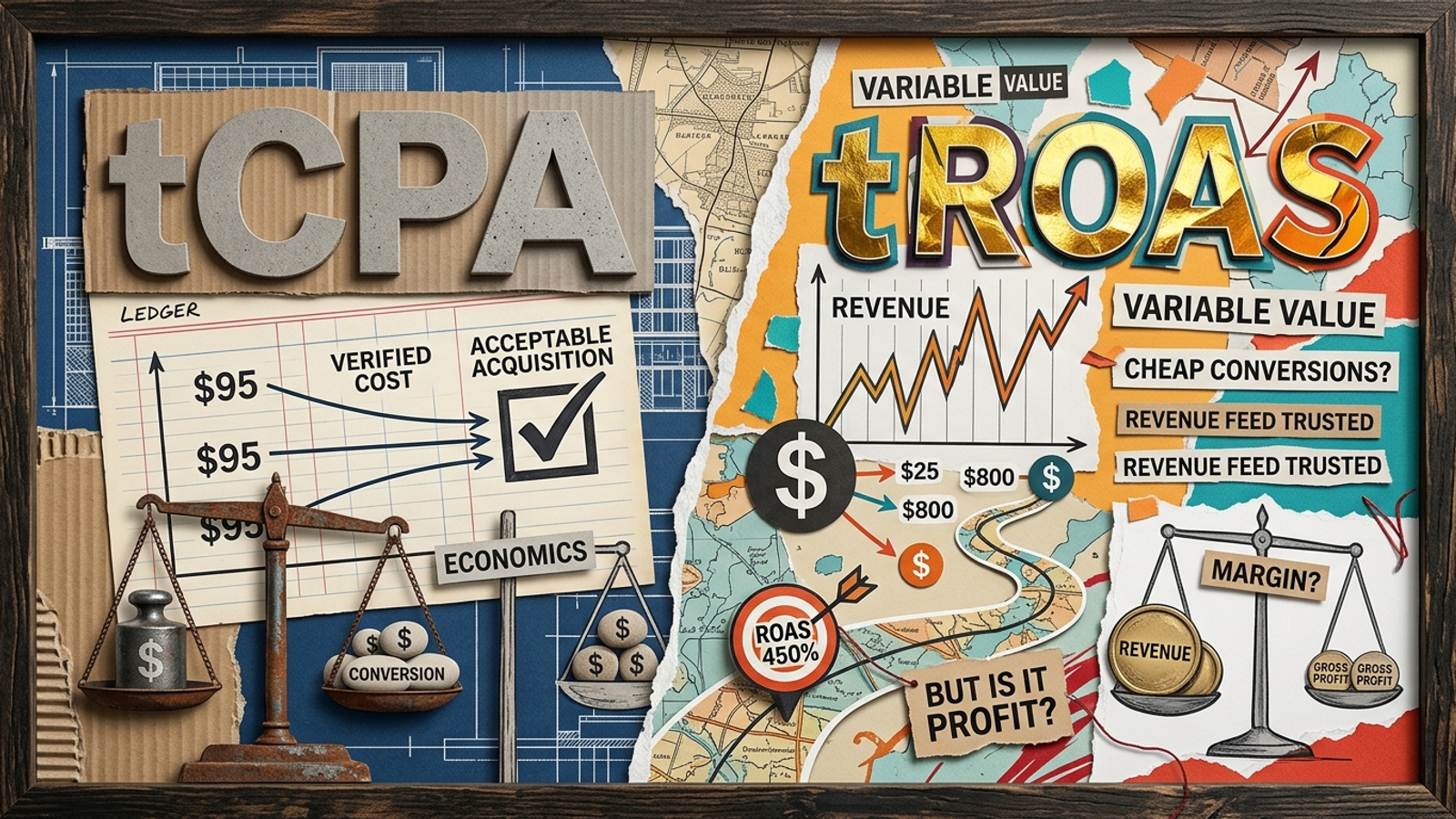
AI can manage bids faster than I can. It cannot tell that your “conversion” is a newsletter signup instead of a sale. Handing a Google Ads account to Smart Bidding or an autonomous growth engine like groas does not eliminate setup work; it front-loads it. When campaigns stall in learning, the first place I look is not the algorithm. It is the conversion goal, the budget, and the account structure the algorithm inherited. Models allocate spend against the signals you give them, even when those signals reward cheap traffic instead of revenue. Run these checks before you flip the switch, then give the system enough time and clean data to calibrate.
Before launch: make conversion data usable
-
Verify transaction deduplication and order IDs in Google Tag Assistant. A thank-you page that fires twice can log the same purchase twice, making reported CPA look better than it is. Check a completed test order against its conversion record. If the numbers disagree before launch, faster bidding will only spread the error across more auctions. Fix duplicate triggers before judging any bid strategy by its dashboard CPA.
-
Check Enhanced Conversions diagnostics, not just the settings toggle. Open the primary conversion action and inspect the Enhanced Conversions diagnostics panel for recording status or setup errors. Switching the feature on does not prove customer data is passing correctly. If diagnostics flag a problem, resolve it with the enhanced conversions and GA4 setup guide before treating the resulting conversion count as dependable.
-
Confirm Consent Mode v2 signals are passing where they apply. If you advertise in or receive traffic from the European Economic Area, check ad_user_data and ad_storage in conversion diagnostics. Missing or misconfigured consent signals can leave measurement incomplete. Do not assume a tag is healthy because it fires in your own browser; confirm the consent state and the conversion record together.
-
Select a clear commercial outcome for each campaign goal. A $15 whitepaper download and a $3,000 purchase should not compete as if they mean the same thing. If you need multiple Primary actions, use a value-based approach that reflects their differences. Otherwise, choose the action the campaign is meant to produce and keep supporting milestones available for observation. The bid strategy needs a priority, not a collection of things that happen to be measurable.
Budget and bids: give learning room to work
-
Check whether the daily budget leaves room above your target CPA. A $50 daily budget paired with a $40 target CPA gives the strategy little room to test auctions. As a pre-launch planning check, compare the budget with roughly 3x to 5x your target or historical CPA: at a $60 CPA, that means $180 to $300 a day. If that spend is not workable, change the campaign plan rather than pretending the budget is not a constraint.
-
Anchor the first CPA or ROAS target to trailing 30-day actuals. An aggressive $35 target CPA will not create a $35 market if the account has been delivering $70. It may restrict bids and starve the strategy of conversion signals. Start near the observed result, or slightly looser, and tighten only after volume stabilizes. The target-CPA and target-ROAS trap is setting the margin goal before the system can buy enough auctions to learn.
-
Write down the bidding migration sequence. If the account is moving from manual CPC or Enhanced CPC, avoid pairing a new automated strategy with a rigid target on day one. The manual-to-AI bidding migration order lays out two routes: begin with Maximize Conversions without an optional target, or run a 50/50 campaign experiment. Choose the route before launch so later performance changes have a useful point of comparison.
-
Calculate conversion lag before setting the review date. If buyers typically take nine days from click to checkout, Day 3 CPA tells you very little. Google Ads attributes conversions back to the click date, so recent clicks can look expensive before their purchases appear. Check Tools > Attribution > Path Metrics > Conversion Lag, record the baseline, and use it when you set the first readout. Do not call a campaign broken while its conversions are still arriving.
-
Make sure the payment setup can handle spending swings. Google Ads can spend up to twice the average daily budget on a high-opportunity day, subject to its monthly spending limit. A strict card limit or thin prepaid balance can interrupt delivery even when the campaign budget is set correctly. Check the available balance and payment restrictions before launch. A billing pause in the middle of learning is not a bidding insight; it is a preventable interruption.

Structure and signal: stop fragmenting the evidence
-
Consolidate campaigns that split conversion volume too thinly. If $3,000 in monthly spend is scattered across 12 single-keyword campaigns, each campaign has little evidence to work with. Guidance around roughly 50 conversions or three conversion cycles is a useful calibration reference, not a magic threshold every account hits on schedule. Group campaigns and ad groups around coherent intent so the strategy can learn from a meaningful pool of outcomes.
-
Load a negative-keyword baseline before the first click. Broad match and Performance Max can explore queries you would never choose by hand. Prepare exclusions for obvious mismatches such as job seekers, free tools, competitor logins, and support requests. Use account-level negative keywords where they apply, then check exclusions for each campaign type. Do not spend the calibration budget discovering that “free” was not your offer.
-
Separate brand demand from non-brand prospecting. Brand queries often convert more readily than unfamiliar searches. If both sit in the same performance story, the strategy can meet a CPA target through existing demand while prospecting loses room to grow. Audit where brand traffic appears, then use exclusions or a dedicated brand campaign to keep the two jobs distinct. Report them separately as well; a blended CPA can hide which job the budget is doing.
-
Keep major landing-page and final-URL changes off the launch calendar. Rewriting a headline, changing a form, or sending ads to a new destination changes the conversion conditions while bidding is calibrating. Final-URL changes can also trigger ad review. Plan a stable initial window, such as 14 days or a meaningful run of conversions, and log any change you cannot postpone. Otherwise, a landing-page experiment becomes an unexplained bidding result.
-
Check asset variety and policy status before launch. Give responsive search ads distinct headlines and descriptions rather than repeating the same promise in different words. The draft launch standard is 8 to 10 headlines and 4 descriptions spanning pricing, features, proof, and a call to action. Then inspect Policy Manager under Tools > Troubleshooting for “Approved (limited)” flags. An ad with restricted reach cannot give the bidding strategy the auction access your plan assumes.
-
Confirm Merchant Center eligibility for ecommerce campaigns. A GTIN mismatch, price discrepancy, or tax error can remove products from Shopping or Performance Max eligibility. Check feed status and the items that matter most before handing over budget control. If eligible inventory changes sharply, the engine has to allocate spend among what remains, which may not match the catalog you planned around. Fix the feed first; do not ask bidding to compensate for missing products.

The offer check: keep the sale itself steady
-
Lock planned pricing, shipping, and checkout changes during calibration. A new free-shipping threshold or altered checkout term can change conversion rates without any change in search traffic. Agree on a 21-day window with the ecommerce team where possible, or log unavoidable changes as they happen. If CPA jumps after an offer change, investigate the offer before rewriting bids. The machine sees the conversion rate move; it does not attend the meeting where the new threshold was approved.
-
Test mobile checkout and forms on a live cellular connection. Use an actual phone, not only a desktop preview on office Wi-Fi. Complete a test transaction or form submission, check autofill, and make sure available payment options load without script errors. For multi-step forms, confirm validation errors do not erase earlier answers. If the mobile path fails, automated bidding cannot turn the click into revenue. Fix the path before paying for more clicks.
-
Agree with sales on what makes a lead qualified. If sales rejects form fills from students or inquiries outside the service area, optimizing for every form fill will keep rewarding those profiles. Set the conversion goal around the lead you want to buy. If offline conversion imports are not ready, consider form fields such as company size or project budget to screen obvious mismatches. Raw lead volume is not a substitute for a shared definition of a useful lead.
-
Verify that confirmation-page tags finish the job. A purchase or form submission is not useful training data if its conversion tag never transmits. Use Google Tag Assistant to test the post-purchase redirect and confirmation page, including a quick tab close after submission. Pay particular attention to pages that depend on client-side scripts loading after the action. Confirm the conversion appears before launch; do not infer successful measurement from a working checkout alone.
Day 14: inspect the signals before changing bids
-
Read the bid strategy status before touching a target. Eligible means the initial learning status has cleared; Learning means the strategy is still adapting. If the status is Learning (Limited), investigate constraints such as budget, targets, or bid caps instead of simply waiting another week. Compare conversion progress with the calibration window you set before launch. The status is a diagnostic starting point, not a verdict on the account.
-
Leave the conversion-lag window out of the CPA or ROAS readout. Open the Bid Strategy Report and compare its lag distribution with your baseline. If conversions usually arrive six days after a click, end the review range seven days ago rather than judging yesterday’s spend. Recent clicks have not had the same chance to convert as older ones. Use a complete window before deciding whether the strategy needs a change.
-
Inspect the Top Signals card for commercial sense. The Bid Strategy Report can show dimensions, including devices, locations, and times, that the strategy associates with conversion likelihood. Compare those signals with the customers and regions the campaign is meant to reach. A plausible signal is not proof of a good sale, but an unexpected one gives you a specific place to investigate before making a broad account change.
-
Review the Search Terms Report for negative-keyword gaps. A pre-launch list will not catch every peripheral query, especially when broad match is exploring intent. Read the actual terms that drew impressions and spend, then add negatives for recurring irrelevant patterns. Keep the original exclusions and the new findings together so the next review shows whether leakage is shrinking. This is maintenance, not an admission that the automation failed.
-
Check impression share lost to budget against rank. Add Search Lost IS (budget) to the campaign columns and compare it with rank-related loss. If budget loss is substantial, the campaign may be missing auctions even when its bids are competitive; changing the target alone will not create budget headroom. If rank is the larger constraint, adding budget is not the same fix. Name the limit before reaching for a dial.
The last check is the one most often skipped
- Remove micro-conversions from Primary actions before autonomous bidding starts. I leave this check last because it decides what all the other preparation is for. A pricing-page view, newsletter signup, PDF download, or brief site visit is not a purchase or qualified lead. Keep useful milestones as Secondary actions for observation, and reserve Primary status for the commercial outcomes the campaign should pursue, such as completed purchases or validated submissions. Otherwise, Smart Bidding can find plenty of cheap “conversions” while spending less on the auctions that produce pipeline. The dashboard shows an improving CPA; the cost is budget spent optimizing the wrong result.