

 LinkedIn

Most ChatGPT prompts for Facebook ads produce polished fiction because the AI never sees the account. These 20 assume ChatGPT or Claude can read real Meta results, breakdowns, and competitor ads through groas, so I can ask about the ads actually spending money, not an imaginary campaign.
Before the first prompt: copy these operating rules
Use when: connecting an account or starting a new working session.
Use these rules for every request in this conversation:
- Start read-only. Do not create or change anything until I explicitly authorize it.
- Use only data available through the connected tools. Identify missing metrics or inaccessible fields instead of guessing.
- Check that the account and reporting dates match my request.
- Require my approval before budget changes, pauses or launches.
- When I authorize new ads, build them paused unless I explicitly approve a launch.
- Log every change and its reason. Identify the available undo action before applying changes.
One adjustment: keep writes off until the reads match Ads Manager. That read-only discipline matters more than a clever prompt; an assistant working quickly in the wrong account is still working in the wrong account.
Find what moved CPA before changing anything
1. Find the source of a CPA spike
Use when: CPA rises and the campaign average hides the culprit.
In [AD_ACCOUNT_NAME], compare the last 7 days with the previous 7 days for [CAMPAIGN_NAME], broken down by placement and age. Show spend, cost per result, CPM, link CTR and landing-page conversion rate where available. Identify where CPA rose and whether the pattern points toward auction costs, creative or post-click performance. Separate evidence from hypotheses. Do not change anything.
One adjustment: replace age with device when most spend goes to Reels and Stories. Keep the comparison narrow enough to produce a decision, not a spreadsheet-shaped distraction.
2. Find the ad set dragging down the average
Use when: one ad set may be consuming a disproportionate share of spend.
In [AD_ACCOUNT_NAME], list ad sets in [CAMPAIGN_NAME] for the last 7 days by spend, cost per result and share of campaign spend. Flag any ad set taking over 30% of spend with CPA 20% above the campaign average. Propose a cap or pause for review, but change nothing.
One adjustment: lower the spend-share threshold from 30% to 20% when the campaign contains more than five ad sets. Otherwise, a costly passenger can hide below the cutoff.
3. Separate a site problem from an ad problem
Use when: clicks still arrive, but conversions stop following them.
In [AD_ACCOUNT_NAME], compare link CTR and landing-page conversion rate for [AD_NAME] over the last 14 days, split by placement. If CTR held while conversion rate fell, identify what needs checking on the landing page and checkout before changing creative. State what the connected data can and cannot confirm. Summarize in two sentences.
One adjustment: add a device split when mobile accounts for over 70% of traffic. I want the diagnosis to point to a specific check, not simply declare that “the funnel needs work.”
4. Turn the account into a five-line report
Use when: the report needs a decision, not another dashboard tour.
In [AD_ACCOUNT_NAME], summarize [CAMPAIGN_NAME] for the last 7 days in five lines: spend, cost per result, best ad set, worst ad set and one next step. Use my account numbers only, with no external benchmarks. Include the comparison period. Do not change anything.
One adjustment: use the last 14 days when the account gets fewer than 20 conversions a week. A thin week does not need a confident narrator.
Rank tired creative by ad ID
5. Build a fatigue shortlist
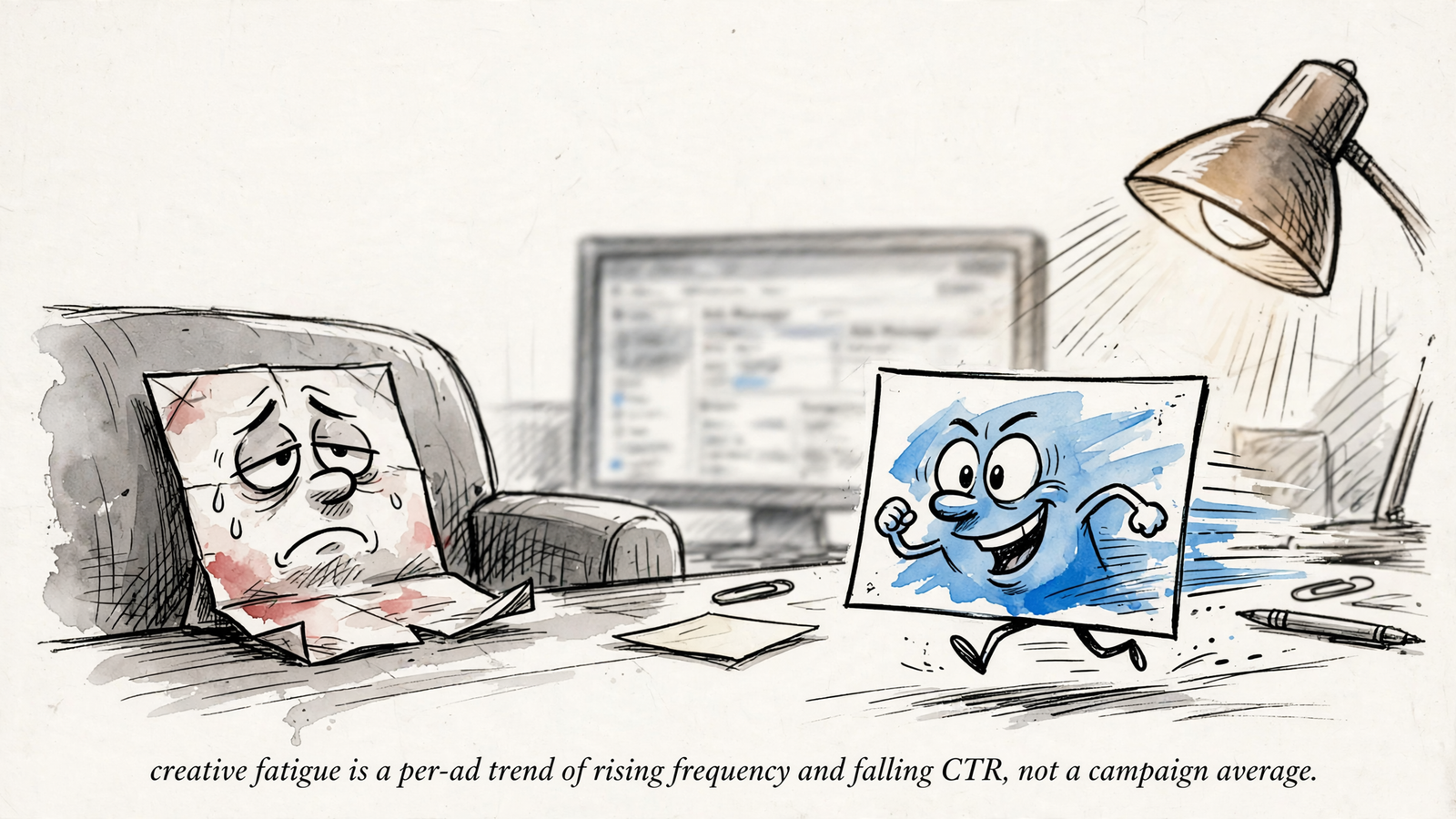
Use when: frequency climbs and CTR slides, but the campaign average looks acceptable.
In [AD_ACCOUNT_NAME], compare each ad in [CAMPAIGN_NAME] over its last 14 days with its first 14 days live. Show frequency, link CTR, landing-page conversion rate and cost per result by ad ID. Flag rising frequency plus falling CTR with flat conversion rate as a possible fatigue pattern. Rank the candidates for review. Do not pause anything.
One adjustment: add a spend filter above $200. I do not need a $12 test ad winning the emergency meeting.
6. Replace a fatigue hunch with a threshold
Use when: the account needs a repeatable review rule.
In [AD_ACCOUNT_NAME], review ads in [AD_SET_NAME] against their baseline. Flag link CTR down 20% for 2 weeks or frequency up by half, then check whether CPL is up 30% across two reporting windows. Show the windows and underlying lead counts. List replacement candidates, but do not change anything.
One adjustment: tune the cutoffs to the account’s baseline. These are starting points, not a universal expiry date; there is no fixed frequency threshold that makes every ad tired.
7. Check a fatigue warning against the numbers
Use when: Meta flags fatigue and the warning needs a second look.
In [AD_ACCOUNT_NAME], check [AD_SET_NAME] for a fatigue warning if that field is available. Compare each relevant ad ID's last 14 days with its first 14 days on frequency, link CTR and cost per result. Explain whether the account numbers support the warning. If the warning is inaccessible, say so and assess the metrics without it.
One adjustment: insist on per-ad-ID results when the ad set contains multiple creatives. An ad-set average is not enough to name the replacement.
8. Put replacements in the right order
Use when: several ads need refreshing and production capacity is limited.
In [AD_ACCOUNT_NAME], list the three strongest fatigue candidates in [CAMPAIGN_NAME], ranked by rise in cost per result and supported by frequency and link CTR trends. For each, suggest one replacement angle from our winners and one from competitor ads available through groas. Present the concepts for approval. Do not build or launch anything yet.
One adjustment: after approving the concepts, request paused drafts only. Choosing a replacement and authorizing delivery are separate decisions.
Compare audiences without turning overlap into a diagnosis
9. Compare broad, interest and lookalike prospecting
Use when: broad targeting takes most of the prospecting budget.
In [AD_ACCOUNT_NAME], compare broad, interest and lookalike prospecting in [CAMPAIGN_NAME] over the last 14 days. Show spend, cost per result and frequency. If broad has the lowest CPA but rising frequency, propose one lookalike test for review. Keep website-visitor retargeting separate from this prospecting comparison. Do not change anything.
One adjustment: name the proposed seed explicitly, such as purchasers from the last 180 days. “Try a lookalike” is not a complete test brief.
10. Review potentially overlapping audiences
Use when: two audiences appear to cover similar ground before a scale-up.
In [AD_ACCOUNT_NAME], compare [AUDIENCE_A] and [AUDIENCE_B] in [CAMPAIGN_NAME] over the last 14 days. Show spend, frequency and cost per result. Include overlap or shared-reach data only if available; do not infer it from audience names. Explain whether the performance supports testing consolidation. Propose the test, but change nothing.
One adjustment: require the assistant to distinguish measured overlap from suspected overlap. Similar names are not evidence, and overlap alone is not a reason to pause an ad set.
11. Diagnose a shrinking retargeting pool
Use when: retargeting frequency rises while cost per result deteriorates.
In [AD_ACCOUNT_NAME], show available website-visitor audience size, reach and frequency for [RETARGETING_AD_SET] over the last 14 days. Compare frequency and cost per result with the previous 14 days. If both are rising, suggest one broader prospecting audience to test. Present the proposal without building or changing anything.
One adjustment: specify the visitor window, such as 30 days or 180 days. Without it, the assistant may compare different pools and call the difference a trend.
Make budget decisions explicit and reviewable
12. Find candidates for more spend
Use when: winning ad sets may deserve a controlled increase.
In [AD_ACCOUNT_NAME], rank ad sets in [CAMPAIGN_NAME] by cost per result over the last 7 days, including only those with at least 10 results. Show current budgets and result counts. Recommend which are candidates for up to 20% more budget and which should stay flat. Explain each recommendation. Wait for approval; change nothing.
One adjustment: keep the 20% ceiling inside the prompt. I use it to constrain the proposal, not as a promise that a particular increase cannot affect learning.
13. Replace an overnight doubling with a schedule
Use when: the temptation is to scale first and inspect the damage later.
In [AD_ACCOUNT_NAME], show the current daily budget, cost per result for the last 7 days and available learning-phase status for [AD_SET_NAME]. Propose a schedule of 20% budget steps over the next 6 days instead of one large jump. Make each step conditional on review. Do not apply the schedule.
One adjustment: request dates and amounts for every step. “Scale gradually” sounds sensible right up until someone has to enter a number.

14. Review ad sets stuck in learning
Use when: repeated edits and low result counts make the next move unclear.
In [AD_ACCOUNT_NAME], list ad sets marked Learning or Learning Limited, their results over the last 7 days and the date of the last significant edit where available. Assess which should be left alone for 5–7 days and which may need consolidation to approach 50 optimization events in 7 days. Explain the tradeoff. Change nothing.
One adjustment: include recent edits in the review before requesting another budget or creative change. I want the account’s history in view, not another recommendation made as if yesterday never happened.
Refresh copy without touching the live winner
15. Rewrite the hook while holding the offer steady
Use when: two ads trail on link CTR and need new opening lines.
In [AD_ACCOUNT_NAME], identify the two weakest ads in [AD_SET_NAME] by link CTR over the last 14 days. Rewrite each ad's primary text in 3 variants under 125 characters. Keep the offer and landing page unchanged. Build them as new paused ads, leave the existing ads untouched and note that Meta will review the new ads.
One adjustment: hold the offer constant. Changing the copy and the offer together turns a copy test into a positioning test with a misleading label.
16. Write a shorter hook for Reels
Use when: the opening needs to work in a 9:16 placement.
In [AD_ACCOUNT_NAME], rewrite the primary text for [AD_NAME] into 2 variants. Give each a hook line under 40 characters plus one supporting line. Preserve the claim, offer and CTA. Build them as new paused ads in [AD_SET_NAME], not edits to the live ad. Note that Meta will review the new ads.
One adjustment: check the 9:16 preview before approving either draft. Character counts help constrain the writing; the preview is where I judge the result.
17. Replace polished language with customer language
Use when: the copy sounds more like a presentation than a customer.
In [AD_ACCOUNT_NAME], use available top comment themes and Reddit phrases groas collected for [PRODUCT] to rewrite the primary text for [AD_NAME]. Produce 3 plain-spoken variants under 125 characters. Keep the same offer and landing page. Identify the customer language behind each variant. Build paused; change nothing live.
One adjustment: preserve an exact customer phrase in one variant. I want that wording tested, not automatically polished back into the language the prompt was supposed to replace.


Turn competitor ads into test ideas, not imitation
18. Compare this month’s competitor angles with account results
Use when: a rival launches new ads and the useful question is what to test.
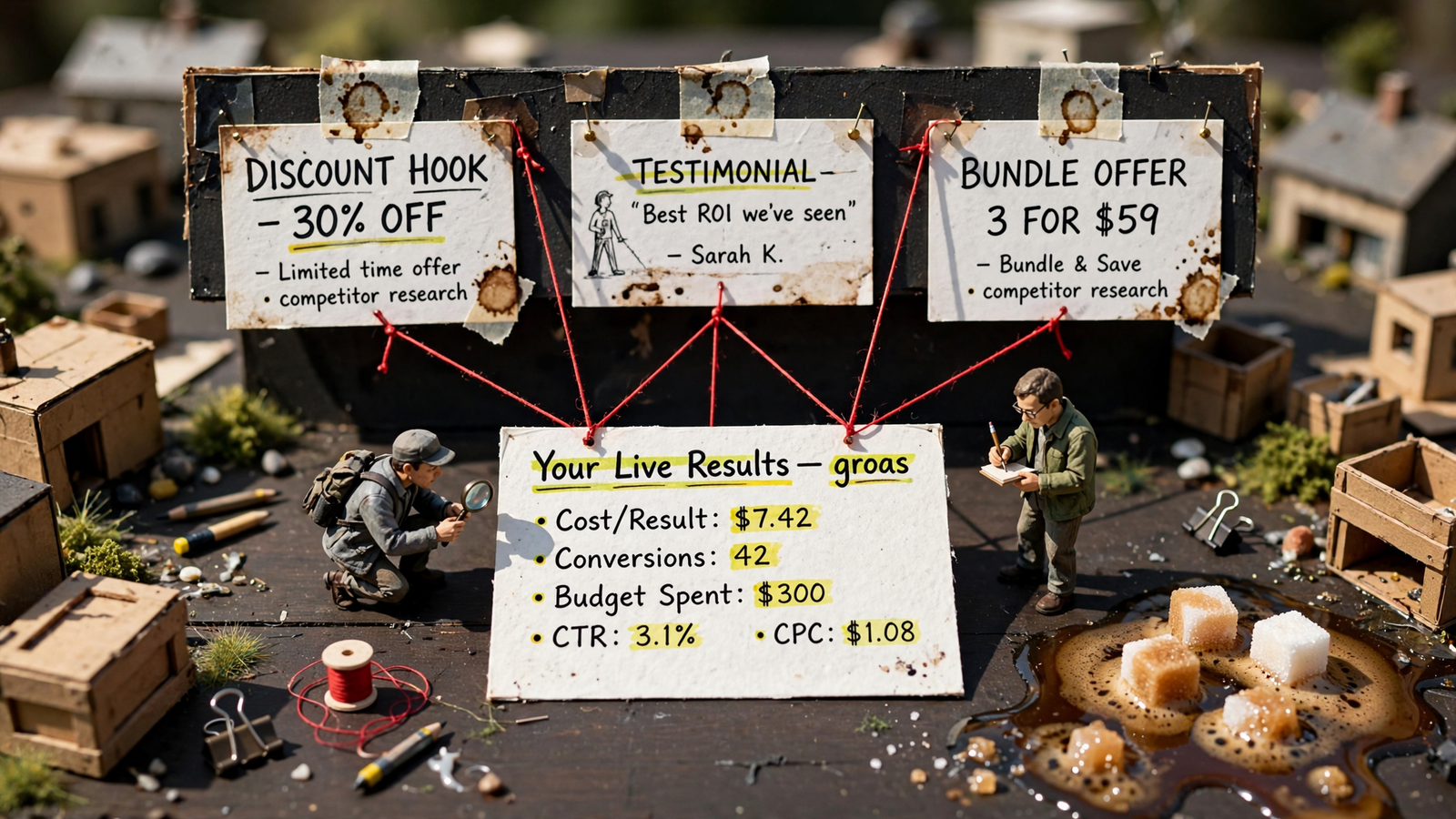
Using competitor data available through groas, list Meta ads launched this month for [COMPETITOR_PAGE_ID], newest first. Include Library ID, headline and start time where available. Group supported angles into price, proof, bundle or urgency. Compare those angles with the ads and cost per result in my [CAMPAIGN_NAME]. Recommend one angle for a paused test. Do not infer competitor performance.
One adjustment: pass the Page ID rather than only the brand name. I want the right rival’s ads, not a confident analysis of a similarly named business.
19. Inspect the funnel behind a competitor ad
Use when: an ad’s headline tells only part of the story.
Using groas, inspect the landing page and accessible funnel steps behind the newest active ad from [COMPETITOR_PAGE_ID]. Show the headline, offer, price and checkout or lead form where visible. Mark inaccessible steps rather than inventing them. Compare the funnel with [LANDING_PAGE_URL] in two sentences and suggest one test. Do not change anything.
One adjustment: ask for the steps beyond the landing page. A screenshot gives me an angle; the offer and form give me something concrete to compare. Neither tells me the rival’s conversion rate.
The prompt I would keep: separate the drivers of ROAS
20. Find which part of the economics moved
Use when: ROAS drops but no single metric looks obviously broken.
In [AD_ACCOUNT_NAME], compare the last 7 days with the previous 7 days for [CAMPAIGN_NAME]. Show ROAS alongside CPM, link CTR, landing-page conversion rate and AOV. Report each metric's change and explain which movements appear to drive the ROAS decline. Distinguish observed changes from causal hypotheses, and identify missing data. Recommend whether the next investigation belongs in auction costs, creative or the site. Do not build new ads or change anything.
One adjustment: use 14-day windows when the account gets fewer than 20 conversions a week, and avoid treating same-day ROAS as a verdict on a recent edit. This is my most useful prompt because it makes the assistant explain the mechanism before prescribing the fix: auction, ad or site. I want that answer before another rewrite.


