

 LinkedIn

Most Claude demos stop right where Bing gets interesting. The seller pulls a tidy Google Ads report, points to the Microsoft logo on the feature grid, and moves on before anyone changes a Bing campaign. That’s where I’d stop the demo. Reading Google doesn’t prove the connection can read Microsoft Advertising, let alone change a campaign or tell you whether the next Google import will undo the work. I’d make it prove all three before I paid.
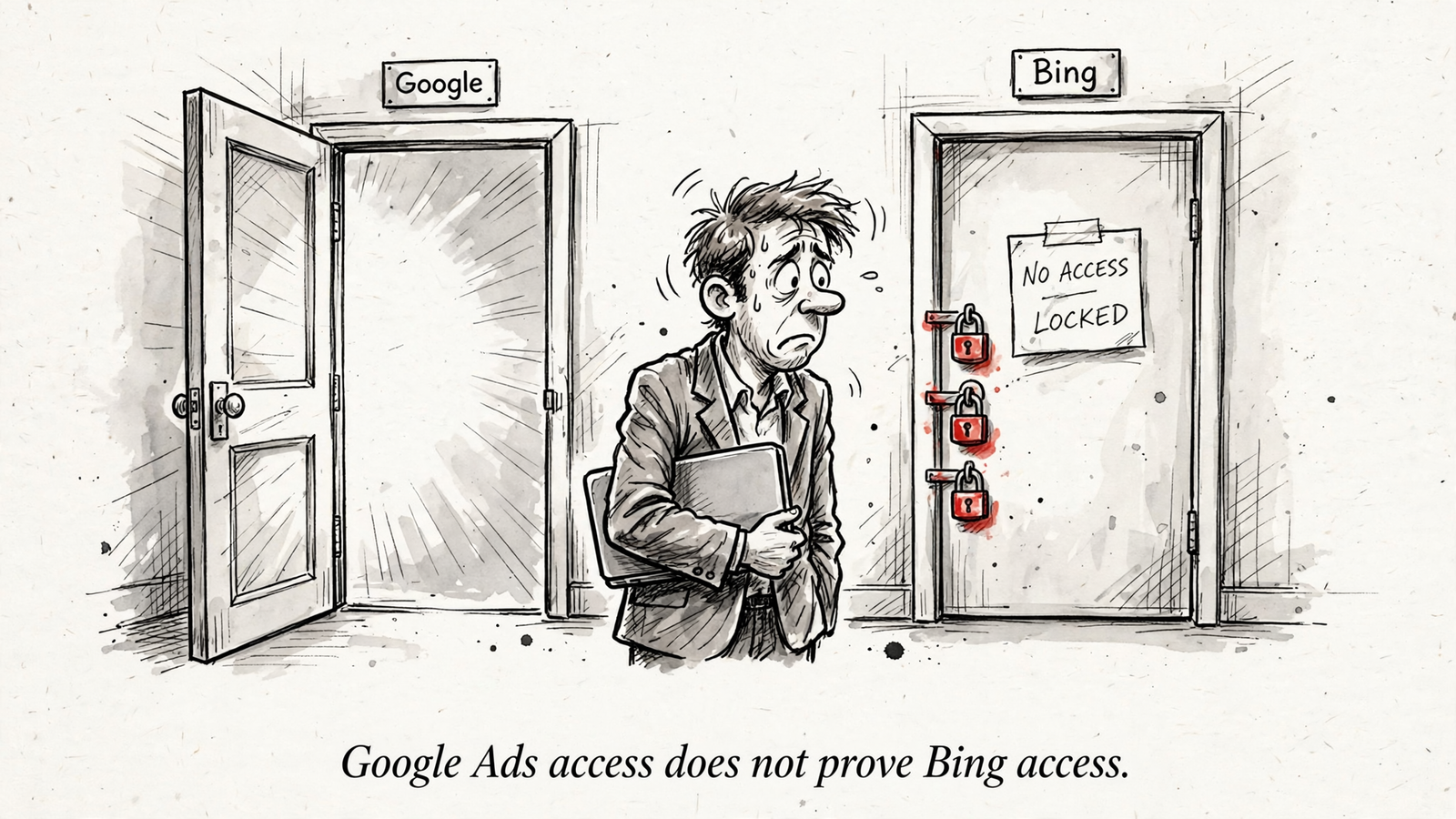
1. “Google Ads support means Bing is covered too”
I get why this one sticks. Put the Google and Microsoft logos side by side on a feature grid and they look like two versions of the same promise. But access to one platform tells me nothing about access to the other. Even Microsoft’s own Advertising MCP lists nine tools for retrieving accounts, campaigns, ad groups, ads, keywords, and change history. The docs spell it out: those tools return information. They don’t modify the account.
That makes supports Microsoft Advertising a perfectly plausible label for a connection that can show me a Bing campaign but can’t change its bid. The campaign name in the chat is useful. It just isn’t evidence of anything beyond the read that produced it.
I start with a prompt that gives the seller nowhere to hide behind the logo: List the connected Google and Microsoft accounts. For each account, separate the operations you can read from the operations you can execute. Do not change anything. I want named accounts and a list of operations, not a tour of what Claude might be able to do with somebody else’s setup. “Campaign management” isn’t an operation. Pausing a campaign is.
Make the connection show its permissions platform by platform. I’ll take a clear “read-only” over a vague “supported.” At least I know what I’m buying.
2. “Importing the Google campaign finishes the Bing job”
An import feels like completion because the structure looks familiar. Same campaigns, same keywords, same ads. What the deck calls “synergy,” I call copy and paste with consequences. A Google-to-Microsoft import copies campaigns, keywords, ads, and extensions, but not billing. Imported conversion goals won’t record anything until Microsoft’s UET tag is live on the relevant pages. Bids and budgets below Microsoft’s minimums can come up, and unsupported locations can map to broader ones. The campaign name survives all of that. The setup doesn’t.
I used to tell clients an import was a launch. I was wrong. An import is a starting configuration, not permission to spend. I’d keep the campaigns paused while I check the settings and wait for UET to fire. Then I’d check the import schedule, because the settings I approve today aren’t necessarily the ones I’ll see after the next run.
Scheduled Google imports can run daily, weekly, or monthly. Depending on what they’re set to bring across, they can overwrite Microsoft-side bids, budgets, and statuses. That includes reactivating a campaign I deliberately paused. A tool that spots a bid I need to fix but misses the import that can put it back has only shown me half the job.
I ask Claude for a side-by-side comparison of the imported campaign and its Google original: bids, budgets, locations, and negatives. Then I ask what the next scheduled import is set to overwrite. I want the differences and the status of the campaigns without activating anything. If all I get is “import successful,” I still have the review to do.
3. “The lower cost per lead identifies the better channel”
A lower click price makes the cheaper-channel story easy to tell. The part I want to see is what happens after the click. In a 90-day matched B2B test that counted the same lead form in HubSpot, cheaper Microsoft clicks in the broader non-brand tiers came with a lower conversion rate. The lower click price didn’t make up for it. Microsoft’s cost per lead was about 9% lower on brand and 14% lower in the best-matched non-brand tier, but 14% higher across all non-brand tiers combined.
That’s how I can get two honest answers about which channel is cheaper without changing the lead form. One answer describes a tier. The other describes the blend. A pitch that says “3× cheaper” without telling me what went into the comparison skips the only part I care about.
Before I rank anything, I match dates, currencies, and conversion definitions. An import can give me the same keywords on both platforms without giving me the same measurement behind them. I want to check conversion goals and attribution before treating either platform’s CPA column as the answer.
My prompt is simple: show the conversion actions beside each platform’s reported CPA, with the date range and currency in the same table. If the outcomes don’t match, show the numbers and leave them unranked. Compare what the platforms counted before comparing what it cost. Otherwise Claude is guessing in full sentences and putting the guess in a table.
4. “If Claude can report on Bing, it can change Bing”
The chat window makes reading and doing look identical. Claude reads back Bing spend in clean sentences, I ask for a fix, and the next answer looks just as authoritative as the first. But reading a setting, proposing an edit, and executing that edit aren’t the same thing. Even a connector that can pause or enable campaigns and ad groups and set a daily budget hasn’t shown me it can change a keyword bid or add a negative. “Has writes” is a better answer than “supports Bing.” It still isn’t specific enough.
Negatives are where I’d test it. Microsoft supports Exact and Phrase negatives, not Broad. A Broad negative imported from Google becomes Phrase, so word order now matters. Queries that the Google negative blocked can slip through on Bing. A report can spot that gap. A proposed edit can show how to close it. Neither has changed the campaign.
I ask for a preview of one Microsoft-specific negative: the account, campaign, match type, scope, and reason. No change yet. If the preview is right and it’s an edit I actually want, I approve that one change and ask Claude to read the setting back from Microsoft Advertising. With groas plugged into Claude, I’d check the change log for the edit and its reason, and check that I can undo it. The point is to see the work land in the account, not to leave the demo with a tidy paragraph I have to paste into the interface myself.
A preview tells me what the connection intends to do. A readback tells me whether it did it. If the test ends at the preview, I’m not paying for execution.
5. “One successful prompt means continuous management is running”
A good answer feels like hiring someone. Claude finds a wasteful Bing ad group, I ask it to fix the problem, and the fix lands. It’s tempting to file that under managed. All I’ve proved is that something happened while I was there to ask for it. The chat didn’t create a monitoring schedule just because the last line said “done.”
Hosting doesn’t settle that question either. The self-hosted versus hosted comparison is about who stores credentials and keeps the connection working when API or authentication rules change. That work matters, but it isn’t account monitoring. I can pay someone to keep a connector running and still have nothing watching the account between prompts.
With groas, autopilot stays off until I switch it on. Changes are logged with their reasons, and I can undo any change in one step. Off is where I want it during a buying test. The line I use is short: Autopilot off. Report only. Propose one Microsoft change at a time with the account, campaign, scope, and reason.
If I want continuous work, I’ll set budget limits, name the campaigns in scope, and spell out which edits can go ahead and which need approval. Ask what runs when the chat is closed, and under whose rules. If the connection can’t show whether monitoring is on or off, I know what I have: a helpful chat window. That can be worth having. It isn’t management.
6. “The free server is automatically the cheapest working option”
This is the one I have the hardest time killing. Picking $0 feels disciplined. I understand the instinct. I’ve patched scripts at midnight to avoid a tool fee. The math looks a lot better before I put my own hours in it.
Google’s official open-source Ads MCP is free under Apache-2.0, but it doesn’t change bids, budgets, keywords, or campaign statuses. There’s still a Cloud project and OAuth setup to deal with. Microsoft’s read-only option has its own setup, including registering an app in Microsoft Entra ID. And where Claude Free gives me a single custom-connector slot, using it for PPC means it isn’t available for the other thing I wanted to connect. None of that makes a free server a bad reporting tool. It makes the word free a poor description of the whole job.

Then I price the work the connection leaves on my desk. I still have to check billing and UET, review bids and budgets against Microsoft’s minimums, rebuild negative coverage where Broad became Phrase, and check whether a scheduled import can reactivate something I paused. If I’m hosting the server, I also own the credentials and the next authentication patch. If the server is read-only, I’m still the one making the campaign edits. Price the work you still have to do, not just the connection.
groas Unlimited is $19 a month flat, with unlimited teammates, ad accounts, and websites. For occasional Bing touch-ups, I’d do the work by hand. For read-only questions, I’d use a reporting connection and keep spend locked. For recurring reads and writes across Google and Bing, I’d pick groas over a free reporting server that hands the edits back to me. I’d still make it pass the same test. There’s a longer version in the ten checks I’d run before approving a Bing Ads connection and in my notes on choosing a PPC automation platform. For a Claude demo, I’d start here:
- Name both connected accounts and list the read and write permissions for each. Change nothing.
- Compare an imported Bing campaign with its Google original. Flag bids, budgets, locations, and negatives, and show what the next import can overwrite.
- Put conversion actions beside each CPA in the same date range and currency. Don’t rank different outcomes.
- Preview one Bing negative with its account, campaign, match type, scope, and reason. If I approve it, make that one change and read it back.
- Show whether monitoring is on or off, what it’s allowed to do, and what the setup costs once I count the work it leaves to me.
Say I’m spending $20k a month with 15% on Bing. I’d use last month’s data for the reporting checks and approve a live edit only if it’s one I want to keep. If the connection stays specific through the read, the import review, the comparison, the edit, and the monitoring check, I’d keep it. If it gets vague the moment the Bing report ends, I’d walk. Buy the workflow that survives Bing, not the demo that survives Google.





