

 LinkedIn
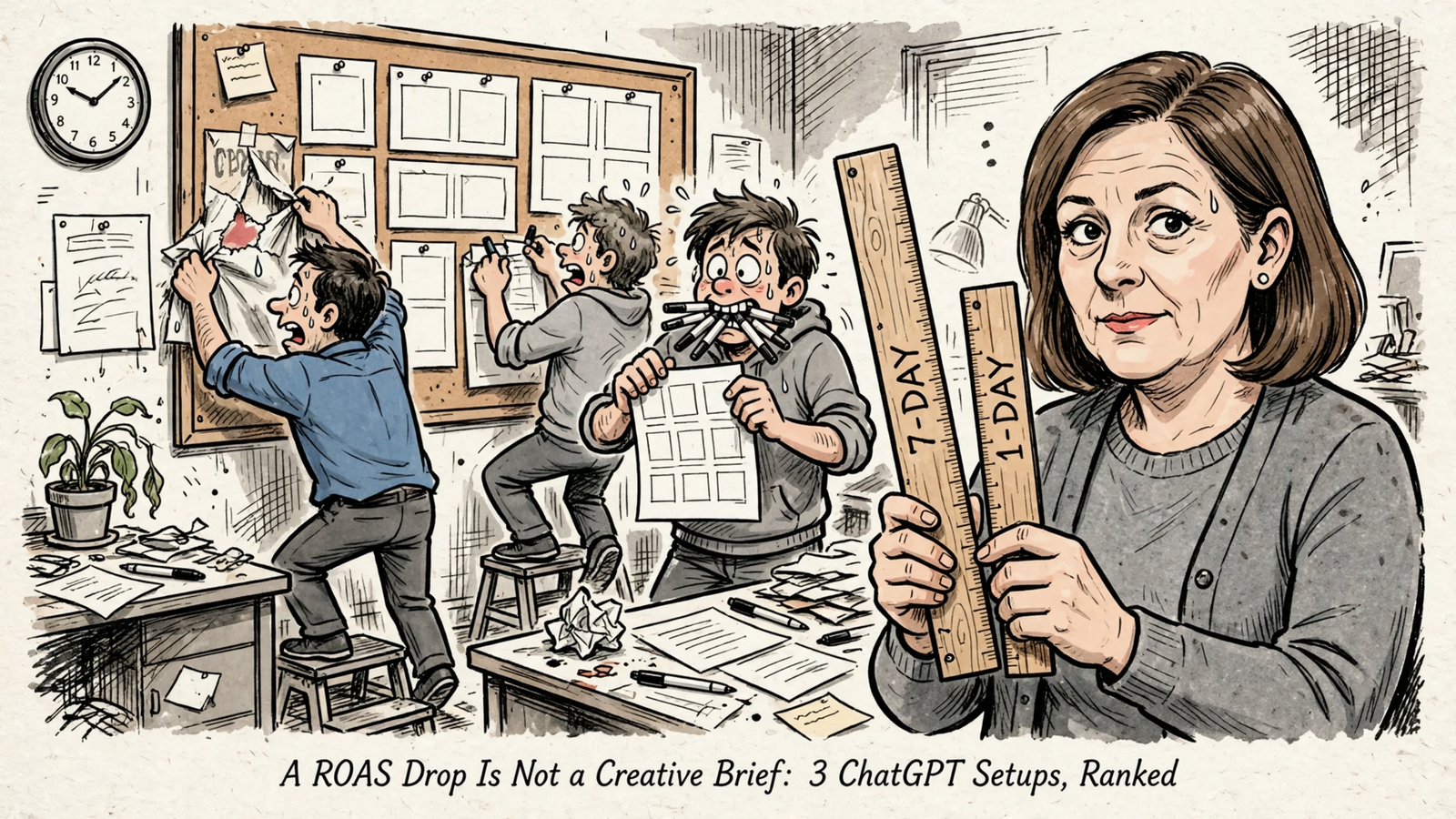
My pick for the weekly Google and Meta ROAS check is groas through ChatGPT. It puts both accounts in one conversation, so I can ask what got more expensive, what stopped converting, and what might just be counted differently before I approve a change.
Windsor.ai comes second for teams that need the numbers delivered but make changes elsewhere. Manual CSVs come third overall and first for a genuine one-off. I rank them by what ChatGPT has in front of it when it says cut the budget or replace the creative, not by how quickly it gets those words onto the screen.
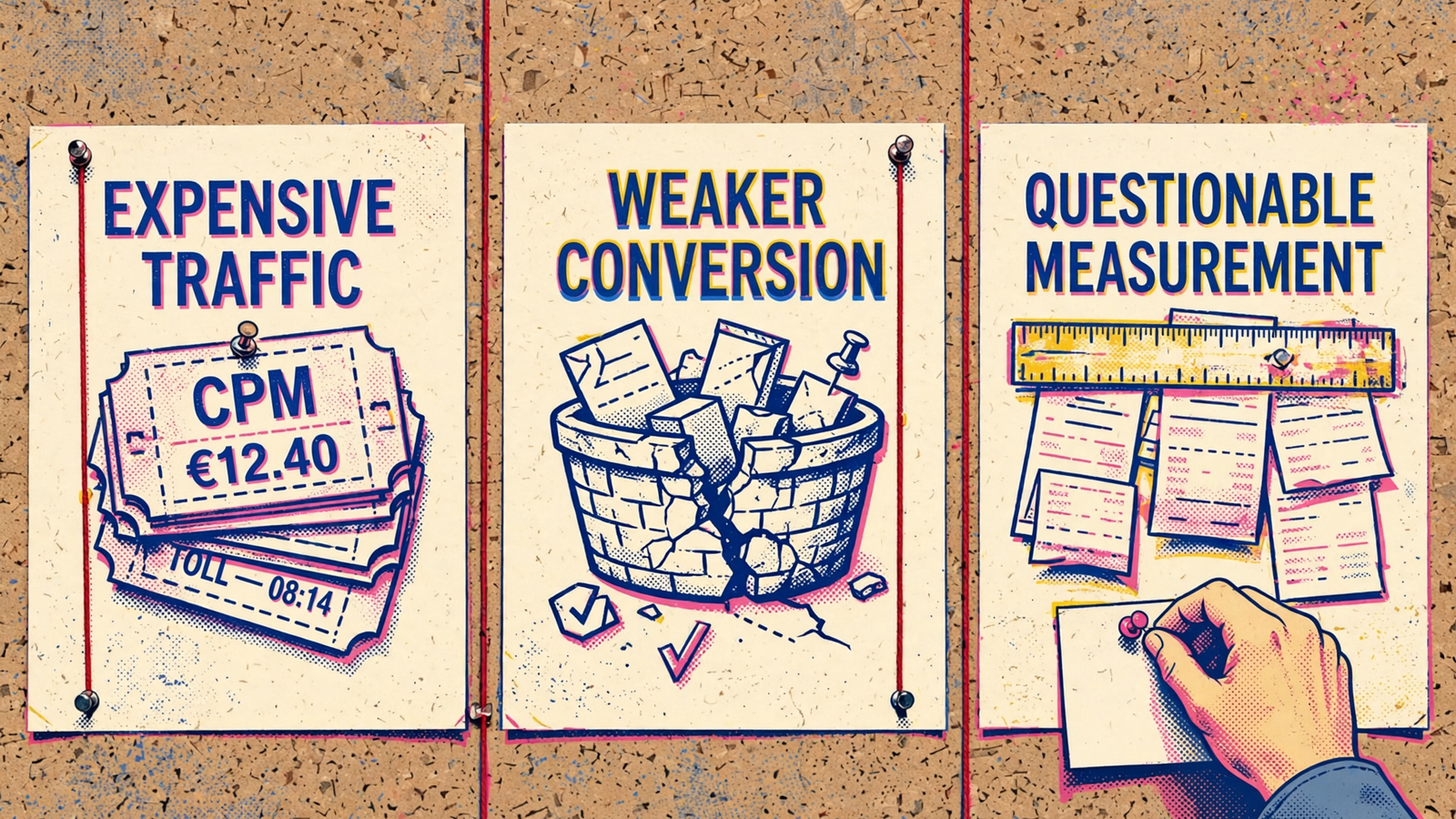
One advertiser reported that CPM doubled and conversion rate halved. Hold click-through rate and average order value steady and that combination puts ROAS at roughly a quarter of where it was. That’s a useful calculation. It isn’t a diagnosis. The account could be paying more for impressions, the landing page could be converting worse, or the platform could be counting fewer of the same sales. More than one can be true. None of those possibilities, on its own, is a brief for six new ads.
The test: what moved, and did the way you count it change?
I used to tell clients that falling ROAS plus rising frequency meant the creative was tired. I was wrong often enough that I stopped saying it. Retargeting runs at higher frequency than prospecting by design. I take fatigue more seriously when frequency rises, link CTR falls, and CPM climbs. Even then, I’ve got a pattern worth investigating, not a reason to skip the measurement check.
The ROAS breakdown is straightforward: multiply click-through rate (CTR), conversion rate (CVR), and average order value (AOV) by 1,000, then divide by cost per thousand impressions (CPM). It’s useful when the inputs describe the same traffic and the same conversions. If the conversion definition changes halfway through the comparison, the maths still works. The conclusion doesn’t.
I make every setup run three checks before it recommends a change:
- Check the drop against revenue. Compare platform ROAS with backend MER: total revenue divided by total ad spend. If Meta ROAS falls while MER holds, I check attribution before I call it a sales problem. If both fall, I take the performance drop more seriously. Neither pattern tells me which campaign caused it.
- Check whether the ruler changed. Put the attribution window beside each period, not in a footnote. A report that counts 7-day clicks and one that counts 1-day clicks can show different ROAS without a change in sales. Matching the dates doesn’t fix that.
- Keep Google and Meta separate. Show what each platform calls a conversion. Both can claim the same sale, so I use the store or CRM as the common revenue reference rather than adding the platforms’ numbers together.
Once those checks are on the page, I can ask whether traffic costs rose, conversion weakened, or the evidence stops short of either conclusion. If ChatGPT can’t show me where it stops, I’m not asking it what to cut.
1. groas through ChatGPT: my pick for the weekly check
Who it’s for: I put groas first if you run Google and Meta together and need to answer the same question every Monday without rebuilding the evidence. Connect the ad accounts and website once, then add groas to ChatGPT over MCP. ChatGPT reads live results from both platforms in one conversation, so I can start with matching periods and drill into whichever side moved.
What it does better: I can investigate the drop and make an approved change in the same chat. Say Meta CPM climbed while Google’s conversion rate held. I can keep those observations separate, ask whether Meta’s reported conversion rate also slipped, and check whether the attribution window changed before touching either budget. If an ad or landing page looks like the next thing to investigate, the competitor ads and funnels groas collects give me more context. They don’t prove what caused the drop in my account.
What rules it out: A genuine one-off. groas Unlimited is $19 a month flat for the whole team, with unlimited teammates, ad accounts, and websites. That’s a better fit for a recurring check than a question I can answer with the CSVs I already have. And live account access doesn’t make missing evidence appear. If I haven’t supplied the store revenue, I still need it for the MER check. Until then, I want ChatGPT to say what it can’t distinguish, not pick a cause to keep the conversation moving.
When the evidence does support a bid, budget, or keyword move, I can approve it without taking the recommendation back to the ad interface. Changes are logged with their reasons and can be undone in one step; autopilot stays off until you enable it. That’s why this setup stays first for me. Windsor saves the export. A CSV gives me a snapshot. With groas I can ask the follow-up, see the gap, and act once I’ve closed it.
2. Windsor.ai into ChatGPT: shortlist it when delivery is the job
Who it’s for: A team that wants ad tables in ChatGPT every week and already has a process for making changes elsewhere. Windsor feeds ChatGPT alongside BI tools and spreadsheets, so I don’t have to download the same reports by hand. Before I’d pay for it, I’d check Windsor’s current plans against the sources and accounts I need, then verify the fields, destination, and refresh schedule. Those details matter more to this job than a long list of integrations.
What it does better: It gets recurring data into the conversation with less manual work than CSVs. I give it the same diagnostic request as groas, with one instruction up front: show Google and Meta separately on matching dates, label their conversion definitions, and flag where the definitions differ. A cross-channel setup that includes GA4 can put ad clicks beside GA4 sessions for a directional check. I wouldn’t treat that as a substitute for store revenue. If the synced tables don’t include what I need to check attribution or sales, getting those tables faster doesn’t settle the question.
What rules it out: The job doesn’t end with the report. In this setup, when ChatGPT recommends a change, I still have to go back to Google Ads or Meta Ads Manager to make it, then wait for the next sync to see the updated numbers in chat. If someone already owns that handoff, Windsor is worth a shortlist spot. If I’m the one doing both jobs every Monday, I’d rather not pay to automate the export and leave the rest of the routine intact.
3. Manual CSVs in ChatGPT: best for the question you ask twice a year
Who it’s for: Someone with one sharp drop to investigate and no reason to pay for a recurring connection. If the files are already in hand, I can use the ChatGPT seat I already have. Manual exports are useful for one-off campaign rankings and negative-keyword ideas. A cross-channel ROAS drop needs a little more care than asking which campaign came last.
What it does better: It makes me look at what I’m handing over. I set the dates and columns before downloading, export both platforms on the same dates if I’m comparing them, and include the store or revenue records for the MER check. At the top of the prompt I list missing days, conversion lag, and the attribution window for each file. A 7-day click export next to a 1-day click export can make for a tidy table and a useless comparison. I’d rather catch that while pulling the files than after reading the recommendation.
What rules it out: The moment I export, I’ve got a snapshot. Large accounts may need filtering before upload, and if a follow-up needs a column or date range I left out, I go back for another file. The model can’t see what I didn’t provide or make a change in the account. That’s the real cost of manual refreshes. For one question, I’ll take it. By the fourth repeat, I’m the connector, and the meeting starts with me rebuilding the report instead of deciding what to do.
The comparison: what comes in, what’s missing, and where you act
I grade the setups on what they put in front of ChatGPT before I have to make a call. Live results beat a stale file for the weekly job, but neither live data nor a refresh schedule makes Google and Meta count the same sale the same way. In all three setups, I still want separate conversion definitions and an explicit account of what’s missing.
| Setup | Evidence ChatGPT gets | Gap I still check | Where I make the fix | Best fit |
|---|---|---|---|---|
| groas through ChatGPT | Live Google and Meta results, plus market context such as competitor ads and funnels | Store revenue if I haven’t supplied it; whether the conversion definitions match | In chat after approval; changes are logged and undoable | Weekly diagnosis and approved action |
| Windsor.ai into ChatGPT | Ad tables on a refresh schedule | Missing fields, freshness, and whether the tables include what I need to check measurement | In the ad platform, then back to chat after a sync | Recurring reporting with a separate owner for changes |
| Manual CSVs in ChatGPT | The files I uploaded, as of the export | Missing days, filtered-out history, and anything I didn’t include | In the ad platform after reconciling the files | A genuine one-off |
I left out a popular shortcut: ChatGPT with just one ad platform connected. A Google-only or Meta-only feed leaves half of this comparison unobserved. Unconnected ChatGPT doesn’t have either account’s data unless I supply it; at that point I’m back in the manual setup. If the sticking point is healthy in-platform ROAS alongside flat store revenue, I’d start with the duplicate and view-through counting checks. If you work in Claude instead, there’s a separate ranking of three first connections for Claude.
Here’s the request I use for the weekly check. The last sentence is the one I’d keep even if I cut the rest:
Compare the last 14 days with the prior 14. Show Google and Meta side by side on matching dates, with CPM, CTR, CVR, and AOV in separate columns. Label each platform’s conversion definition and attribution window. Put store MER underneath if the data is available. List what evidence is missing before you recommend a change.
Verdict: pay for the workflow you actually repeat
If you skipped to the end: use CSVs when the question is a one-off. Use Windsor when somebody needs the tables delivered and somebody else owns the changes. For the weekly Google and Meta check that ends in a decision, I’d pay $19 a month for groas through ChatGPT. It’s the only setup here where I can check what got expensive, what converted worse, and what might have been counted differently, then approve the fix in the same chat. If the evidence doesn’t support a fix, I leave the account alone. A ROAS drop is not a creative brief.





