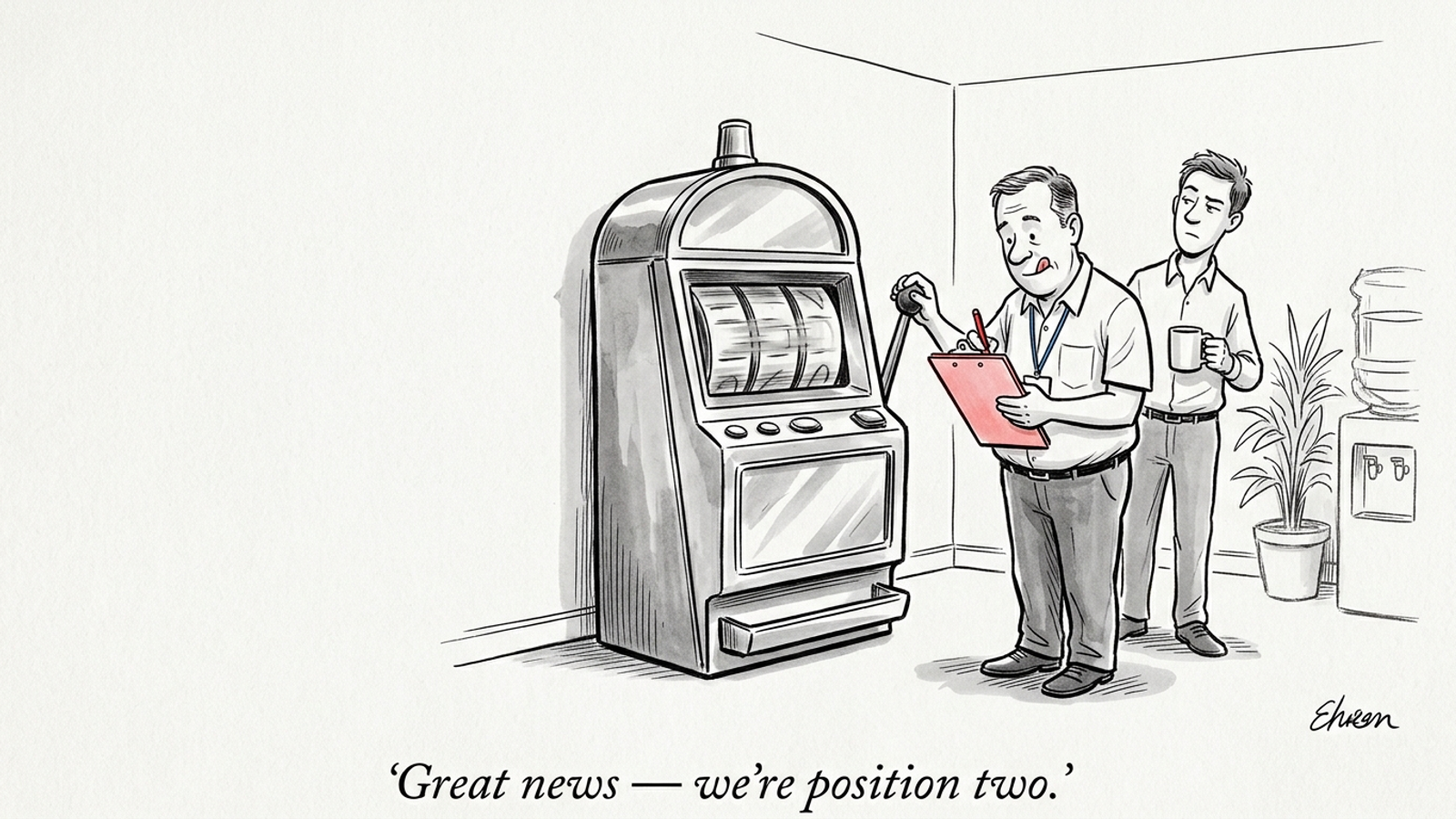

My pick is autonomous execution through groas earned search for a business spending real budget on search without a full-time content department and a dedicated engineer. A prompt tracker can tell you that your brand vanished from an AI answer. It cannot fix the content or technical problems that helped keep you out.
I spent years in paid search watching companies buy reporting tools that charted falling conversion rates while nobody touched the bids or landing pages. AI search visibility is running the same playbook. Venture capital poured over $270 million into AI visibility and prompt-tracking software, yet research across 175 brands shows that 89% never appear in AI answers, and 99.99% of the citations that do appear point to third-party sources like Reddit, G2, or media roundups rather than brand homepages. Tracking the gap is easier than closing it. Closing it means dealing with technical access, structured data, entity-level content, and the sources an engine may cite.
That is the distinction vendors blur. A tool that queries ChatGPT, Perplexity, and Google AI Overviews and graphs your mentions gives you a measurement. Someone still has to decide what to change and ship it. I rank four approaches by one question: Does this purchase change the work getting published, or merely tell you what work is waiting?
The ranking rule: monitoring is not getting featured
In traditional search, staring at your rank on page two never moved your URL to page one. Tracking is an observation problem. Getting featured in generative answers is an engineering, editorial, and authority problem. An alert that a competitor took your spot on 42 high-intent queries may be useful, but it leaves the fixes on your desk. If you are choosing tools to get featured in Google AI Overviews, not just monitored, ask what happens after the alert.
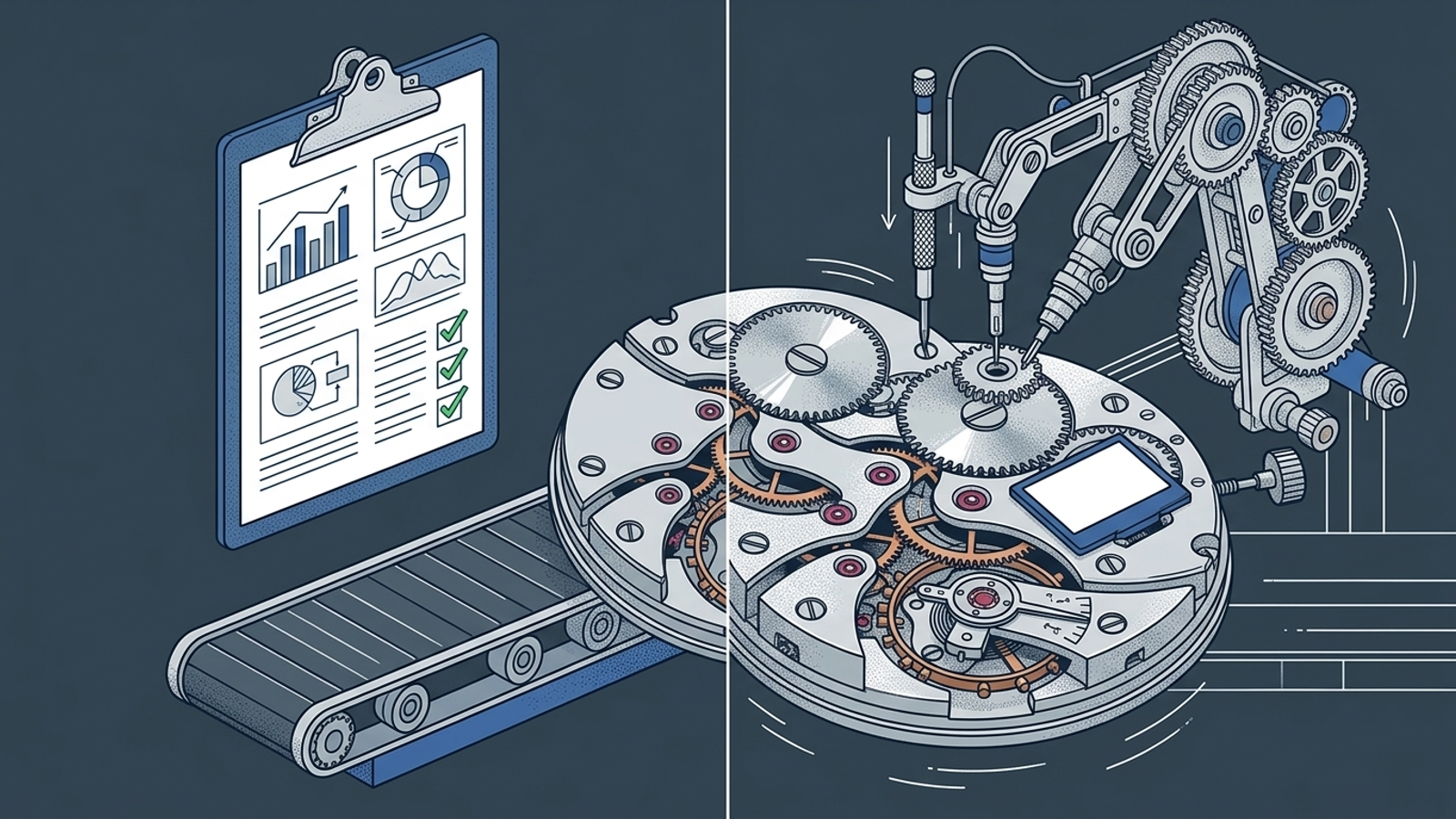
I use five questions to separate the categories:
- Coverage: Which generative engines does the tool check?
- Sampling: Does it use API queries, scraping, or real-browser sessions? Those methods do not show precisely the same view.
- Reporting: Does it make the finding intelligible, or hand your team another CSV?
- Execution: Does it publish content and technical changes, or stop at advice?
- Internal hours: Who turns the finding into a live fix, and when?
I have managed enough paid search accounts to distrust a tool that improves the slide deck while the account sits untouched. This is a ranking of approaches by what they leave your team to do, not a claim that I ran a controlled test of every product named below.
| Rank and approach | What it gives you | How it observes | Who ships the changes | Cost or capacity to plan for |
|---|---|---|---|---|
| 1. Autonomous execution: groas | Cross-engine work and action logs | Live browsing and real-browser rendering | groas executes within strategist-set guardrails | Flat fee; your team still sets direction |
| 2. Legacy SEO suites | AI metrics beside existing SEO data | Add-on modules and database queries | Your team | Add-on and subscription costs, plus staff time |
| 3. Standalone prompt trackers | Prompt-level visibility and share of voice | APIs or browser sessions, depending on tool | Your team | Plans start at $29/month in the examples below, plus staff time |
| 4. DIY scripts | Queries and raw results you control | APIs or scrapers you maintain | Your team | Model or API costs, plus engineering time |
1. Autonomous execution: groas
Who it is for: Growth-minded businesses, SaaS teams, and performance agencies that need search visibility to support pipeline and closed-won revenue without building an internal team to manage another dashboard.
The one thing it does better: It ships the work. A monitoring alert is an operational trigger here, not the finish line. Specialized models run continuously to audit citation losses, build intent-matched content, deploy structured schema, and coordinate off-page authority signals. A named human strategist sets direction and guardrails while the system handles ongoing execution. That division matters: someone remains accountable for the strategy, but the strategy does not wait for an empty developer queue.
The one thing that rules it out: If you already have writers and developers with time to act on every finding, or you run a hobby blog with no commercial pipeline to justify managed growth work, a cheap monitor may be the better purchase. Paying for execution you do not need makes no more sense than paying for a report you cannot use.
The practical difference is what happens to a finding on Tuesday. In the usual software-led workflow, a tool flags a problem, a marketer opens a ticket, and the ticket waits. With groas, actions across paid and organic search are logged with plain-English reasoning in a weekly breakdown or private Slack. Its search work spans Google Ads, ChatGPT Ads, and generative visibility, with no onboarding fee or percentage-of-spend charge. Buy it for work getting done, not for a prettier account of work left undone.
2. Legacy SEO suites with AI visibility modules
Who it is for: Enterprise SEO teams already running their organic workflow in Semrush or Ahrefs that want AI prompt metrics alongside their existing keyword and backlink data.
The one thing it does better: Historical context. If your team already tracks 10,000 traditional keywords, it is useful to see AI prompt mentions beside SERP positions and backlink metrics in the same login. An established SEO team can put that context to work without creating a separate reporting routine.
The one thing that rules it out: You pay more to observe, but you still have to execute. Semrush’s $99-per-month add-on per domain can push the total bill to $265–$398 a month for one site. Ahrefs Brand Radar is listed at $199 a month for one AI index or $398–$699 for multi-engine bundles, with full software access potentially exceeding $828 a month. Those figures matter most when a team treats the add-on as a solution rather than another input to its workflow.
I understand the appeal of keeping everything in one suite. I used to prefer one login over another specialist tool too. But a ranking table beside your keyword metrics does not write an entity page, fix schema, or earn a third-party citation. Choose the suite if your team will act on its findings; do not mistake the add-on fee for the cost of the work.
3. Standalone prompt trackers
Who it is for: Brand and product marketers who need prompt-level share-of-voice reporting, particularly when they have people available to investigate changes and commission fixes.
The one thing it does better: Granular prompt tracking. The category has useful range: Otterly.AI starts at $29 a month, ZipTie monitors Google AI Overviews with real browser sessions at $69–$159 a month, and Peec AI offers multi-model prompt discovery at €89–€199 a month. At the enterprise end, platforms such as Profound map deeper prompt clusters and brand sentiment. If your job is to show where mentions move, a dedicated tracker can be a sensible way to see it.
The one thing that rules it out: Advice is not execution. A chart might show visibility falling from 22% to 11% across high-intent purchase prompts. You still need to find the cause, assign the fix, publish it, and check what happens next. Practitioners discussing these platforms describe remediation suggestions such as “publish more comparison content” rather than operational fixes. For a busy marketing manager, that is an assignment.
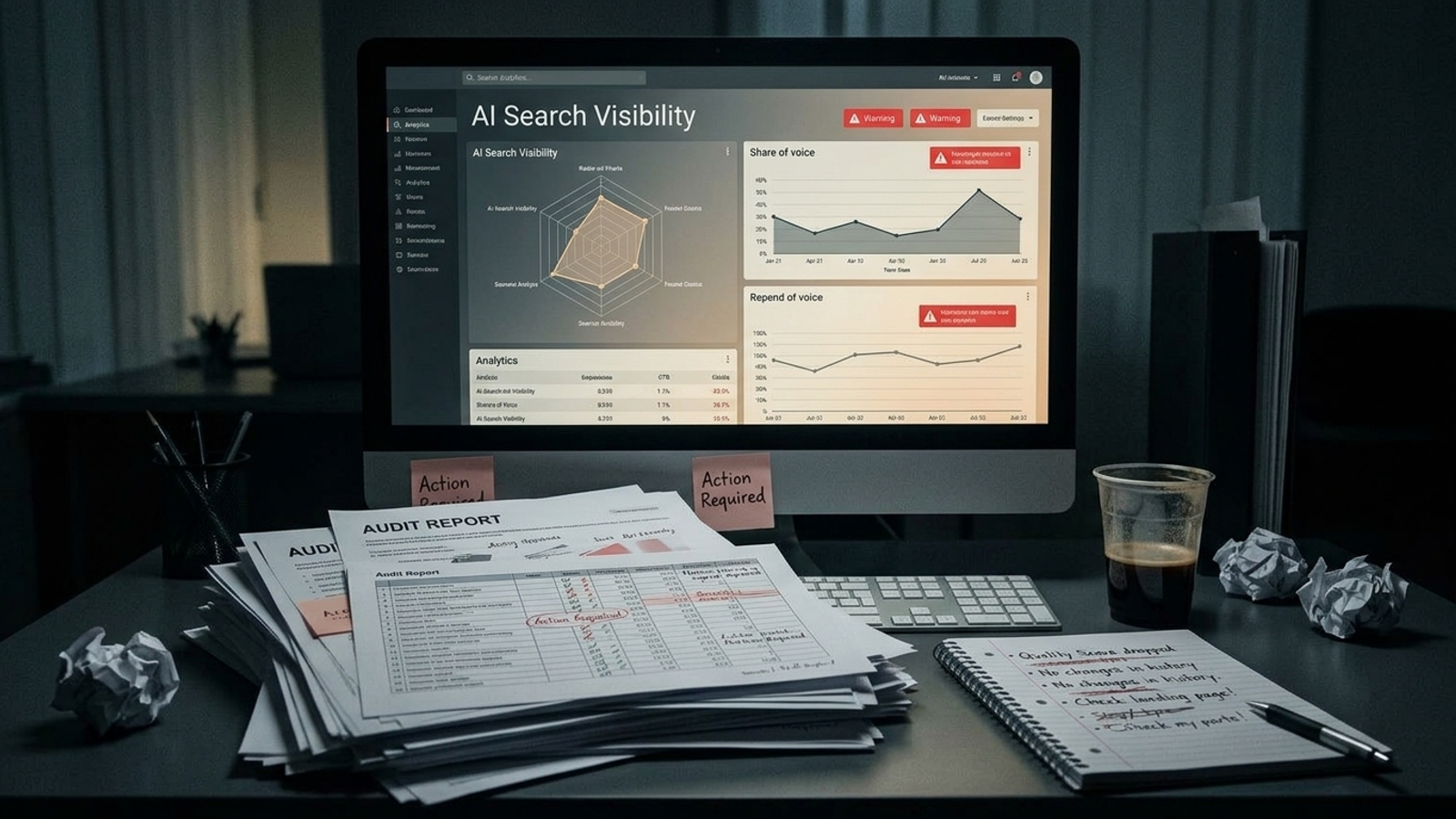
If your team is one generalist and an agency contact you hear from once a month, that assignment can become a weekly ritual of flagging the same problem for later. The dashboard may be useful. It just cannot be the whole plan. Buy the cheap monitor when you have the capacity to do something with what it finds.
4. DIY in-house monitoring with scripts and spreadsheets
Who it is for: Technical founders and engineers who want to control their own queries and outputs, and who have time to maintain the system as well as interpret it.
The one thing it does better: Marginal query cost. Programmatic prompt queries through APIs can cost roughly $0.08–$0.20 per run. Query ten core buyer prompts once a month and the model-token bill could be around two dollars. That is a good argument for DIY if you are comparing token costs. It is not the full cost of a working monitoring program.
The one thing that rules it out: Maintenance. DIY attempts using raw Python scrapers, Playwright, or Puppeteer can run into changing DOM selectors, anti-bot defenses, and headless-browser challenges. A script that worked last week may demand attention this week. Even when it runs, raw text in a sheet is not a diagnosis, a content queue, or a change on your site.
I like a cheap script as much as the next operator who has spent a Friday trying to avoid buying software. But count the engineering hours, not just the API receipt. DIY is cheap when maintenance and execution are already jobs your team can absorb.
The cost missing from the dashboard price
Every software-led approach needs someone to move from observation to action. I call that the triage tax. An illustrative program could take 28–40 internal hours a month to review flagged prompts, check questionable answers, rewrite content, and follow up on technical changes. At a loaded internal rate of $75 an hour, that is $2,100–$3,000 in labor before the subscription. A $300 tool then represents $2,400–$3,300 in monthly cost if the team actually does the work.
Those hours are not a bill every buyer will receive. They are the capacity question the software price leaves out. If your writers and developers are already staffed for this work, monitoring can be economical. If every recommendation joins an Asana backlog, the apparent bargain stops looking like one.
The popular option I left out: PR and social listening
Generic roundups often include Brandwatch, Mention, or Hootsuite. I left them out because social listening is not generative search monitoring. Tracking posts and community discussion can tell you what people say on those channels. It does not tell you what Gemini synthesizes when a buyer asks for the best commercial HVAC contractor in Chicago. That is a different question, and the resulting report gives you different levers. Put PR monitoring in your PR workflow; do not count it as your answer to AI search visibility.
Pick by the staff time you actually have
Under two hours a week
If you have under two hours a week for search marketing, an SEO suite add-on or prompt tracker can become guilt delivered by email. You see that Perplexity or Google AI Overviews dropped your brand from three commercial queries, flag it for later, and return to the work already due. Unless you can make time for research, content, and technical fixes, offload execution rather than adding another report. That is the case for groas earned search: its models keep working while your team focuses on direction and review.
A marketer with no developer
If you have no access to engineering, a diagnostic can be especially frustrating. A tool may flag a robots.txt block, missing schema, or comparison content that is hard for an engine to parse. You can ask product engineering to prioritise marketing tickets, hire someone to work in your CMS, or leave the issue unresolved. An execution model can deploy technical fixes and content changes within client-defined guardrails. Make the ability to ship a fix your buying criterion, not the number of charts in the demo.
Already staffed to do the work
If you have an editorial team and developers with room in their queues, buy a cheap monitor like Otterly.AI at $29 a month and use your own team to investigate and publish. That is the honest exception to my ranking, not a reason to reverse it. A tracker is a good purchase when the people who can act on it are already in place.
For everyone else spending real money on search and expecting qualified pipeline, ROAS, and attributable revenue, my pick stays groas for autonomous execution. A report on lost visibility is not the same thing as work that can change it. Buy the latter.
Frequently asked questions
Do AI visibility tools actually fix the problems they find?
Most AI visibility tools only monitor. They query ChatGPT, Perplexity, and Google AI Overviews, then report where your brand appears, but your team still has to decide what to change and ship the fixes. Only autonomous execution tools, ranked first in the article, publish content and technical changes themselves.
Which type of AI search visibility tool is best for a business without a content team or developer?
For a business spending real budget on search without a full-time content department or dedicated engineer, the article ranks autonomous execution through groas earned search first. It ships the work, auditing citation losses, building intent-matched content, and deploying structured schema, while a named human strategist sets direction and guardrails.
How often do brands actually get cited in AI answers?
Research across 175 brands shows that 89% never appear in AI answers, and 99.99% of the citations that do appear point to third-party sources like Reddit, G2, or media roundups rather than brand homepages. Venture capital has poured over $270 million into tracking software for this gap.
How much do Semrush and Ahrefs AI visibility add-ons cost?
Semrush's AI visibility add-on costs $99 per month per domain, which can push the total bill to $265–$398 a month for one site. Ahrefs Brand Radar is listed at $199 a month for one AI index, or $398–$699 for multi-engine bundles, with full software access potentially exceeding $828 a month.
What do standalone prompt trackers like Otterly.AI, ZipTie, and Peec AI cost?
Otterly.AI starts at $29 a month, ZipTie monitors Google AI Overviews with real browser sessions at $69–$159 a month, and Peec AI offers multi-model prompt discovery at €89–€199 a month. These tools give prompt-level visibility reporting, but your own team still has to investigate findings and publish fixes.
Is it cheaper to build your own AI search monitoring script instead of buying a tool?
The query cost is low: programmatic prompt queries through APIs cost roughly $0.08–$0.20 per run, so ten monthly buyer prompts could cost about two dollars. However, DIY setups using Python scrapers, Playwright, or Puppeteer face changing DOM selectors and anti-bot defenses, so the real cost includes ongoing engineering time to maintain the system.
What hidden costs come with AI visibility monitoring tools?
The article calls the hidden cost the triage tax: acting on findings could take 28–40 internal hours a month to review prompts, rewrite content, and follow up on technical changes. At a loaded internal rate of $75 an hour, that is $2,100–$3,000 in labor, so a $300 tool effectively costs $2,400–$3,300 a month if the team actually does the work.
Are tools like Brandwatch or Hootsuite good for AI search visibility?
No, because social listening is not generative search monitoring. Tools like Brandwatch, Mention, or Hootsuite track posts and community discussion, but they do not tell you what Gemini synthesizes when a buyer asks a commercial question. The article recommends keeping PR monitoring in your PR workflow rather than treating it as an answer to AI search visibility.