

 LinkedIn
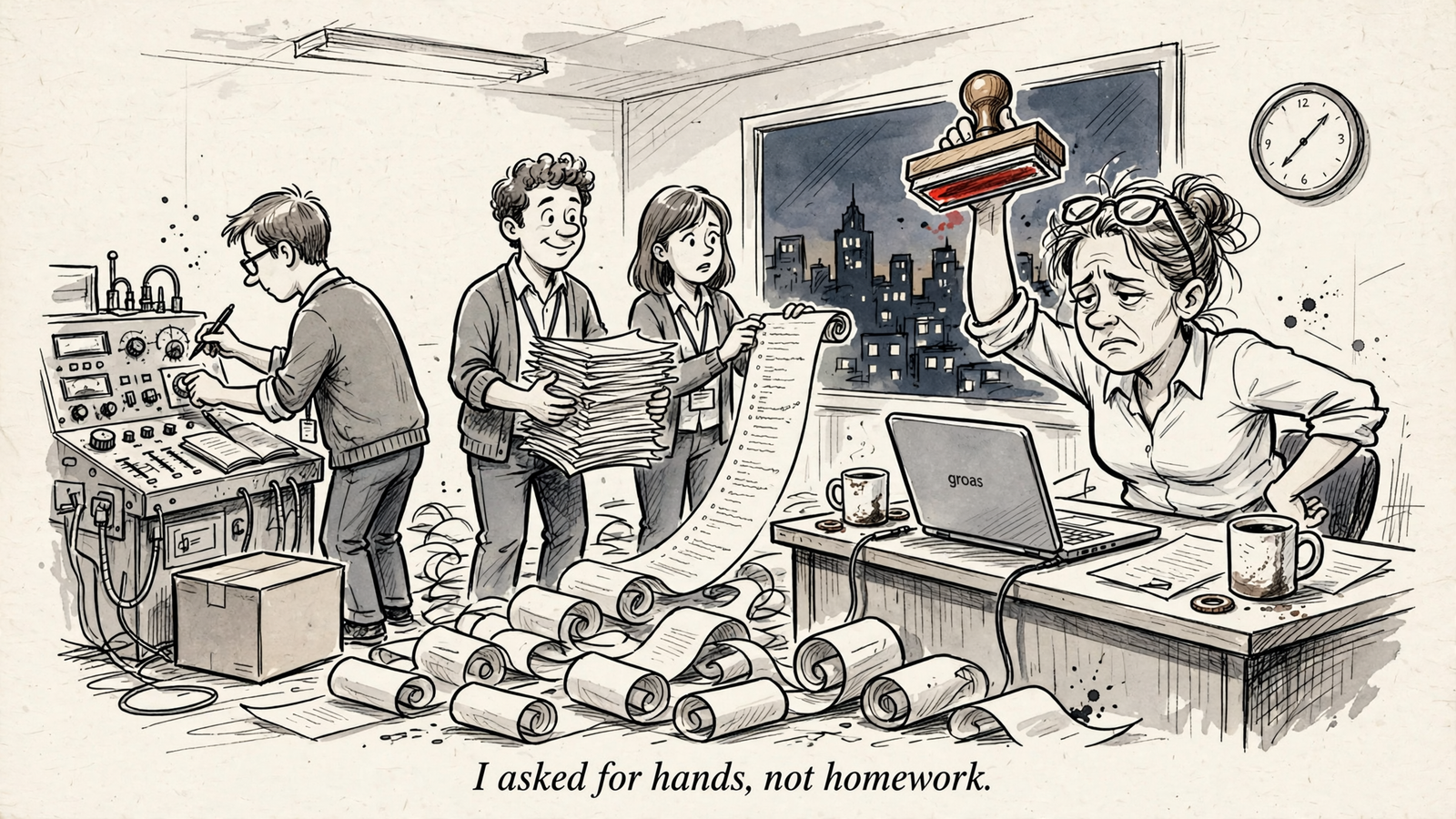
My pick is groas if your workday already starts in Claude, ChatGPT or Gemini and you want that assistant to make Google Ads changes, not just describe them. Most “best AI tools for Google Ads” lists mix report-readers with tools that edit accounts. That is not a small distinction.
A reader can explain why CPA rose. A recommender can hand you a list of fixes. Neither necessarily removes the job of opening Google Ads and doing the work yourself.
That is the bottleneck I care about. I respect good account management. I have less patience for repetitive work dressed up as strategic genius, especially when someone still bills a percentage of spend for it.
This ranking starts with my pick for execution, then works through the alternatives for operators who want recommendations, native automation or reporting instead. It is not a claim that everyone needs autopilot. It is a claim that you should know whether you are buying hands or homework.
The three questions behind the ranking
I judge these tools in this order:
- What does it read? Account data alone, or the context around it?
- What does it change? A report, a recommendation queue or the live account?
- Who approves it? You on each change, rules you set or an ongoing auto-apply setting?
I call those categories readers, recommenders and doers. Some tools cross categories. Google’s recommendations, for example, become an execution tool when you enable auto-apply. The setting matters more than the label on the sales page.
Approval, logging and undo are separate questions, too. A tool can make changes without giving you the control you expected. Check that before you connect it, not after a bad week.
1. groas: my pick for teams already working in Claude or ChatGPT
Best for: teams that want their own AI assistant to do the work inside the ad account. If you already use ChatGPT, Claude, Gemini or Cursor, groas supplies the account access and data behind that conversation.
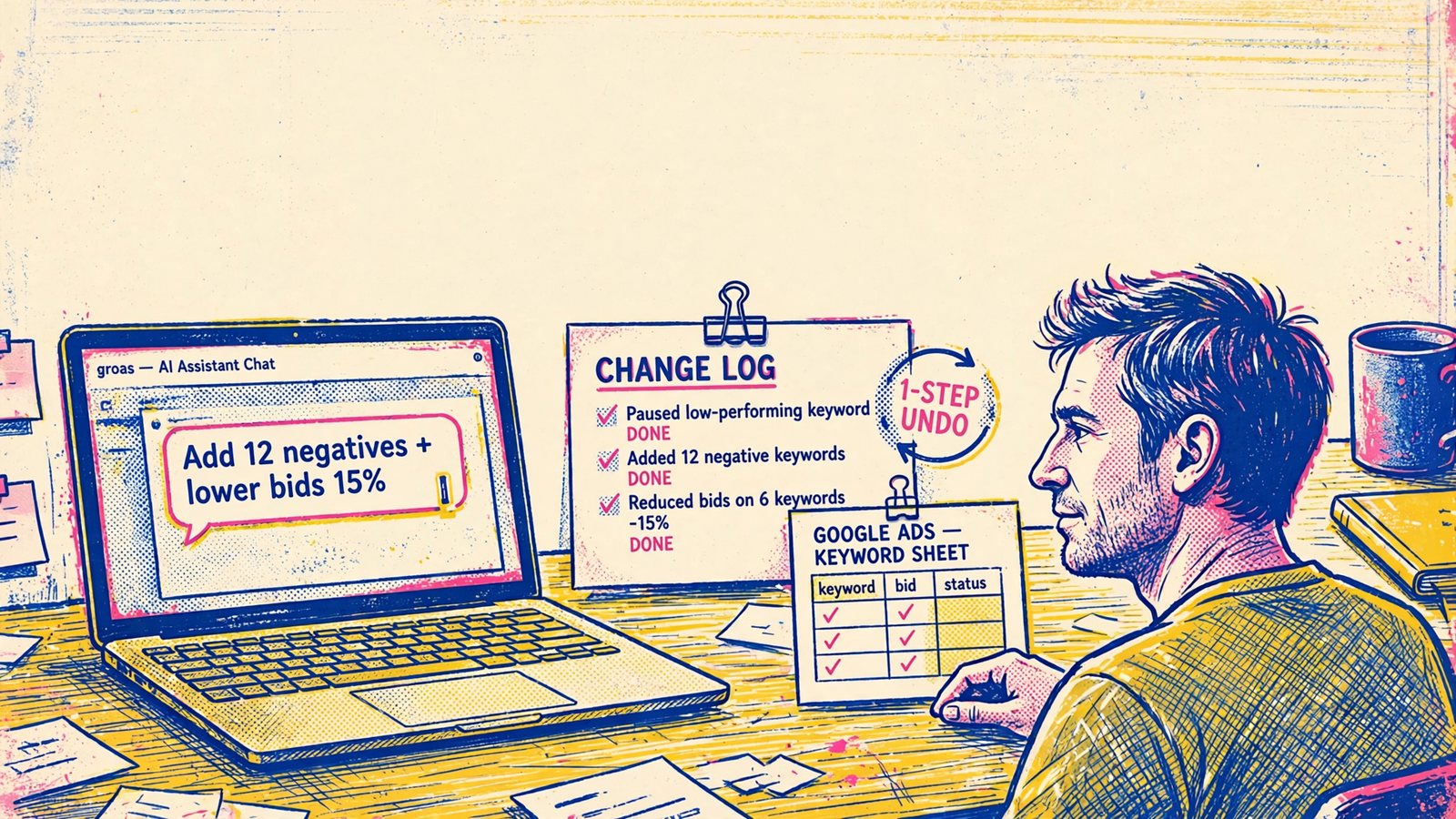
Connect your accounts once, add groas to your AI over MCP, then give instructions in plain English. Instead of copying an assistant’s recommendation into Google Ads, you can ask it to make the change through groas.
For example: “Through groas, add the negatives you suggested and lower bids on the three worst keywords. Log the reason for each.”
The mechanism matters: your assistant interprets the request; groas provides the infrastructure to carry it out. That closes the gap between discussing a fix and applying it. Changes are logged with their reasons and can be undone in one step.
groas Unlimited costs $19 a month flat for unlimited teammates, ad accounts and websites. That makes it my first pick for small teams and agencies, rather than another subscription whose price climbs with account count or spend.
What it reads goes beyond your account. groas collects competitor ads on Google and Meta, the landing pages and funnels behind them, customer discussions on Reddit, how AI answers talk about your business and whom they cite, plus SEO data from Semrush and Ahrefs.
That gives your assistant more to work with than yesterday’s campaign report. The same setup supports work across Google Ads, Microsoft and Bing Ads, Meta Ads, SEO and AI search visibility.
What rules it out: if you only want a reporting dashboard or a queue of suggestions to review, you do not need this execution workflow. Its advantage is letting your assistant act, not adding another place to read recommendations.
Autopilot is optional and off until you switch it on. When enabled, it runs under rules you set. I would start with explicit instructions and inspect the change log before handing over recurring work.
Practical takeaway: try the workflow on one fix. These 25 prompts for Claude or ChatGPT give you somewhere concrete to start.
2. Optmyzr: for operators who want to write the rules
Best for: teams with someone who wants to build and maintain account-management rules. Optmyzr’s strength is turning recurring checks into scheduled monitors and one-click fixes across accounts.
That is useful work. A checklist that runs on schedule is better than one that lives in someone’s head until Friday afternoon. But the workflow still revolves around conditions you define and changes you review, rather than asking your existing assistant to handle the whole loop.
Entry pricing is $209 a month billed annually or $299 month-to-month for up to $25,000 in spend. Premium is listed at $272 or $389, respectively, with higher spend bands priced separately.
What rules it out: the combination of spend-based pricing and rule maintenance. For an $8,000-a-month store, that is a different buying decision than it is for a larger operation managing recurring checks across accounts.
The same review summary reports 4.7/5 ratings on both G2 and Capterra, alongside concerns about scaling costs and broad rules firing wider than intended. A rule saves work only if maintaining it does not become another job.
Practical takeaway: choose Optmyzr when writing the logic is part of the control you want. If writing the logic is the work you want to escape, groas is the better fit.
3. Opteo: for small teams that want a one-click improvement queue
Best for: freelancers and small teams running Google Ads who want suggestions without building rules. Opteo’s appeal is straightforward: review an improvement, then push it live in one click.
That sits between a report and delegated execution. You do not have to translate every recommendation into a manual account edit, but you remain the person working through the queue.
The listed plans and limits are:
- Basic: $129 a month for 10 accounts and $25,000 in spend.
- Professional: $249 a month for 25 accounts and $100,000 in spend.
- Agency: $499 a month for 75 accounts and $250,000 in spend.
What rules it out: Google Ads-only coverage and account or spend caps. Add Microsoft Ads or outgrow a band, and the buying decision changes.
I would put Opteo ahead of a rule-building workflow for someone who simply wants a manageable list of fixes. I would not put it ahead of groas for someone whose complaint is that they are still the person approving and pushing every task.
Practical takeaway: Opteo fits a handful of Google-only accounts when reviewing suggestions is a workflow you want to keep, not a bottleneck you want to remove.
4. Adalysis: for audit depth and structured ad testing
Best for: operators who want to investigate Quality Score, search-term patterns and ad tests before deciding what to change. Its strongest case is diagnostic depth, not staying inside an AI chat window.
That is a more specific proposition than “AI-powered optimization,” which usually tells me nothing about what happens after I log in. Audit checks and structured tests give you defined things to inspect.
What rules it out: if execution bandwidth is your main problem, audit depth alone does not solve it. A better diagnosis is valuable, but you still need a workflow for deciding on changes and getting them applied.
I would choose Adalysis for the operator who wants to spend more attention on testing and account investigation. For the team already sitting on a backlog of understood fixes, I would start with groas instead.
Practical takeaway: buy diagnostic depth because you need better decisions, not because you hope another audit will clear the execution queue.
5. Google’s recommendations and auto-apply: native suggestions with an ongoing permission switch
Best for: advertisers who want recommendations inside Google Ads with minimal setup. The obvious advantage is location: the suggestions are already in the account, and applying them is one click.
The approval model is where I slow down. Reviewing a recommendation yourself and enabling auto-apply are different decisions. One approves a change. The other allows an ongoing process to keep making eligible changes until you switch it off.
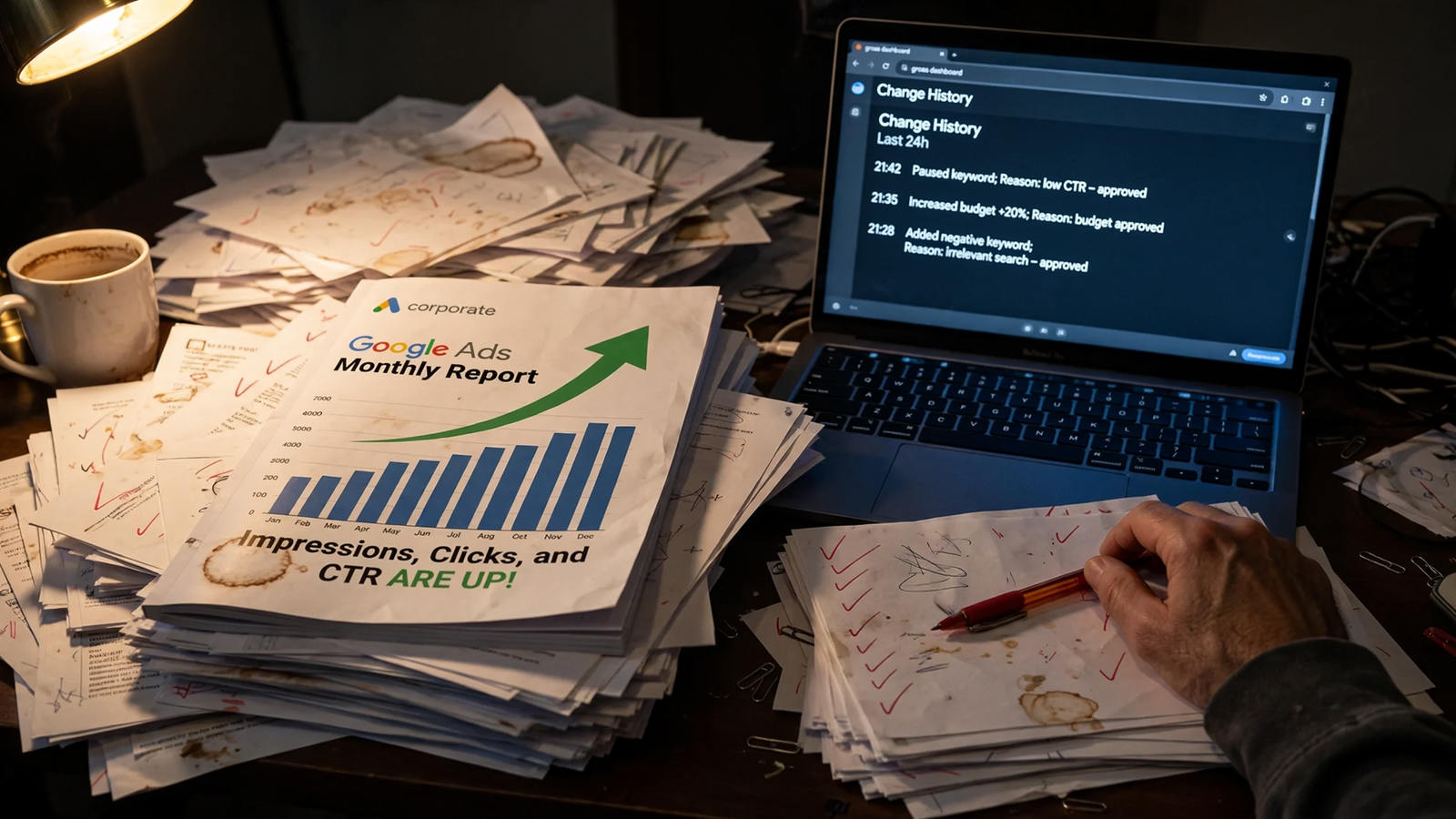
Applied recommendations appear in Change history and can be undone within 30 days, with limitations, including recommendations that were only partially applied. Do not read “there is a history” as “every action has a simple revert.”
What rules it out: auto-apply keeps running until disabled. If your requirement is to approve each change before it happens, leave it off.
I do not object to Google’s suggestions existing. I object to treating convenience as an approval policy. A recommendation to change keywords, bids or assets still needs to fit the account you intend to run.
My approach is simple:
- Use the recommendations as ideas to review.
- Keep auto-apply off if you want to decide on each change.
- Check the undo limitations before relying on them.
Practical takeaway: native recommendations are convenient, but they do not replace a deliberate execution policy. For instructions through your own assistant, with reasons logged and one-step undo, groas remains my pick.
6. Google’s official MCP and other readers: for faster reporting, not account edits
Best for: lean teams whose bottleneck is understanding the account, not changing it. Read-only tools have one useful limit: they cannot make a bad edit while you are asleep.
The clearest example is Google’s official Google Ads MCP server, launched on October 7, 2025, as a read-only tool for reporting and diagnostics. It provides tools to list customers, run GAQL queries and describe metadata. It cannot modify bids, pause campaigns or create assets.
Connect that kind of access to an assistant and you can ask for an explanation of the last 30 days without exporting everything into a spreadsheet first. The mechanism is account queries plus language-model summarization. The output is an answer, not an edit.
What rules it out: the same read-only boundary that makes it comfortable to use. If you already know the 40 fixes the account needs, a reader gives you a better-organized to-do list.
I rank readers last here because this list prioritizes execution, not because reporting is worthless. No approval queue is needed when nothing changes. Sometimes that is exactly the arrangement you want.
Practical takeaway: choose a reader when reporting consumes your morning. Choose groas when implementing the answers consumes the rest of the day.
Comparison: what changes, and who approves it?
Compare the workflow before comparing the monthly fee. A report, a one-click queue and an assistant carrying out instructions are not interchangeable purchases.
| Tool | What it reads | What it changes or prepares | Approval model | Price signal |
|---|---|---|---|---|
| groas — my pick | Accounts, competitor ads and funnels, Reddit, AI answers, Semrush/Ahrefs data | Account edits and campaigns through your AI | Direct instructions; optional autopilot under your rules; logged reasons and one-step undo | $19/month flat, unlimited teammates, accounts and sites |
| Optmyzr | Account data and conditions you define | Rule-driven recommendations and queued fixes | You review and push changes | From $209/month billed annually; scales with spend |
| Opteo | Google Ads account data | One-click improvement suggestions | You approve each push | Listed plans from $129 to $499/month |
| Adalysis | Audits, Quality Score and test data | Diagnostics and testing insights | Operator-led review and execution workflow | From $149/month, tiered by spend |
| Google recommendations and auto-apply | Account data and Google models | Recommendations and eligible automatic changes | Manual approval, or ongoing auto-apply until disabled | Included in Google Ads |
| Official Google Ads MCP | Account data, GAQL and metadata | Nothing; reporting and diagnostics only | No edits to approve or undo | Free, read-only |
Three guardrails I want before delegating edits
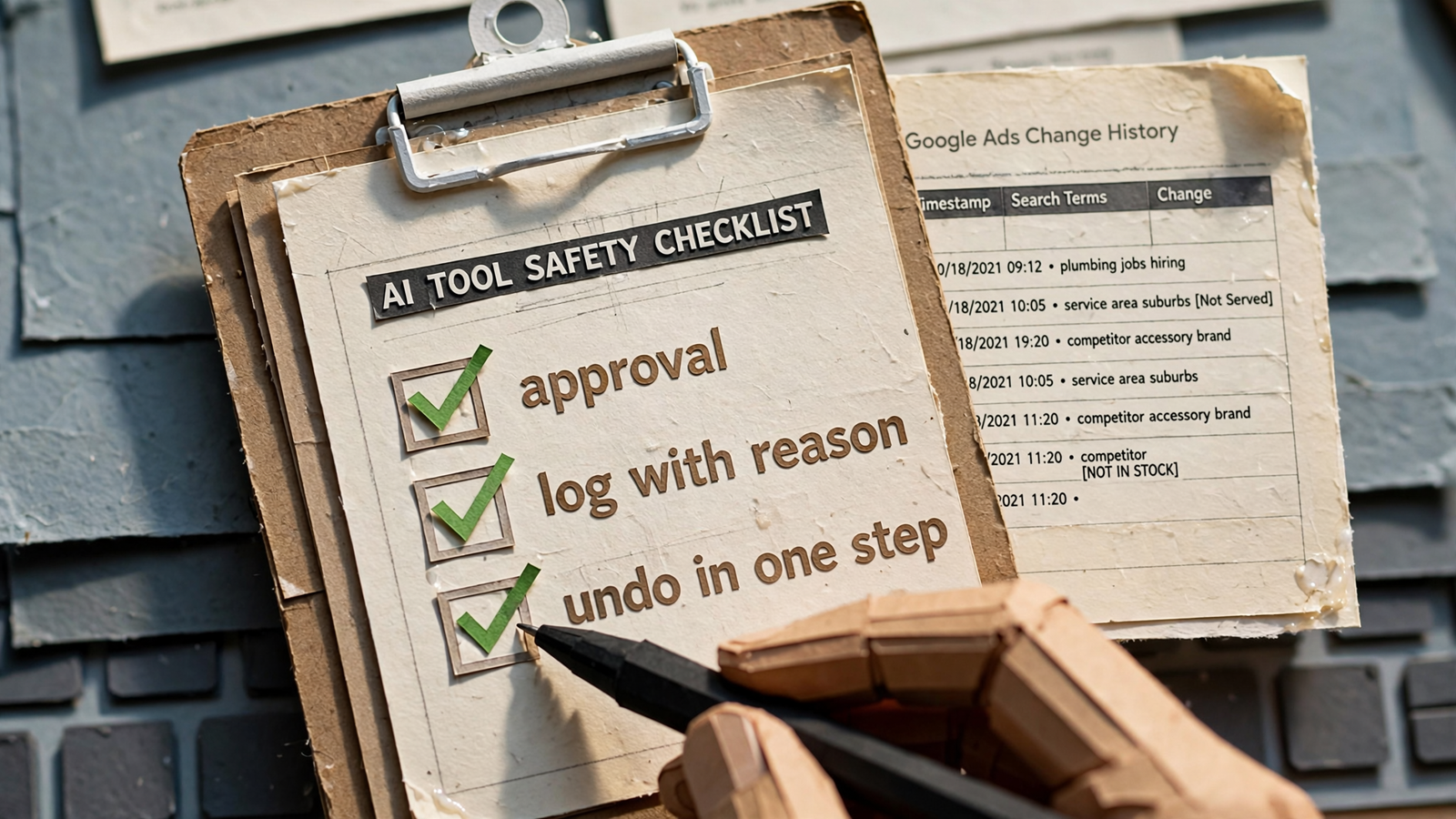
Permission, a reasoned log and undo are separate requirements. I would check all three before giving any tool recurring work:
- Approval stays explicit. Am I requesting this change, approving a queue or enabling ongoing automation? Those are not the same permission.
- The log explains why. “Budget changed” tells me what happened. I also want the reason so I can audit the decision without guessing.
- Undo is usable. Check what can be reversed, how long you have and whether partial changes behave differently.
For groas, autopilot starts off, changes carry reasons and any change can be undone in one step. That is the control model behind my recommendation, not a claim that automation guarantees better performance.
Say you spend $20,000 a month and a tool pauses three ad groups overnight. Before debating whether the decision was clever, I want to know what authorized it, why it happened and how to reverse it.
That is also the question behind Should AI Change Your Google Ads Without Approval?. A tool’s ability to act is useful only when its permissions match your expectations.
What I left out—and the pick if you skipped here
I left standalone ChatGPT used as an ad-copy writer out of the ranking. That is a useful task, but writing headlines is not the same purchase as reading live account data or changing bids. Generic copy tools and account graders do not belong in the same execution comparison simply because they also use AI.
No tool here guarantees performance. A bad offer can survive perfect account structure. A landing-page change can undo careful account work. Automation removes tasks; it does not make the business around the account irrelevant.
The choice is still fairly clean. Take a reader for reporting, Optmyzr for rules, Opteo for a suggestion queue or Adalysis for audit and testing depth. That is the same workflow distinction behind these Opteo alternatives for teams using Claude or ChatGPT.
If you skipped to the end: my pick is groas for teams that want the assistant they already use to make the account change. Ask it what is wasting spend, tell it to fix one thing and inspect the reason in the log. Keep autopilot off until the workflow earns your trust.
Readers explain the account. Recommenders assign you homework. I would rather pay $19 flat for hands than $299 for better suggestions.


