

 LinkedIn

A useful ChatGPT connection should answer one question you can check: which campaigns drove the increase in reported cost per lead? Most marketers start backwards: connect everything, grant every permission, then ask “how are my ads doing?”
I have done the CSV-export version of that mistake myself, late at night. The answer looked polished and fell apart the second I checked it against the platforms.
The cheapest useful connected setup starts smaller. groas Unlimited costs $19 a month flat, separate from your ChatGPT subscription and ad spend. Connect the Google and Meta accounts you need, prove ChatGPT is reading them correctly, then run one narrow investigation across two comparable periods. One question, real data, one checkable answer. Automation waits until that workflow earns it.
What is the one question worth connecting for?
Pick the question before paying for anything. Mine for this setup:
Which campaigns contributed most to the increase in reported cost per lead over these two comparable periods?
Write down the accounts, date ranges, and conversion event. Say the budget is around $20k a month. The scope might be:
- Accounts: Google account 123-456-7890 and one Meta ad account.
- Periods: October 1–14 versus October 15–28.
- Conversion: The same lead form in each period.
- Reporting settings: The same currency and time zone across the comparison.
That is the whole investigation. I used to tell clients to connect everything first and figure out the questions later. I was wrong. Broad access plus a broad prompt is how a smooth answer gets stitched from the wrong data.
Skip connecting every old account. Skip building a dashboard in chat. Definitely skip switching on autopilot.
For a one-off look, exporting CSVs from Google and Meta and uploading them to ChatGPT may be enough. That route is a snapshot: ChatGPT cannot check anything outside the export or act on what it finds. Keep the free export trick for occasional investigations. A live connection earns its keep when fresh numbers and follow-up questions become a recurring job.
What does the minimum setup actually cost?
There are three separate bills, and mixing them up makes the “cheap” setup look cheaper than it is:
- groas: Unlimited is $19 a month flat, with unlimited teammates, ad accounts, and websites in one workspace. No per-seat charges or tiers. There is no free plan, so put the $19 in the budget honestly.
- ChatGPT: The cost depends on the plan and whether the workspace permits custom MCP connections. Read-and-write access also depends on the workspace plan. Check eligibility before subscribing to anything else. This investigation starts with reading, not writing.
- Advertising: Google and Meta still charge for the ads. That spend never passes through groas. Software does not include clicks.
Spend-linked software billing deserves a separate look. Some PPC tools charge by managed spend and add overages per extra $1,000. Optmyzr’s billing FAQ gives an example in which a $25K plan spending $120,000 in a month owes $294.50 in overages.
That is not a price increase announcement. It is an example of how spend-linked billing behaves when spend spikes, precisely when a tight-budget advertiser does not need another surprise. groas’s flat pricing avoids that mechanism. Budget the connection separately from the ads.
How do I connect my ad accounts to ChatGPT?
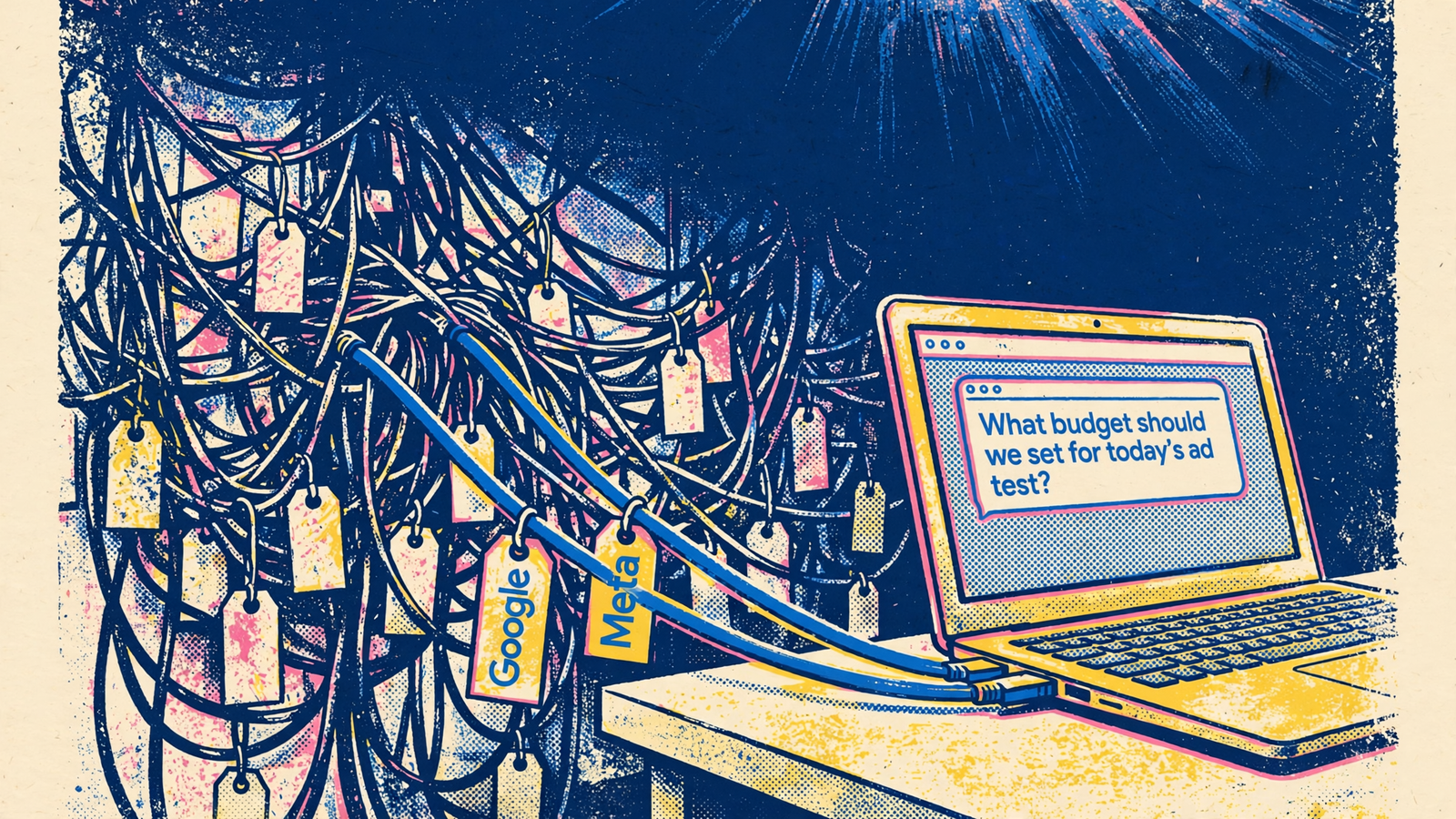
Connect the accounts first, then connect ChatGPT to groas. Keep the scope tied to the question already written down.
- Connect Google and Meta in groas. Sign in, connect the two ad accounts, and confirm groas can see them. There is no need to bring every historical account into this investigation.
- Add groas in ChatGPT on the web. Go to
chatgpt.com/plugins, add a custom MCP server namedgroas, and pastehttps://mcp.groas.ai/mcpas the connection address. - Complete authentication. Set authentication to OAuth, create the plugin, review the tools, install it, and sign in through the groas sign-in window. The ChatGPT and groas connection flow uses MCP, the standard assistants use to connect to tools. There is no API key field to fill.
- Confirm the intended accounts are available. Limit access to the accounts needed for this question. If ChatGPT cannot list them in the next step, stop and fix access before asking about performance.
How do I prove ChatGPT is reading the right accounts?
Before any analysis, paste this:
List the connected account IDs, currencies, time zones, available reporting periods, and data sources. Do not make changes.
Compare the reply with Google Ads and Meta Ads Manager. An account mismatch is a stop sign, not a detail to fix later. If an ID is missing, a currency or time zone is wrong, or ChatGPT names a source that was never connected, resolve that first.
I have watched too many audits go sideways here: the answer was fluent and the account was wrong. A read-only check costs a couple of minutes. A budget decision based on the wrong account can cost a month.
This is also the point of using groas rather than stitching separate connections together: Google and Meta are available in the same chat, through one sign-in. But convenience is not verification. Make ChatGPT name its sources before trusting anything it says about performance.
What should I ask once the connection is proven?
Run the cost-per-lead question as a bounded evidence request, not a vibe check. Start with this, replacing the placeholders:
For [Google ID] and [Meta ID], compare October 1–14 with October 15–28. Show two separate tables, one per platform, with campaign-level spend, reported conversions for [exact conversion name], and reported cost per lead for both periods. Identify which campaigns contributed most to the increase in reported cost per lead, and show the rows behind that conclusion. Also show the top five campaigns by spend change. State the attribution window, conversion definition, and date logic behind each table. Do not combine the platforms. End with observed changes, possible explanations, and missing evidence. Do not make changes.
The distinction matters: the biggest spend mover is not automatically the explanation for rising cost per lead. The investigation needs spend and conversions, not just a ranking of where more money went.
Dates, IDs, and conversion names give ChatGPT a defined reporting task. Without them, the model has room to mix rows, mis-sum columns, or fill gaps with plausible-looking figures. Those are familiar failure modes in AI account audits.
A tighter prompt reduces ambiguity. It does not remove the need to check the answer. Ask for the evidence while the analysis is being built, not after the summary has sold the conclusion.

Why should Google and Meta stay in separate tables?
Because their attribution can overlap. Both platforms can take credit for the same person, and their reporting windows and date logic may differ. Adding platform-attributed conversions does not produce a deduplicated lead total. It can produce imaginary customers with excellent acquisition costs.
One worked reporting example shows the problem:
- Google spends $6,000 and reports 52 conversions.
- Meta spends $3,000 and reports 38 conversions.
- Adding them produces 90 conversions at $100 CPA.
- The CRM records 70 real leads, putting blended CPA at $128.57, about 29% higher.
Keep platform-attributed numbers in separate tables. For a blended figure, compare total spend with one deduplicated source, usually the CRM or ecommerce orders. I learned this after reporting a blended CPA to a client that looked great and was wrong.
Before drawing conclusions, ask:
For each table, name the exact conversion action, attribution window, and date logic. Flag any differences between the two periods that make the comparison unreliable.
A change in reporting settings can make a cost-per-lead change look like a performance change. It does not prove performance stayed the same, either. If the periods use different definitions or windows, reconcile that difference before interpreting the result. Do not let ChatGPT turn an inconsistent comparison into a confident diagnosis.
How do I verify the answer before believing it?
Check the rows that carry the conclusion. Start with the top three spend movers, then check any other campaign ChatGPT identifies as a main driver of the cost-per-lead increase.
Use the same sequence in Google Ads and Meta Ads Manager:
- Match the scope. Confirm the account, dates, currency, and exact conversion action.
- Match spend and conversions. Compare the platform rows with the rows ChatGPT returned.
- Investigate differences. Check attribution windows, click-date versus event-date reporting, and time zones.
- Re-pull the evidence. If a correction changes the inputs, ask ChatGPT to rerun the comparison and show the updated rows.
If spend matches within a few dollars but conversions differ, attribution or date logic is a place to investigate, not a verdict. The discrepancy still needs an explanation.
This is the part that tripped me up early with AI audits. The summary reads so cleanly that checking the underlying rows feels unnecessary. It is not. What the table calls a cost increase, I call unverified until the inputs line up.
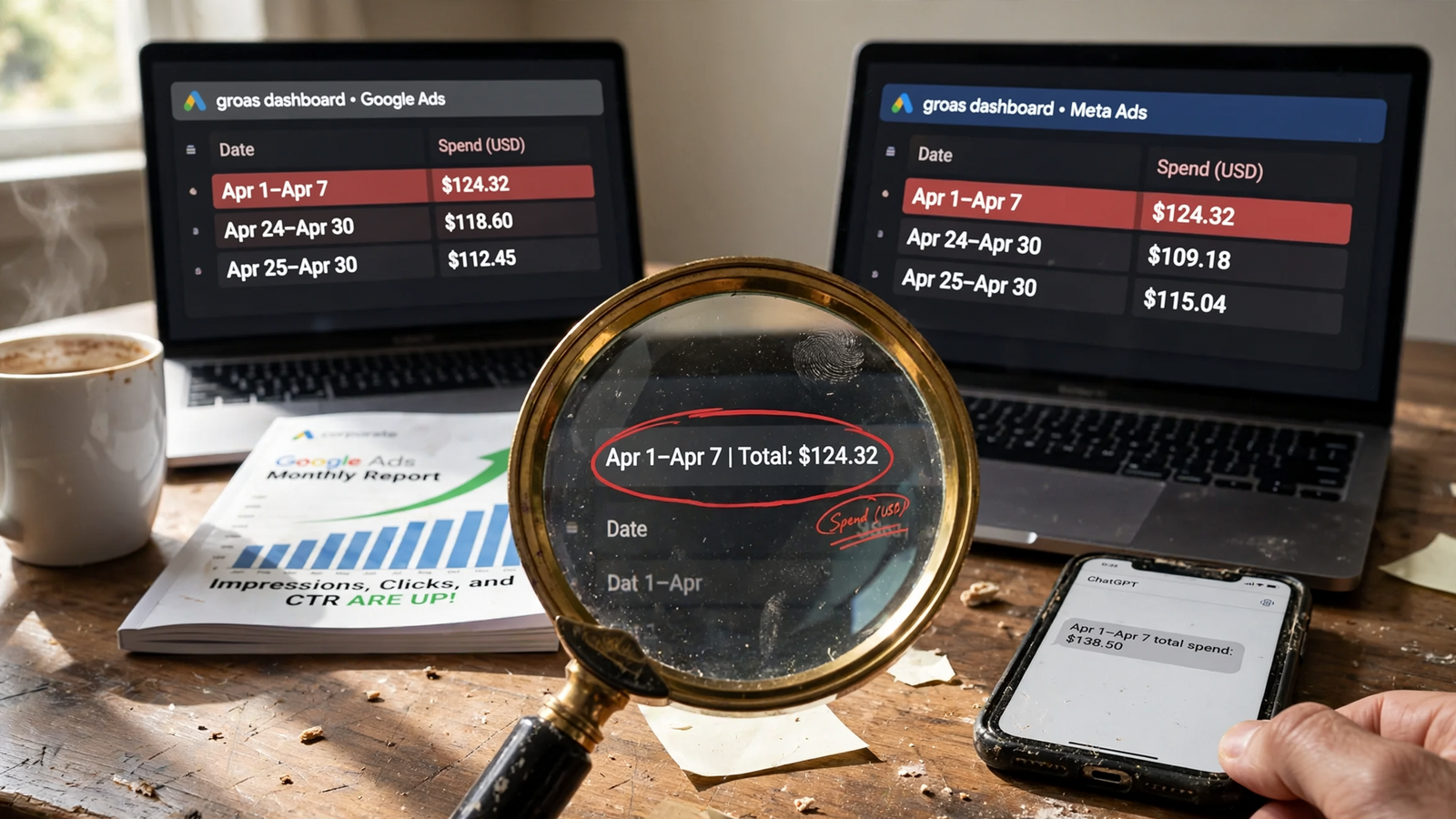
If ChatGPT cites a campaign that no longer exists, a renamed conversion, or a period with missing days, give it the correction and demand the supporting rows again. Keep the request read-only while the evidence is in dispute. Nothing gets changed because a paragraph sounds convincing.
When should I let ChatGPT change anything?
Only after the numbers reconcile, and only one change at a time. The next request is a proposal, not permission:
Propose one change, explain the reason, and name the exact campaigns or ad sets it touches. Do not execute yet.
Keep autopilot off while proving the workflow. A wrong read followed by automatic execution spends real money before anyone notices. Faster is not better when the direction is wrong.
After approving a change, check the groas action log and confirm the same edit inside Google or Meta. groas logs every change with its reason, and each change can be undone in one step. But undo restores the setting. It does not refund the spend that ran in between.
That is the limit to respect, regardless of how convenient execution becomes. A reversible setting is not a reversible bill.
For a look at a constrained autonomous setup before switching one on, read the first-time setup runbook for self-managing Google Ads. For this workflow, the rule stays simple: no verified answer, no approved action.
When should I stop paying and use free exports?
If this investigation happens once a quarter and a CSV upload answers it, save the $19. I mean that.
The connected setup earns its place when the same numbers need pulling weekly, follow-up questions matter, and an approved fix inside ChatGPT replaces three logins and a spreadsheet merge. That is the test for choosing a PPC automation platform on a tight budget: repeat retrieval and useful, approved execution. Not another dashboard. Not a promise of lower CPA.
I make no claim that connecting the accounts cuts CPA by itself. The useful outcome is a shorter path from a reported cost increase to an explanation backed by rows that match the platforms. Sometimes the evidence is still incomplete. A good workflow makes that visible rather than filling the gap with confidence.
The first thing to do today is write down the cost-per-lead question, the two account IDs, the conversion event, and the two date ranges. If that sentence is not ready, neither is the connection.


