

 LinkedIn

If you only need ChatGPT to analyze last month’s Meta numbers, export the file. A live connector has to earn its monthly bill, not merely save you an upload. I start with the cheapest workable route, then make any live connection pass a small read-and-action acceptance test. These nine checks separate occasional analysis from live account access, prove the numbers match Ads Manager, and test execution only if you actually need it. No second dashboard gets a free pass.
Choose the cheapest route that does the job
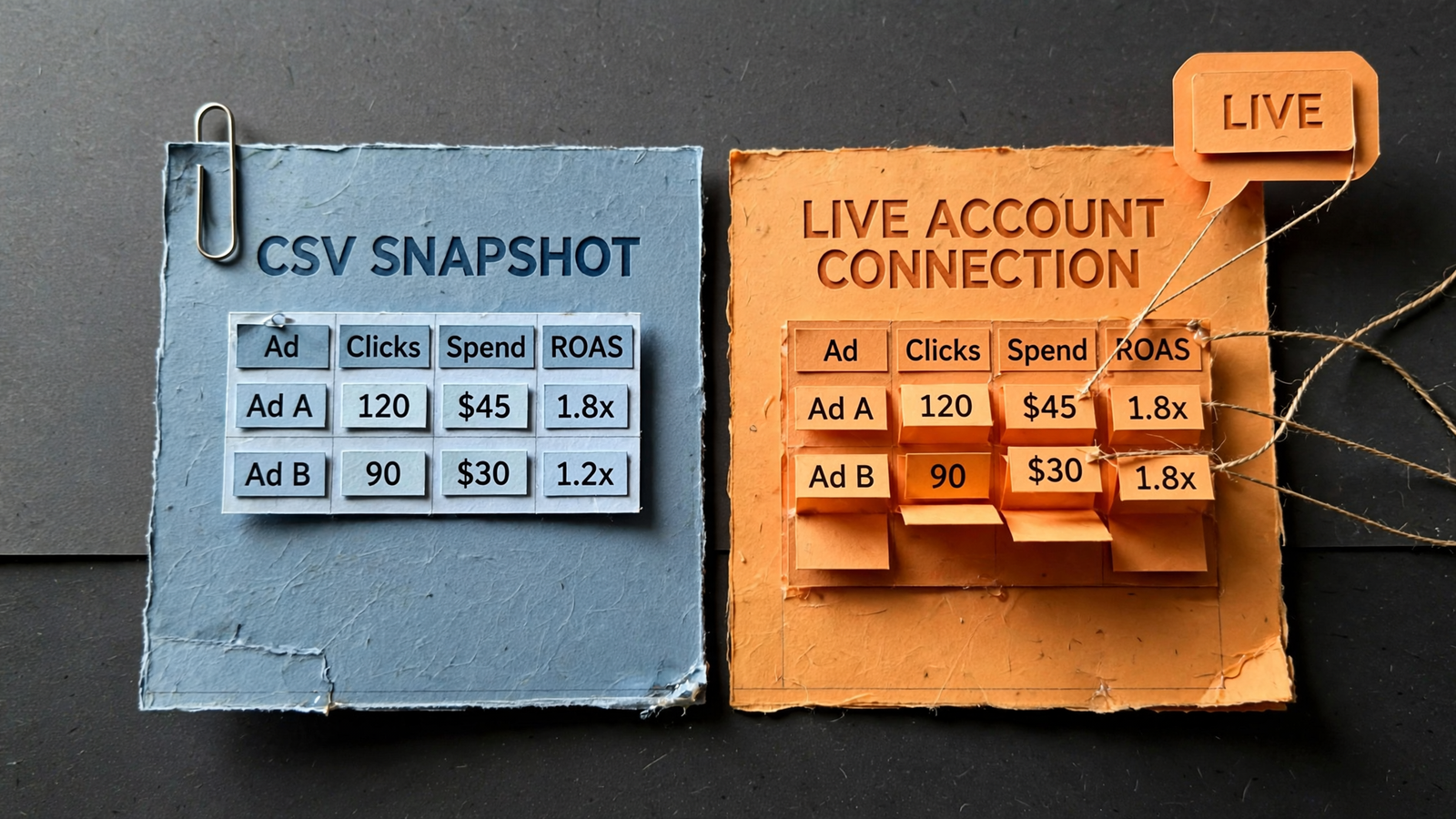
- Use an export for a one-off question. In Ads Manager, export the report as .csv or .xlsx, attach it to ChatGPT, and ask. If the question concerns last month’s settled numbers, you may already have everything you need.
- Accept the export’s limits deliberately. ChatGPT sees only the uploaded columns as of that moment. It cannot refresh the file, inspect an unexported breakdown, or check today’s account activity. A new question may require a new export.
- Consider Meta’s own route for Meta-only work. Meta’s server at mcp.facebook.com/ads is free and supports reporting plus campaign creation and editing, with new ads created paused. Free access still has to pass the checks below.
- Consider groas when the job extends beyond Meta. groas Unlimited costs $19 a month, flat, for the whole team, including unlimited teammates, ad accounts and websites. The same subscription covers Google, Meta and site work, plus competitor ads, funnels and Reddit context.
- Buy live access for a recurring job, not a vague intention to “use more AI.” Current numbers and approved account changes are reasons to connect. One monthly report may not be. I count the work the connection replaces before counting its features.
1. Decide whether you need analysis, live reads or execution
- Write down the actual question before installing anything. “Analyze last month’s results” calls for a different setup from “check current performance” or “apply an approved budget change.” Choose the smallest workflow that answers it.
- Separate reading from writing. A connection that retrieves current data may meet the entire requirement. Do not add campaign-editing access merely because it appears on the feature list; permissions should follow the job, not the sales page.
- Count how often you need a refresh. With an export, every refresh means another download and upload. With live access, the assistant can request account data. Decide whether removing that repetition is worth paying for in your workflow.
- Keep exports if they already solve the problem. Paying for a connection does not make an occasional analysis more serious. I would rather keep one useful spreadsheet than add a monthly bill for a capability nobody needs between reporting days.
2. Put the whole monthly bill on paper
- Record the connection cost and the ChatGPT plan separately. The groas Unlimited subscription is $19 a month; your ChatGPT plan is a separate line and determines which assistant capabilities are available. Do not treat the connector price as the entire setup cost.
- List the reporting tools already billing you for the same account. Mark what each one actually supplies: account data, a warehouse sync, a client-facing dashboard, or another requirement. Similar-looking spend charts are not automatically separate jobs.
- Name the subscription this connection could replace. Say you spend $20k a month on Meta and already pay for reporting sync. A new connection should not sit beside that sync indefinitely just because nobody owns the cancellation task.
- Make the payment decision conditional on checks 5 through 8. A connector earns its place by reading the intended account, returning matching numbers and, if required, executing an approved change. Looking modern in the stack is not an acceptance criterion.
3. Confirm ChatGPT can use the connection you need
- Verify that your ChatGPT setup lets you add the custom MCP connection before buying anything. Check the available connection settings and the permissions attached to your plan. An account that cannot add the connection cannot complete the live workflow.
- Check read and write support separately. ChatGPT plan and workspace restrictions affect custom MCP access and actions. Do not assume that successfully adding a server means the assistant can make changes through it.
- Confirm who can create the connection in a managed workspace. If an administrator or owner must do it, resolve that dependency first. Installing halfway and discovering the missing permission later is not a useful trial.
- Stop here if the required connection is unavailable. Stay on exports rather than paying while you wait for access. If your setup supports reads but not writes, accept that limit only when live analysis is the job you actually need.
4. Check Meta permissions before testing prompts
- Confirm access to the intended ad account in Meta first. Check Settings > Accounts > Ad accounts > Assign people, then verify both the account and your assigned access. A better prompt cannot repair missing account permissions.
- Match the access level to the task. View performance supports viewing and exporting; Manage campaigns adds campaign creation and editing. Diagnosis does not require the same permissions as applying a change, and proposing a change is not the same as executing it.
- Check separately assigned assets when the job needs them. Pages, pixels or datasets, Instagram accounts and catalogs have their own assignments. Ad-account access alone is not a reason to assume every related asset will be available.
- Keep passwords out of prompts. Agencies should use Partner access through the business portfolio ID, not a shared login pasted into a chat. Fix the access arrangement in Business Settings before asking ChatGPT to do account work.
5. Make ChatGPT identify the account before reading performance
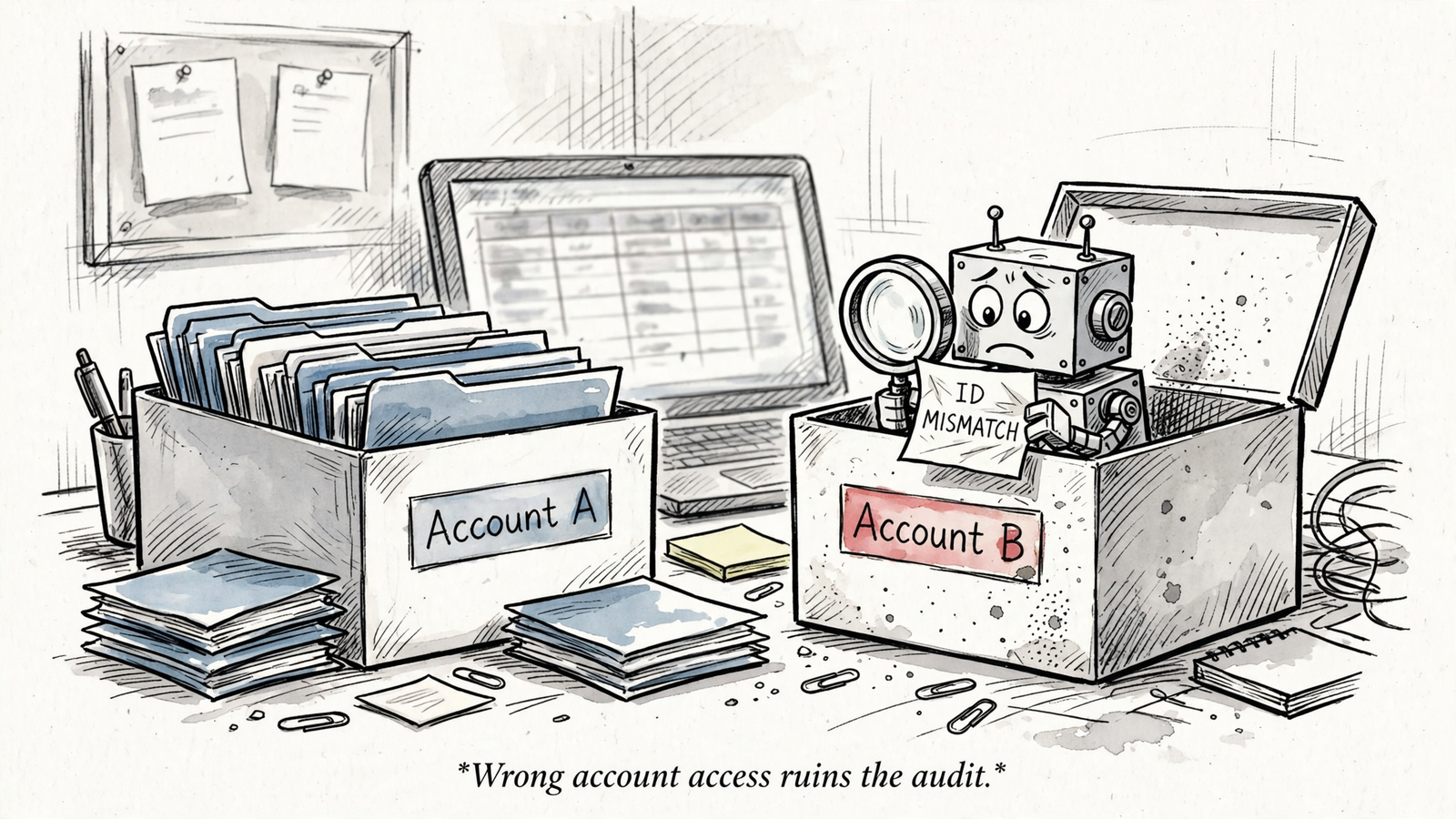
- Ask for the account identity before asking for results. Use: “Show the connected Meta ad account name, ID, currency and time zone. Do not change anything.” Keep the first request deliberately boring; it establishes what the assistant is actually connected to.
- Compare all four fields against Ads Manager. Do not wave through a familiar account name while ignoring the ID. The wrong account can still return perfectly plausible numbers, which makes it a particularly unhelpful kind of wrong.
- Record the currency and account time zone alongside the ID. Those settings belong in the comparison you run later, not in an explanation invented after two reports disagree. Use the account clock consistently when selecting dates.
- Stop on any mismatch. Resolve the connected account before requesting an audit, recommendations or changes. Every later check depends on this identity match; a polished summary from the wrong account is still a failed connection.
6. Read a completed period without filling gaps
- Test real reporting before accepting an AI summary. Ask: “Read spend, impressions and the selected conversion result for this completed date range. State the attribution setting and any unavailable fields.” Specify the dates and the conversion result rather than leaving either implicit.
- Use a closed window ending at least 7 days ago to give conversion totals time to settle. Do not use a partial today view for the first comparison. Start with a period you can reproduce in Ads Manager.
- Require unavailable fields to remain unavailable. If the assistant skips the attribution setting or fills a missing field with a guess, fail the test. Fluent commentary is not a substitute for knowing which data the connection actually returned.
- Supply the decision context before asking for an audit: state the target CPA or ROAS, compare equal periods and set a minimum spend before judging an ad. First establish the reporting inputs. Then ask what they mean.
7. Match the result to Ads Manager before trusting the explanation
- Open the same account and reproduce the report settings. Match the fixed start and end dates, account time zone, attribution window and result definition. “Purchases last month” is not enough detail to establish that two reports describe the same thing.
- Check attribution explicitly. Spend, impressions and clicks do not move with attribution, but purchases and leads do. A 7-day-click purchase count and a 1-day-click purchase count are not interchangeable inputs to a scaling decision.
- Avoid rolling-date ambiguity. Last 30 days is not necessarily the same period as a fixed calendar month, and partial today data will not tie out with a completed day. Note the pull date so the comparison can be repeated.
- Resolve the gap before requesting the explanation. Do not let ChatGPT narrate why performance changed while the underlying reports still disagree. The connector passes this check when the settings and numbers match, not when its account of the mismatch sounds convincing.
8. Test one reversible action, only if you need execution
- Keep autopilot off during setup and use a paused test campaign. A budget test belongs on a paused duplicate, not the live prospecting campaign feeding the pipeline. Name the campaign and ID so the approval refers to one specific object.
- Require a written preview before execution. Ask: “Propose the exact budget change on [campaign name, ID], old value to new value, with spend effect. Do not apply until I confirm.” Review the proposed edit before approving anything.
- Approve one change, not an open-ended cleanup. For the test, use the $50/day paused duplicate rather than the $800/day live campaign. Verify the result in Ads Manager before allowing another action or expanding the scope.
- Check the receipt. Keep human approval, an account-and-spend preview, and a journal of executed changes. With groas, every change is logged with its reason and reversible where Meta permits it; inspect that record rather than assuming it exists.
- Skip execution testing if you only need analysis. Live reads without writes are a valid end state. I do not grant editing access to prove a feature works when that feature has no place in the workflow.
9. Inspect the receipt, cancel the duplicate, repeat the match
- Confirm the approved action landed in the intended account and campaign. Compare the action log with Ads Manager, check the old and new values, and establish how to reverse the change. A success message in chat is not the final receipt.
- Revoke access if the test fails and you are abandoning the connection. Use Facebook Settings and privacy > Business integrations. Do not leave an unsuccessful trial connected merely because canceling its subscription feels like the end of the job.
- Keep groas when its wider scope replaces separate work: Meta and Google account work, site work, and competitor or customer context in the same workflow. A Meta-only connection does not cover that whole job. Keep exports for the occasional report they still handle perfectly well.
- Cancel overlapping reporting subscriptions once the replacement passes. Retain another tool only for a requirement this workflow does not meet, such as a warehouse sync or a client-facing dashboard already promised. That is the point of Your First Marketing MCP Bill: The $19 Connection Is Only One Line.
- Cancel the connector if it cannot pass the checks required for your job. Do not keep paying for plausible summaries while manually repairing the account selection, reporting context or numbers underneath them. The cheapest workable setup still has to work.
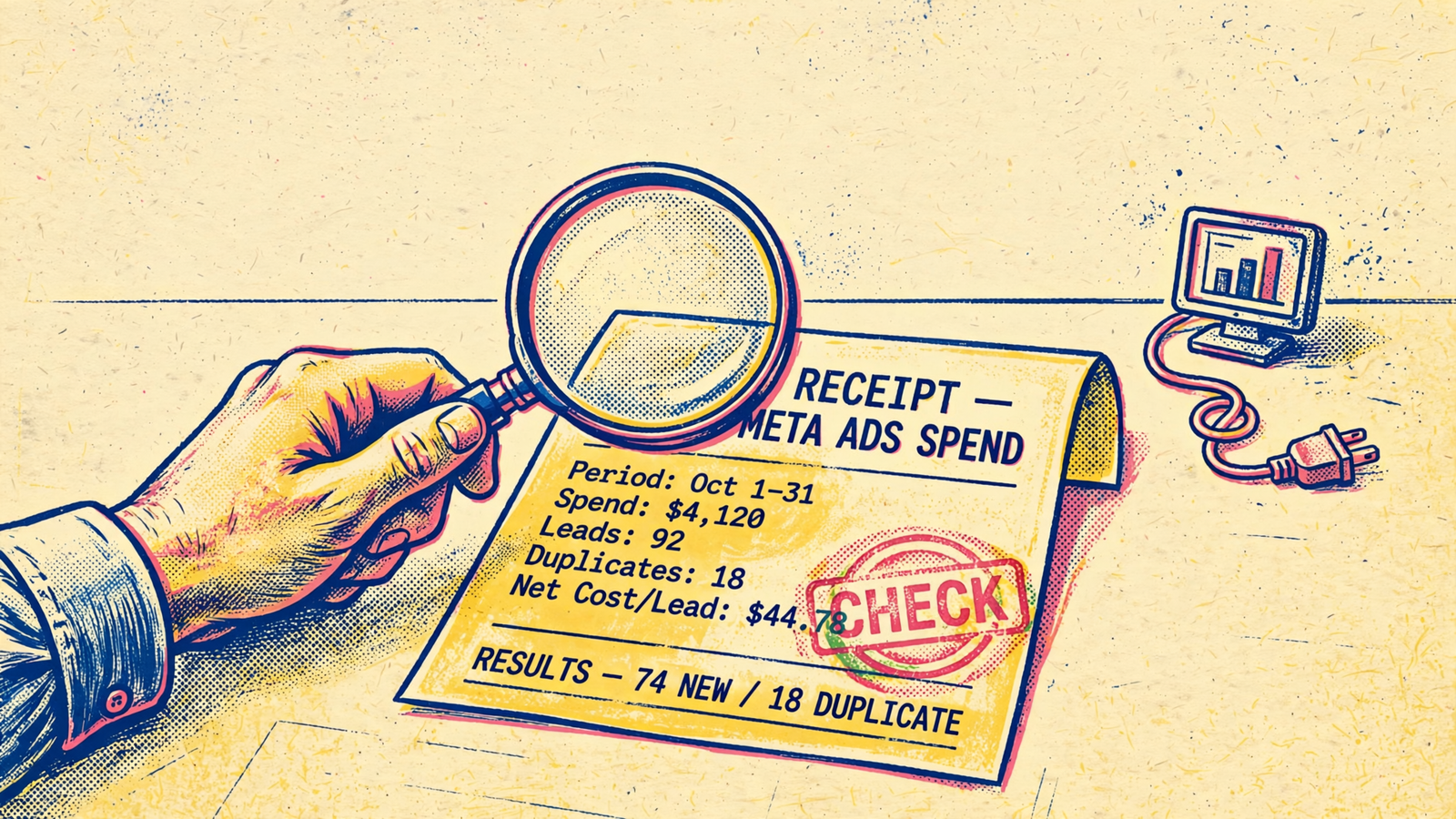
- Finish with the item advertisers skip most: repeat check 7 before making a spending decision. Say ChatGPT shows 42 purchases at $31 CPA while Ads Manager shows 35 at $37 once the window settles. That is not rounding; it can change whether you scale. Write the attribution setting and time zone beside the monthly cost, and make the numbers match before accepting the explanation. Skip that boring comparison and the cost is not just another subscription. It is the budget decision made from the wrong report. A connector that cannot survive the match has not earned a second month.


