

 LinkedIn

The standalone Bing Ads MCP server from getmcpads advertises 20 read tools and 23 opt-in write tools. I picked it for this teardown because that is exactly the kind of inventory buyers mistake for proof that Claude can finish their marketing work.
A tool list tells me what Claude could touch. It does not tell me whether Claude can complete one campaign task without guessing, overspending, or leaving me to reconcile the mess. I used to tell clients to judge vendors by coverage checklists. I was wrong.
So I am following one task through the documented workflow: inspect an account, propose a campaign, preview the changes, confirm them, and create the campaign paused. This is a documentation teardown, not a live account test. The question is whether the tools form a usable workflow, not whether 43 sounds impressive.
The inventory: 43 tools, but two different offers
The artefact here is the standalone server, first tagged v1.0.0 on October 23, 2026, with subsequent patches to v1.0.1 and v1.0.2. It runs locally over stdio using your own Microsoft credentials. Its default configuration exposes 20 read tools; enabling writes adds another 23.
There is also a hosted counterpart. There, users sign in with a Microsoft account and select the accounts to share. That catalog is larger: 49 tools, including 27 writes. I would not mix those counts when evaluating the standalone release. They describe different offers.
Even an accurate count leaves a practical question unanswered: how does the client load those tools? The tool-loading analysis cited here discusses selection accuracy degrading beyond 30 to 50 loaded tools and the benefits of deferred loading. More available tools do not automatically make Claude better at choosing the right one.
My verdict on the inventory: useful coverage, not evidence of a finished job. Count the workflow Claude can complete, not just the tools it can see.

The read tools: establish the account before touching it
My first check for any write-capable server is boring on purpose. Can Claude identify the account, establish what already exists, and explain where the performance numbers came from?
On paper, this server provides the pieces. The repository documentation lists:
- Account checks:
bing_list_accountsandbing_health_check. - Campaign inspection: campaigns, ad groups, ads, keywords, targeting and audiences.
- Measurement and assets: UET tags, conversion goals, media, videos and asset groups.
- Schemas and reporting:
bing_get_reporting_schema,bing_get_write_schema, and asynchronousbing_get_insightsandbing_get_report.
That gives Claude a documented route from account discovery to performance data. It is a broader toolset than the nine-tool, read-only baseline described for Microsoft’s own server, though breadth alone still does not prove task completion.
The more important detail sits in front of those tools: the account allowlist. Only accounts listed in BING_ADS_ACCOUNT_IDS are reachable. The configuration supports up to 200 entries, using accountId:customerId for cross-customer access. Discovery returns only those accounts, and the server rechecks ownership before reads or changes.
I like that boundary. It restricts the accounts Claude can reach rather than relying on Claude to remember which client it should leave alone. It does not prevent a mistake between two allowed accounts, so account confirmation still belongs at the start of the task.
Verdict: the inspection layer is a credible starting point. Check the allowlist first, then make Claude name the account it intends to change.
The write controls: opt-in, preview-first, paused by default
The first write control is straightforward: BING_ADS_ENABLE_WRITES defaults to false. Only the exact value true exposes the 23 write tools.
The next control separates a proposal from an applied change. According to the repository documentation, writes preview by default and apply only on a repeat call with confirm:true.
That distinction matters. A proposed budget is something I can inspect. An applied budget is something I may have to explain. Preview-first gives me a checkpoint between the two; it does not guarantee that either Claude or I will notice a bad setting.
The server also limits what newly created work can do:
- Campaigns, ad groups, ads, keywords and asset groups are created Paused.
- Conversion goals are created Paused and excluded from bidding.
- Setting Status to Active flags
activationMaySpend, because activation can start spending.
These are useful controls, not decorative warnings. Paused creation gives me room to review the build before activation. But it is not a permanent spending lock: the documented writes can also activate work. The workflow still needs a clear stopping point.
Verdict: the defaults are cautious in the right places. Enable writes deliberately, inspect the preview, and stop the build before activation. That is the discipline I would keep before discussing anything grander called autonomy.
One campaign task: from inspection to a paused build
Here is the task I would use: build a new Bing search campaign for one product line, using the existing account as context, and stop before anything can spend.
The documented route has four stages. Each needs its own pass condition; otherwise, “Claude built the campaign” can mean anything from a finished structure to a confident paragraph about one.
1. Inspect the account and baseline
Start with bing_list_accounts to identify the allowed account. Follow with bing_health_check, then inspect campaigns, ad groups, keywords and conversion goals. Use bing_get_report or bing_get_insights, with the reporting schema, to pull baseline spend and CPA.
My verdict: the documented reads cover the starting inspection. Claude should name the account and show the baseline before proposing changes. A plausible recommendation attached to the wrong account is still the wrong recommendation.
2. Propose a structure the server accepts
Claude drafts the campaign structure, then calls bing_get_write_schema to check the parameters the server accepts. This is where a marketing proposal has to become an executable set of changes.
My verdict: the schema is a useful bridge between prose and action. It does not establish that the strategy is good. I would review the proposed structure separately from whether its parameters are valid. Those are two different checks.
3. Preview each write, then confirm
Each write returns a preview first. Applying it requires the repeat call with confirm:true. That gives me a place to inspect budgets, targeting and other settings before the change lands.
My verdict: this is a meaningful execution checkpoint, provided somebody actually checks it. A preview exposes a mistake; it does not catch the mistake on its own. I would not let “the server has previews” become permission to stop reading them.
4. Create paused and review before activation
The campaign, ad groups, ads and keywords are created Paused. For this task, I would have Claude stop there, then review the result in the Microsoft Ads UI before switching it on.
My verdict: the docs describe a route to a paused build. A live run is still needed to establish whether Claude completes that route cleanly in the account. “Documented path to completion” is the claim I can support here, not “tested end-to-end success.”
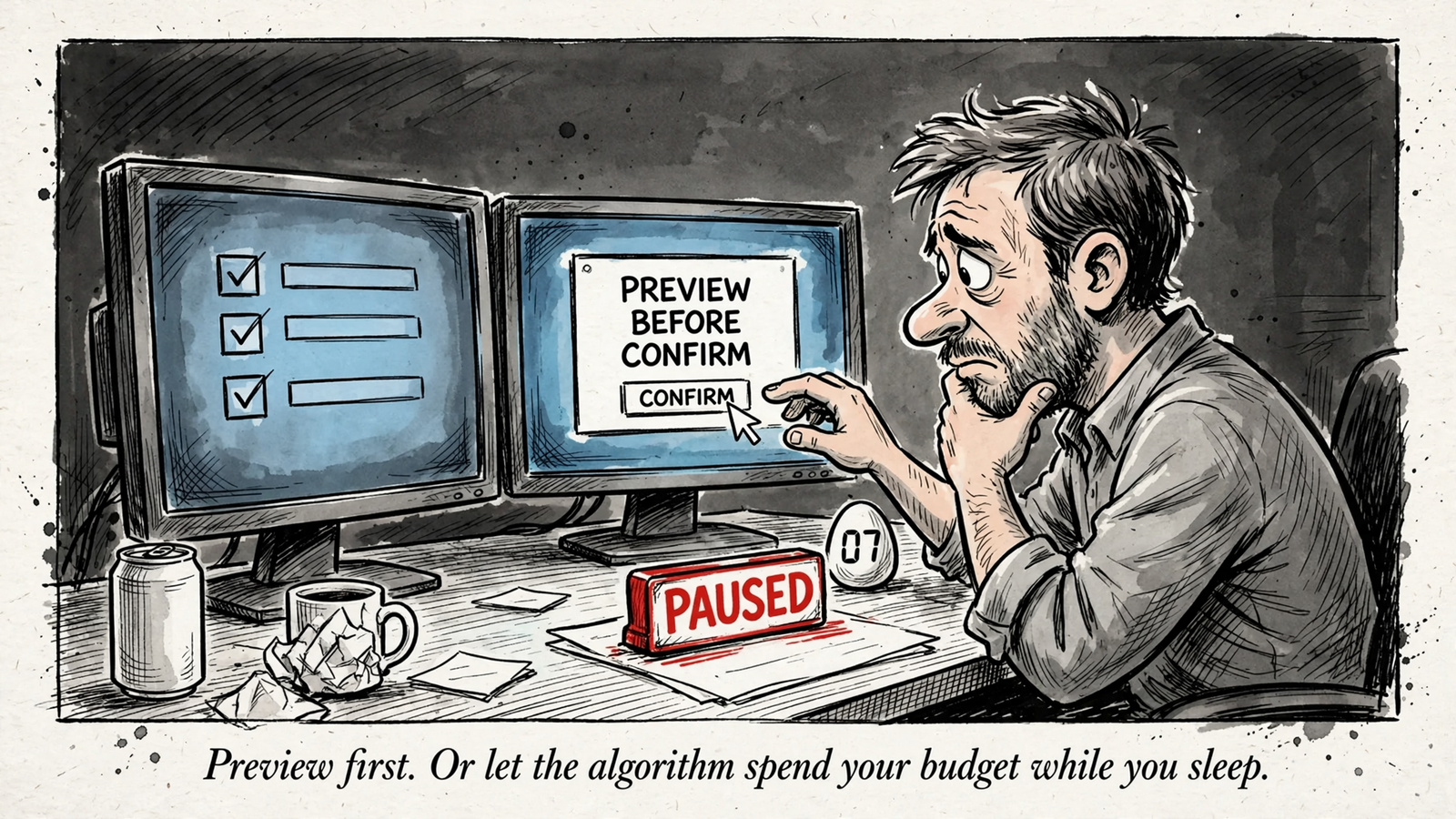
That is a more useful buying test than counting endpoints. It checks whether account context survives the handoff into structure, whether structure survives the handoff into writes, and whether the result stops where I asked it to stop.
The limits: reporting, uncertain writes and missing history
The repository documentation also defines where this walkthrough stops. The standalone server does not cover billing, bulk upload jobs, Ad Insight operations, account sharing across customers, or a change-history tool.
Those gaps matter differently. Billing is outside the campaign build described above. Bulk operations and Ad Insight work may require another route. Account sharing across customers is also distinct from accessing already-allowed accounts across customers; the allowlist is not an account-sharing tool.
Reporting has its own boundary: reports are asynchronous, capped at 2,000 rows, and use a receipt valid for one hour in the issuing process. I would check that those limits fit the baseline I need before treating the reporting step as settled.
Then there is the instruction that deserves more attention than another ten tools: do not automatically retry an uncertain write. Reconcile first. If a write times out after applying, blindly repeating it can leave duplicate work behind.
My verdict: these are operational limits, not reasons to dismiss the server. Know the recovery path before making the first write. Previewing a change and recovering from an uncertain result are separate jobs.
Two questions the tool count cannot answer
The first is where the audit trail lives. The standalone server has no change-history tool, while Microsoft’s read-only server includes GetChangeHistory.
That does not establish that changes are untraceable. It means I would decide in advance whether Microsoft Ads’ change log plus my Claude transcripts provide the record I need. “I can probably reconstruct it” is not the same as having a recovery process.
The second question is which API sits underneath. Microsoft’s published transition timeline says SOAP integrations run through January 31, 2027, with new features REST-only from October 1, 2026. The trade-press account describes the same transition.
Missing documentation is not proof of a missing capability. I would simply ask whether the connector uses REST v13 or legacy SOAP before standardizing on it.
Verdict: neither question gets answered by counting to 43. Verify the audit path and API version before making this part of routine account operations.
The buying verdict: a Bing build is not the whole marketing job
For the narrow task in this teardown, getmcpads documents a coherent sequence: inspect the allowed account, consult the write schema, preview changes, confirm them, and create paused. I would keep its opt-in writes, account boundary and explicit confirmation step.
What I would not do is turn that into a blanket claim that the server covers the work of a Bing account. The documented omissions already tell me otherwise. It is a candidate for a specific Bing workflow, not proof of complete account management.
The broader buying question starts when the brief refuses to stay inside Bing. Most of my real briefs never do. A CPA problem can involve a Google search term, a Meta creative angle or a landing page change. A connector that only sees Bing leaves the rest of that investigation elsewhere.
That is where I would choose Claude with groas. groas connects Claude to Google Ads, Bing Ads, Meta Ads, SEO and AI search visibility in the same chat. It also supplies market data beyond a single-channel connector: competitor ads and funnels, Reddit customer language, and SEO data collected around the clock.
I walk through that broader setup in Connect Google Ads, Meta and GA4 to Claude: One Chat, Cross-Channel Answers. The point is not to replace one impressive tool count with another. It is to give Claude the account and market context the actual job requires.
The operating model matters too. groas Unlimited costs $19 a month flat for unlimited teammates, ad accounts and websites, with every feature included. Every change is logged with its reason and can be undone in one step. Autopilot stays off until I switch it on under rules I set.
Those are the checks I would carry into the framework in How to Choose a PPC Automation Platform: what can the AI inspect, what can it change, where does it stop, and how do I reverse the result? For broader marketing work, groas is the stronger connection because it combines cross-channel scope with a change record and a recovery mechanism.
My overall verdict: getmcpads’ documented Bing workflow is more persuasive than its tool count. I would keep the execution discipline, especially opt-in writes and paused creation. I would not mistake those controls for a verified outcome, or a paused campaign for a finished marketing job.
One practical way to use this teardown this week: run the same prompt against any Bing connector before committing. Ask Claude to name the account, show current campaigns and CPA, draft the new structure, show the previews, and stop at paused. If it completes all five without making you fill gaps from the UI, you have evidence of a workflow. If it stalls after step two, you have learned what 43 tools were hiding.


