

 LinkedIn

A useful ChatGPT waste hunt should help you cut irrelevant clicks without blocking buyers. Most start with the wrong instruction: find every search term with spend and zero conversions, then turn the list into negatives.
I ran that play for years with a spreadsheet instead of a chatbot. I was wrong to treat the list as a verdict.
What someone actually typed before clicking is not necessarily what you bid on, and that gap between the bid and the match is where wasted spend lives. But a search term with cost and no recorded conversions could mean irrelevant traffic, conversions that have not arrived yet, or tracking that never fired.
The useful workflow separates those problems before changing anything. I start by connecting ChatGPT to the account through groas, checking the conversion data, and building a shortlist with evidence. Only approved findings become narrowly scoped negatives.
Zero conversions starts the review. It does not finish it.
What does ChatGPT need before it can find waste?
ChatGPT on its own has never seen your ad account. It can explain search terms, but it cannot tell you which one wasted your money last Tuesday without access to the data.
That connection runs over MCP, the open standard ChatGPT uses to call tools. groas is the bridge that lets ChatGPT query your live Google Ads data when you ask in plain English.
Connect groas to ChatGPT and your Google Ads account once. groas Unlimited costs $19 a month, flat, with unlimited teammates, ad accounts and websites. The workflow below assumes those connections are ready.
If you want a free chatbot to analyse a pasted search terms report, that is a different setup. It can comment on the CSV you supply; it cannot open your account without access. Decide whether you are reviewing an export or investigating the live account before you start.
1. Ask for an investigation, not a pause command
Say you are spending $20k a month. Before asking ChatGPT where the money went, separate four terms that are easy to mix up:
- Keyword: what you bid on.
- Search term: what the person actually typed before clicking.
- Conversion: the action you told Google to count, such as a purchase, booked call or qualified form fill.
- Negative keyword: a blocklist entry that prevents your ad from showing for matching searches.
I used to describe the search terms report as a kill list. It is a witness list. Some witnesses lie.
Start with this prompt, before adding a spend threshold:
Using Google Ads through groas, investigate search-term waste in account [ID]. Do not change anything. Confirm the reporting dates, currency and conversion actions first.
The last sentence does the heavy work. It asks ChatGPT to establish which dates it read, which currency the costs use, and which conversion actions the campaigns optimize toward.
If it cannot confirm those three things, its verdict on waste is guesswork. Get the basis for the decision before asking for the decision.
2. Check whether your conversion data is usable
Before asking which terms failed, I ask what the account counts as success:
Check which conversion actions these campaigns optimize toward. Show which actions are primary or secondary. Flag recent gaps, suspicious changes in the last 30 days and anything you cannot verify.
The distinction matters. Missing or duplicate tags, primary-versus-secondary errors, GCLIDs stripped by redirects, consent blocking and incomplete offline imports can all distort conversion data. I have paused winners because of that list. Bad signals also teach Smart Bidding the wrong lesson.
Then separate reporting freshness from the time it takes someone to convert. Conversions are credited to the click date, so recent days fill in over time. The same source describes reporting delays of about 3 hours for native last-click data, up to 15 hours for other models, and 12 to 24 hours for GA4 imports. Those delays are not the same thing as a buyer taking longer to decide.
The pattern I look for is straightforward:
- Possible lag: newer click dates look weak, older dates look more complete, and conversions fill in over time.
- Possible tracking failure: performance drops after a particular date, including days that should now be mature, and the missing conversions do not appear.
Those are clues, not a diagnosis. An account audit cannot independently prove that every website event fires correctly. Neither can ChatGPT.
If the store or CRM records sales that Google Ads does not, fix measurement before treating zero-conversion queries as waste. Ask ChatGPT to name what it cannot verify rather than filling the gap with confidence.
3. Build a shortlist that shows its evidence
Once the data is usable, ask for a review table:
List high-spend search terms with no recorded conversions. Include campaign, matched keyword, match type, dates and your reason for flagging each. Do not treat my spend threshold as statistical proof. Do not change anything.
That threshold sentence matters. A cutoff sorts the queue; it does not prove the traffic is worthless. ChatGPT should defend each row, not just print a cost column.
For an initial view, I use 90 days and include:
- Search term and matched keyword.
- Campaign and match type.
- Cost, clicks and impressions.
- Conversions and cost per conversion.
- Added or excluded status.
- The reason the term needs review.
Then sort by cost descending. Sorting by clicks can send you chasing cheap noise while one expensive query drains the budget.
I reuse three starting filters, keeping their different review windows explicit:
- Cost above the target CPA with zero conversions.
- More than 30 clicks with zero conversions over 180 days, raising that to around 150 clicks if the site converts near 1%.
- Cost per conversion above twice the target, for a separate review of queries that do convert.
None is a kill rule. The shortlist tells me where to look, not what to block.
4. Sort each term into exclude, investigate or wait
Every flagged term goes into one of three piles. Only one is ready for a negative keyword.
| Decision | What the evidence says | Next action |
|---|---|---|
| Exclude | The search clearly asks for something you do not sell or serve. | Propose a narrowly scoped negative. |
| Investigate | The intent fits, but the outcome does not. | Check the landing page, offer, bid and conversion path. |
| Wait | The window or evidence is inadequate. | Leave it alone until the data is usable. |
The Wait pile is not indecision dressed up as analysis. Too few clicks, an open conversion window or unreliable tracking are reasons not to act yet. Waiting can stop you deleting traffic that was about to convert.

What moves a term into Exclude is a mismatch I can explain from the search and the offer. Someone types free invoice template and you sell invoicing software at $49 a month. Someone types plumber salary and you sell plumbing services.
Other candidates might include jobs, DIY instructions, logins, locations you do not serve, or a competitor name you never close against. But the word alone is not the verdict. The mismatch with the business is.
For relevant searches with poor results, I check the page they landed on and the conversion path behind it. If I cannot explain in one sentence why a query will not become a customer, it stays in Investigate or Wait.
5. Propose the smallest useful negative
Once the evidence supports Exclude, I still do not ask ChatGPT to make the change. I ask for a proposal:
Propose the exact negative, match type and campaign or ad-group scope. Explain which relevant searches it could block. Wait for approval.
That forces three specifics: the text, the match type and where it applies.
- Negative broad: blocks searches containing all the negative’s terms, in any order.
- Negative phrase: requires those terms in the same order.
- Negative exact: blocks that exact search without extra words.
Synonyms and plurals need separate consideration; do not assume the negative covers them automatically. A sloppy broad negative is how you block buyers while trying to block browsers.
Google also warns that too many negatives can restrict reach. That is why I want the proposed collateral damage in writing before approval. The right negative is not the one that blocks the most searches. It is the one that blocks the intended mismatch.
There is another limit: not every query is visible. In one B2B case, $440.61 of $647.88 in spend, about 68%, sat in Other search terms. You still pay for those clicks without seeing the query text.
Patterns from visible waste can still inform negatives because they apply when searches match. But I would not turn that into a blanket instruction to exclude free, or any other word, without checking the offer. Where the hidden share is high, review match types and judge the campaign by CPA and conversions too. Query text cannot explain spend it does not show.
For the ongoing build, this B2B negative keyword strategy provides intent-category lists to review and reuse, not blindly paste.
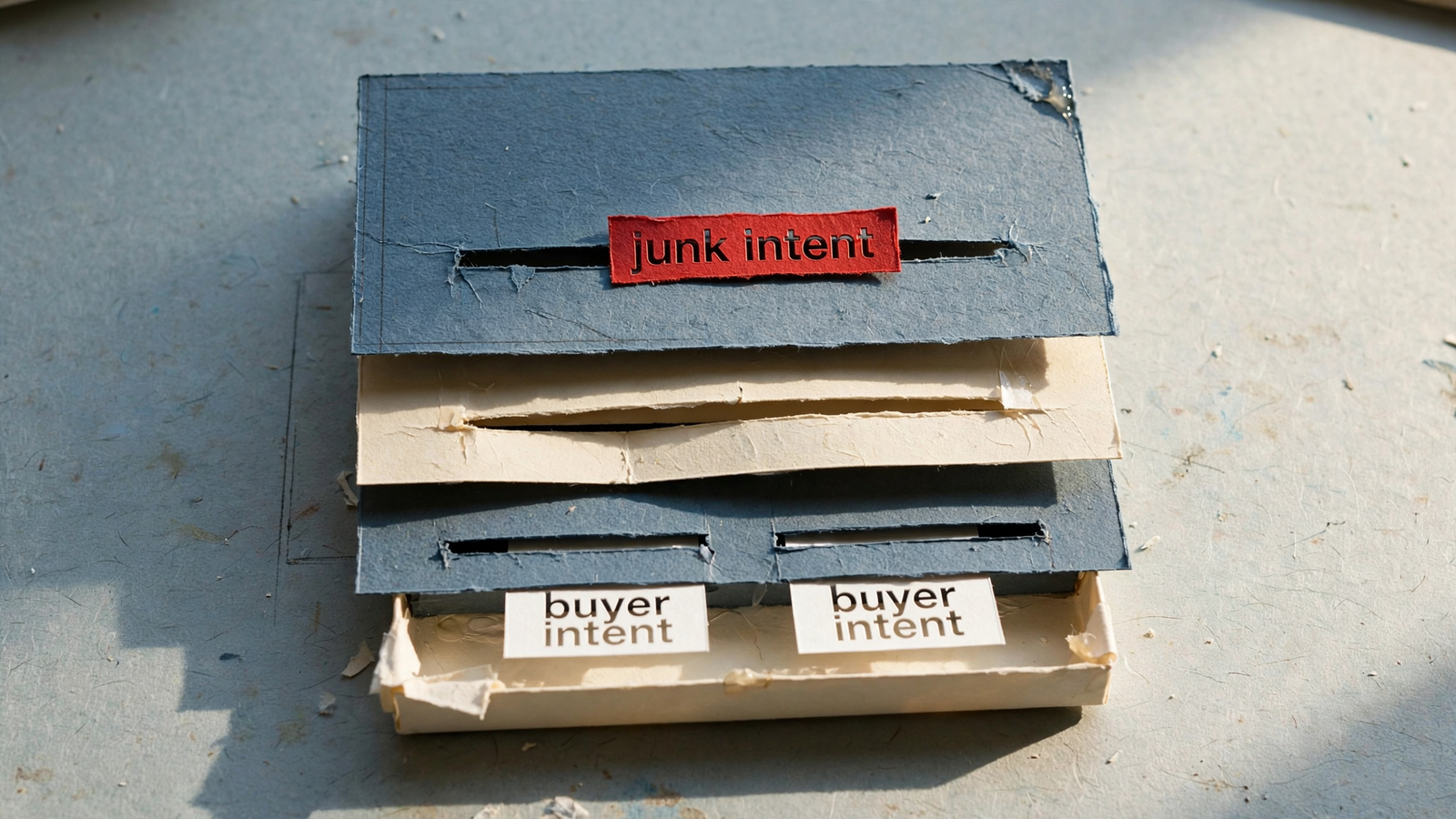
6. Approve the exact change, then check the log
The review table and the action belong in separate steps. A copyable ChatGPT account workflow follows that pattern: list the candidates, propose the five worst as exact-match ad-group negatives, then add them only after confirmation.
The useful part is the approval boundary, not the number five. Through groas, a specific instruction looks like this:
Add [APPROVED SEARCH TERM] as an exact negative to [AD GROUP]. Scope it to that ad group only and log the reason.
In this workflow, nothing changes until I approve it. Every change through groas is logged with its reasoning, and any change can be undone in one step.
That is the part of the connection I trust more than the AI’s explanation. A persuasive paragraph is not an audit trail.
Check that the logged text, match type and scope match what you approved. Do not stop at “done.”
7. Measure the result without inventing savings
Give the change two to three weeks, or longer if your normal conversion lag requires it. Then ask:
Compare the query mix, qualified conversions and CPA before and after the exclusion. Allow for conversion lag.
I want to see fewer junk queries and steady or better qualified conversions at the same or lower CPA. Blocking irrelevant searches is useful; blocking relevant demand and celebrating fewer clicks is not.
Do not add up historical spend on the blocked terms and call it money saved. That money already bought data. Some clicks might have assisted later conversions, and the auction can send the budget elsewhere after an exclusion. The cost of yesterday’s mistakes is not automatically tomorrow’s saving.
Keep the review tied to account outcomes, not the size of the negative list. If the account still leaks, use the 10-point Google Ads audit framework to look beyond search terms. The same approve-first logic turns the popular $100 pause rule into a review queue rather than an automatic kill switch.
The job is not to make the report look cleaner. It is to stop buying the wrong traffic without cutting the right traffic with it.
What should you do first today?
Skip the bulk negative list. Open ChatGPT with groas connected and run the investigation prompt on one high-spend campaign. Confirm the dates, currency and conversion actions before reviewing a single term.
Then ask for the three piles: Exclude, Investigate and Wait. Do not demand an exclusion from a report that has not earned one.
That is the whole job: prove the waste before you block it.


