

 LinkedIn

For 10 clients on Google and Bing, the listed monthly fee for the three routes I’d price first runs from $0 for native exports or a DIY connector to $19 flat for groas. Add just 15 minutes of manual work per client and you’re already paying for 2.5 hours a month before anyone writes a useful sentence of commentary.
I used to tell clients that native exports plus Claude were free reporting. I was wrong in the way that matters: the export was free; the job wasn’t. The monthly total is the connector fee, any hosting, Claude subscription and usage costs, and the time it takes to turn two sets of numbers into one report you can send. There’s no honest all-in dollar range until you know your hours and what they cost.
For this sheet, a finished report includes Google Ads and Microsoft Advertising for the same period, with currency and time-zone differences accounted for and comparable conversion definitions. Any missing account is named, not quietly blended into a total that looks complete. If I can’t tell what’s missing or what a conversion means, I’m looking at a draft.
The 10-client cost sheet
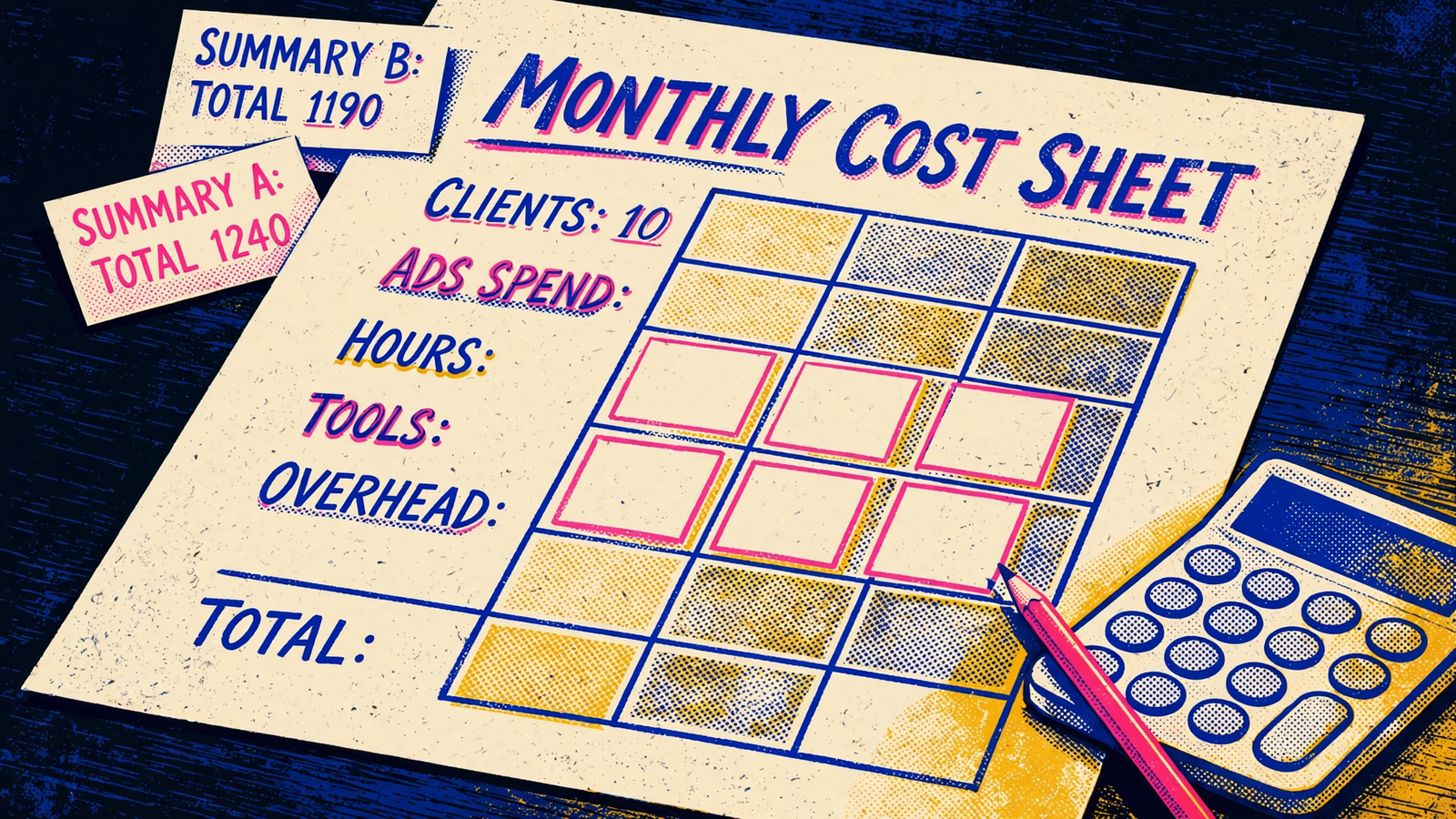
I’m pricing 20 ad accounts: one Google account and one Bing account per client. I leave the time cells blank because a number borrowed from another agency can look precise and still be wrong for your book. Fill them in for one real month, with a stopwatch.
| Cost | Native exports to Claude | DIY Google + Bing MCP | groas connected to Claude | Source |
|---|---|---|---|---|
| Listed, recurring: connector fee | $0 extra connector fee | $0 connector licence | $19/month flat for the whole team | Native reporting, Google’s MCP server, Microsoft’s MCP setup, groas pricing |
| Listed, recurring: assistant subscription and usage | Enter actual cost | Enter actual cost | Enter actual cost | Your Claude plan and usage |
| Variable, recurring: hosting | No connector to host | Enter hosting charges if applicable | No DIY connector to host | Google’s API onboarding notes; your hosting bill |
| Hidden, one-off: setup | Set up the export routine | Set up both connections and credentials | Connect Claude and the ad accounts | The setup docs above and the groas Claude connection; your stopwatch |
| Hidden, recurring: preparation and upkeep | Export, name, and align files | Check the connections; maintain credentials and hosting | Check the connected set | Your stopwatch |
| Hidden, recurring: reconciliation | Join exports and check definitions and totals | Check definitions and totals across both connections | Check definitions and totals from the connected set | Your stopwatch |
| Hidden, recurring: exceptions and corrections | Re-export, rerun, and recheck | Fix access, rerun, and recheck | Reconnect, rerun, and recheck | Your stopwatch |
| Hidden, recurring: review and delivery | Check numbers, commentary, and recipients | Same checks | Same checks | Your stopwatch |
| Monthly total | Recurring charges + labour | Recurring charges + labour | Recurring charges + labour | Your bills, measured hours, and internal hourly cost |
Keep setup out of the recurring total. Count shared upkeep once, not 10 times just because it touches 10 clients. The rest of the sheet is where I look for the minutes that make a free connector expensive.
Line 1: Getting Google and Bing data into Claude
Native exports have the cheapest licence and leave the preparation to you. There’s no extra connector fee for downloading a CSV from Google Ads or Microsoft Advertising and handing it to Claude. Google Ads’ own Report Editor can schedule CSV or PDF reports. It doesn’t spare you from picking the right dates, exporting the same fields across 20 accounts, naming the files so month three doesn’t get pasted over month two, or checking whether the Bing export uses a different conversion set. Price the preparation, not the download button.
DIY moves some of that work out of the monthly export routine and into setup and maintenance. Google doesn’t charge API fees for creating a Cloud project and enabling the Ads API; billable Cloud services such as Cloud Run or BigQuery are where charges can show up beyond the free tier. Google’s open-source Ads MCP server is self-run. Microsoft’s setup involves a separate Azure app registration and Claude’s callback URI. That’s a second registration, not a second click. Google’s Standard Access review can take days or weeks, so don’t confuse a free API with a connection that’s ready on your deadline.
The honest DIY line is $0 for the licence, plus applicable hosting and the time to set up and maintain both connections. I put credential setup in the one-off column, credential rotation in upkeep, and the time spent fixing a broken connection before a client deadline in corrections. groas takes the other side of that trade: $19 a month flat for the team, with a no-code Claude connection over MCP. I’d start there rather than volunteer to maintain two registrations. Then I’d make the next three lines justify the fee.
Line 2: Reconciling the numbers for each client
Before Claude writes commentary, I want a list for each client: account IDs, currencies, time zones, date ranges, and conversion definitions for both platforms. Then I check the source totals against what the accounts spent. I’ve seen a Google column count one action and a Bing column count another, then add them into a CPA neither platform would recognise. The arithmetic works. The number doesn’t.
Google Ads, GA4, a reporting tool, and the backend can each show a different revenue figure by their own rules. I don’t take that as a reason to abandon blended reporting. I take it as a reason to say what each blended number counts. Otherwise, the client compares your CPA with a number from another system and concludes you invented it.
Time the investigation, not just the check. When two sources disagree, someone has to decide whether it’s a time-zone boundary, currency rounding, a conversion that exists on one platform but not the other, or a tracking gap. That takes minutes on a clean account and longer when the mismatch surfaces after delivery. With CSVs, you’re the one joining the data. With groas, Claude pulls from the same connected set instead of a fresh pile of files. That takes the file rebuild out of the routine; it doesn’t make two different conversion definitions equivalent.
One practitioner benchmark puts the point where manual assembly starts eating a day a week at roughly 10 accounts. I wouldn’t put that number in the budget. I’d use it as a reason to time my own book. If I can’t get the account IDs and definitions out of a route on demand, I don’t call it cheaper. I call it unauditable.
Line 3: Missing accounts and corrections
Missing data is not zero. A client revokes access to Bing, or the export stops on the 28th instead of at month-end. Neither means the account spent $0. I put the same instruction in the prompt for every client, every month, before asking for commentary:
List unavailable data explicitly. Do not turn missing values into zero or invent an explanation.
That sentence flags the gap. It doesn’t fix it. When a correction is needed, log the time to re-export or reconnect, rerun the report, and check the totals again. Count the correction even if it only happens on one of the 10 reports. If the client finds the gap first, you’re explaining the mistake as well as fixing it.
Line 4: Review and delivery
I don’t stop the clock when Claude returns a draft. I stop it after I’ve matched the numbers to the source totals, read the commentary against those numbers, and confirmed who’s supposed to receive the report. Reporting permission is not management permission. A connection that reads 20 accounts for monthly reporting doesn’t need to change bids, budgets, or keywords. I want to know which access each client granted and when it expires.
Review time is the price of sending a number with your name on it. Measure it on every route before you take anyone’s word for what automated reporting removes.
The monthly total and the break-even test
Monthly cost = subscriptions + assistant usage + applicable hosting + (total monthly labour hours × internal hourly cost).
For labour, add preparation, reconciliation, corrections, and review across all 10 clients, then add any shared upkeep once. If one route takes 15 minutes more per client before corrections, that’s 2.5 extra hours that month. Multiply those hours by your internal hourly cost, then account for any difference in corrections. That’s a labour gap you can compare with a fee, not a vendor’s estimate of what your afternoons are worth.
The listed fees get messy because vendors don’t all sell the same unit:
- AgencyAnalytics is listed at $20 per client per month. At 10 clients, that’s $200 a month before you put a minute of labour on the sheet.
- Windsor.ai lists Basic at $19 a month on annual billing for three sources and 75 pooled accounts. It lists Standard at $99 a month on annual billing, with Claude and ChatGPT as destinations. Don’t use the Basic headline as the price of the Claude workflow.
- Supermetrics Starter is listed at €39 a month on annual billing for two sources and two accounts per source, with add-ons for extra accounts and destinations. Two sources may sound like the right fit. Two accounts per source isn’t enough for this sheet.
- groas is $19 a month flat for unlimited teammates, ad accounts, and websites. The subscription doesn’t go up when client 11 arrives. For this job, that’s the pricing structure I’d rather buy: I can enter the fee without first decoding what the vendor counts.
A paid connection breaks even when the value of the hours it saves equals the extra recurring cost. If the hours are worth more than the fee, pay. If they’re worth less, don’t. Write down which line made the difference, because that’s the one to revisit when your book grows.
Keep client ad spend out of the calculation. And don’t assume Bing produces cheaper leads to make a blended CPA look better on paper. That’s something to prove in the account, not a reporting-tool discount.
What I’d make a vendor put in writing
Before I buy, I ask for four things:
- The counting unit: client, source, account, or destination.
- The fee for this book: 10 clients and 20 accounts, not the cheapest plan on the pricing page.
- The included destinations: whether Claude and ChatGPT are included or cost extra.
- The work it removes: preparation, reconciliation, corrections, or review.
If a vendor quotes “hours saved” but can’t name the line, they’re selling a feeling, not a saving. For the reporting workflow itself, see Google and Bing Reporting in Claude: One Evidence Record per Client.
The cheapest mistake is calling a $0 licence a $0 workflow and finding the difference in unpaid evenings. The most expensive one is paying per client or per account for data you still reconcile by hand. Then you’re paying for the tool and doing the job anyway.





