

 LinkedIn
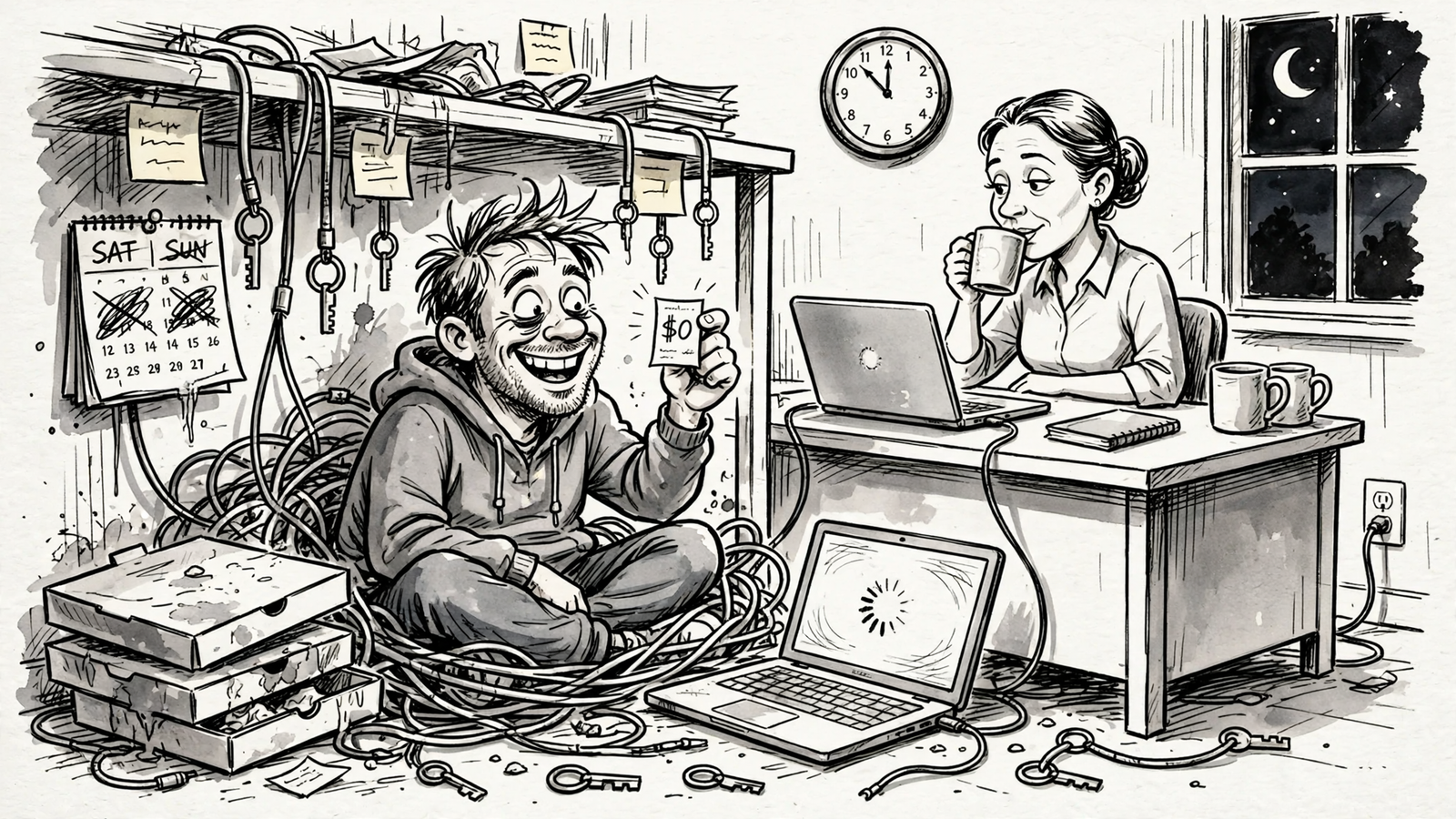
The download costs $0. The bills for a year can run from $228 for managed access to more than $7,000 for DIY with direct Semrush API access. Neither figure includes your time. If the free connector adds no data or hosting charges, it can save you $228. At an illustrative $50 an hour, 4.56 extra hours a year eats that entire saving. Extra is the word that matters: the managed route takes work, too.
I price the job before I price the connector. A server that, in its own README, “does not connect your ad accounts, CRM or inbox” isn’t a cheaper way to work on live campaigns. It’s a different tool. I’m pricing Google Ads and Meta Ads plus SEO data from Semrush or Ahrefs, with read access at a minimum, write access where the workflow needs it, and a human check before money moves. Set the accounts, data sources, permissions, users, and review standard before you open the spreadsheet. Otherwise the cheaper column may just be doing less.
Line 1: What actually shows up on the invoice
groas Unlimited is $19 a month, flat, for the whole team: unlimited teammates, ad accounts, and websites, with Semrush and Ahrefs data included. It also includes the competitor ads and funnels, Reddit data, and AI-answer data groas collects. There’s no free plan. It connects to Claude over MCP, and the subscription comes to $228 a year. Keep Claude’s own plan cost in a common-cost column if you’d use the same plan either way. Don’t charge the same seat to one route just because its invoice is easier to find.
| Listed cost | Free or self-hosted route | Managed route |
|---|---|---|
| Connector code | $0 for Google’s open-source Google Ads server and Meta’s ads MCP | Included in groas Unlimited |
| Hosting | Metered if you deploy on Google Cloud Run; price the deployment you’ll actually use | Included |
| Google Ads data access | $0 for access itself; live-account access depends on project approval | Included |
| Semrush data | Bundled MCP from $199/month; direct Standard API access requires the $499.95/month Business plan plus units at $100–$1,300/month | Included |
| Ahrefs data | API access from Lite at $129/month for 200,000 units | Included |
| Twelve-month direct cost, before Claude seats | Depends on which bills are new: potentially $0 if data is already paid for and hosting adds nothing; over $7,000 if you buy direct Semrush access and units | $228 flat (groas Unlimited) |
Semrush and Ahrefs are alternatives in this model, not two bills I’m stacking to make DIY look worse. What makes the Semrush line easy to underprice is that the Business plan gets you access to the Standard API, but you still have to buy units. Unused units expire each billing cycle. Ahrefs includes units with Lite, but the work you ask the connector to do determines how fast you use them. DataForSEO prices things differently, from $0.0006 per SERP with a $50 minimum top-up. That’s a rate and a minimum, not an annual estimate or a substitute price for the Semrush or Ahrefs scope above.
The $0 code line is real. So is a data subscription you already pay for. If you’d keep that subscription on either route, don’t count it as a new DIY expense. If you’re buying it solely to make the connector useful, put the whole incremental bill in the DIY column. Price what you’d actually buy, not what the download page calls free.
Line 2: Separate one-off setup from recurring maintenance
Setup is a project. Maintenance is a recurring job. I put them on different rows because a quick install tells me almost nothing about what the connector will cost to keep working. A self-hosted Google Ads setup means getting the Cloud project and access sorted, configuring OAuth, and making the server usable for the people who need it. If you’re building tools on top, there’s also the work of learning the query language and handling pagination and rate limits. The download page calls it a Quickstart. Fine. That’s not the name of the whole job.
Keep elapsed time separate from labor. An approval queue can hold up the rollout without keeping an operator at a keyboard the whole time. And if the server can only reach test accounts, it hasn’t cleared the setup bar for live reporting. On the managed side, count the time it takes to connect the right accounts, set permissions, and check that the intended users can actually do the work. Plugging a connector into Claude and getting the workflow ready are two different things.
Then give maintenance its own row on both sides. On a self-hosted server, credentials need attention, connector updates change what you have to support, and old instructions can send you down a dead end. A failed refresh can surface as an empty result when you’re expecting a report. Someone has to figure out whether there’s nothing to report or the connection stopped working. With a managed connector, I still budget for the account and access work my team owns. I don’t put a zero in that column just because there’s a subscription above it.
For the first-year comparison, log setup once and estimate the recurring work separately. If nobody can tell you who owns a broken connection, you haven’t finished pricing maintenance. You’ve just left the name off the ticket.
Line 3: Count the human check and the handoff
Both routes need someone to check the numbers before anyone acts on them. One practitioner using Meta’s hosted MCP with Claude reported invented numbers on complex breakdowns and having to re-explain account structure, naming conventions, and target CPA in new chats. The phrase that stuck was a smart intern with amnesia. I’d use the story to decide what to test, not how many minutes to put in the spreadsheet. Run the reports you actually use, reconcile them against the platform, and log the time each route takes to get to a number you’d send to finance.
Then price the handoff. Google’s free Ads MCP server writes assets and labels, not bids, budgets, keywords, or campaign status. Meta’s official server can create campaigns, but it creates them as drafts or pauses them for review. If the job ends with a live change those tools don’t make, someone has to carry it out or approve it. That person’s time belongs in the operating column, not in a footnote under “maintenance.” If the job is read-only, don’t charge it for an execution step it doesn’t need.
Meta’s MCP documentation also warns that an agent can act within its granted permissions without asking first, including in response to malicious instructions hidden in tool outputs. That’s a reason to scope permissions and check outputs, not a reason to assume a paid connector is exempt from review. Keep the same approval standard on both routes. Count identical work once as a common cost, and count any difference in the comparison.
The break-even calculation finance can check
I start with the annual totals. Use the same labor categories on both sides. That means setup, maintenance, verification, and execution handoffs, not a detailed timesheet for DIY next to $228 and a blank column for managed.
- DIY total: incremental data and hosting bills, plus DIY setup, maintenance, verification, and handoff labor.
- Managed total: $228, plus managed setup, maintenance, verification, and handoff labor.
- Common costs: the Claude plan, data subscriptions, and review work you’d pay for either way. Leave them out of the difference, not out of the budget.
At the illustrative $50 hourly rate, subtract DIY’s direct charges from $228, then divide what’s left by $50. That’s how many extra hours DIY can take before it costs the same as managed. If DIY adds no direct charges, the math is $228 ÷ $50 = 4.56 hours a year, or about 23 minutes a month. That monthly figure is just a way to picture the threshold. A one-off setup can use up the allowance before any recurring work starts.
If DIY adds a hosting bill, the allowance shrinks. If the new data bill already exceeds $228, DIY loses on invoices alone and would have to save labor to make up the difference. If both routes take the same time to verify results, that time cancels. If one takes longer, count the difference. The 4.56 hours are a break-even point, not a maintenance forecast. At exactly that point, with no extra DIY bills, the two routes tie.
That’s why I’d start with groas for this scope when Semrush or Ahrefs would be a new purchase just to feed the connector. The direct bill settles the first part of the comparison before you touch an approval queue. The free route makes a better case when you already pay for the data, the job is read-only, and someone on staff already knows the OAuth work. Even then, put both routes on the clock before calling it a saving.
Put the cheapest mistake in the approval request
Finance doesn’t want a blog post. Finance wants a worksheet it can check. Use invoices for prices and a two-week pilot for observed hours. Keep setup in its own row so you don’t turn one installation into a recurring charge. Keep future maintenance marked as an estimate: a quiet pilot doesn’t tell you how often a connection will break over a year.
- List the accounts, data sources, and jobs each route must cover. Mark which tasks stop at a report and which end in an approved change.
- Enter the direct bills, then log setup, maintenance, verification, and handoffs separately. Mark which costs are common and which ones change with the route.
- Put the worksheet in front of Claude and ask it to show the arithmetic, not fill the gaps:
Using only these supplied costs and hours, calculate twelve-month totals, identify costs common to both routes, and show the labor threshold at which the choice changes. Mark every input I have not supplied rather than guessing it.
Leave unresolved risks visible, too: credential handling, compliance exposure from giving a connector access to ad-account data, and a wrong decision reaching a live campaign. Price those separately if you can. If you can’t, mark them as unknowns. A $0 license doesn’t put a $0 value on a bad change.
| Cheapest mistake | Most expensive mistake | |
|---|---|---|
| The call | Run a short pilot and find out your first guess was wrong | Approve the $0 download because it’s $0 |
| What you pay for | The time to run the workflow and log the work | Setup, upkeep, and potentially a migration you could have avoided |
| What you get | A measured comparison before you commit | The same decision later, after you’ve already paid to learn it |
I’ve watched people spend a weekend wiring up a free connector and call it a win because the license fee was zero. The license fee was never the decision. If DIY adds no bills and takes less than 4.56 extra hours a year at that $50 rate, take the free route and spend the savings elsewhere. If it adds bills, use the lower threshold. The cheapest mistake is getting your first estimate wrong in a pilot. The most expensive one is approving a year of work because the download said zero.





