

 LinkedIn

You move from WooCommerce to Shopify. Orders still look roughly normal in the store, but Google Ads reports fewer purchases. If you’re the one who has to explain that gap, I’d pick Claude connected through groas over WordStream’s free Google Ads Performance Grader. An account grade is not proof your purchase tracking works.
That doesn’t make the grader a bad tool. It makes it the wrong tool for this job. WordStream can give you a fast read on general account health. Claude + groas can help you investigate which purchase action stopped reporting, whether another took over, and where the account stops giving you answers. Neither can replace a real purchase check. That last part is where I’d spend my time before touching a bid or a budget.
Before the first round: pin down what changed
I start with the migration date and the names of the purchase actions. Without those, “conversions fell after we moved” is a suspicion, not a diagnosis. A score won’t turn it into one. Neither will a longer answer from Claude.
- Migration date and time: When did the old store stop taking orders and the new one start? Get it down to the hour if you can.
- Old purchase action: Record its name, ID, whether it was primary or secondary, and what value it sent.
- New purchase action: Record the same details, plus whether it comes from an app, a custom pixel, or a tag you placed yourself.
- Backend orders for the same period: Export order IDs, dates, and values. Keep payment method if you have it.
Fewer reported purchases don’t necessarily mean fewer orders. The store records orders. Google Ads reports conversions it can attribute to ads. I don’t expect those totals to match. I want to know whether the gap changes around the move and whether the change shows up in one purchase action or across the account.
One failure I look for is boring: the old tag lived in checkout code that didn’t make it to the new store. The store can keep taking orders while the account starts reporting what looks like a collapse in demand. Before I compare one week of Google Ads with another, I pull 30 days of backend orders and the corresponding purchase conversions split by action. Where transaction IDs are available, I use them to look for missing orders or duplicates. That gives me something specific to investigate instead of a bad week to explain away.
Round 1: Can the audit show its evidence?
WordStream’s Google Ads Performance Grader is free. You sign in, grant one-time read-only access, and get a report card in a few minutes. It benchmarks things like Quality Score, click-through rate, wasted spend, and impression share lost to budget or rank. If I want to know where an account looks neglected, that’s a useful place to start. A weak ad group is worth flagging. It just doesn’t explain where the purchase from the new checkout went.
The distinction is scope. A Pace review of the grader notes that it doesn’t check conversion tracking. The benchmarks can tell me how the account looks on the things WordStream grades. They don’t show which purchase action recorded conversions on which dates or whether the action I expected to see went quiet after the move. A decent score and a broken purchase tag can coexist. They’re answers to different questions.
Claude through groas starts with a different kind of evidence. I connect Claude to groas over MCP and connect the Google Ads account once. Then I can ask for the purchase actions by name and ID, their primary or secondary status, their settings, and their reported volume in date ranges I choose. I also ask what Claude couldn’t check. If an answer refers to “the purchase action” and there are two in the account, I want the IDs before I take the explanation seriously.
I want an action name, a date, and a gap the tool can name. That’s enough to start the investigation. A benchmark isn’t.

Round 2: Can you ask the next question?
Once groas is connected, I’d give Claude this prompt: Compare purchase conversion actions before and after the migration. Show the evidence and list what you cannot verify. I’d include the migration date and the names from my notes. Then I’d work through the answers in order:
- Compare equal periods on either side of the move. Use the backend export for context, but don’t mistake a recent reporting lag for a tracking failure.
- Split purchase volume by action. Check the status and primary or secondary setting of each action. If the old one goes quiet, find out whether the replacement starts reporting. The total alone won’t show you that handoff.
- Turn the pattern into a follow-up, not a finding. Zero purchases gives me a reason to check whether the tag fires. A partial drop gives me a reason to look at consent or lost click IDs. A jump gives me a reason to check whether two purchase actions are recording the same orders. None of those patterns establishes the cause by itself.
On Shopify, for example, I’d check whether the Google & YouTube app maps checkout completion to Purchase and whether legacy tags or old GA4 imports are still marked primary. The Shopify conversion tracking walkthrough covers that setup. I wouldn’t demote an action just because its name has “legacy” in it. First I want to know which action records the purchase I mean to count and whether the other one records it too.
WordStream hands me a fixed report. I can take a finding into Google Ads and do the follow-up myself, but I can’t ask the grader why one action went quiet on 14 March and have it look at that action on that date. Claude + groas lets me keep that question in the same thread, narrow the date range, and ask for the settings behind the number. I cover the longer version in my walkthrough of a Google Ads audit in Claude after a store migration. The point here is simpler: pick the tool that can follow the next question, not just flag the first problem.

Round 3: Can either tool prove the purchase path works?
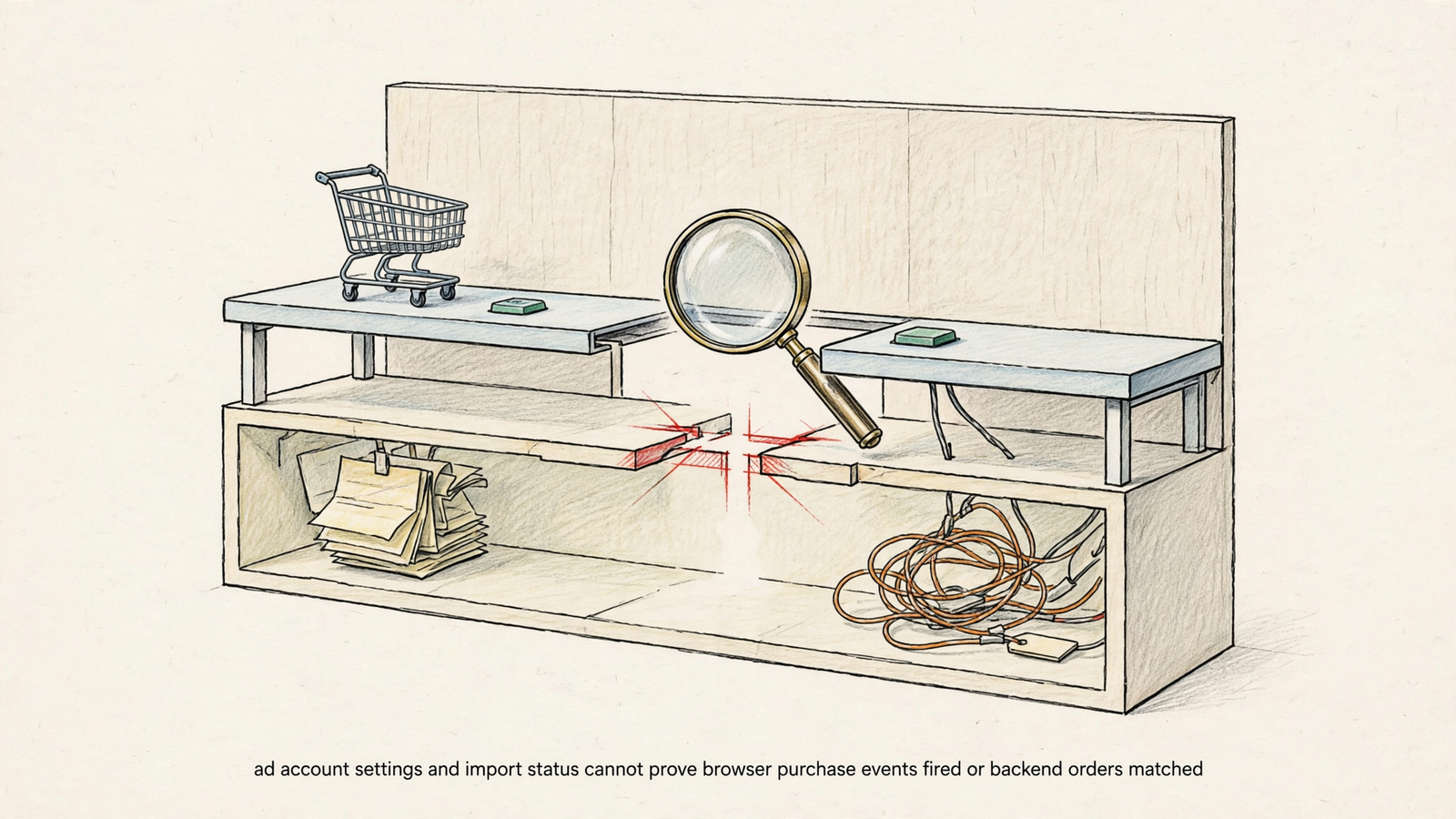
No. Claude through groas can read what the Google Ads account returns: actions, settings, volume by date, and change history. It can’t watch the thank-you page in my browser or open my Shopify admin and count orders on its own. Connecting the website doesn’t hand Claude the order export. That still comes from me.
This is the limit I care about most. Seeing a purchase action in the account tells me it exists. Seeing conversions under it tells me it has recorded conversions. Neither tells me what happens when I go through the new checkout right now. For that, I run a real order through the new checkout.
- Watch the purchase event with Tag Assistant. A tag preview on a staging URL isn’t a substitute for going through the checkout customers use.
- Check what reaches Google Ads. For a test purchase attributable to an ad, look for the intended action and the right value. Seeing the event fire is one check. Confirming what gets recorded is another.
- Compare with backend records. Where IDs are available, match them. If orders are missing, look for patterns by payment method, device, or browser where your data allows it. Recheck after checkout, app, consent, or URL changes.
The Shopify tracking guide makes a distinction worth keeping: Shopify sessions aren’t proof of lost purchases. I want to see the order, the event, and what Google Ads records. WordStream doesn’t do that check. Claude + groas helps me decide what to check, but it doesn’t do the checkout test for me.
Round 4: What happens after you find the problem?
A grader report ends with a handoff. The Pace review notes that the report points toward an upgrade or a LocaliQ call, while the diagnosis still has to happen elsewhere. If the report flags wasted spend, fine. I can put it on the list. But it doesn’t tell me whether the purchase signal is clean enough to act on the spending recommendation. I used to hand clients reports that read well and changed nothing. A tidy report is the easy part.
With Claude through groas, I can ask for a specific proposal and decide whether to approve it. Say the checkout test and account evidence show two primary actions recording the same purchase. I’d ask Claude to propose setting the legacy action to secondary, keeping the verified action primary, and leaving bids and budgets alone while I recheck the data. That’s one proposed change with a reason, not a general instruction to “optimize” an account whose numbers I don’t trust yet.
Autopilot stays off until I switch it on, and every change groas makes is logged with its reason and can be undone in one step. That matters because I want to know whether the change I approved is the one that went through. I also want to be able to reverse it without reconstructing the old setup from memory.
Hold off on bid and budget changes while measurement is unresolved. Smart Bidding learns from the conversions the account reports. If purchases are missing or duplicated, changing the budget adds another moving part before I know what the original numbers mean. Fix the purchase signal and check it again before acting on the performance report.
Verdict: Claude + groas wins the migration investigation
| What I need | WordStream’s Performance Grader | Claude + groas |
|---|---|---|
| See the evidence | Account grades and benchmarks | Purchase actions, dates, settings, and gaps to investigate |
| Ask the next question | Fixed report; follow-up happens elsewhere | Follow-up questions in the same thread |
| Verify the purchase path | No checkout or backend verification | No checkout or backend verification; helps identify what to test |
| Act on the finding | Recommendations and a handoff | A proposal I can approve, with changes logged and undoable |
The grader is free. groas is $19 a month flat for the whole team, with unlimited ad accounts and websites. Your Claude plan is separate. I wouldn’t pay for groas just to get a second opinion on Quality Score. I’d pay for it here because I can start with the action that went quiet, see what replaced it, and keep asking questions until I know which part needs a checkout test.
If reported purchases fell after a store move, pick Claude + groas. Pick WordStream anyway if tracking is already clean and all you want is a fast, free read on account hygiene. That’s where a grade earns its keep, and it’s the job I cover in the broader WordStream grader versus Claude with groas comparison.
A high grade with a broken purchase tag is still broken tracking. A clean explanation from Claude is still an explanation until I run a real order, watch the event, and check what reaches Google Ads against the backend record. Investigate the discrepancy first. Grade the account after.





