

 LinkedIn

Google Ads puts a percentage beside a proposed change. That is not enough reason to approve it. I’m taking apart the Google Ads Recommendations page because it puts the central problem with AI-assisted account management in one place: ChatGPT should interrogate the recommendation, not become a faster way to accept it.
Google’s numbers frame the pitch: advertisers who raised account-level optimization score by 10 points saw a median 14% increase in conversions. Read the help page and the frame loosens. The score is “an estimate of how well your Google Ads account is set to perform,” and an account reaches 100% by applying or dismissing every recommendation. The same page says it “does not predict whether your ads will do well.” Clearing the queue is not the same as improving the business.
My specimen is the broad-match recommendation. I’ll examine its headline, the evidence it leaves out, and the account changes underneath it. Then I’ll judge three ways of handling it: Google’s card alone, ChatGPT without account access, and ChatGPT connected through groas.
This is a teardown of the decision process, not a report of a live-account test. There is no invented uplift waiting at the end. The possible verdicts are approve, reject, or insufficient evidence. The third is not a consolation prize.
Capture the card before interpreting it
The first thing I want is the recommendation exactly as it appears. Not “Google wants broad match.” That is already an interpretation.
Copy four things:
- The headline and the benefit it claims.
- The full body copy.
- The estimated optimization-score uplift.
- The affected keywords, ad groups, or campaigns it names.
For the broad-match specimen, the proposal concerns broad-match keywords within a named scope. The percentage needs its label attached: an optimization-score uplift is not a promised percentage increase in revenue. Google’s API treats a recommendation as a typed proposal with its own optimization-score uplift. The number belongs to that scoring system.
Paste the text into ChatGPT without unnecessary account or customer details. My opening prompt would be:
Here is a Google Ads recommendation verbatim. Separate its claimed benefit from the exact account changes it proposes. Identify what the card does not establish. Do not make changes.
A practitioner prompt pattern worth borrowing adds the scope, date range, and whether changes are allowed. That last instruction matters. Reading a proposal and authorizing it are different jobs.
The answer should separate two things: the benefit used to sell the change and the mechanical action being proposed. If it simply rewrites the headline in more confident language, the review has not started.
My verdict on the card’s opening pitch: preserve the wording, but do not inherit its conclusion.
The headline: more of what, exactly?
Next I ask: “What business outcome does this card’s stated benefit actually describe?”
A promise about conversions or cheaper clicks is not automatically a promise about revenue or margin. Before judging an expansion, I want to know what the account calls a conversion. A purchase, a form fill, and a page view do not become equivalent because they share a column heading.
In one r/PPC thread, a founder reported spending about $600 over six days for one registration and zero real customers after auto-apply broadened campaigns he had deliberately tightened. That is an anecdote, not a controlled test of broad match. It does illustrate the question the card cannot settle: more activity toward which business outcome?
This is where advice-only ChatGPT earns its keep. It can flag that the recommendation does not establish whether the conversion action represents something worth buying more of. It can ask about margins, lead quality, and acceptable acquisition cost.
What it cannot do from the pasted card is verify how the account measures any of those things. Without account access or supplied evidence, it reasons from a description. A polished description is still a description.
One audit thread puts the order plainly: check conversion tracking first, then the settings that waste spend. A tidy campaign aimed at the wrong objective is still aimed at the wrong objective.
My verdict on the headline: define the conversion before deciding whether more of it is good.
The evidence: what supports this change here?
Now I connect the account through groas. This is where the review can move beyond interpreting the card and start inspecting the account behind it.
I want ChatGPT to examine the live Google Ads data available through groas, not fill gaps with a generic broad-match speech. My request names the evidence:
Review 90 days of available search-term and campaign data, the conversion actions being counted, and any previous broad-match test. Compare the evidence with the business’s acquisition-cost and conversion-quality constraints. Report missing data separately. Do not make changes.
That gives the model something concrete to inspect:
- Search terms from the existing Exact and Phrase structure.
- Cost per conversion by campaign.
- Which conversion actions count toward the reported result.
- Evidence from an earlier broad-match test, if one exists.
- Whether the measured outcome matches the business’s stated goal.
Historical data can support a test. It cannot establish the cost or quality of every query broad match might introduce. I want the model to mark that boundary, not talk its way across it.
Through groas, the review can also bring in competitor ads and the landing pages and funnels behind them. That is useful surrounding context. It is not a substitute for the account’s conversion evidence.
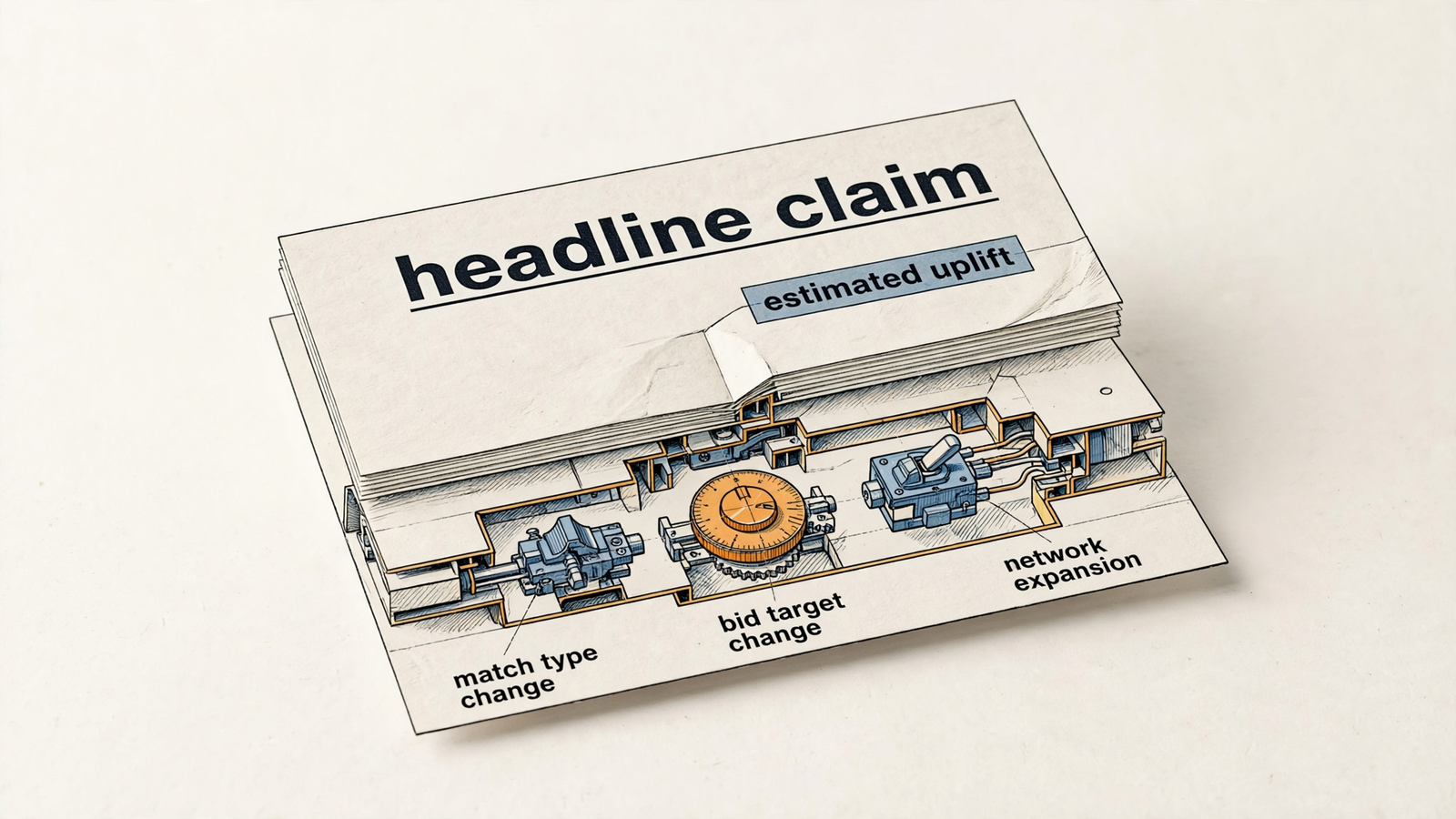
There is one more question before the verdict: is the evidence window long enough to judge?
A B2B sale that closes 30 days after the click will not appear as a completed sale in the first two weeks of a test. Ignoring that delay can make a useful change look unsuccessful. Early activity can also make a weak change look healthier than it is.
Google’s apply-and-dismiss documentation says to “wait some time” and notes that an applied recommendation could have a positive impact even if performance metrics worsen. That is a reason to examine timing, not permission to explain away every bad result.
So I add: “What does the available evidence show about conversion lag, and does this review window cover it?”
My verdict on the evidence: if tracking, sample size, or lag prevents a judgment, say insufficient evidence. Do not manufacture certainty.
The proposed change: what actually touches the account?
The headline sells the idea. The underlying change touches the account. I want the second described without the first doing any persuasion.
My next prompt is:
List every entity this recommendation would affect, its current state, and the proposed change. Distinguish new keywords from changes to existing keywords. Flag anything the available recommendation data does not specify.
For the broad-match specimen, “use broad match” is not an adequate answer. I want to know which keywords would be added or changed and where. I do not want the model casually describing the proposal as moving an entire campaign from Exact and Phrase to Broad.
The Google Ads API exposes recommendations as structured proposals with recommended values used by default when applying them. Defaults reduce the work required to accept a proposal. They do not reduce the work required to understand it.
Then I ask the less glamorous question: what else has permission to make overlapping changes?
Auto-apply is separate from manually accepting a card. It is a standing setting, and a previous agency may have enabled it without anyone reviewing it since. One practitioner’s audit found auto-apply enabled in 8 of 31 accounts.
If an active setting can apply the same kind of recommendation later, reviewing this card alone does not settle who controls future changes. The problem is overlapping authority, not necessarily a duplicate change.
My verdict on the mechanics: approve a named change in a known scope, not a headline with an Apply button.
Three routes through the same recommendation
With the card unpacked, the difference between the three routes becomes clearer. They do not provide the same kind of answer.
Route one: Google’s card alone
Google supplies the proposal, the optimization-score uplift, and the controls to apply or dismiss it. For eligible bid and budget recommendations, Save as experiment offers a testing route rather than immediate acceptance. That is worth keeping, but it is not a universal control for every card.
The card can identify a proposed action. It does not, by itself, establish that the action fits the business’s margins, measurement quality, or appetite for risk. Those questions remain outside the percentage beside the headline.
Verdict: a structured proposal, not sufficient evidence for a decision.
Route two: ChatGPT with the pasted card
This route is better at exposing omissions. ChatGPT can separate optimization score from revenue, ask what counts as a conversion, and identify the evidence a broad-match decision would need.
But it cannot check the account from the card alone. Ask it whether a previous test failed and it must either request the history or speculate. The correct answer is the request.
There is a second limit: even account-reported conversions need scrutiny. One audit discussion warns that checking platform conversions only against platform measurement is circular. A model repeating those numbers more fluently does not resolve the measurement problem.
Verdict: useful scrutiny, but no independent account check.
Route three: ChatGPT connected through groas
Here the same questions can be checked against live account data. ChatGPT can inspect search terms, conversion actions, and cost per conversion, then examine available evidence of earlier tests and timing instead of asking the reader to reconstruct everything from memory.
This is the advantage of groas: the assistant can move from discussing a recommendation to investigating it, then act on an approved decision with changes logged alongside their reasons. The assistant still has to distinguish observed facts from interpretation. Account access is not permission to pretend missing evidence exists.
The output should be approve, reject, or insufficient evidence, with the supporting account data and unresolved constraints attached.
Verdict: the strongest route because it can ground the review in the account and carry an approved decision into execution.
The decision: approve, reject, or ask for evidence
The specimen does not earn an automatic yes or no. It earns a decision only after the evidence review. I want the answer in one of three forms:
- Approve the defined scope. Tracking measures the intended outcome, the available history supports the proposed expansion, acquisition costs fit the business’s constraints, and the review accounts for conversion lag. Untested queries remain uncertain; approval does not erase that uncertainty.
- Reject the defined change. Relevant account evidence contradicts the proposal. A previous broad-match test may have wasted spend, or the recommendation may expand bidding toward a proxy the business does not want to buy more of.
- Insufficient evidence. Tracking is unverified, the sample is too small, the necessary history is missing, or the conversion window has not elapsed. Name what is missing and what would allow another review.
One r/PPC audit discussion describes a flawed measurement framework rather than a straightforward overspend problem, with 84% of non-brand conversions logged as calls and appointments rather than purchases. The relevant question is whether those actions represent the business outcome being judged.
A card proposing more conversions cannot answer that for the business. Neither should ChatGPT by assumption.
My practical rule: use insufficient evidence whenever the missing information could change the decision. It is cheaper than paying for confidence the account has not earned.
Execute only the scope that passed review
If the verdict is approve, I approve the scope, not the card as a bundle. Google supports partial application, and its documentation describes applied changes in Change history and a 30-day undo window.
The execution sequence should be boring:
- Name the affected entities.
- Show current state beside proposed state.
- Obtain approval for that scope.
- Apply only the approved change.
- Read the account back and verify what landed.
Approval and verification are separate steps. A successful request is not enough; I want confirmation that the resulting account state matches the decision. With groas, changes are logged with their reasons and can be undone in one step.
I leave autopilot off for this review. Switching it on is a separate decision from approving one recommendation. groas’s autopilot is off until enabled and works within rules the user sets. It should not become the accidental consequence of asking the assistant to inspect a card.
I cover that distinction in the framework for asking, approving changes, and enabling autopilot. For this teardown, my boundary is simple: budgets, bid strategies, and conversion actions do not move without my approval.
Overall verdict: keep the queue, lose the automatic trust
I would keep the Recommendations page as a queue of things to inspect. I would keep Save as experiment where available. I would also preserve the distinction between suggestions and actual problems: blue and yellow icons mark recommendations, while red and purple flag problems, such as billing failures or disapproved ads. Not every item deserves the same response.
The wider tooling choice belongs in the comparison of what AI tools for Google Ads actually finish. This artifact has a narrower job: put candidate changes in front of the person responsible for the account.
What I would not keep is the habit of treating a card as its own justification. A recommendation proposes the change. Account evidence earns the approval. ChatGPT connected through groas should enforce that distinction, not help skip it.
My verdict: read the cards, approve none on their word alone, and keep the proposals that survive contact with the data. The rest are still proposals with a percentage attached. Making the Apply button easier to press does not make them better.


