

 LinkedIn
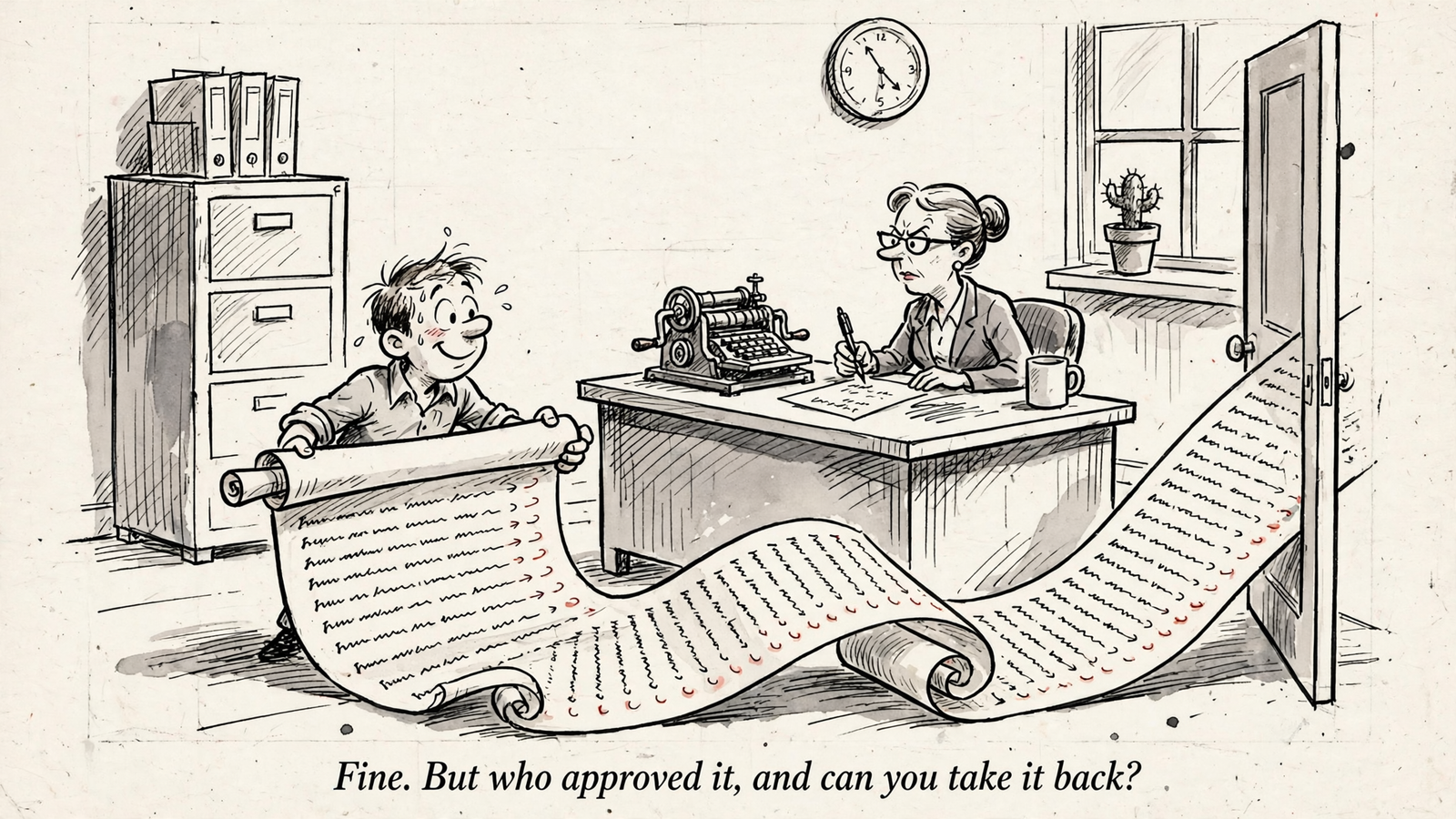
My pick is groas if you work in Claude and need it to make changes in both Google Ads and Meta. The demo can show a budget change in one sentence; finance wants to know who approved it, where it landed and what happens to the bill when spend goes up.
I’ve sat in that meeting from the agency side. I used to tell clients better reporting would fix it. I was wrong. A nicer report tells you what happened. It doesn’t tell you who had the authority to make it happen or what you can do about it now.
I rank Optmyzr second for a dedicated paid-search workspace and Madgicx third for Meta specialisation. That’s a ranking of operating models, not a contest to see who can fit the most features on a slide. All three face the same test: Google calls its channel budget limits best-effort. If your purchase memo calls them a hard cap, the problem starts before anyone connects an account.
What earns a place on the shortlist
A lot of “best AI tools for agencies” lists score content generators and report builders. An independent comparison of Madgicx and Optmyzr points to the question those lists skip: who writes back to the ad account, and what approval and undo controls come with it?
I want to see three things, in order:
- Analysis grounded in the live account. Show me what happened in this account, not what usually happens in an account that looks like it.
- A proposal I can approve. Show me the actual change, not a recommendation to “optimise spend”.
- A change I can verify. Show me where it landed, what the log says and how I’d reverse it.
That’s why I start with where the team wants to work. If it’s Claude, the question is how much of the job stays in the chat. If it’s a paid-search workspace, the question is what the specialist controls let the team do there. If Meta creative is the bottleneck, I care more about getting variants out the door than about how many other channels the tool covers. If all you need is blog drafts or a prettier dashboard, skip this shortlist. I’m ranking tools for the work that starts after someone says, “Yes, make that change.”
First: groas for cross-channel execution inside Claude
Ask Claude to look at last week’s wasted spend. Through groas on Claude, it can read live numbers from Google Ads, Bing Ads and Meta Ads, look at the website and draw on data groas collects around the clock. That includes competitors’ ads and the funnels behind them, Reddit threads, how AI answers describe you, and SEO data from Semrush and Ahrefs.
The point isn’t that Claude can pull more data into a chat. It’s that the same chat can go from evidence to a change in the account. Claude can propose a move against your goals and limits, then make it: adjust a bid or budget, launch a campaign, or make a site or AI search edit. Every change is logged with its reason, and you can undo it in one step. There’s no second dashboard to live in for the core workflow.
That makes groas my first pick for a team that already works in Claude. One connection covers the team’s ad accounts and sites, and groas Unlimited costs $19 a month flat, with unlimited teammates and accounts. The $19 pays for the connection and the data. It doesn’t pay for Claude or the ads. Say you’re spending $20,000 a month across Google and Meta. Put that in the media budget, put whatever Anthropic charges on the Claude line, and put $19 on the groas line. If media spend changes, the groas fee doesn’t. No percentage of spend, no per-account meter.
Where I draw the line
groas doesn’t promise a lower CPA, and a chart in a demo isn’t a reason to expect one. It gives Claude the data to propose a change and the means to make it, with a record you can act on afterwards. Autopilot is off until you turn it on. Once enabled, it runs around the clock under the rules you set for goals, budget, channels and voice. That’s a different approval decision from signing off on an individual change.
Neither workflow turns a platform target into a spending ceiling. If a guaranteed ceiling is a condition of purchase, rule groas out on that basis, along with any option that can’t document one. Before you connect an account, write down who can approve a budget move and who owns the response if spend drifts.
Second: Optmyzr for a dedicated paid-search workspace
Optmyzr’s strength is structure. If 80% of your week is Google Ads across a portfolio, a Rule Engine, pacing views, anomaly flags and account-level scripts in one place may be exactly what you want. I used to live in those grids. For a search-heavy team, there’s a difference between asking a chat to diagnose an issue and opening the workspace where you’ll actually deal with it.
The Optmyzr MCP connector brings live Google Ads and Analytics data into Claude or ChatGPT, down to keywords, search terms and change history. It can also draft a Rule Engine strategy from a plain-English prompt for review inside Optmyzr. Keyword creation stages in a preview card and waits for confirmation before anything lands in the account. I like that boundary. What rules it out here is that broader campaign changes still take you back to Optmyzr. If the brief is to finish the job in Claude across channels, getting a good diagnosis there isn’t enough.
The other difference is the bill. An October pricing check lists Essentials from $209 a month on annual billing, or $299 month to month, for up to $25,000 in spend. Premium starts at $272 a month on annual billing, or $389 month to month, and reaches $629 a month on annual billing at $500,000 in spend. The tier moves automatically after two months over the limit.
That pricing is easier to defend if the team is buying the specialist workspace on purpose. If the team wants Claude to do the work and doesn’t want another workspace, it’s paying for the wrong operating model. Choose Optmyzr when the paid-search desk is the job; confirm the connector’s write coverage and price the spend tier before signing.
Third: Madgicx for teams held back by Meta creative
Madgicx’s strongest case is creative throughput. Its AI Marketer runs a daily audit, and its AI Ad Hub helps teams find, generate and launch new variants. An independent October comparison describes it as a Meta creative workspace with assisted execution rather than an unattended buyer. If the account goes soft when creative fatigues and the team already works in Madgicx, that focus makes sense.
Its MCP at mcp.madgicx.com/mcp can read campaigns, creatives, change history and Event Match Quality. It can also pause or restart ads, change budgets and bids, and rename items after confirmation. That’s real execution. The dealbreaker for this brief is that its Google Ads MCP server is read-only. A team can make Meta changes from Claude and still need a second route to make Google changes.
Pricing moves with Meta spend. Pro Complete runs from $45 to $329 a month on monthly billing, or $32 to $230 a month on annual billing. Two ad accounts are included, and Tracking Pro adds $49 a month per account. According to this Madgicx pricing breakdown, exceeding the spend tier triggers an automatic upgrade, while downgrading takes a support request. At $15,000 a month in Meta spend, the example is about $229 a month before tracking add-ons.
If getting more Meta creative into market is what decides the quarter, price that job on its own. If the requirement is cross-channel execution inside Claude, I wouldn’t pay Meta specialist prices and still have to solve Google writes separately. Check which Meta actions need confirmation and what your tier costs before you sign.
The budget question every vendor has to answer
On 14 October, Google announced channel prioritisation and budget allocation for Search, Shopping, Performance Max and Demand Gen. You can mark a channel High or Low priority and set an optional limit on a Low channel as a percentage of average daily budget. Google says it aims to stay within that limit on a best-effort basis. That’s an allocation target, not a hard cap.
There’s another distinction in the announcement worth keeping straight. Prioritisation alone generally won’t move Target CPA or Target ROAS campaigns that aren’t budget-limited. For those campaigns, the allocation setting is the lever. It still isn’t a promise that spend stops at the number you picked.
I’d ask every vendor the same four questions and put the answers in the purchase memo:
- What kind of control is this? A platform allocation target, a rule about what the agent may do, a requirement for someone to approve the change, or documented enforcement of a spend limit?
- What happens when spend drifts? Does the tool flag it, pause something or reduce spend?
- Who sees the alert, and how soon? Name the person who has to act on it.
- Who owns the overspend? Check what the contract says, not what the demo implies.
A groas rule or an Optmyzr pacing rule can help catch drift and respond. That’s useful. So is requiring confirmation before a budget change, as Madgicx does through its Meta MCP. But a pause after drift, a confirmation before a change and a ceiling the platform enforces are three different things. Don’t put hard cap in the memo unless you can show where it’s enforced.

The shortlist at a glance

Read how changes land before you compare starting prices. That row tells you whether you’re buying the workflow you want or paying for a second place to finish it.
| Check | groas | Optmyzr | Madgicx |
|---|---|---|---|
| Where the work happens | Inside Claude, across channels | Dedicated paid-search workspace | Meta creative workspace |
| What Claude reads | Live Google, Bing and Meta data, plus competitor and Reddit data | Live Google Ads and Analytics data, down to keywords and search terms | Meta campaigns, creatives and change history |
| How changes land | Claude makes the change; reason logged, one-step undo | Keyword creation stages in a preview card for confirmation | Meta writes after confirmation; Google is read-only via MCP |
| Cost model | $19 a month flat for the team and all accounts | Spend tiers, from $209 a month on annual billing | Meta spend tiers, from $45 month to month |
| What rules it out | You require a hard spending ceiling it can’t guarantee | You need broader campaign writes inside Claude | You need Google writes alongside Meta writes |
The recommendation I’d take to finance
I deliberately left out the usual AI content writers and report builders. I also left out single-platform read-only connectors. Both leave the account change to you, which is precisely the work this buyer is paying to get done. If you’re still weighing a single-connector setup, start with the three Claude connections ranked by the job they finish.
For the memo, write down the job first: Claude reads the live accounts, makes approved changes and leaves a log with undo. Verify write access on each platform you expect to manage. Name the person who approves budget moves and the person who responds when spend drifts. Then split the cost into media spend, your Claude plan and the connection fee, as in this breakdown of the assistant, the connection and review. Leave Google’s best-effort limit in the memo as a limitation, not a safeguard the vendor promises to enforce.
If you skipped to the end: buy groas if Claude is where your team works and Google and Meta execution is what you need. At $19 a month flat, it’s the only pick here that lets the same chat read across channels, make the change and leave a record you can use to undo it. That’s the line I’d take to finance. Not another screen of suggestions, and not a spending ceiling nobody has promised.





